11 Best Free Screen Recorders to Try in 2025
Recording your screen is a necessity for content creators, freelancers, and teachers, to name a few. So, we’ve compiled a list of 11 best free screen recorders to try this year!
Hang tight...
Currently we don’t support recording from mobile devices. Try it from your tablet or desktop!






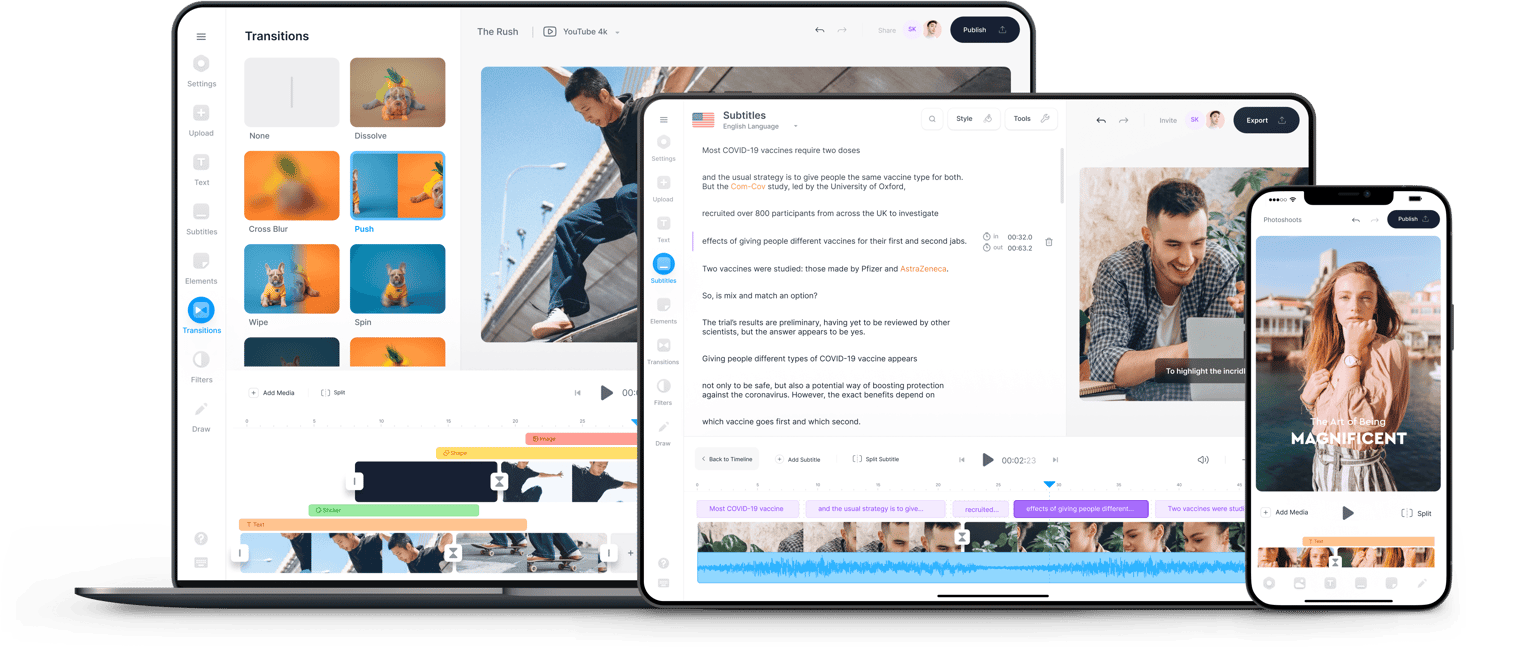
VEED's webcam recorder lets you record your webcam, screen, or both at the same time — directly in your browser, free to use. Choose a layout, click the red button, and start recording. Unlimited time, unlimited retakes. When you're done, use Magic Cut to let AI automatically edit your best clips, or open the video editor to add subtitles, music, and more.
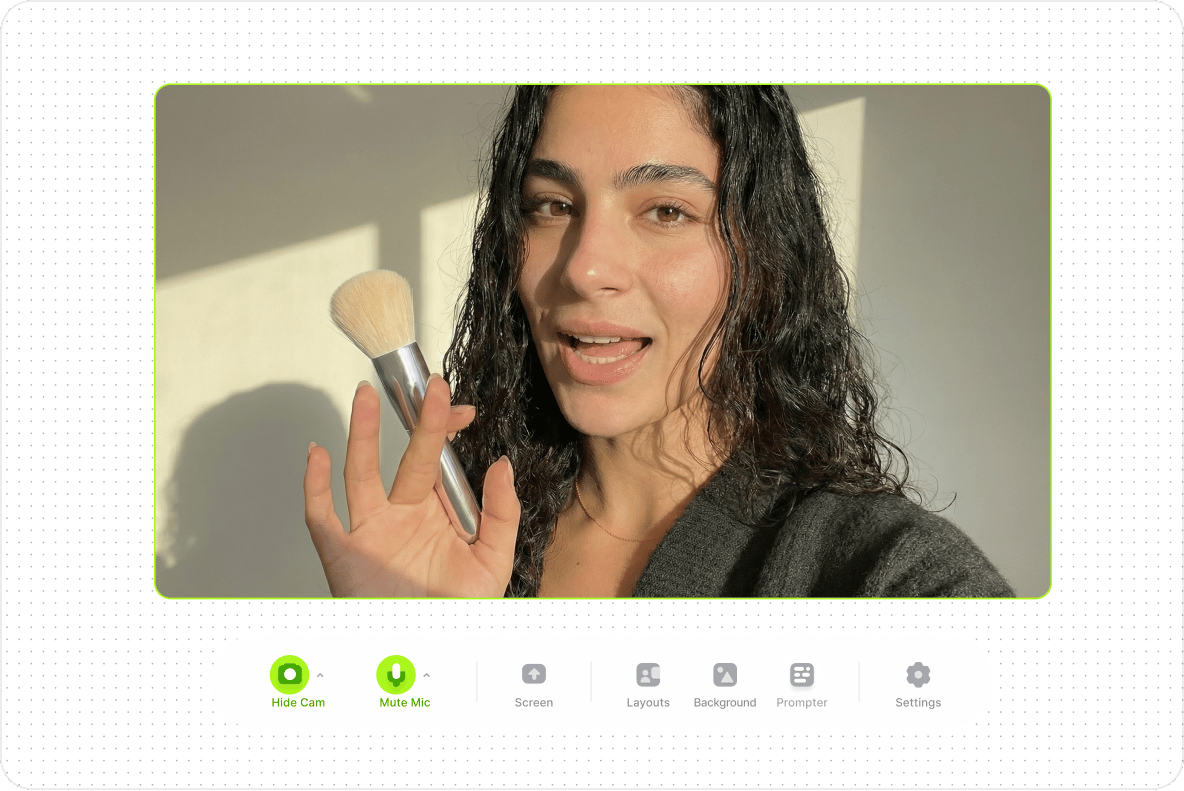
Select from our list of layouts (you may need to click ‘Allow’ to let VEED access your screen, camera, or microphone). You can record just your screen, your webcam, or both at the same time!
Click the red button to start recording! You'll see a countdown before the recording starts. Don't worry if you mess up. You have unlimited time and unlimited retakes. You can navigate to other pages and don't worry, you are still recording.
You can playback your recording to review it, click ‘Share’ to share with friends and colleagues, or ‘Edit’ to edit your video. Or use Magic Cut to let AI craft a masterpiece from your recordings.
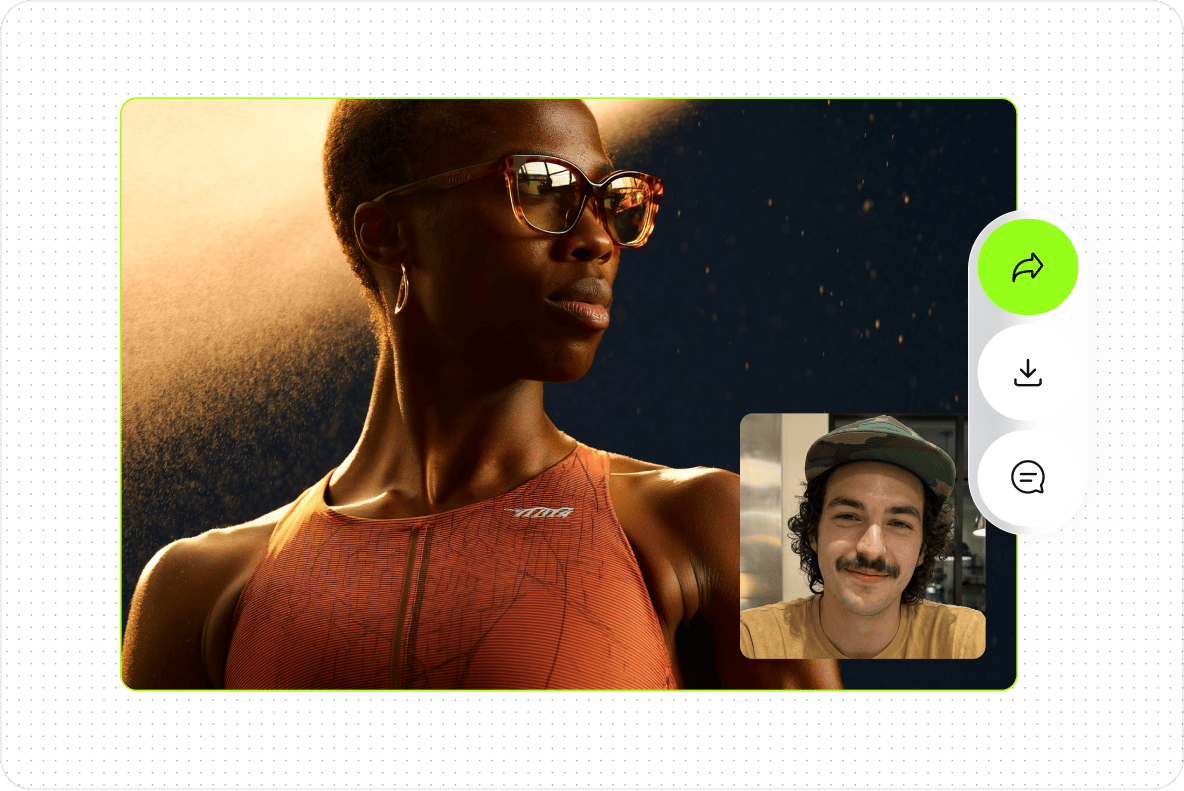
Use VEED's webcam recorder to create reusable learning resources, record explainer videos with screen and camera simultaneously, and share recordings via link — no download needed for viewers. Collaborators can leave comments directly on the video.
After recording, resize your video for any platform using VEED's Video Resizer. Choose from Instagram (9:16), YouTube (16:9), Facebook Cover, square (1:1), and more. Remove Twitter from preset list — replaced with TikTok.
Recording your screen is a necessity for content creators, freelancers, and teachers, to name a few. So, we’ve compiled a list of 11 best free screen recorders to try this year!
Not sure where to find music for video whether free or paid? Want to learn how to find it, pick the right song, and then add it to your video content? Then dig in!
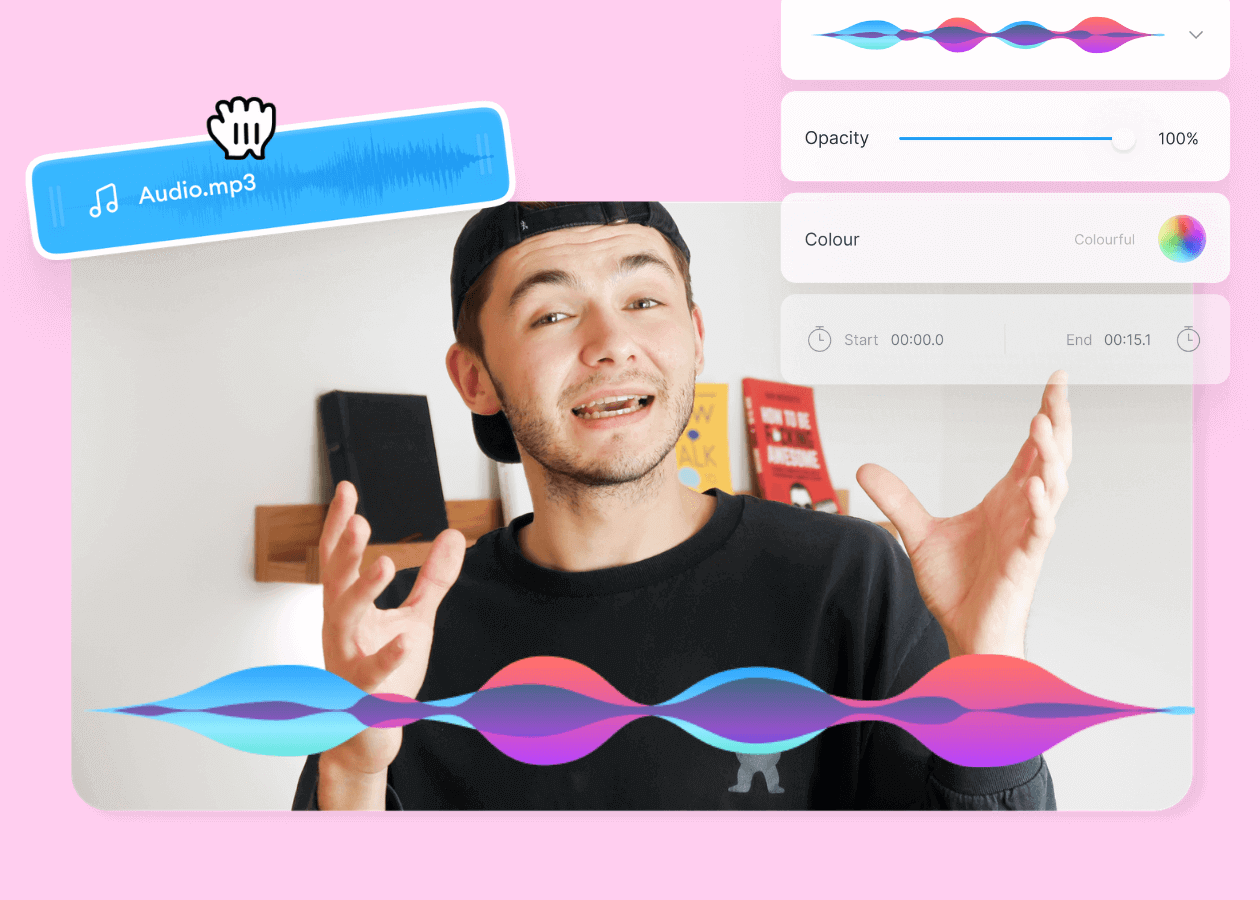
Here are some of the best music visualizers available on the internet and how to use them!
Recording is just the start of what you can build in VEED. VEED is an AI video creation platform where you can generate, refine, and export videos for TikTok, Instagram, YouTube, and LinkedIn. Once your recording is ready, add captions, voiceovers, and brand assets in the editor, or use the AI clip generator to pull your best moments into shareable shorts. Prefer not to be on camera? Open VEED AI and generate a talking character video from your script. Sign up now to start creating.