


Trusted by 1M+ creators
AI Video Generator
Generate videos from text, scripts, or images using AI models. Complete with visuals, AI voiceovers, avatars, and subtitles
No credit card required
4.6
2,100+ reviews















Make AI Videos in Seconds
AI video generator with powerful AI models and professional editing
Turn a simple idea into a polished video. Just describe your concept or enter your script. Our AI video generator creates a video complete with visuals and realistic narration. Describe what you need and generate a video in seconds. Need custom visuals? Replace the footage with AI-generated media and access AI video models, like Veo 3.1, PixVerse, and Hailuo AI.
Explore multiple generative AI video creation models, visual styles, and cost points. You can also upload your product images and animate them with image-to-video technology, or start from existing footage and reshape it with video-to-video models. Or create everything from scratch using our AI video generation tools. Try our video generator AI now, then fine-tune your video by adding text, music, subtitles, and your branding.
How to generate AI videos:
Step 01
Describe your video
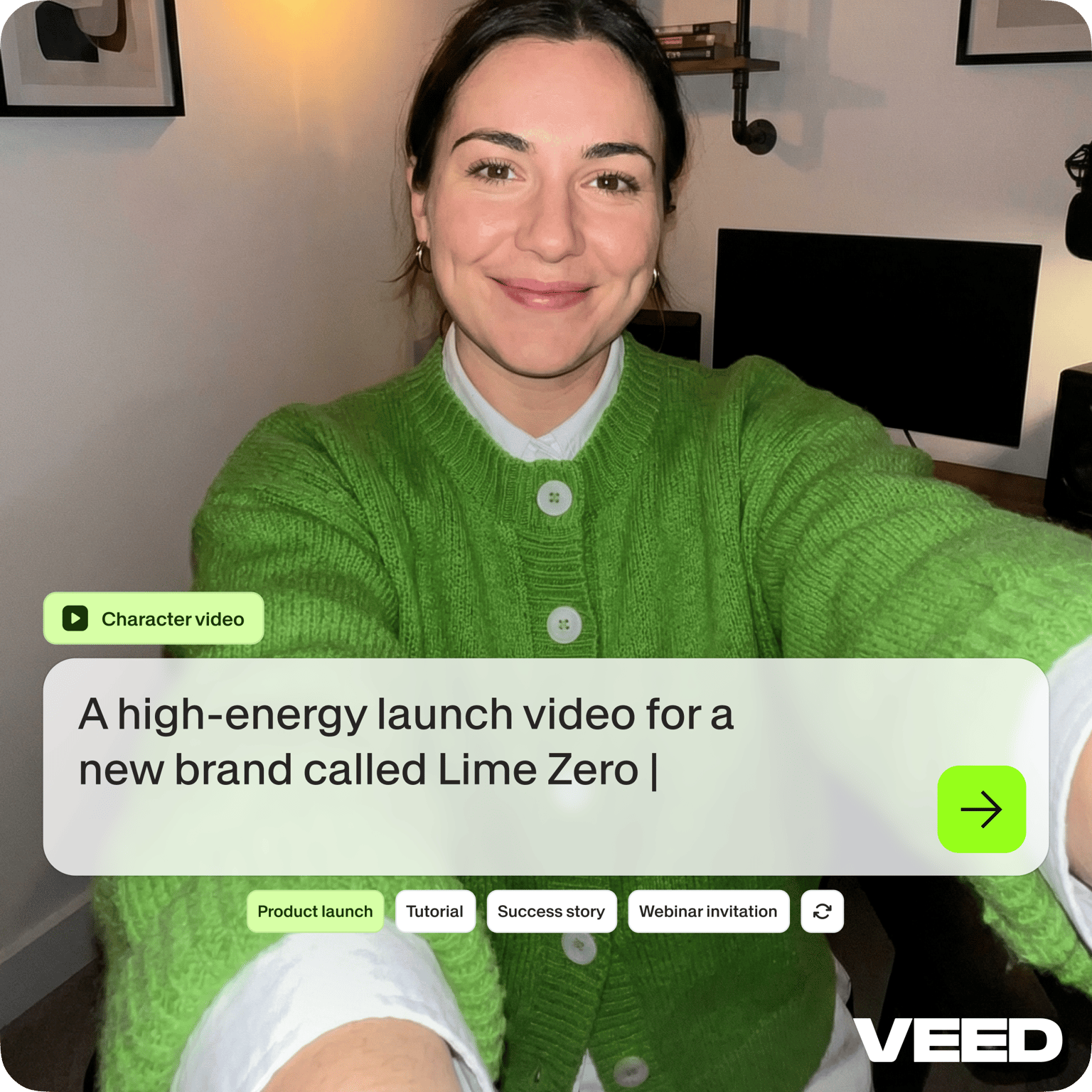
Describe the video you want to generate or click one of our prompts. Our AI will create scenes you can edit to match your message and brand voice.
Step 02
Customize your video
Choose the aspect ratio, avatar or voiceover, music, and caption style. Replace footage by uploading your own media, selecting stock videos, or generating new visuals.
Step 03
Export or keep creating
Click 'Done' to export your video. Or open our video editor to add captions, your brand assets, and more. You can even create a custom avatar or voice clone to personalize your content.
Learn More
Watch our AI video generator tutorial:
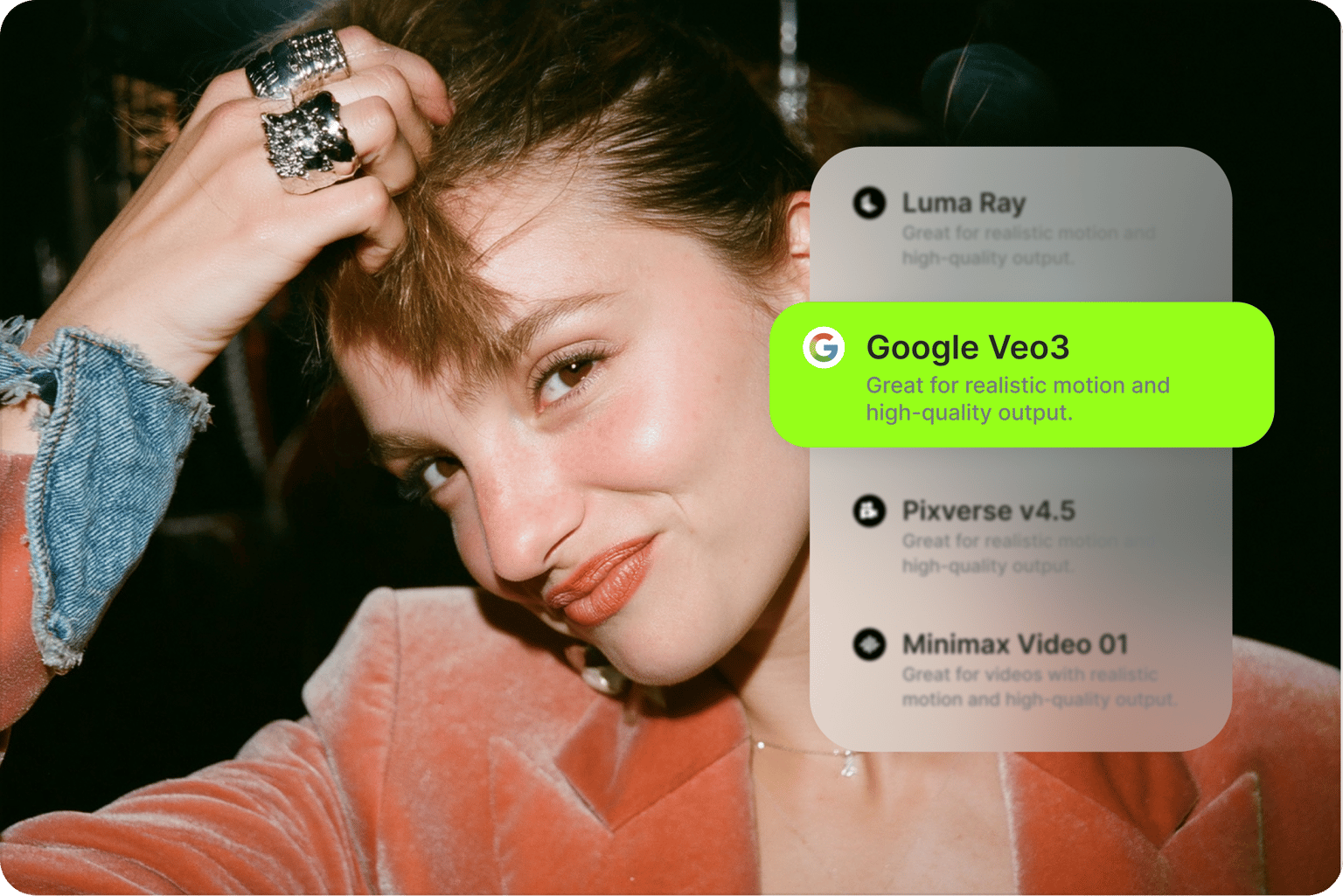
AI video generator with AI models for every need
Switch between generation models based on your project requirements and budget. Our AI video generator serves various needs, from quick social media clips to video ads, so it works as an everyday AI video maker as much as a production tool. Access AI models like Veo 3 for cinematic-quality visuals with sound, Kling for precise motion and real-world physics, or Lightricks LTX for fast social media content generation. Then, easily add voiceovers, captions, and your logo to your videos. You get AI video generation and intuitive editing tools in one workflow.
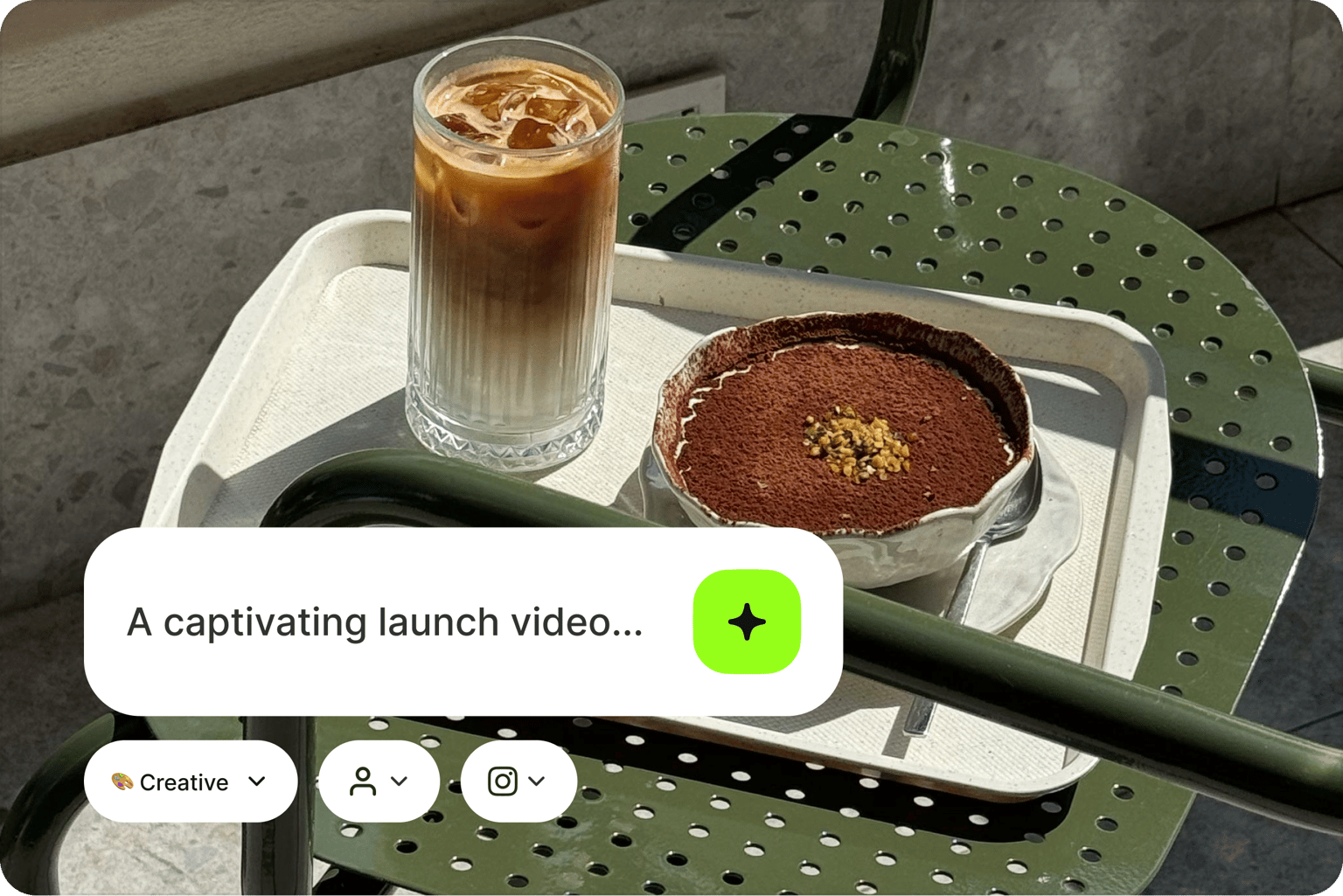
All the AI tools for video creation in one platform
AI videos don't have to look generic. Select a scene and click 'AI-generated Media' to create custom scenes with our AI scene generator and video background generator. Or add AI stock video to fill in gaps. Drag and drop text for titles and captions. Add graphics, music, and your brand assets to make your video uniquely yours. Maintain full creative control, whether you're fine-tuning for brand guidelines or client feedback.
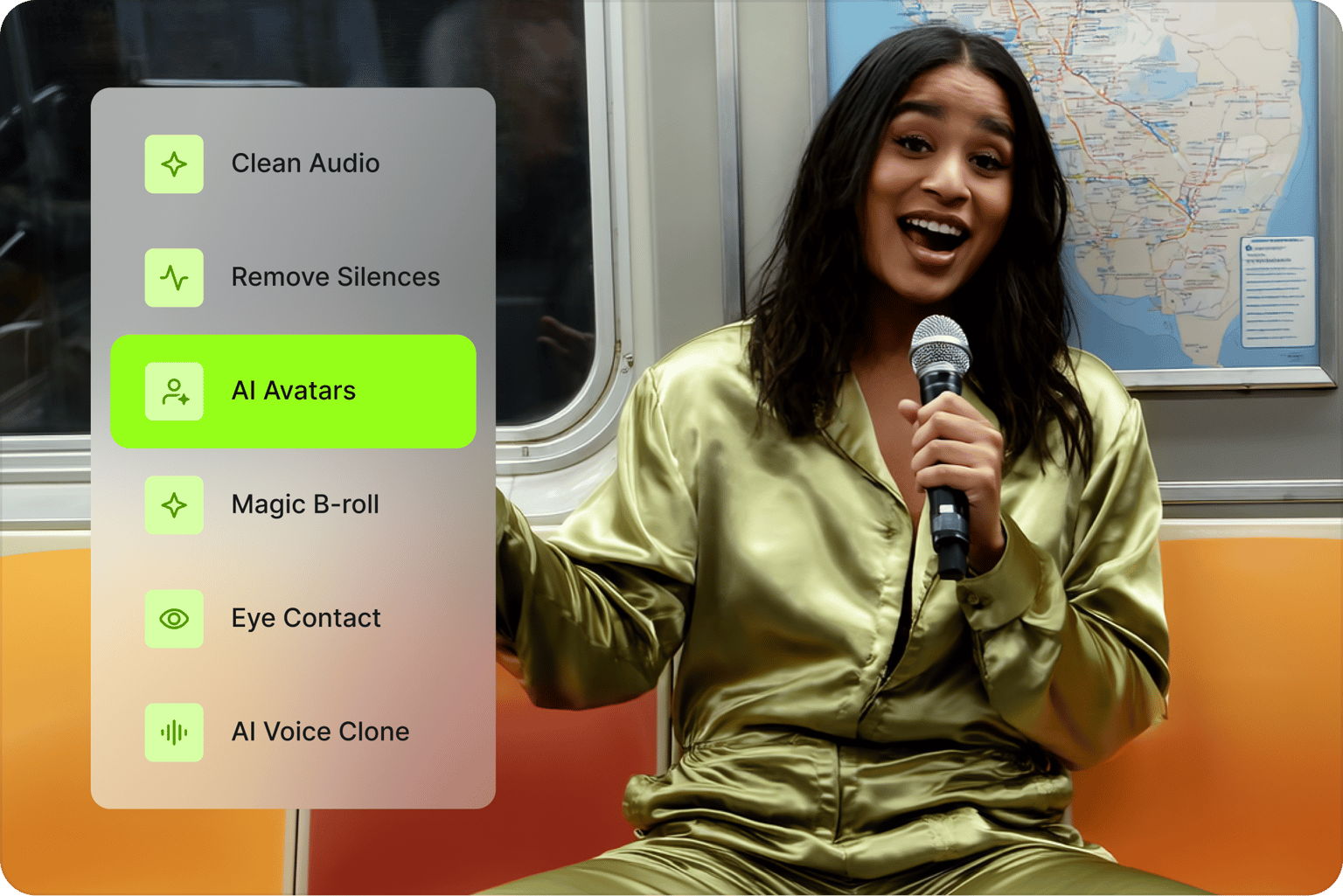
Generate any AI video with our AI movie maker
Use our AI movie generator to turn product photos into video ads, or build explainer videos from scratch. Our AI generates visuals, narration, and scenes automatically. Use our AI tools for video creation to build content in minutes. Then edit with captions, custom assets, and your branding. Plus, dub your content in multiple languages to reach more audiences. Perfect for YouTube, Instagram, and TikTok content.
FAQ
The best AI video makers pair strong generation models with real editing tools, so you can fix a scene instead of regenerating everything. VEED gives you Veo 3, Kling, Sora, Hailuo, and Fabric 1.0 in one place, then lets you customize any scene by clicking 'AI-generated Media.' Upload images, animate them with image-to-video AI, add captions and branding, and export without switching apps.
The AI video generator runs on AI credits, and each model costs a different amount per generation. You can try certain models for free with a set quota. Once you have used your free allowance, upgrade to a paid plan with AI credit add-ons. Check our pricing page and model selection for details.
Several AI models can generate videos, and VEED gives you access to them in one workflow: Veo 3 for cinematic visuals with native audio, Kling for realistic motion, Hailuo 2.3 for 10-second clips, OpenAI Sora for 12-second videos, Seedance 2.5 for multishot video, and Fabric 1.0 for talking videos up to 60 seconds. Switch models based on the shot you need, and check our model selection for the full list.
Fabric 1.0 is great for talking head videos, including explainer videos and UGC-style content. It makes any character image talk with realistic lip sync and motion. The model supports videos up to 60 seconds long. Upload an image or choose one of our preset characters. Then, record your voice, upload a recording, or generate speech using our talking video tool.
Yes. Upload an existing clip and use a video-to-video model to change its style, swap the subject, or add and remove elements while keeping the original motion. It works well for restyling product footage, turning a talking-head recording into an animated character, or refreshing old content. Pick a video-to-video model, upload your clip, describe the change, and generate.
Yes, you retain rights to videos you create with VEED and can use them commercially. Avoid generating content that infringes existing copyrights or trademarks. Do not create harmful content or defame anyone. Check platform-specific terms where you publish, and read our terms of use page for more details.
Loved by creators.
Loved by the Fortune 500
“
With VEED I didn't need 15 tutorials - I jumped straight in and started editing.

Gwenne Wilcox
Founder,
Brand Brainery
“
You can go beyond choppping things. VEED actually makes my videos look great.

Michael Glover
Demand Gen Manager,
ConvertFlow
“
The first four videos i created with VEED got over 40,000 impressions on LinkedIn.

Travis Tyler
Senior Content Producer,
PandaDoc
“
I found VEED at the right time: if you're making UGC ads and not using Eye Contact Correction and Noise Reduction on VEED you're missing out on ROI.

Sebastian Schurgers
Head of Growth Marketing,
Gronda
“
With VEED I didn't need 15 tutorials - I jumped straight in and started editing.
Gwenne Wilcox
Founder,
Brand Brainery
“
You can go beyond choppping things. VEED actually makes my videos look great.
Michael Glover
Demand Gen Manager,
ConvertFlow
“
The first four videos i created with VEED got over 40,000 impressions on LinkedIn.
Travis Tyler
Senior Content Producer,
PandaDoc
“
I found VEED at the right time: if you're making UGC ads and not using Eye Contact Correction and Noise Reduction on VEED you're missing out on ROI.
Sebastian Schurgers
Head of Growth Marketing,
Gronda
“
The first four videos i created with VEED got over 40,000 impressions on LinkedIn.
Travis Tyler
Senior Content Producer,
PandaDoc
“
I found VEED at the right time: if you're making UGC ads and not using Eye Contact Correction and Noise Reduction on VEED you're missing out on ROI.
Sebastian Schurgers
Head of Growth Marketing,
Gronda
“
With VEED I didn't need 15 tutorials - I jumped straight in and started editing.
Gwenne Wilcox
Founder,
Brand Brainery
“
You can go beyond choppping things. VEED actually makes my videos look great.
Michael Glover
Demand Gen Manager,
ConvertFlow
Discover more
- AI Animation Generator
- AI Art Video Generator
- AI Course Creator
- AI Marketing Video Generator
- AI Movie Generator
- AI Music Video Generator
- AI News Generator
- AI Reel Generator
- AI Stock Video Generator
- AI Text to Video
- AI Training Video Generator
- AI UGC
- AI Video Demo
- AI Video Editor
- AI Video Maker
- AI Visual Generator
- AI YouTube Video Maker
- Animate from Audio
- Article to Video
- Blog to Video
- Faceless Videos
- Idea to Video
- Script to Video
- Seedance AI Video Generator
- Text to Animation AI
- TikTok Video Generator
- VEO 3
- Video Generators
- Viral AI Video Generator
- YouTube Shorts Maker
Explore related tools
More from VEED
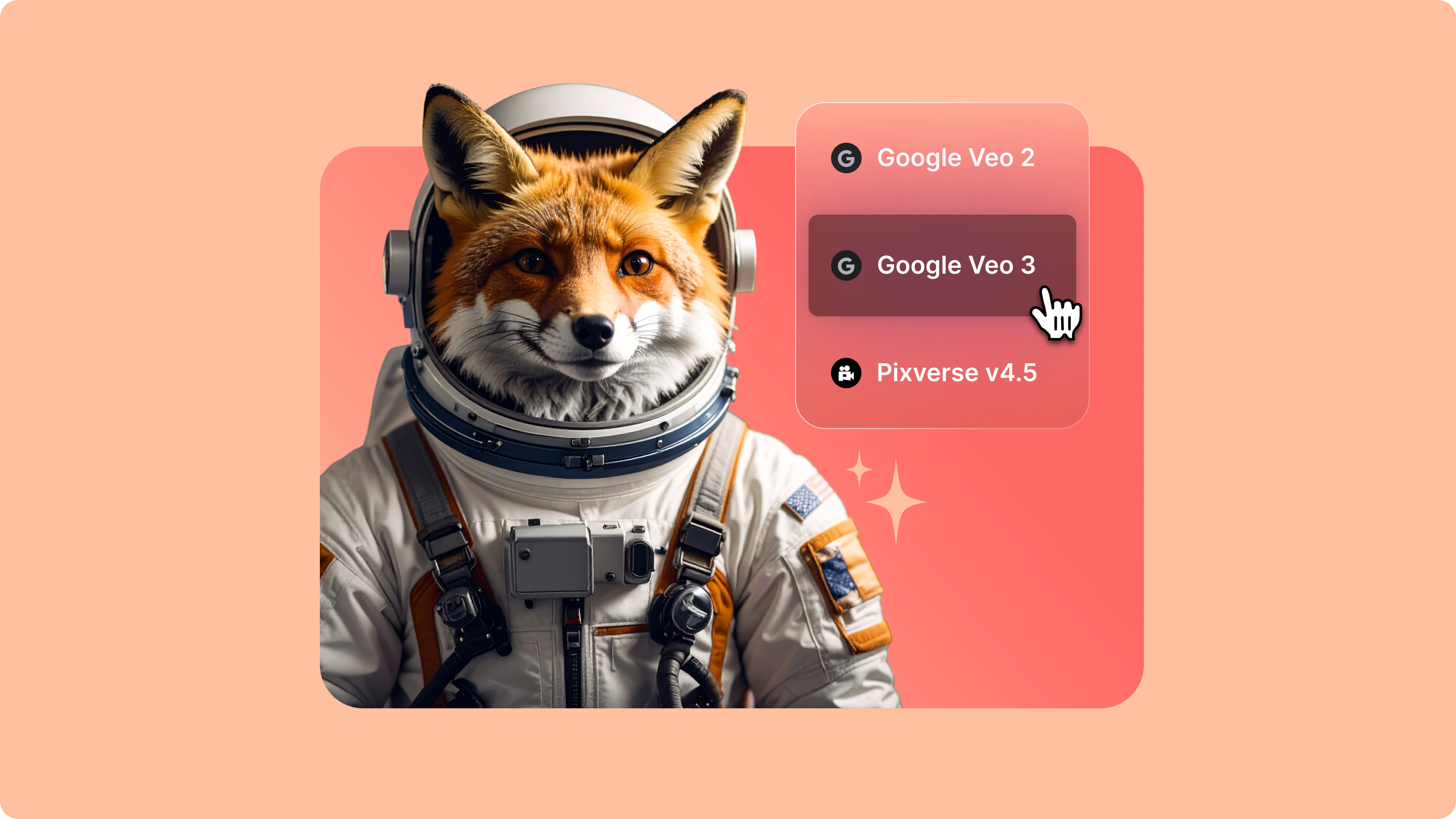
Introducing Your AI Video Playground
If you’ve spent any time on LinkedIn or your favourite creator forums lately, you’ve probably seen the buzz: Minimax, PixVerse, Google Veo, and a growing list of next-gen generative AI models that are redefining how video gets made. But with new models launching every week, it’s hard to know what’s worth your time—or how they actually fit into your workflow.

Google Veo 3.1: The Next Generation of AI Video (Live on VEED)
Google Veo 3.1 offers better realism, richer audio generation, and improved prompt adherence. And now, you can try it on VEED. Learn more here.

Kling O1: Everything You Need to Know About the New AI Video Model
Learn how Kling O1's multi-modal reasoning delivers precise AI videos with cinematic camera control. Now available on VEED's AI Playground!
Trusted by 1M+ creators
When it comes to amazing videos, all you need is VEED
No credit card required
More than an AI video generator
VEED is an AI video creation platform where you can try the best AI models and generate videos. Start with text, an image, or an existing video. Then, move your AI-generated videos to our editor to combine clips and create content. Add text, captions, and your branding. You can also build talking videos with VEED AI; just type your idea or script. Create social media clips, video ads, tutorials, and more all in one platform. Sign up now to get started.