


Trusted by 1M+ creators
Video Joiner
Video combiner: Merge videos together; combine audio files, images, and edit with precision
No credit card required

4.6
2,100+ reviews















Merge videos and edit with precision
Combine videos, audio files, and images in any format and save them as one file. Arrange your clips on the drag-and-drop timeline, trim the ends, and get the order exactly right — or open the pro online video editor for more precise control. Want VEED to do it for you? Magic Cut automatically splices your clips into one video built around the best moments. Works on Windows, Mac, and mobile — no download needed.
How to merge videos together:
Step 01
Upload your video or audio files
Upload your video, audio, and image files to VEED. You can also record clips using our online screen and webcam recorder.
Step 02
Combine videos and edit with precision
Arrange the files on the Timeline in the right order. Use our video cutter and splitter to trim the ends of any files. You can also rearrange your clips by dragging and dropping them anywhere on the Timeline.
Step 03
Export, share, or keep creating!
Export and share your video. Or keep exploring our full range of video editing tools to make your video look professional.
Learn More
Here’s a walkthrough of how to merge videos online:
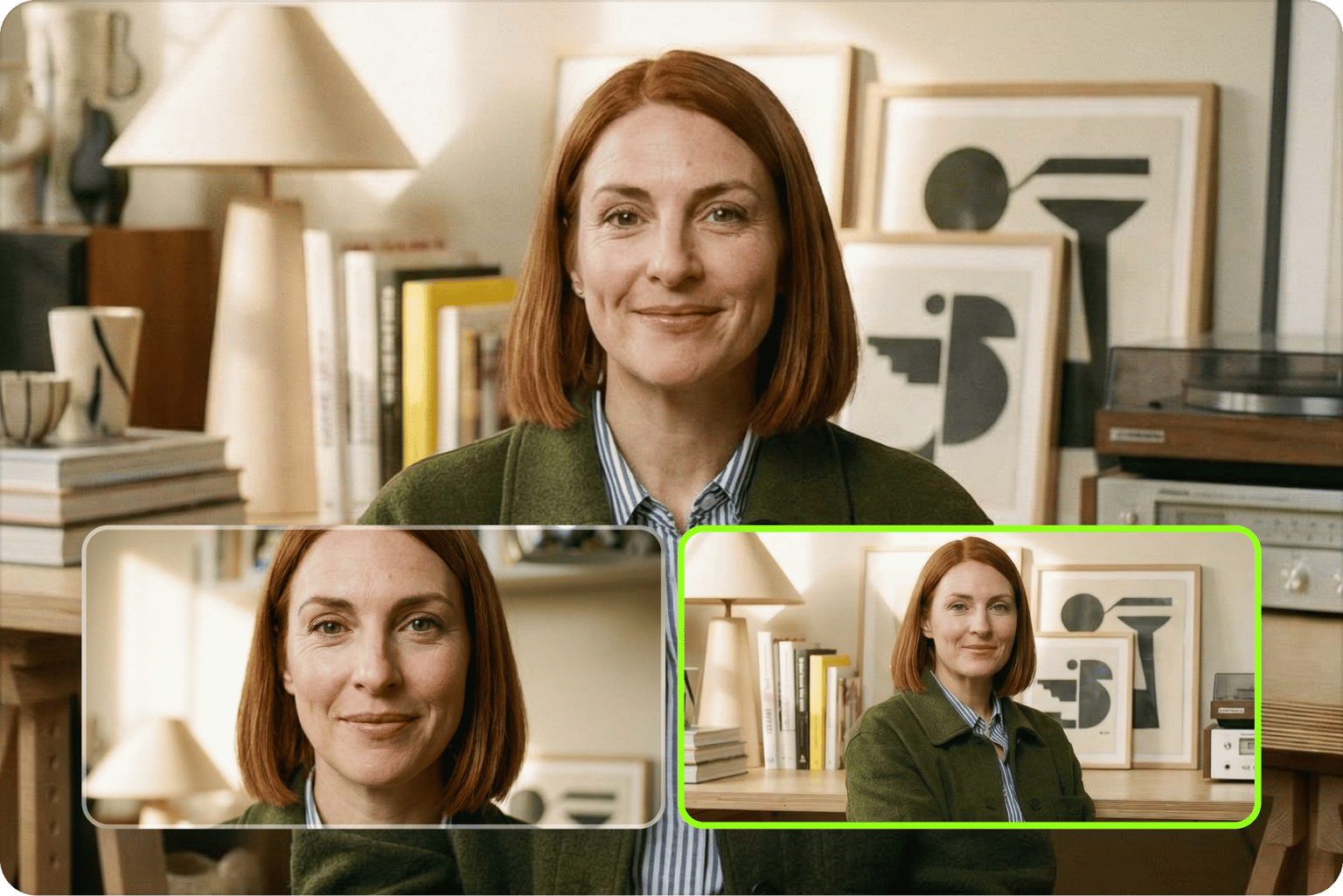
Edit, splice, and combine videos in one app
Rearrange clips fast with the snap-to-grid timeline. Merge videos in MKV, MOV, MPEG, WMV, or MP4 format and export as a single file. When you want more than a straight cut, try AI Magic Cut — it automatically edits your clips into one video built around your best moments.
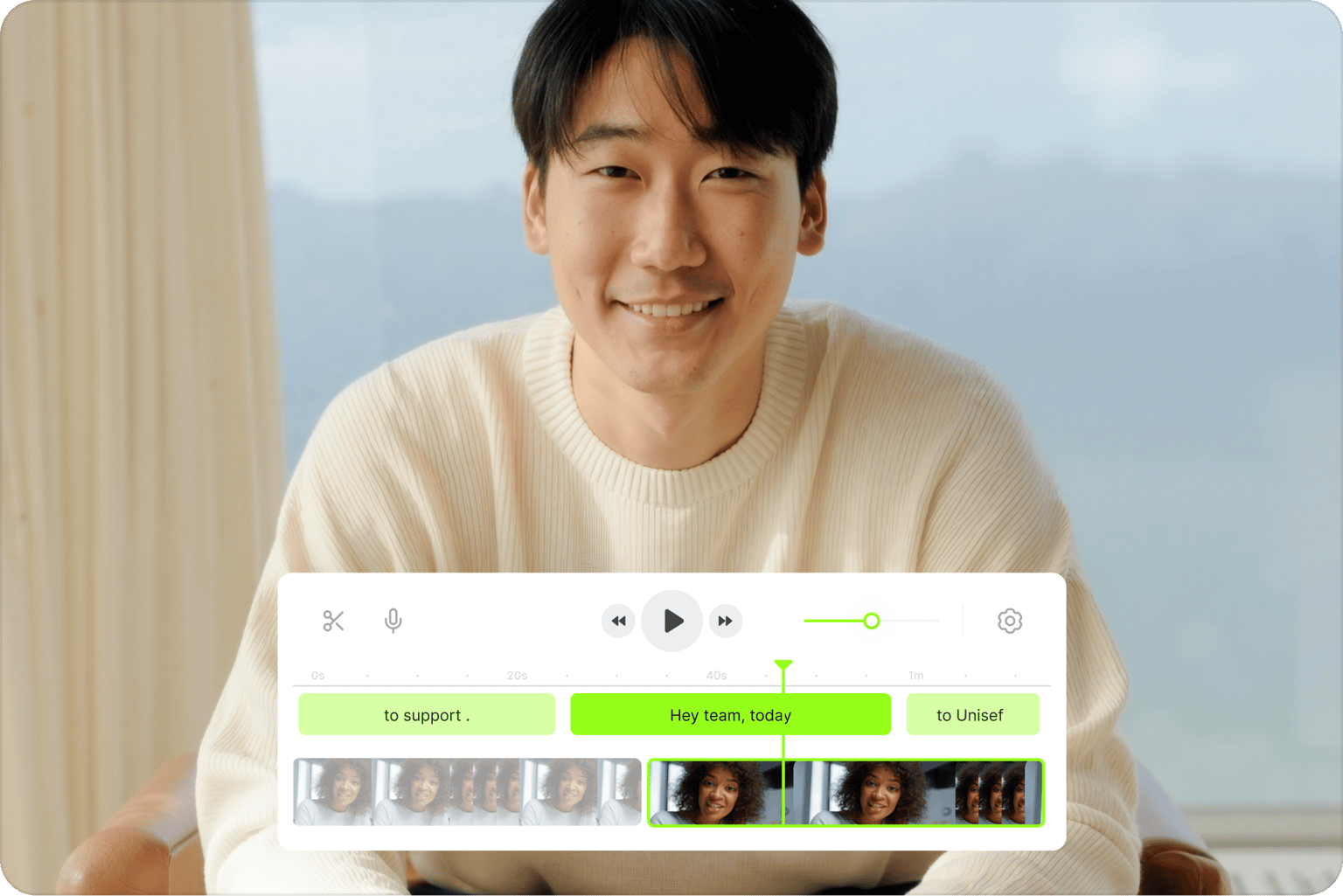
A video editor to combine videos for education
There’s no better way to create a compilation of educational videos than to use VEED’s online video joiner. Our movie maker makes it fast and hassle-free to create visually stunning videos that engage your audience. Apart from combining videos, you can use VEED to add audio to your video, auto-generate subtitles, and create presentations. You can even use our AI Avatars to present your lecture for you!
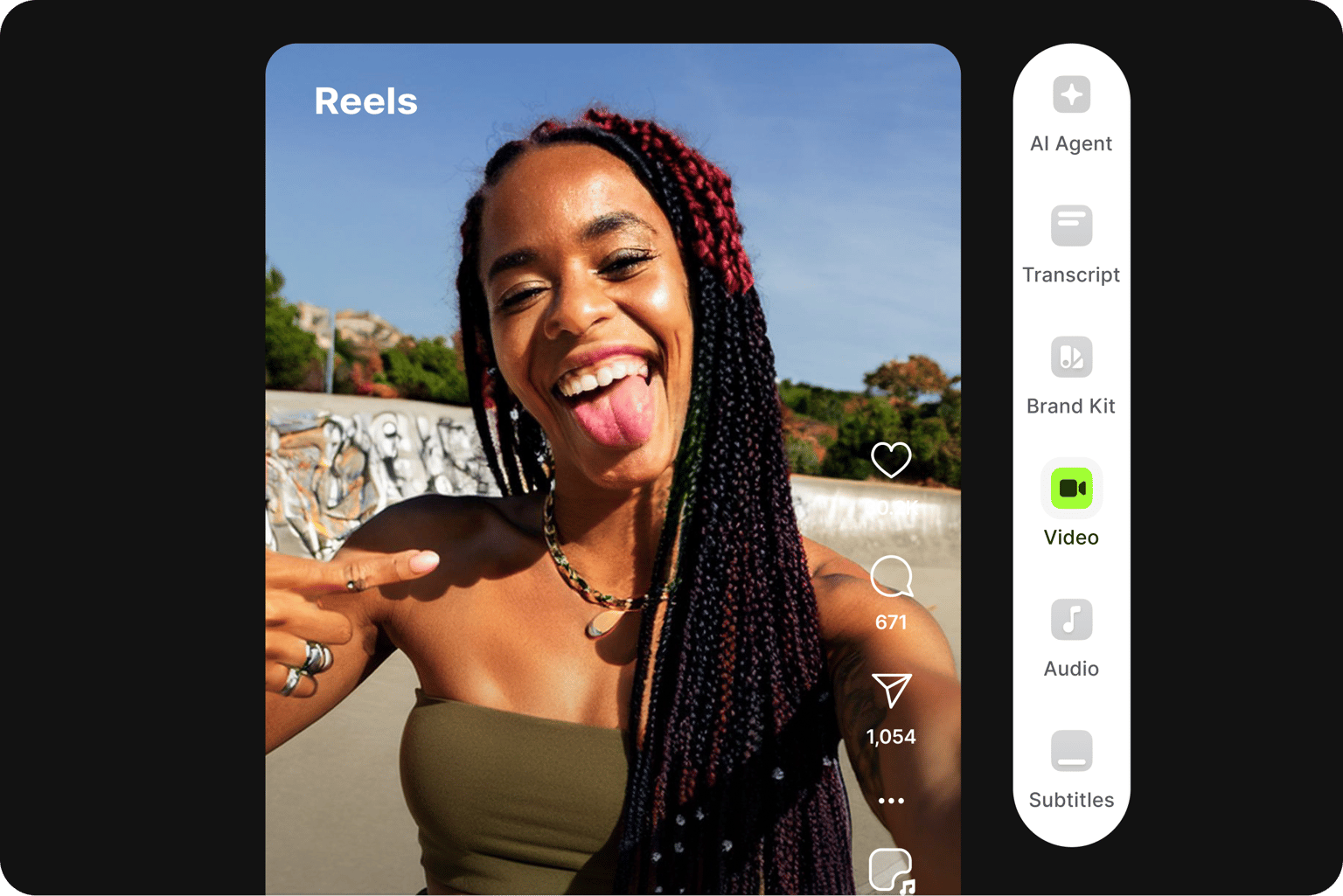
Combine the best videos together for social media
Cut together shorts, trailers, and social clips from your best footage — then optimize the format for wherever you're posting. VEED's collaborative workspace lets teams save custom video templates so your output stays consistent across every platform. Custom templates are available on paid plans; see the pricing page for details.
FAQ
Upload two or more video clips and rearrange them in the order that you want on the Timeline. You can also cut, trim, and split your files before saving them as one MP4 video.
VEED also lets you overlay videos and images on your video. Click on a video on the Timeline and drag the edges of the frame to make it smaller. You can then drag and drop the video anywhere on the other video’s frame to make them overlap.
You can put videos side by side in one frame simply by resizing two videos to fit in the frame. You can do this by dragging the edges of each video to make them smaller. Rearrange them however you want them to appear on the screen by dragging and dropping each video into position.
VEED supports all popular video file formats. Here are just a few: AVI, Facebook Video, FLAC, GIF, Instagram Story Video, Instagram Video, M4V, MP4, and MPEG.
VEED’s video combiner is free to use. You can also explore our full range of pro tools to ensure that your content looks its best before you share it on social media.
A video overlay means one video is overlapping another—but in a way that they are both visible. One video is usually smaller than the one at the bottom. You can easily do video overlays on VEED’s video editor by resizing one video and putting it on top of another video on the frame.
Loved by creators.
Loved by the Fortune 500
“
With VEED I didn't need 15 tutorials - I jumped straight in and started editing.

Gwenne Wilcox
Founder,
Brand Brainery
“
You can go beyond choppping things. VEED actually makes my videos look great.

Michael Glover
Demand Gen Manager,
ConvertFlow
“
The first four videos i created with VEED got over 40,000 impressions on LinkedIn.

Travis Tyler
Senior Content Producer,
PandaDoc
“
I found VEED at the right time: if you're making UGC ads and not using Eye Contact Correction and Noise Reduction on VEED you're missing out on ROI.

Sebastian Schurgers
Head of Growth Marketing,
Gronda
“
With VEED I didn't need 15 tutorials - I jumped straight in and started editing.
Gwenne Wilcox
Founder,
Brand Brainery
“
You can go beyond choppping things. VEED actually makes my videos look great.
Michael Glover
Demand Gen Manager,
ConvertFlow
“
The first four videos i created with VEED got over 40,000 impressions on LinkedIn.
Travis Tyler
Senior Content Producer,
PandaDoc
“
I found VEED at the right time: if you're making UGC ads and not using Eye Contact Correction and Noise Reduction on VEED you're missing out on ROI.
Sebastian Schurgers
Head of Growth Marketing,
Gronda
“
The first four videos i created with VEED got over 40,000 impressions on LinkedIn.
Travis Tyler
Senior Content Producer,
PandaDoc
“
I found VEED at the right time: if you're making UGC ads and not using Eye Contact Correction and Noise Reduction on VEED you're missing out on ROI.
Sebastian Schurgers
Head of Growth Marketing,
Gronda
“
With VEED I didn't need 15 tutorials - I jumped straight in and started editing.
Gwenne Wilcox
Founder,
Brand Brainery
“
You can go beyond choppping things. VEED actually makes my videos look great.
Michael Glover
Demand Gen Manager,
ConvertFlow
Discover more
Explore related tools
More from VEED
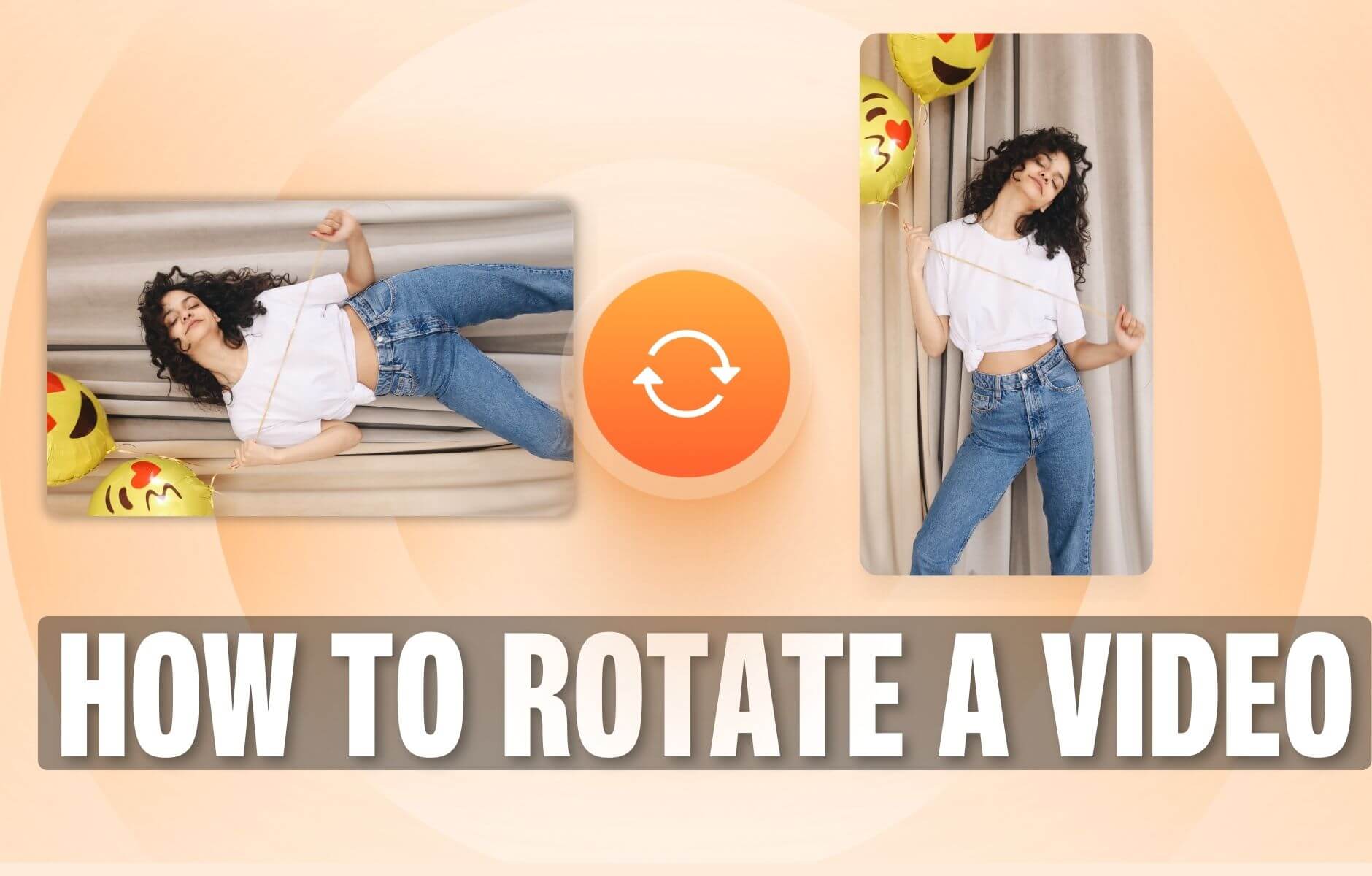
How to Rotate a Video (6 Quick & Easy Ways)
How to easily rotate a video whether you're on your desktop, mobile, or on your web browser.

How to Crop a Video (Free and Paid Easy-to-Use Methods)
The easiest way to crop videos (free & paid ways) whether on Windows 10 with VLC or online with VEED. Here's how!
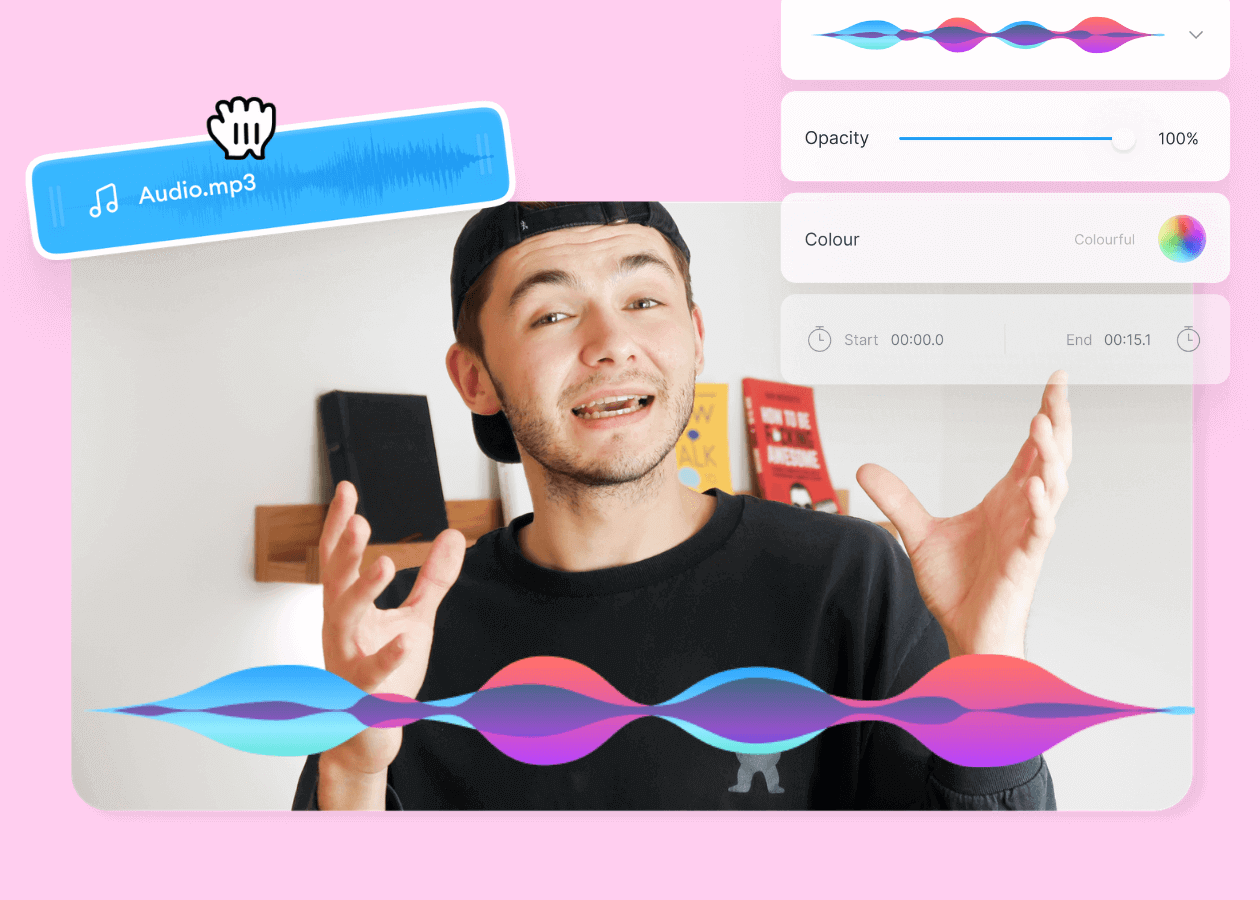
Top 5 Best Music Visualizers [Free and Paid]
Here are some of the best music visualizers available on the internet and how to use them!
Trusted by 1M+ creators
When it comes to amazing videos, all you need is VEED
No credit card required
Video joiner, video merger, and editor in one!
Merging clips is the starting point. VEED is an AI video creation platform built for social — so once your footage is combined, the full editing suite is right there waiting.
Auto-generate subtitles, add background music, apply video effects, and brand your content before you post. Everything happens in one browser tab, with no software to download. Whether you're cutting a short for TikTok, a trailer for YouTube, or a recap for LinkedIn, VEED gets your video from raw clips to post-ready without switching tools.