


Trusted by 1M+ creators
YouTube Video Maker
Create stunning YouTube videos, attract subscribers, get more views
No credit card required
4.6
2,100+ reviews















Best Video Editing Software for YouTube
Did somebody say ‘SUBSCRIBERS’? Now you can build your subscriber base and get more views by creating awesome, perfectly edited YouTube videos online and for free, using the VEED YouTube video maker. With 85% of businesses using video as a marketing tool. YouTube is one of the most powerful ways to speak to your audience, attract more followers, and increase sales. Use our YouTube video maker to create great content that captures attention.
How to Create a YouTube Video:

Step 01
Upload your video
Upload your clips to VEED so that you can start work on making your YouTube video. With no bulky software to download, VEED is the fastest, easiest way to create YouTube-ready videos.

Step 02
Edit your video
VEED is a super-powerful online video editing tool that’s easy to use. With all the functionality you need to trim, crop, add music, subtitles, filters, and more. You can have your YouTube videos looking beautiful, professional, and ready for viewers, in a matter of minutes.
Step 03
Download your video
Now your video is ready, just click ‘Download’ and, hey presto, you can start to share and enjoy your video with your audience of followers and friends. So simple and easy-to-use. We know you’ll love our free, online YouTube video maker.
Learn More
‘YouTube Video Maker’ Tutorial

Free YouTube Video Maker
Our YouTube video maker is here for you. You can quickly and easily turn your videos into show-stopping, YouTube-ready content, using VEED; online and for free. You can be as creative as you want, with VEED’s range of video editing tools. Speed up, slow down, rotate, filter, crop, and much more! With VEED you can quickly and easily resize your YouTube videos for any social media platform - Instagram, Twitter, TikTok, and more! So you can continue expanding your reach.
Connect and Promote
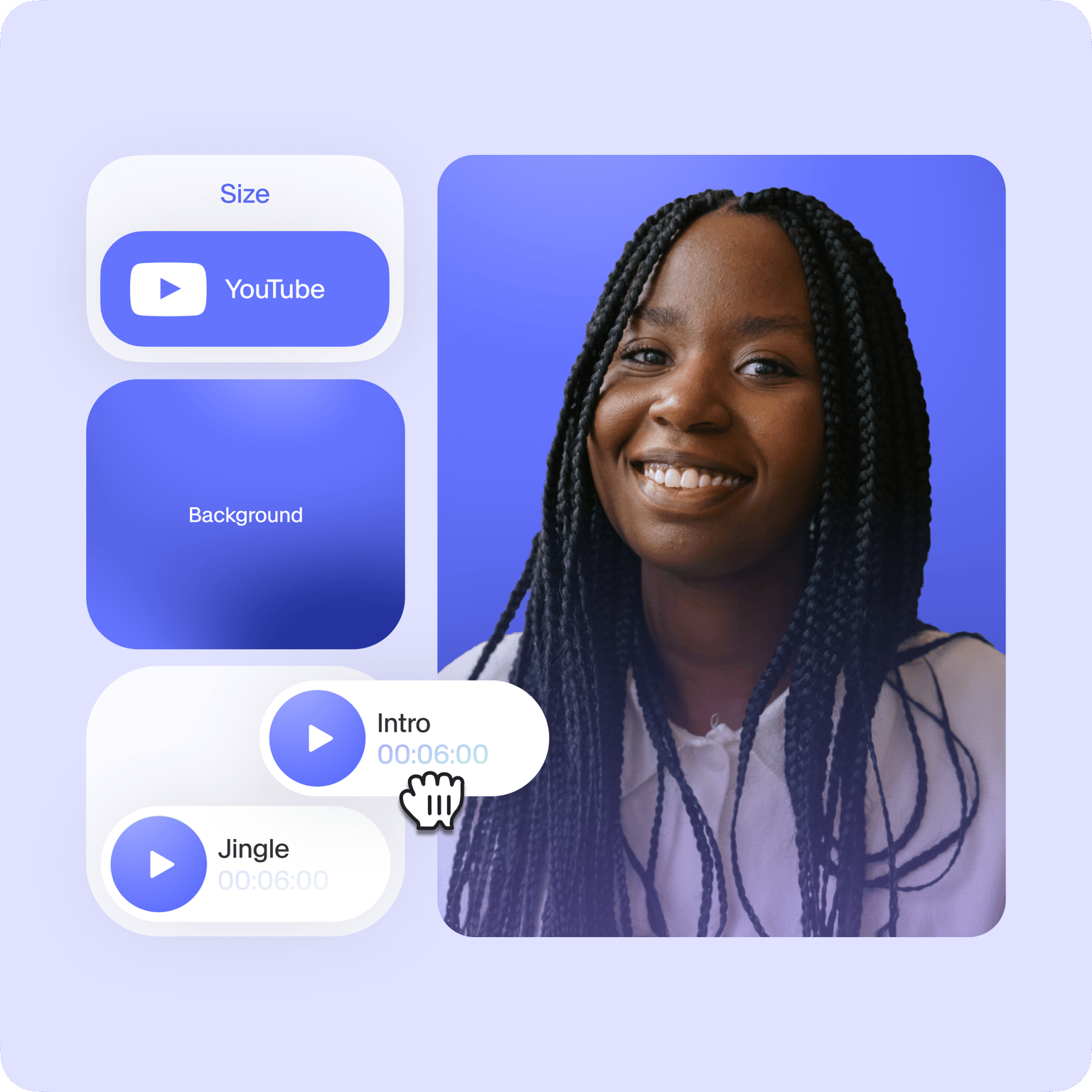
You can use YouTube to connect with your followers and get more subscribers by creating videos that capture your brand’s unique style and message. YouTube videos are a great way of getting your brand name out there! With VEED you can include your logo, your name, and your image, using stickers and text tools. Check it out!

Create and Download for Free!
You can be as creative as you want, with VEED’s range of video editing tools. Speed up, slow down, rotate, filter, crop, and much more! When you’re done, all you have to do is click ‘Download’ and your video will be ready in seconds. Watch, share, and enjoy with your followers and friends.
FAQ
Record a video with a camera, your mobile phone, or directly from VEED using your webcam. Upload the recorded file to VEED and start editing. You can then download the edited video to your device and upload it to YouTube!
While there are many free video makers out there, VEED stands out because of all the premium tools you can use—that are not available on other free video editors. You can use a whole range of tools without even having to create an account!
Yes—absolutely free! With VEED, creating an account is optional (and still free!). However, with a VEED account, you can save and access your projects any time, from any device!
VEED is one of the most popular video editors that YouTubers use. Even beginners can use it, hassle-free. All it takes is just a few clicks!
Our free online video editor includes a wide variety of tools that will let you edit your videos like a pro. These tools are often not included in free versions of other video editing software.
There is no better way to make your videos look professional other than using VEED! Drag and drop elements, add files like background music, sound effects, voiceovers, and more with just a few clicks.
Loved by creators.
Loved by the Fortune 500
“
With VEED I didn't need 15 tutorials - I jumped straight in and started editing.

Gwenne Wilcox
Founder,
Brand Brainery
“
You can go beyond choppping things. VEED actually makes my videos look great.

Michael Glover
Demand Gen Manager,
ConvertFlow
“
The first four videos i created with VEED got over 40,000 impressions on LinkedIn.

Travis Tyler
Senior Content Producer,
PandaDoc
“
I found VEED at the right time: if you're making UGC ads and not using Eye Contact Correction and Noise Reduction on VEED you're missing out on ROI.

Sebastian Schurgers
Head of Growth Marketing,
Gronda
“
With VEED I didn't need 15 tutorials - I jumped straight in and started editing.
Gwenne Wilcox
Founder,
Brand Brainery
“
You can go beyond choppping things. VEED actually makes my videos look great.
Michael Glover
Demand Gen Manager,
ConvertFlow
“
The first four videos i created with VEED got over 40,000 impressions on LinkedIn.
Travis Tyler
Senior Content Producer,
PandaDoc
“
I found VEED at the right time: if you're making UGC ads and not using Eye Contact Correction and Noise Reduction on VEED you're missing out on ROI.
Sebastian Schurgers
Head of Growth Marketing,
Gronda
“
The first four videos i created with VEED got over 40,000 impressions on LinkedIn.
Travis Tyler
Senior Content Producer,
PandaDoc
“
I found VEED at the right time: if you're making UGC ads and not using Eye Contact Correction and Noise Reduction on VEED you're missing out on ROI.
Sebastian Schurgers
Head of Growth Marketing,
Gronda
“
With VEED I didn't need 15 tutorials - I jumped straight in and started editing.
Gwenne Wilcox
Founder,
Brand Brainery
“
You can go beyond choppping things. VEED actually makes my videos look great.
Michael Glover
Demand Gen Manager,
ConvertFlow
Discover more
Trusted by 1M+ creators
When it comes to amazing videos, all you need is VEED
No credit card required
More than a YouTube video maker
VEED is a lot more than just a YouTube video maker. Using VEED, you can make Ads, trailers, GIFs, presentations, and more. It’s a whole world of video editing just waiting for you. Explore our suite of editing tools, and check out our handy guides, tutorials, and blogs, for more information on how to make VEED work for you and your brand.