11 Best Free Screen Recorders to Try in 2025
Recording your screen is a necessity for content creators, freelancers, and teachers, to name a few. So, we’ve compiled a list of 11 best free screen recorders to try this year!
Hang tight...
Currently we don’t support recording from mobile devices. Try it from your tablet or desktop!






Reading from notes pulls your eyes off the camera and makes every take feel stiff. VEED's online teleprompter fixes that: paste your script, hit record, and read your lines as they scroll while you look straight at your camera. Adjust the speed and text size on the fly, record your webcam or screen right in the browser, and keep natural eye contact the whole way through. No download, no setup, no wasted takes.
Pick whether you record your webcam (with audio) or audio only.
Click ‘Teleprompter’ in the bottom right corner, and copy-paste or type up the text for your recording
Hit that red ‘Record’ button and watch the text auto-scroll as your voice (and webcam if you selected that option) is recorded. Change the speed of the scrolling text, change the size, and get recording!
Most teleprompters only scroll text. This one records your webcam or screen at the same time, so your script and your footage come from a single tool. The moment you stop recording, the video opens in the editor, where you can trim mistakes, add subtitles automatically, and resize for any platform. There's no exporting between apps to turn a recording into a finished video.
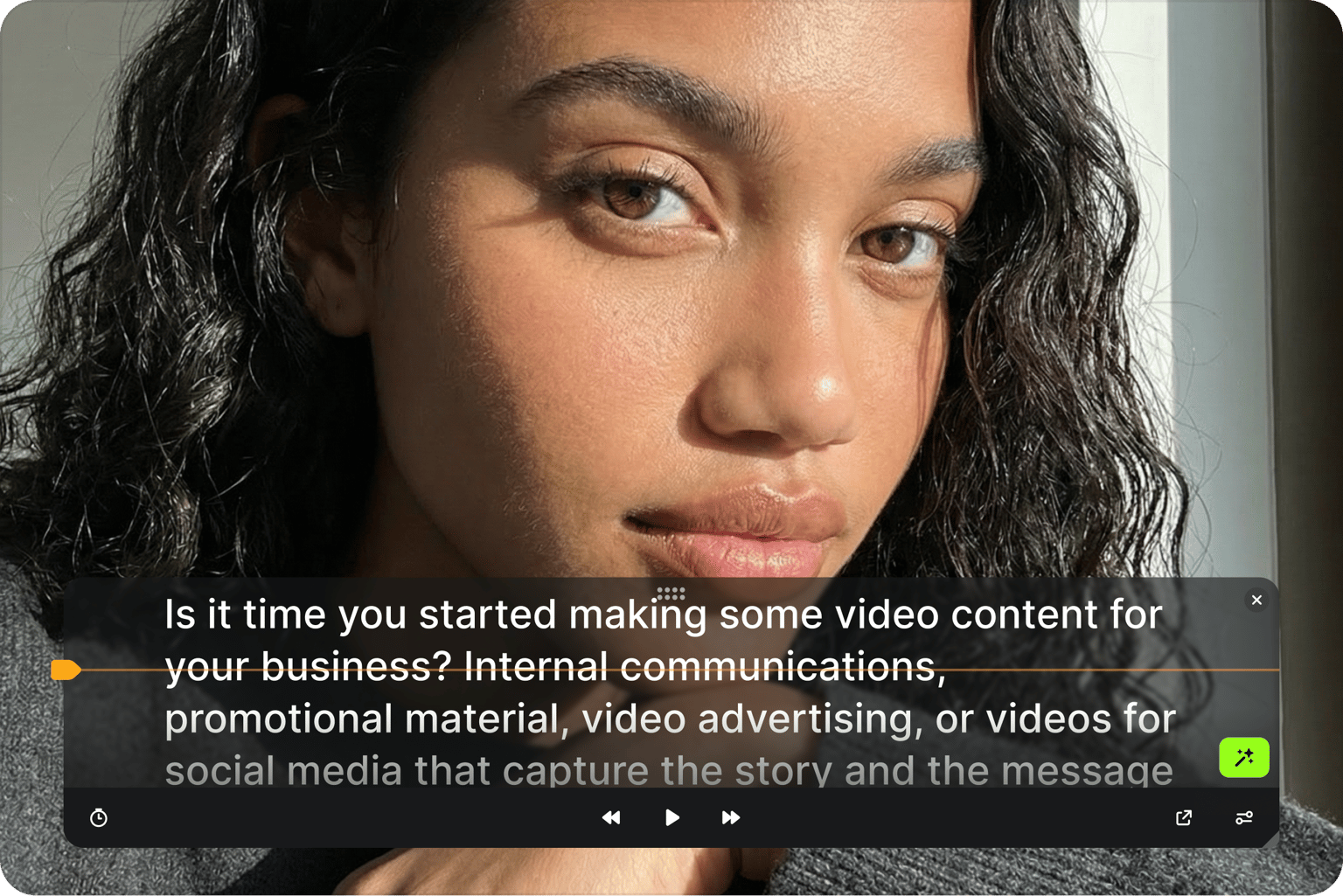
An online teleprompter should be ready the second you need it. This one runs in your browser on any computer, with no app to install and no account needed to start. Paste your script, set the scroll speed and font size, and record. If you capture your screen often, our roundup of free screen recorders can help with your setup.
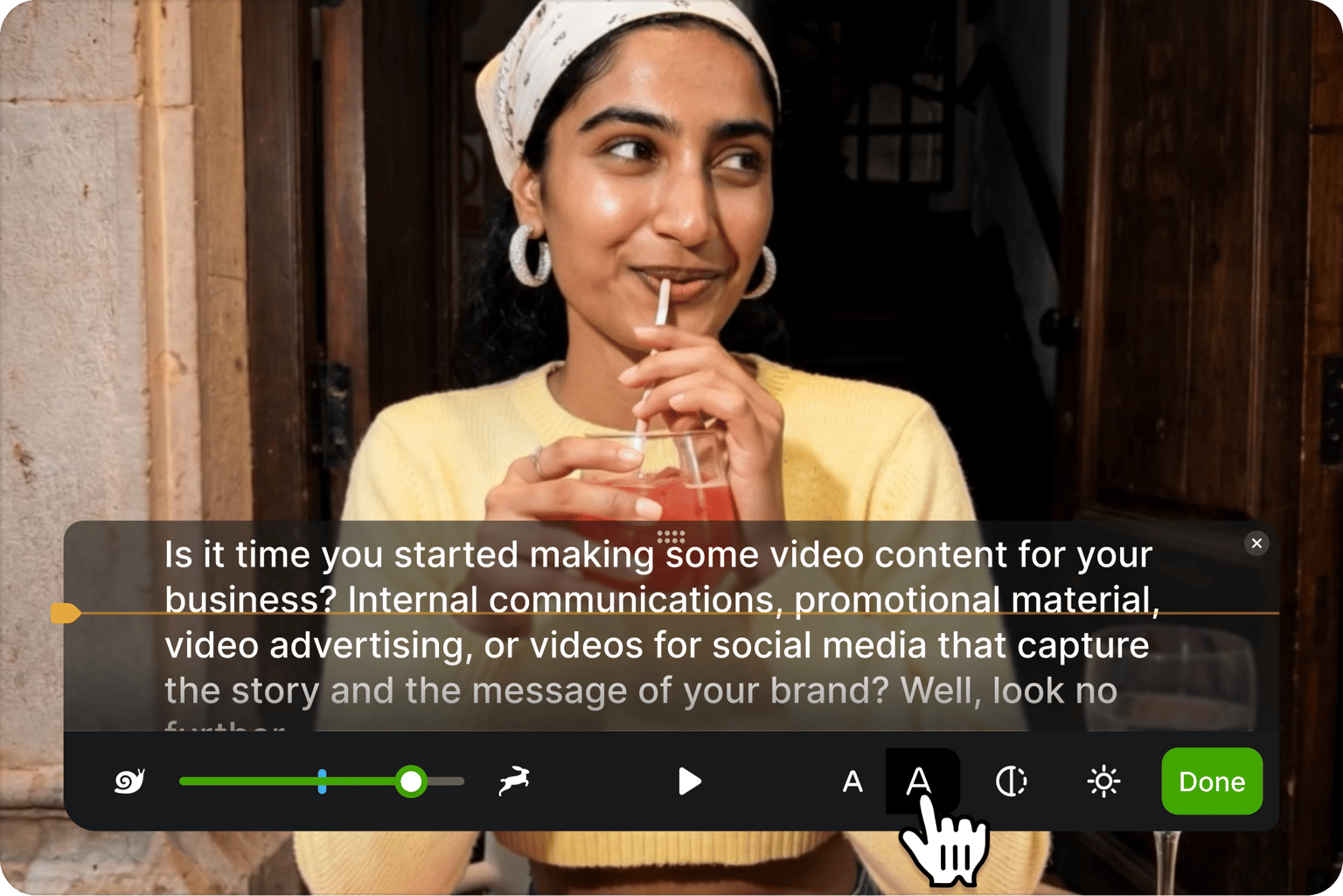
Reading from a teleprompter lets you look straight at the lens instead of down at your notes, so you sound natural and hold your audience's attention. Keep the scrolling text near your camera and your eyes stay on target. For takes where your gaze still drifts, AI eye contact correction fixes it after recording, so every video looks direct and polished.
Recording your screen is a necessity for content creators, freelancers, and teachers, to name a few. So, we’ve compiled a list of 11 best free screen recorders to try this year!

Want videos that are more engaging because they're easier to follow along? Here's 12 of the best free and paid subtitle fonts for better video content.

A lot of social media platforms don't actually allow you to upload SRT files with your videos. This is where hard coded subtitles comes in.
The teleprompter is one step in making a video worth posting. VEED is an AI video creation platform where your recording becomes raw material, not the finished product. Generate a full video from a script with the AI text-to-video generator, sharpen training videos with subtitles and on-brand visuals, then publish from the same place. Create, brand, and publish your videos without switching tools. Start creating with VEED today.