


Trusted by 1M+ creators
Filler Remover
Remove filler words from your audio and video and sound more persuasive
No credit card required

4.6
2,100+ reviews















Sound more persuasive: one-click Magic Cut filler word remover
No need to do multiple takes on your audio and video recordings to completely remove filler words with our nifty magic cut tool. With VEED, you can clean your audio and video in one click and get rid of filler words like “uhms” and “like” so you can sound more persuasive and professional. VEED’s artificial intelligence software also detects noise from your recordings and removes it instantly, leaving you with a crisp sound quality.
It’s perfect for cleaning up recordings in your home office, where you can’t always control every sound your microphone can pick up. Plus, it’s an all-in-one professional suite packed with AI video editing features. Chances are, you also need to remove clutter in your visual background. In that case, VEED’s video background remover is the perfect tool. Our background noise remover is available to premium subscribers. Check our pricing page for more info.
How to remove filler words from your recordings:

Step 01
Upload, record, or start with a template
Upload your video to VEED or start recording using our online webcam recorder. You can also start with a video template.

Step 02
Use magic cut
After recording or uploading your video, use our magic cut tool. Our AI tool will automatically select the best takes in your video, remove silences and filler words, and more!
Step 03
Edit your video or audio and share!
Maximize VEED’s pro tools to make your video or audio sound professional. You can add background music, voiceovers, and more. Export your project as mp3 or mp4!
Learn More
Watch this walkthrough of our filler word remover:

Get rid of filler words and instantly sound more persuasive
Filler words can make you sound unsure of what you’re saying. VEED’s one-click filler word remover can help you get rid of unnecessary words to help you sound more educated, persuasive, and professional. Our artificial intelligence software automatically detects those words as well as background noises. Remove them instantly with one click. Ensure that you give the best experience to your viewers and/or listeners!

Create talking head videos and presentations with avatars
Because VEED’s AI integrations are nothing short of awesome, you can even make presentations even without your own footage. Use our AI Avatar Generator to create a realistic avatar and make it talk using our text-to-voice software. Select from our avatar presets, type or paste a script, and watch your avatar talk on screen! Create talking head videos, marketing ads, reels, and more using a combination of our AI tools.
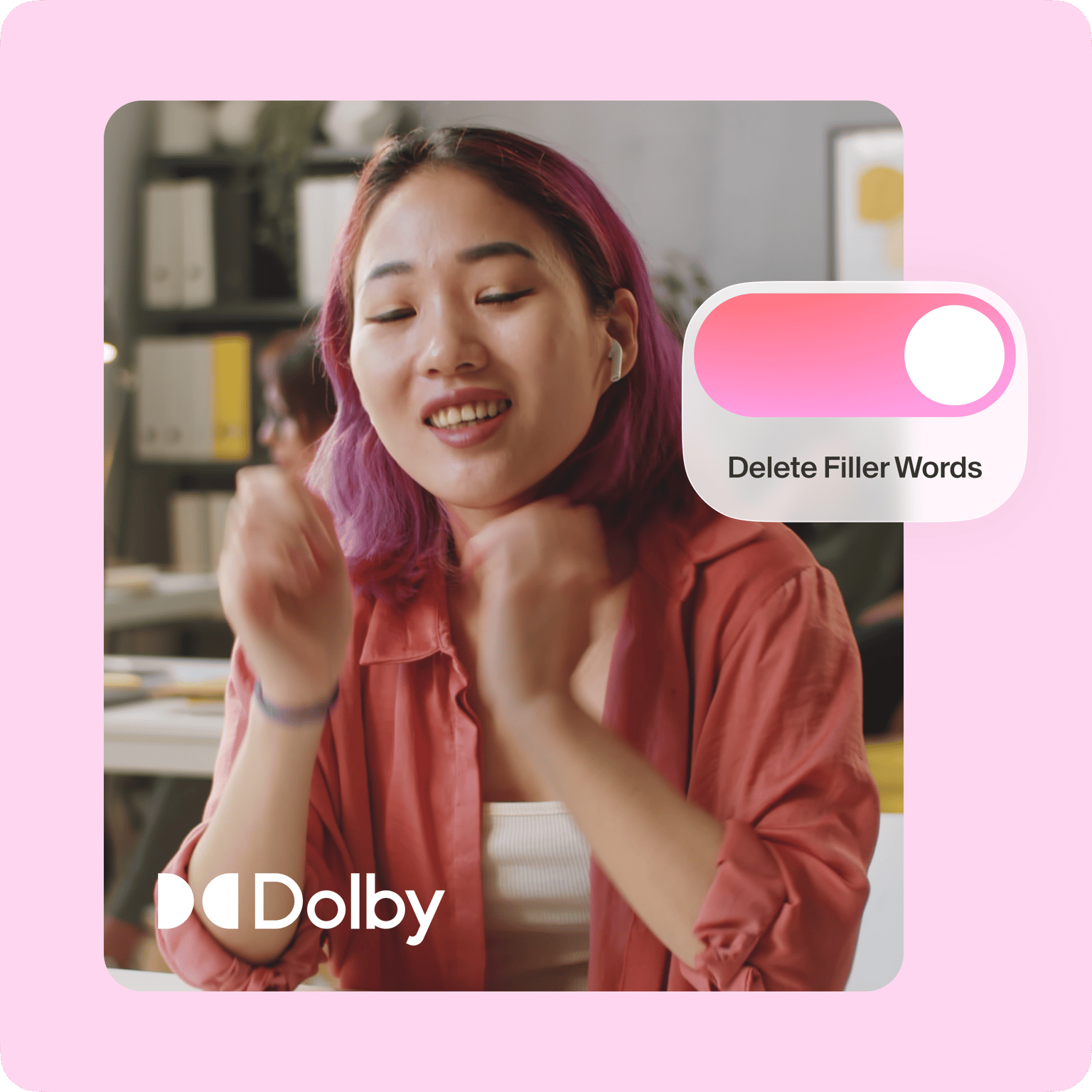
One-click noise and filler word removal powered by Dolby
We work with Dolby to bring you the highest-quality audio enhancement in the industry. With one click, you can remove all unwanted sounds and filler words to make your video sound squeaky clean. Our powerful noise remover automatically detects unwanted sounds in the background and swipes them clean from your audio in seconds. With cutting-edge technology and a powerful tool like VEED, cleaning audio has never been easier!
FAQ
Upload your video to VEED. Click on your video on the Timeline and press the ‘Magic Cut’ button. Magic cut can remove filler words from your audio and video.
VEED is an online video editing tool. You can use all its features straight from your browser. Our powerful filler remover is embedded in our online tool, so you don’t need to install any plugins or software.
Just like you would on a computer! VEED works great on all mobile browsers, including Chrome, Firefox, and Safari. Simply open VEED’s video editor on your mobile browser, and begin editing straight away!
VEED features a well-stocked library of royalty-free music and sound effects. Add background music tracks to make your video look as engaging as possible—perfect for creating explainer videos, presentations, and talking heads!
Absolutely! With VEED, no need to start over to get rid of filler words you might have accidentally let slip out. Just upload your audio or video recordings to VEED and click the Magic Cut button (available in premium).
Loved by creators.
Loved by the Fortune 500
“
With VEED I didn't need 15 tutorials - I jumped straight in and started editing.

Gwenne Wilcox
Founder,
Brand Brainery
“
You can go beyond choppping things. VEED actually makes my videos look great.

Michael Glover
Demand Gen Manager,
ConvertFlow
“
The first four videos i created with VEED got over 40,000 impressions on LinkedIn.

Travis Tyler
Senior Content Producer,
PandaDoc
“
I found VEED at the right time: if you're making UGC ads and not using Eye Contact Correction and Noise Reduction on VEED you're missing out on ROI.

Sebastian Schurgers
Head of Growth Marketing,
Gronda
“
With VEED I didn't need 15 tutorials - I jumped straight in and started editing.
Gwenne Wilcox
Founder,
Brand Brainery
“
You can go beyond choppping things. VEED actually makes my videos look great.
Michael Glover
Demand Gen Manager,
ConvertFlow
“
The first four videos i created with VEED got over 40,000 impressions on LinkedIn.
Travis Tyler
Senior Content Producer,
PandaDoc
“
I found VEED at the right time: if you're making UGC ads and not using Eye Contact Correction and Noise Reduction on VEED you're missing out on ROI.
Sebastian Schurgers
Head of Growth Marketing,
Gronda
“
The first four videos i created with VEED got over 40,000 impressions on LinkedIn.
Travis Tyler
Senior Content Producer,
PandaDoc
“
I found VEED at the right time: if you're making UGC ads and not using Eye Contact Correction and Noise Reduction on VEED you're missing out on ROI.
Sebastian Schurgers
Head of Growth Marketing,
Gronda
“
With VEED I didn't need 15 tutorials - I jumped straight in and started editing.
Gwenne Wilcox
Founder,
Brand Brainery
“
You can go beyond choppping things. VEED actually makes my videos look great.
Michael Glover
Demand Gen Manager,
ConvertFlow
Trusted by 1M+ creators
When it comes to amazing videos, all you need is VEED
No credit card required
Filler words remover, AI video editing, and more
Removing filler words automatically is just one of VEED’s powerful AI features. VEED is a fully-packed online video editor that is completely browser-based. It lets you transform your creative ideas into captivating visuals. You can even let our AI generate a script for you. From conceptualization to polishing, do it all in minutes with VEED!