


Trusted by 1M+ creators
AI Background Expand
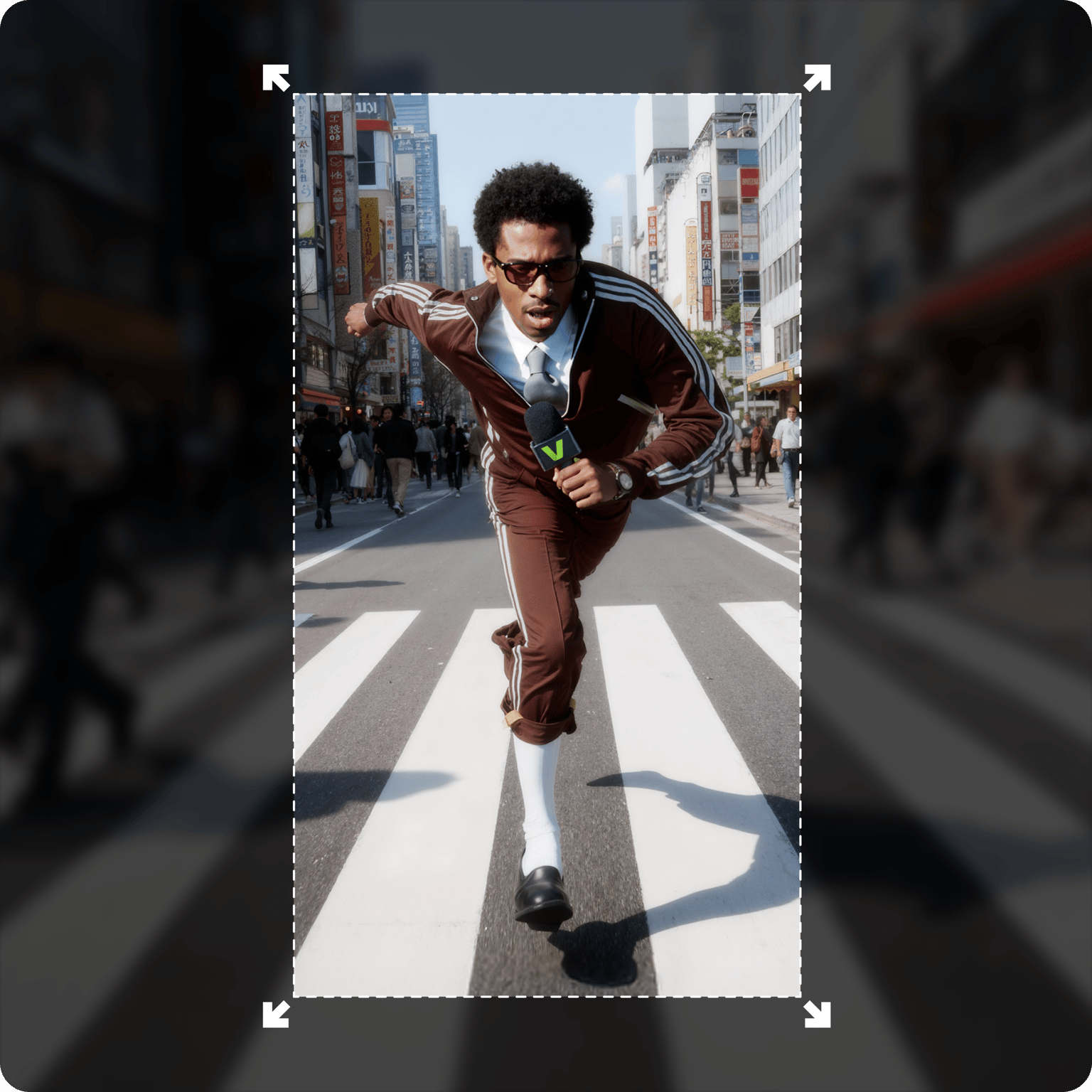
Expand video backgrounds with AI. No more awkward crops and black bars
No credit card required
4.6
2,100+ reviews















AI expander for video: Expand video backgrounds to fit any social platform
Shot a vertical video on your phone, but need a landscape video for YouTube? Or want to upload landscape footage to Reels without the awkward black bars? VEED's AI Background Expand uses AI outpainting to extend your frame. It’s like content aware fill, but for video. Our tool supports videos up to 1 minute in length – more than what other expansion tools offer.
Upload any video and watch the AI extender fill in the background to match your scene. No more black bars, awkward crops, or expensive reshoots. Expand video backgrounds in product videos, and add space for promotional text and CTAs. Repurpose your video for any platform in seconds.
How to use our AI background extender:
Step 01
Select your video clip
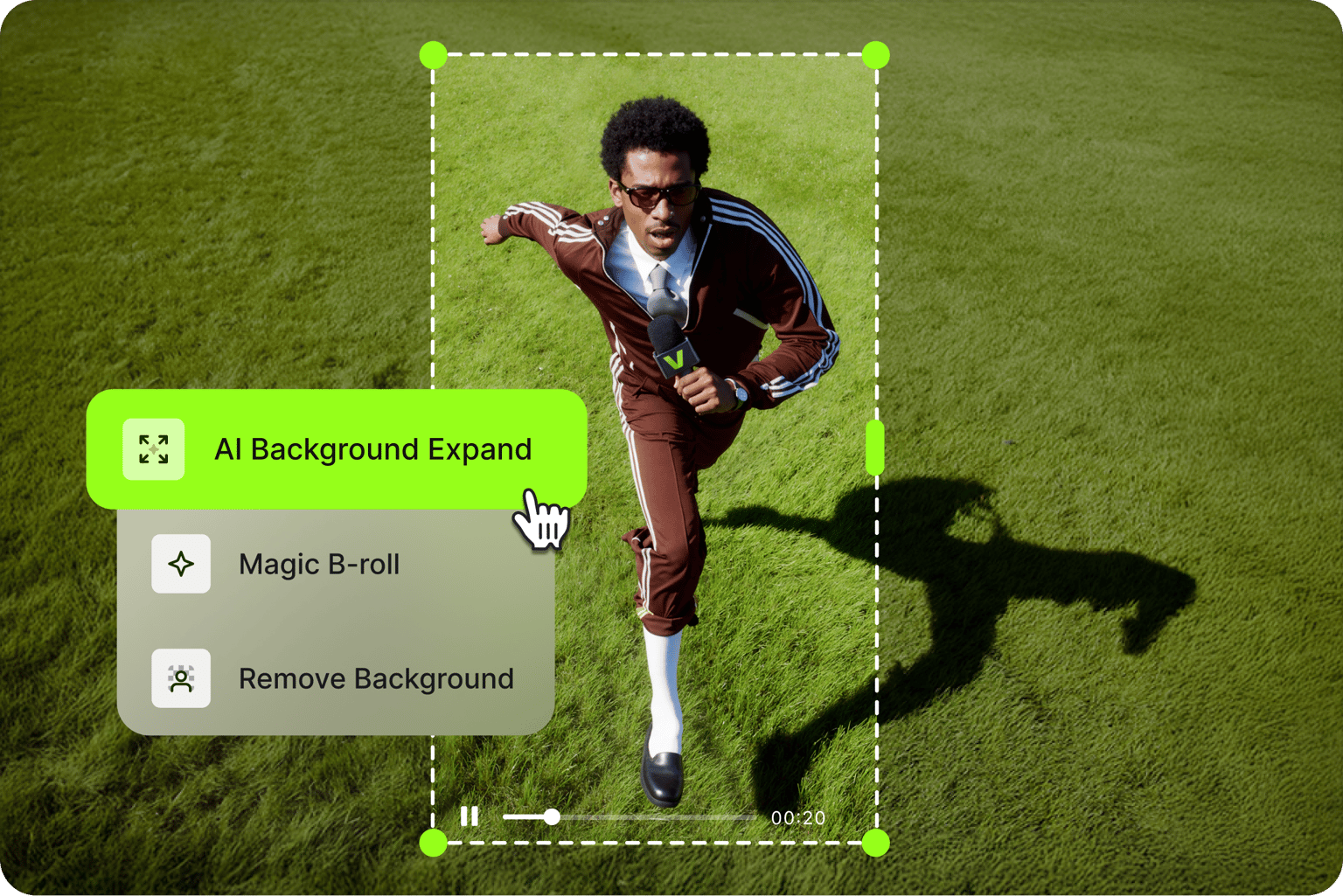
Click your video clip on the editor timeline. Go to AI Tools, and click AI Background Expand.
Step 02
Extend video background
A progress status appears while our video extender processes your clip. The AI expands your video’s background.
Step 03
Preview and export your video
The expanded video replaces your original clip. Export your video or keep editing with more tools like noise removal, AI transitions, and Magic B-roll.
Learn More
Watch our AI Background Expand demo:
AI extender built for video
Expand video backgrounds the way you'd uncrop an image. VEED's AI background extender works in one click. Most video extenders work on clips around 10 seconds long. Our tool supports videos up to 1 minute in length. Expand backgrounds, add your brand assets to videos, and export platform-ready content all in one place.
Uncrop and repurpose videos for any social platform
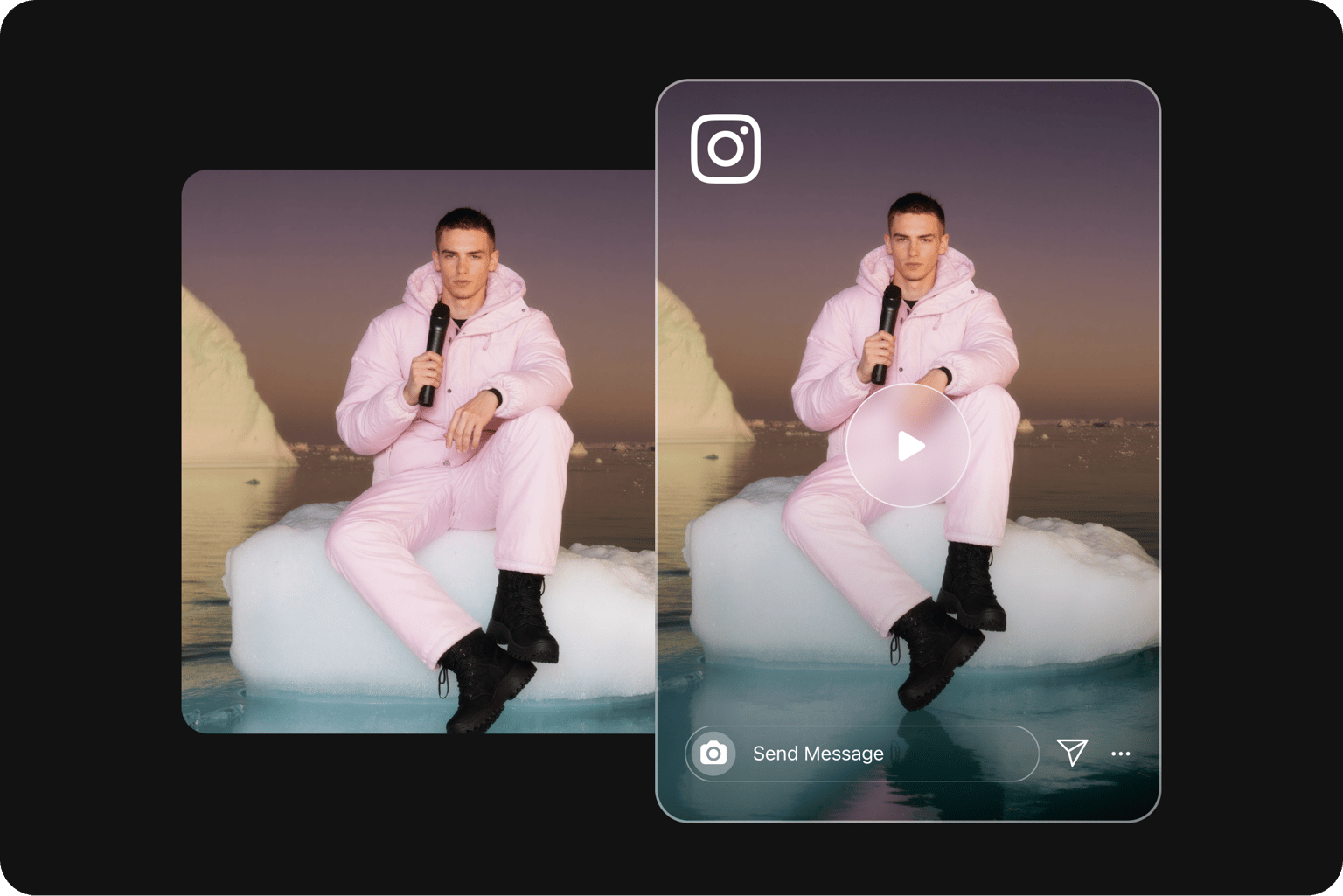
Need to resize a video from 9:16 vertical to 16:9 landscape? Our AI aspect ratio changer converts videos to any target format. No more content loss from cropping. Social media managers and marketing teams can create high-quality, on-brand videos for TikTok, Reels, YouTube, and LinkedIn.
Expand and edit your video in one place
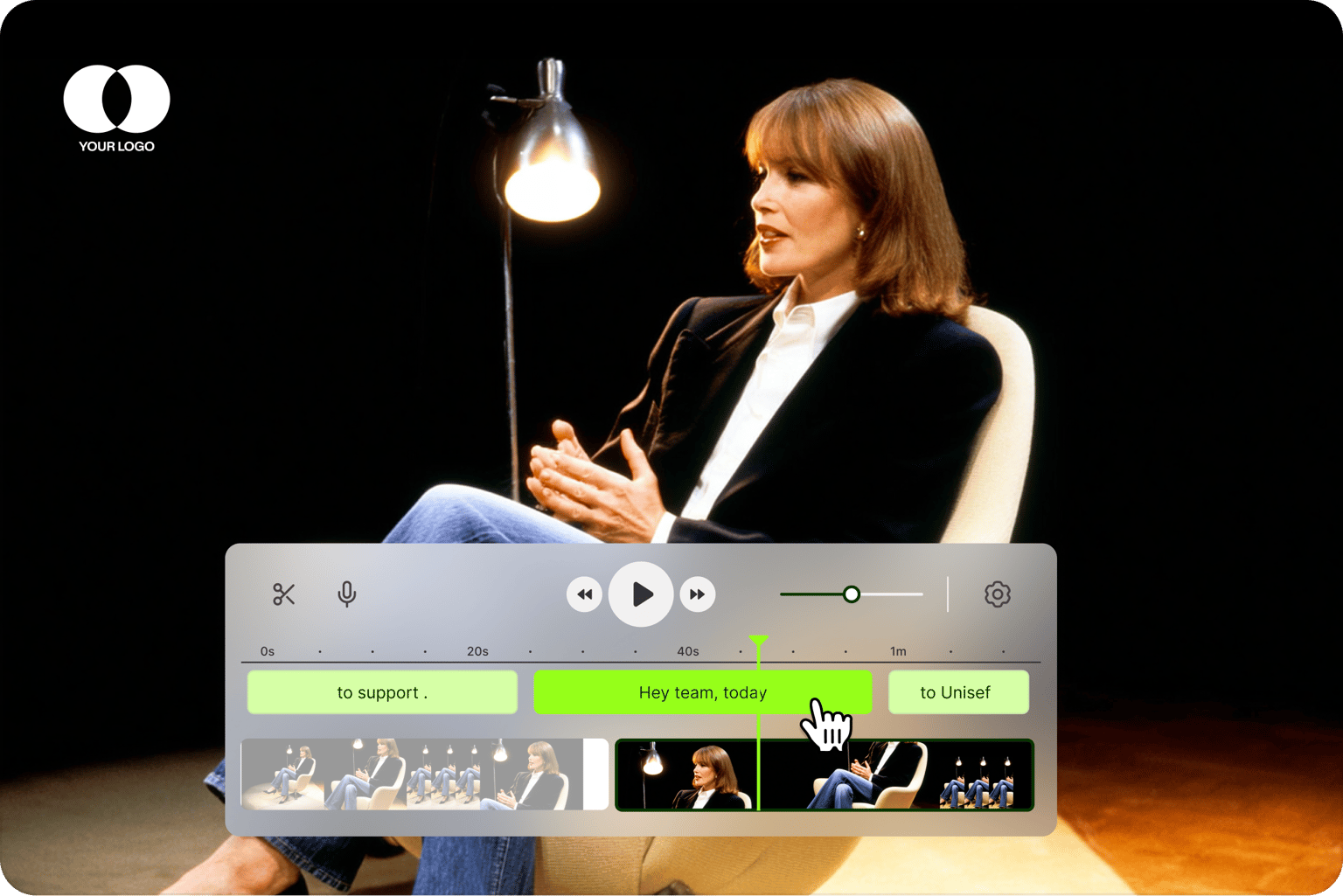
No switching between apps to resize and edit videos. Our AI background extender and video editor work together in one platform. Expand your footage, add text overlays and auto-subtitles, and generate B-roll — all in one AI-powered video editor.
FAQ
AI Background Expand is VEED's AI expander for video, similar to generative expand in Photoshop or content aware fill in image editing, but designed for video footage. Our video outpainting technology uses AI to seamlessly extend backgrounds, allowing marketers to change the aspect ratio of any size video.
No, this AI extender is specifically for video. While AI image extenders work on static photos, video outpainting technology is far more complex. The extended video background maintains temporal consistency across hundreds of frames, so it moves naturally without flickering.
Use VEED's AI extender to uncrop a video and expand the background:
- Click your clip on the editor timeline, go to AI Tools, and select AI Background Expand.
- Confirm your target aspect ratio and let the AI analyze your footage frame by frame.
- Once complete, your expanded video automatically replaces the original.
Access AI Background Expand with AI credits. Check our pricing page to learn more about subscription plans and credits.
- Supported formats: All major file formats like MP4, MOV, AVI, and WebM
- Input/output aspect ratios: Vertical (9:16), horizontal (16:9), square (1:1) Convert between any aspect ratio — TikTok vertical to YouTube landscape, landscape to portrait for Instagram Stories, and more.
The AI expander is perfect for social media managers repurposing content across platforms while maintaining a polished, on-brand look. You can use this tool for:
- Adapting landscape product demos (like YouTube videos) into vertical formats for TikTok and Reels with key visuals remaining in frame
- Creating square videos for Instagram and LinkedIn feeds
- Resizing video ads for different placements like YouTube and Facebook, maximizing content reach without reshooting
Loved by creators.
Loved by the Fortune 500
“
With VEED I didn't need 15 tutorials - I jumped straight in and started editing.

Gwenne Wilcox
Founder,
Brand Brainery
“
You can go beyond choppping things. VEED actually makes my videos look great.

Michael Glover
Demand Gen Manager,
ConvertFlow
“
The first four videos i created with VEED got over 40,000 impressions on LinkedIn.

Travis Tyler
Senior Content Producer,
PandaDoc
“
I found VEED at the right time: if you're making UGC ads and not using Eye Contact Correction and Noise Reduction on VEED you're missing out on ROI.

Sebastian Schurgers
Head of Growth Marketing,
Gronda
“
With VEED I didn't need 15 tutorials - I jumped straight in and started editing.
Gwenne Wilcox
Founder,
Brand Brainery
“
You can go beyond choppping things. VEED actually makes my videos look great.
Michael Glover
Demand Gen Manager,
ConvertFlow
“
The first four videos i created with VEED got over 40,000 impressions on LinkedIn.
Travis Tyler
Senior Content Producer,
PandaDoc
“
I found VEED at the right time: if you're making UGC ads and not using Eye Contact Correction and Noise Reduction on VEED you're missing out on ROI.
Sebastian Schurgers
Head of Growth Marketing,
Gronda
“
The first four videos i created with VEED got over 40,000 impressions on LinkedIn.
Travis Tyler
Senior Content Producer,
PandaDoc
“
I found VEED at the right time: if you're making UGC ads and not using Eye Contact Correction and Noise Reduction on VEED you're missing out on ROI.
Sebastian Schurgers
Head of Growth Marketing,
Gronda
“
With VEED I didn't need 15 tutorials - I jumped straight in and started editing.
Gwenne Wilcox
Founder,
Brand Brainery
“
You can go beyond choppping things. VEED actually makes my videos look great.
Michael Glover
Demand Gen Manager,
ConvertFlow
Discover more
Explore related tools
More from VEED

A 7-Step Video Editing Workflow (For Any Team)
Streamline your video projects with this 7-step editing workflow—perfect for teams creating marketing, training, or customer videos.
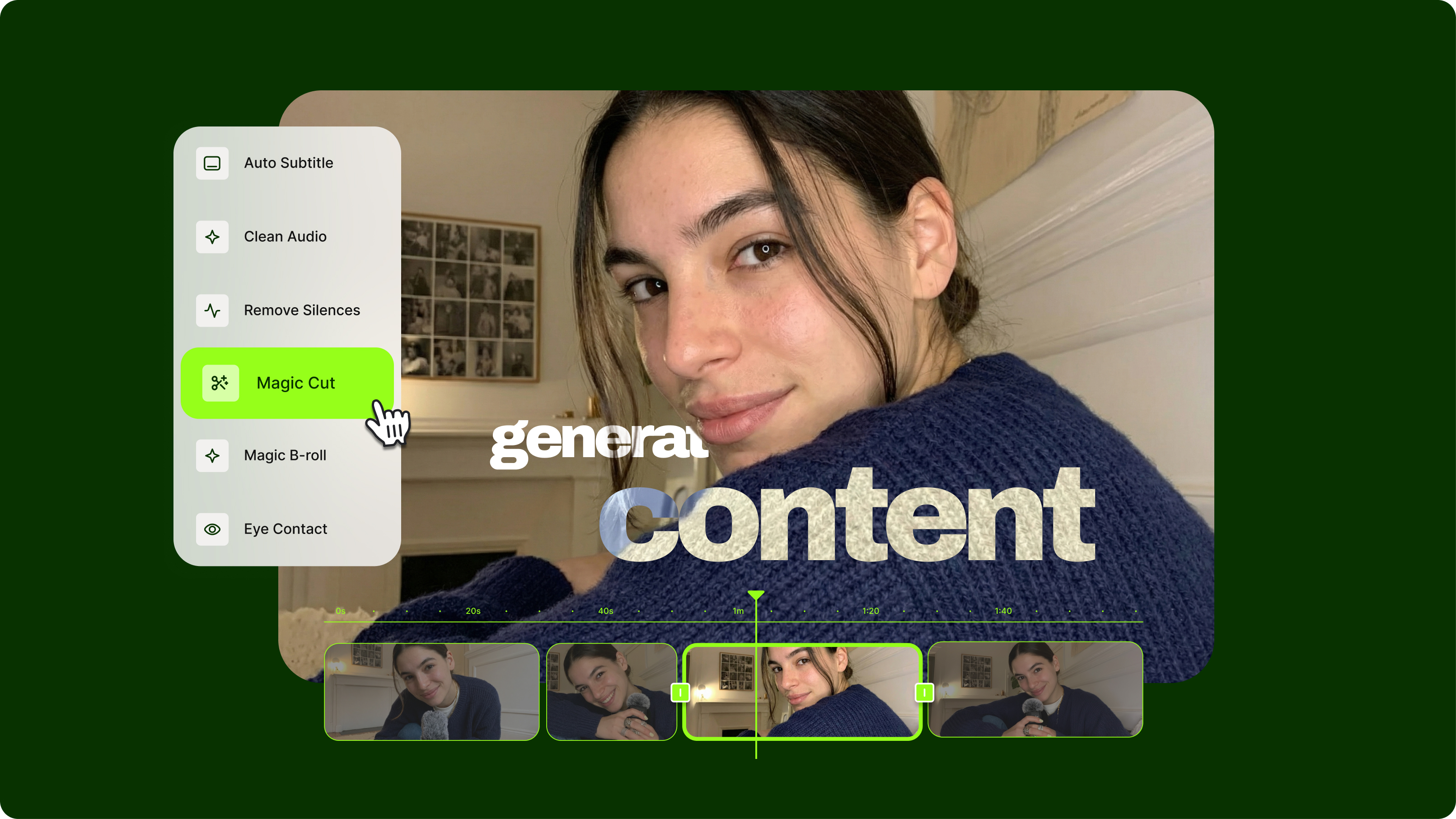
Streamlining Video Editing with AI: A Guide for Busy Marketers
Want to streamline your video editing workflow? Check out this list of the best AI tools for video editing.
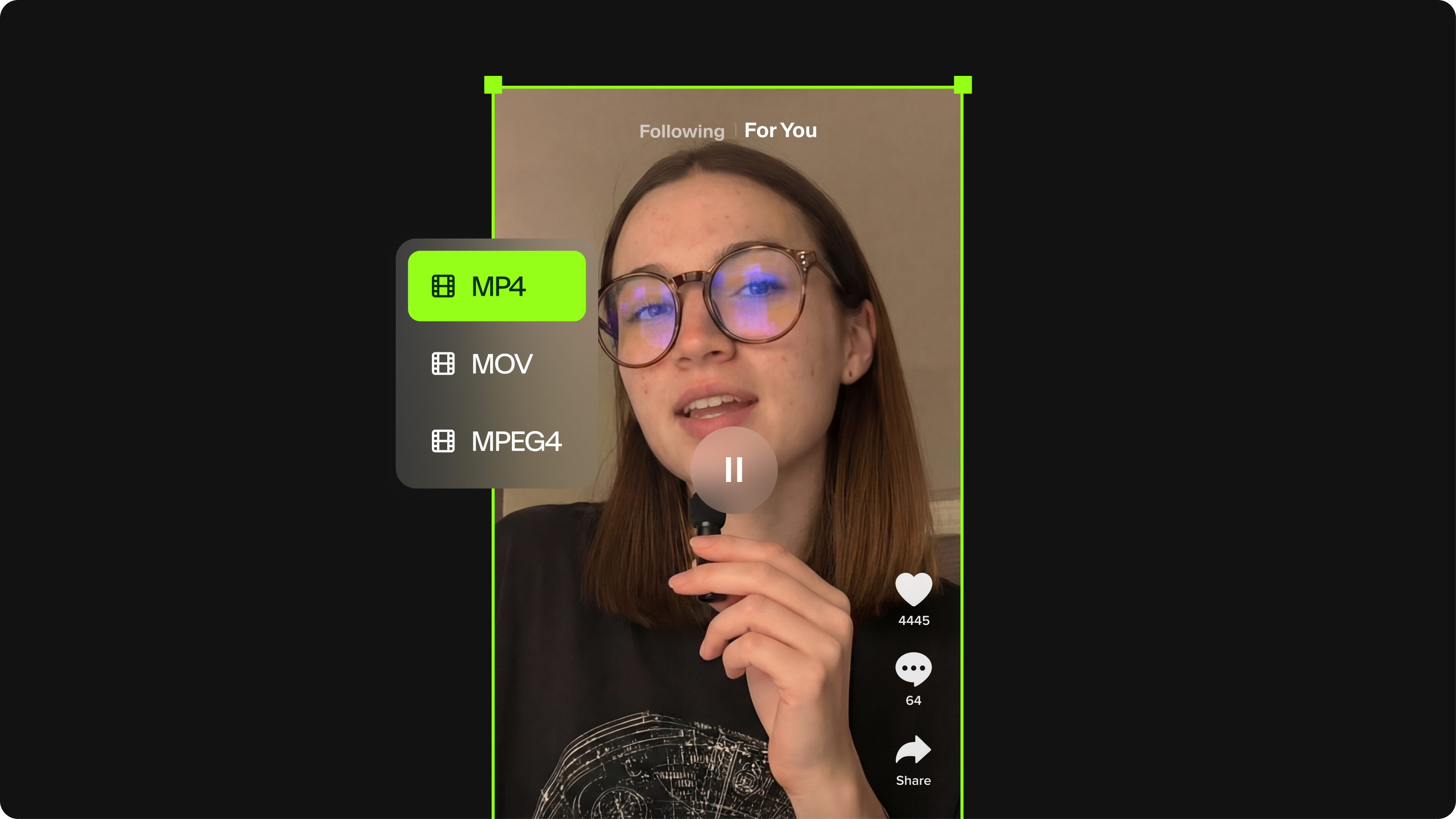
TikTok Video Size Guide: Everything You Need to Know
The last thing you want is for TikTok to scale down or cut off your video content. Here's the best file size, video length, and file format for your next TikTok.
Trusted by 1M+ creators
When it comes to amazing videos, all you need is VEED
No credit card required
More than an AI background extender
Explore more ways to repurpose your videos and post on more platforms. Remove video backgrounds entirely to make the subject easier to place into different scenes and branded backgrounds. Starting a video from scratch? Generate videos with the best AI models, and edit your content until it looks uniquely yours. VEED is an AI video creation platform where you can generate, refine, and enhance videos. Start from a prompt, an image, or existing footage. Add text, captions, and your branding. VEED turns your ideas into post-ready videos in minutes.