


Trusted by 1M+ creators
Lyric Video Maker
Make music videos with lyrics online and bring your music to life
No credit card required
4.6
2,100+ reviews















Add stunning visuals to your lyric videos online
Are you an artist looking to take your music to the next level? Our lyric video maker is the perfect tool to showcase your talent through videos. VEED’s professional video editing software lets you create lyric videos with stunning visuals. Upload your audio and add visual elements to make it look as engaging as possible—like music visualizers, animated text and images, and more.
To add lyrics to your video, use our automatic subtitle tool. You can also add your captions or lyrics manually—or use our animated text tool. Optimize your videos for different sites. Our online video maker is the perfect companion for you to share your music on different social media platforms.
How to make lyric videos with VEED:
Step 01
Upload, record, or start with a template
Upload your music and video to VEED. You can also record using our webcam recorder or create a video from your images.
Step 02
Add music, lyrics, and more
Add your song or record it using our audio recorder. To add lyrics to your video, use our auto-subtitle generator or manually paste your lyrics using either the subtitle or text tool.
Step 03
Optimize and share
Optimize your lyric video to make it perfect for different social media platforms, and share. Add your branding to better promote your work.
Learn More
More tips for making music and lyric videos online:
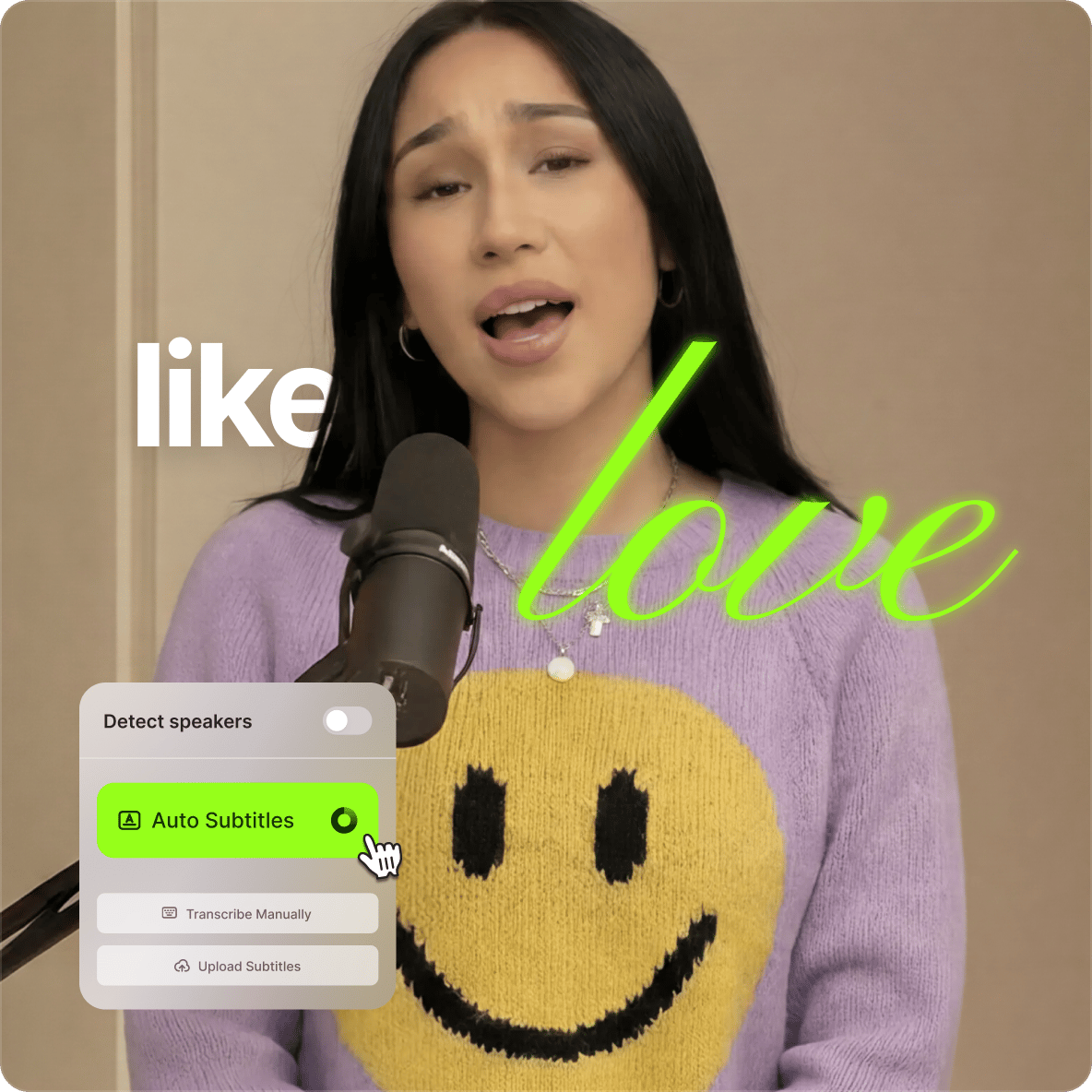
Animate your lyrics on screen
VEED features an automatic caption and subtitle generator to help you create your lyric videos with the least effort. Our powerful AI audio transcriber automatically detects your song lyrics and transcribes them. The best part is that you can animate your lyrics on screen to make the words move in sync with your music. Our audio transcriber, powered by Dolby Technology, will automatically transcribe your song into lyrics in a matter of minutes. Plus, the accuracy of our transcription is one of the highest in the industry. And yes, the transcriber can also be used to translate your lyrics into other languages, too.
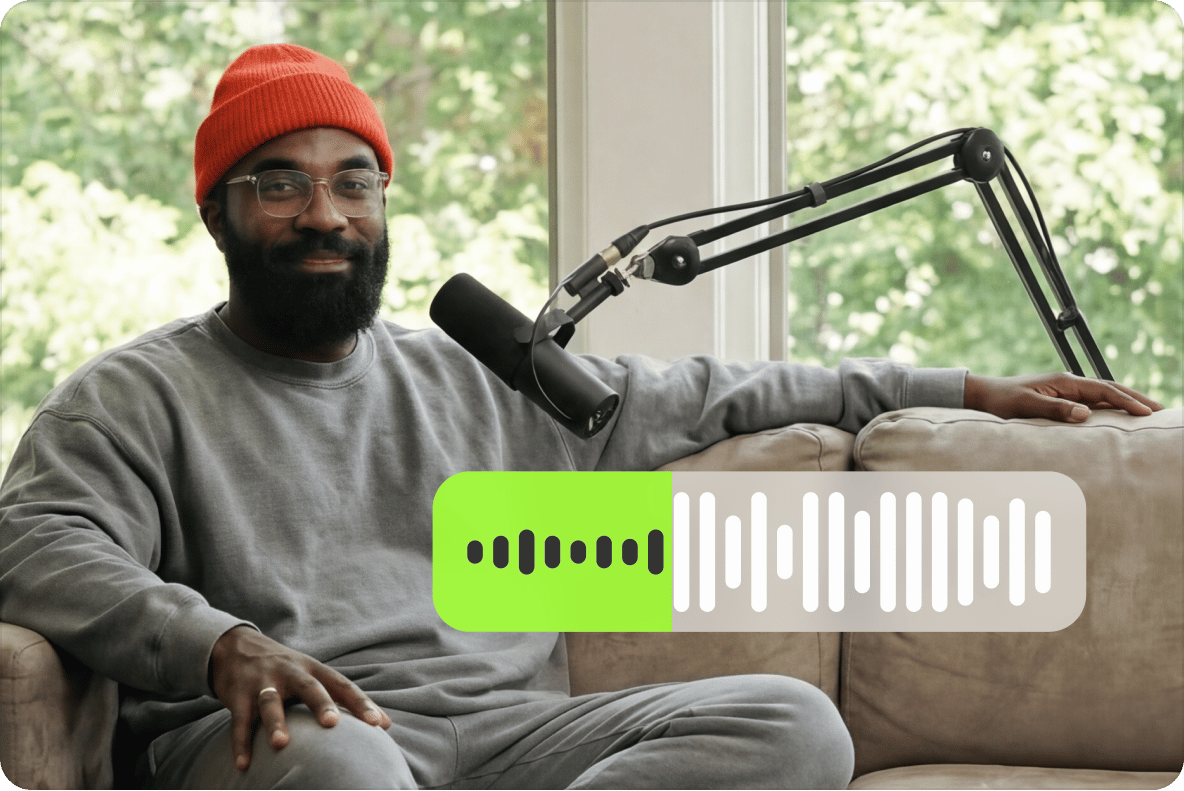
Ensure a crisp and crystal-clear audio quality
VEED features a one-click, fool-proof audio cleanup tool that will remove background noise from your video and audio. Our artificial intelligence software automatically detects noises such as wind, humming, traffic, and more—and removes them from your audio instantly. This way, you can ensure that your lyric videos are of optimal sound quality, making it easy to promote to a wider audience. This will also help you boost your engagement on your social media pages. Designed by creators for creators, you will not find a much better tool.
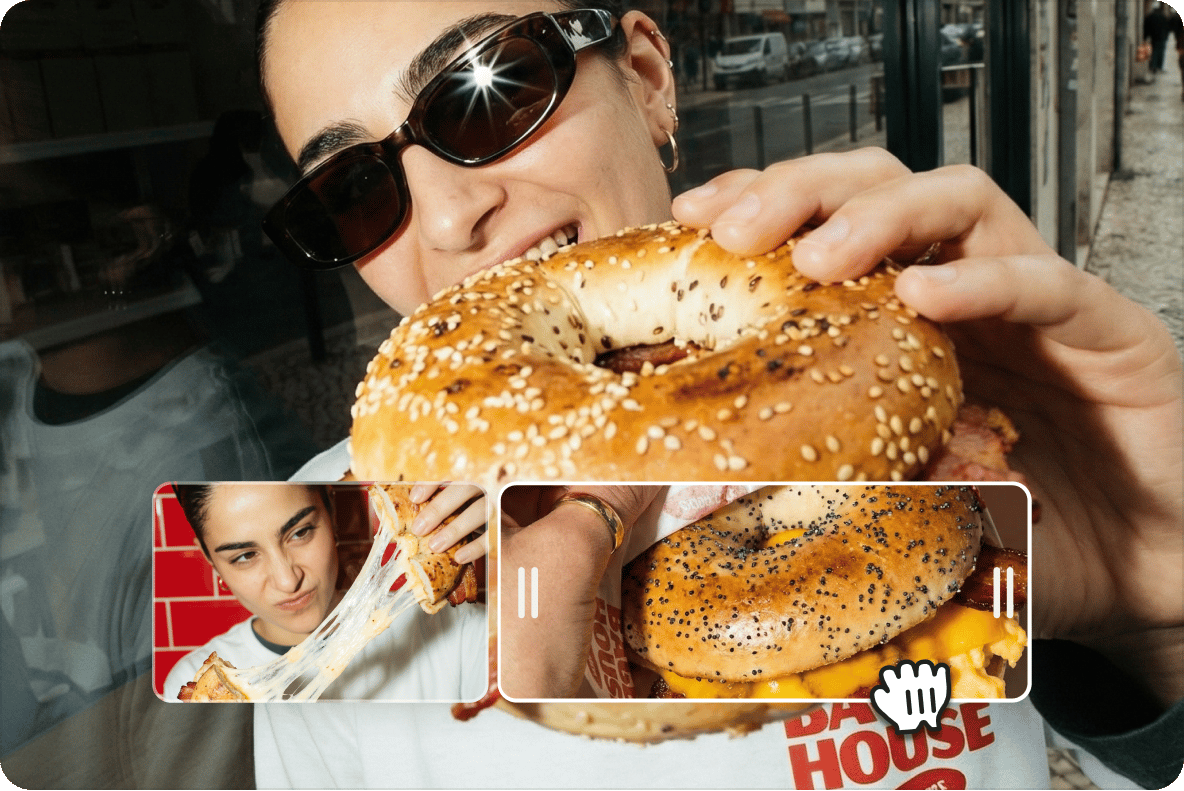
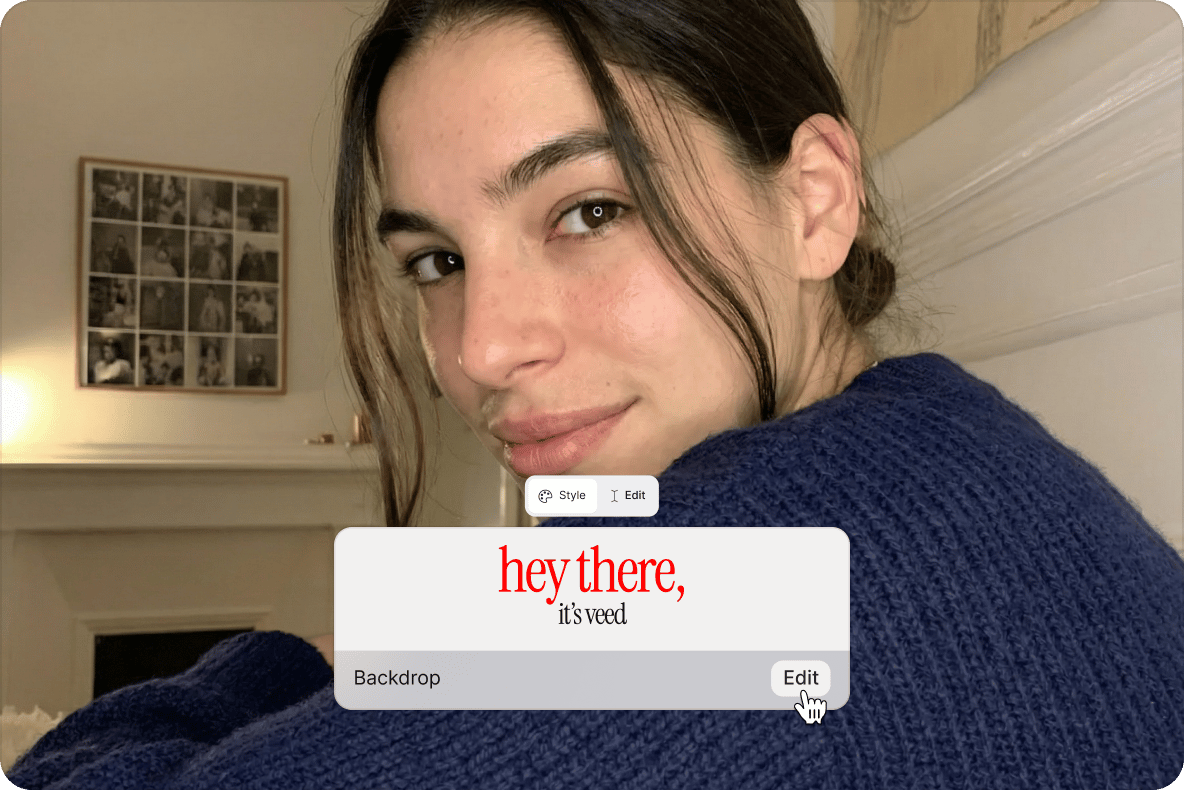
Create videos from images, add your branding, and more
If you don’t have your own footage, you can still create lyric videos using images. Create videos out of your photos and add your lyrics on screen. You don’t need a full production crew. Plus, you can add your logos, brand colors, and fonts using our Brand Kit. Save your videos as templates to streamline your content creation. Our brand kit and custom templates are available to premium subscribers. Check our pricing page for more info.
FAQ
Yes. Follow the same instructions as above, and use our Preset Canvas Size for YouTube to export your video in the right aspect ratio.
Upload your audio file or record your song using our audio recorder. Place the audio track above the video track in the editor. Adjust, cut, merge and split as needed. You can also remove audio with our movie maker and replace it with music or a voiceover over some B-roll clips.
Yes. VEED's subtitle tool can automatically translate your lyrics into multiple languages. You can review and fine-tune the subtitles before you export.
VEED’s video editor is free to use. Some features are only available to premium subscribers, but our wide range of tools are enough to help you create stunning-looking lyric videos.
Yes. You can upgrade to a paid plan to make a lyric video without the VEED watermark.
Several ways exist, but the most important tips include not compromising on quality, providing value to your audience, and building a connection with them. Fortunately, VEED’s online video editor can help you achieve all the above-mentioned goals.
Loved by creators.
Loved by the Fortune 500
“
With VEED I didn't need 15 tutorials - I jumped straight in and started editing.

Gwenne Wilcox
Founder,
Brand Brainery
“
You can go beyond choppping things. VEED actually makes my videos look great.

Michael Glover
Demand Gen Manager,
ConvertFlow
“
The first four videos i created with VEED got over 40,000 impressions on LinkedIn.

Travis Tyler
Senior Content Producer,
PandaDoc
“
I found VEED at the right time: if you're making UGC ads and not using Eye Contact Correction and Noise Reduction on VEED you're missing out on ROI.

Sebastian Schurgers
Head of Growth Marketing,
Gronda
“
With VEED I didn't need 15 tutorials - I jumped straight in and started editing.
Gwenne Wilcox
Founder,
Brand Brainery
“
You can go beyond choppping things. VEED actually makes my videos look great.
Michael Glover
Demand Gen Manager,
ConvertFlow
“
The first four videos i created with VEED got over 40,000 impressions on LinkedIn.
Travis Tyler
Senior Content Producer,
PandaDoc
“
I found VEED at the right time: if you're making UGC ads and not using Eye Contact Correction and Noise Reduction on VEED you're missing out on ROI.
Sebastian Schurgers
Head of Growth Marketing,
Gronda
“
The first four videos i created with VEED got over 40,000 impressions on LinkedIn.
Travis Tyler
Senior Content Producer,
PandaDoc
“
I found VEED at the right time: if you're making UGC ads and not using Eye Contact Correction and Noise Reduction on VEED you're missing out on ROI.
Sebastian Schurgers
Head of Growth Marketing,
Gronda
“
With VEED I didn't need 15 tutorials - I jumped straight in and started editing.
Gwenne Wilcox
Founder,
Brand Brainery
“
You can go beyond choppping things. VEED actually makes my videos look great.
Michael Glover
Demand Gen Manager,
ConvertFlow
Explore related tools
More from VEED

11 Easy Ways to Add Music to Video [Step-By-Step Guide] in 2026
Not sure where to find music for video whether free or paid? Want to learn how to find it, pick the right song, and then add it to your video content? Then dig in!

Subtitling 101: How to Automatically Add and Customize Subtitles with VEED
Everything you need to automatically add, customize, translate, and download subtitles like a pro using VEED.
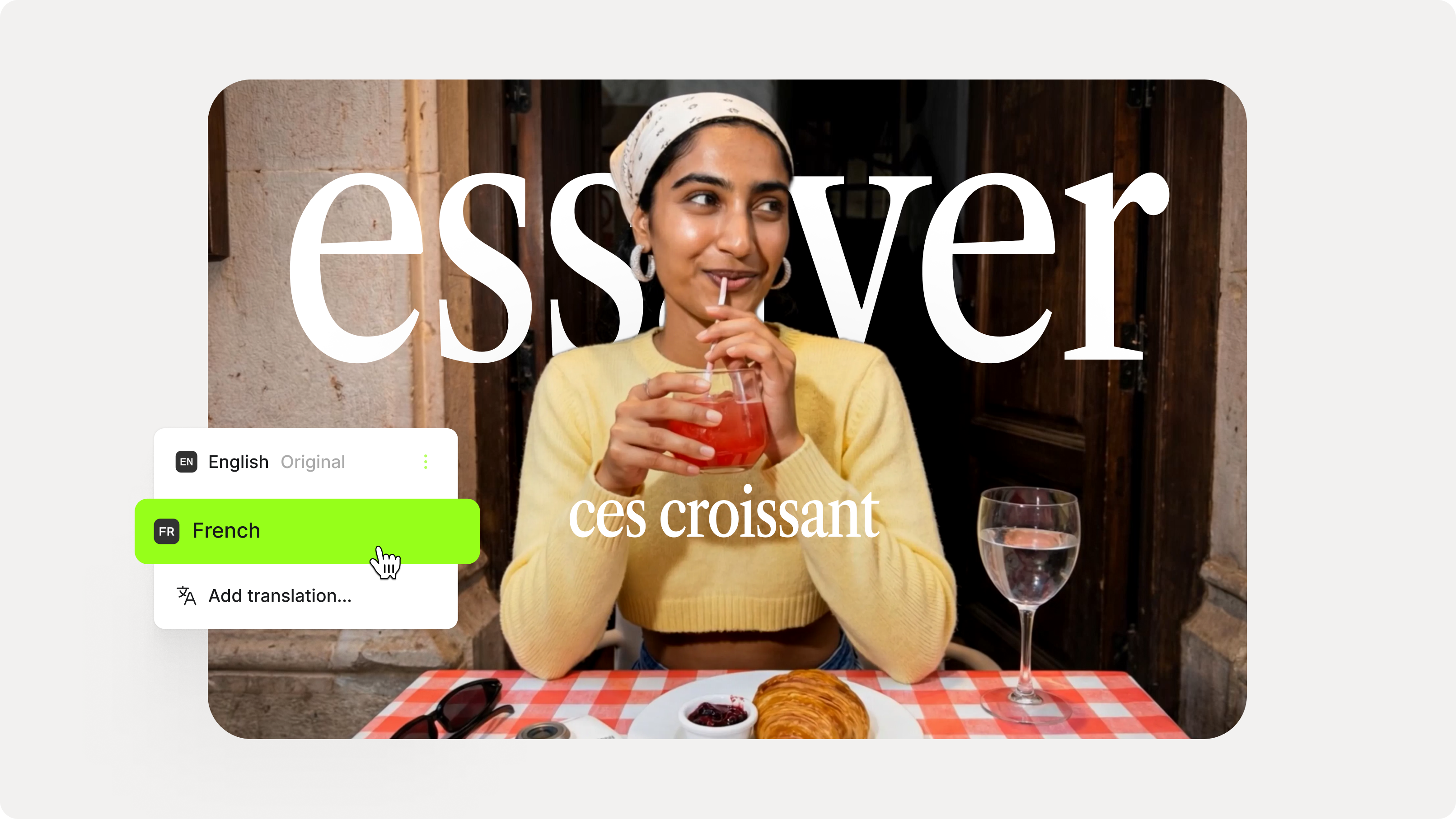
How to Add Translation Subtitles to a Video (Step-by-Step Guide)
A step-by-step guide to adding translation subtitles to any video using VEED. Covers auto-subtitle generation, AI translation into 125+ languages, customization, and export.
Trusted by 1M+ creators
When it comes to amazing videos, all you need is VEED
No credit card required
More than a lyric video maker
Lyric videos are just one way to share your music. VEED is an AI video creation platform that turns your ideas into post-ready videos in minutes. Start from a topic idea, script, or existing footage. Build social videos with VEED AI, and add your audio, footage, and branding. Everything you need to grow your audience is in one place. Sign up now to start creating.