


Trusted by 1M+ creators
YouTube Video Combiner
Online YouTube video merger to help you combine, merge and trim videos effortlessly. No software download needed.
No credit card required

4.6
2,100+ reviews















Merge YouTube Videos Online for Slideshows and More!
YouTube had 2.29 billion users in 2022. Yet, not every YouTube video can be all we need. Sometimes, we need to merge two or more Youtube videos to create slideshows or montages for websites and personal needs. When merging YouTube videos, there’s a need to maintain the frame to ensure consistency and add effects between the videos to make them flow seamlessly. While everyone cannot be a professional video editor, VEED offers an easy-to-use solution. Are there two or more YouTube videos that you would like to combine and download as one video file? You can use VEED’s simple online YouTube video combiner. Combine videos seamlessly by uploading them. Download the merged YouTube videos as one MP4 file that you can easily post on social media as well as on YouTube. You can also crop and resize them to make them ideal for Facebook, Twitter, Instagram, and more. Add more effects to your merged YouTube videos like text, animated stickers, subtitles, emojis and much more. Such edits are known to increase video engagement by as high as 79%!
How to Put YouTube Videos Together With Video Combiner:
Step 01
Upload Two or More YouTube Videos
Simply upload two or more YouTube videos on the editor. They will be combined on the timeline. You can edit the length, crop them and add transitions if needed.
Step 02
Rearrange Videos
You can rearrange the clips on the timeline with a simple drag and drop. If the video clips were not uploaded in the order you want, you need not delete and reupload.
Step 03
Add Subtitles, Animation and More, then ‘Export’
You can even auto-generate subtitles with the help of VEED’s AI generator. Subtitles increase the accessibility of videos and even help improve search engine rankings. Click on ‘Export’ and the merged YouTube videos will be exported as one MP4 file.
Learn More
YouTube Video Combiner
Free Online YouTube Video Merger with Transitions
VEED has made it really simple for you to combine multiple YouTube videos and download them as one video file! All you need to do is upload the videos, and VEED will have them ready for you to combine. You can add transitions to make sure that the video flow is smooth and natural. VEED supports multiple file formats and you need not worry about converting the videos.
Share on social media
Embedded videos prevent the audience from going to another page or website (like YouTube), and decrease bounce rate by 11%. Because you are downloading your merged videos as one MP4 file, you can post the video directly from your personal social media profile or page. It is a lot better than sharing a YouTube link! Social media users tend to avoid external links because they want to stay in the app.
Edit your YouTube video clips
Our video editing app lets you edit each YouTube video clip before combining them. You can rotate, trim, split, and rearrange the clips however you want. You can also crop your videos to make them fit different social media platforms. VEED offers a one-stop shop to make your videos more engaging and easily searchable with the help of elements and subtitles. Though most features on VEED are free, you may check out the pricing plan for premium features.
FAQ
- Upload the YouTube videos to VEED
- Choose the order of the clips on the timeline
- Export and share
YouTube used to have its own video editor where you can merge videos together, but it has been discontinued since 2017. The best thing to do is to upload the YouTube videos on VEED and download them as one MP4 file.
Our video editor lets you edit two or more videos together - do it all in one place. Edit each video clip before combining it with the rest of your videos.
VEED works on Android, iPhone, and all mobile devices. You can access our online video joiner from any mobile browser.
Loved by creators.
Loved by the Fortune 500
“
With VEED I didn't need 15 tutorials - I jumped straight in and started editing.

Gwenne Wilcox
Founder,
Brand Brainery
“
You can go beyond choppping things. VEED actually makes my videos look great.

Michael Glover
Demand Gen Manager,
ConvertFlow
“
The first four videos i created with VEED got over 40,000 impressions on LinkedIn.

Travis Tyler
Senior Content Producer,
PandaDoc
“
I found VEED at the right time: if you're making UGC ads and not using Eye Contact Correction and Noise Reduction on VEED you're missing out on ROI.

Sebastian Schurgers
Head of Growth Marketing,
Gronda
“
With VEED I didn't need 15 tutorials - I jumped straight in and started editing.
Gwenne Wilcox
Founder,
Brand Brainery
“
You can go beyond choppping things. VEED actually makes my videos look great.
Michael Glover
Demand Gen Manager,
ConvertFlow
“
The first four videos i created with VEED got over 40,000 impressions on LinkedIn.
Travis Tyler
Senior Content Producer,
PandaDoc
“
I found VEED at the right time: if you're making UGC ads and not using Eye Contact Correction and Noise Reduction on VEED you're missing out on ROI.
Sebastian Schurgers
Head of Growth Marketing,
Gronda
“
The first four videos i created with VEED got over 40,000 impressions on LinkedIn.
Travis Tyler
Senior Content Producer,
PandaDoc
“
I found VEED at the right time: if you're making UGC ads and not using Eye Contact Correction and Noise Reduction on VEED you're missing out on ROI.
Sebastian Schurgers
Head of Growth Marketing,
Gronda
“
With VEED I didn't need 15 tutorials - I jumped straight in and started editing.
Gwenne Wilcox
Founder,
Brand Brainery
“
You can go beyond choppping things. VEED actually makes my videos look great.
Michael Glover
Demand Gen Manager,
ConvertFlow
Discover more
More from VEED

9 Easy Ways to Combine Multiple Videos into One
Today, we’ll be going over 9 easy web, mobile, and desktop ways to combine multiple videos into one. Android, iOS, Windows, Mac, and Linux—we’ll cover everything. These programs are easy to use and powerful. Get your video clips ready and let’s start combining videos together!

This is the Best YouTube Banner Size (and Examples of Great Channel Art)
Here's the best size for your YouTube banner and everything you need to know to make eye-catching channel art.
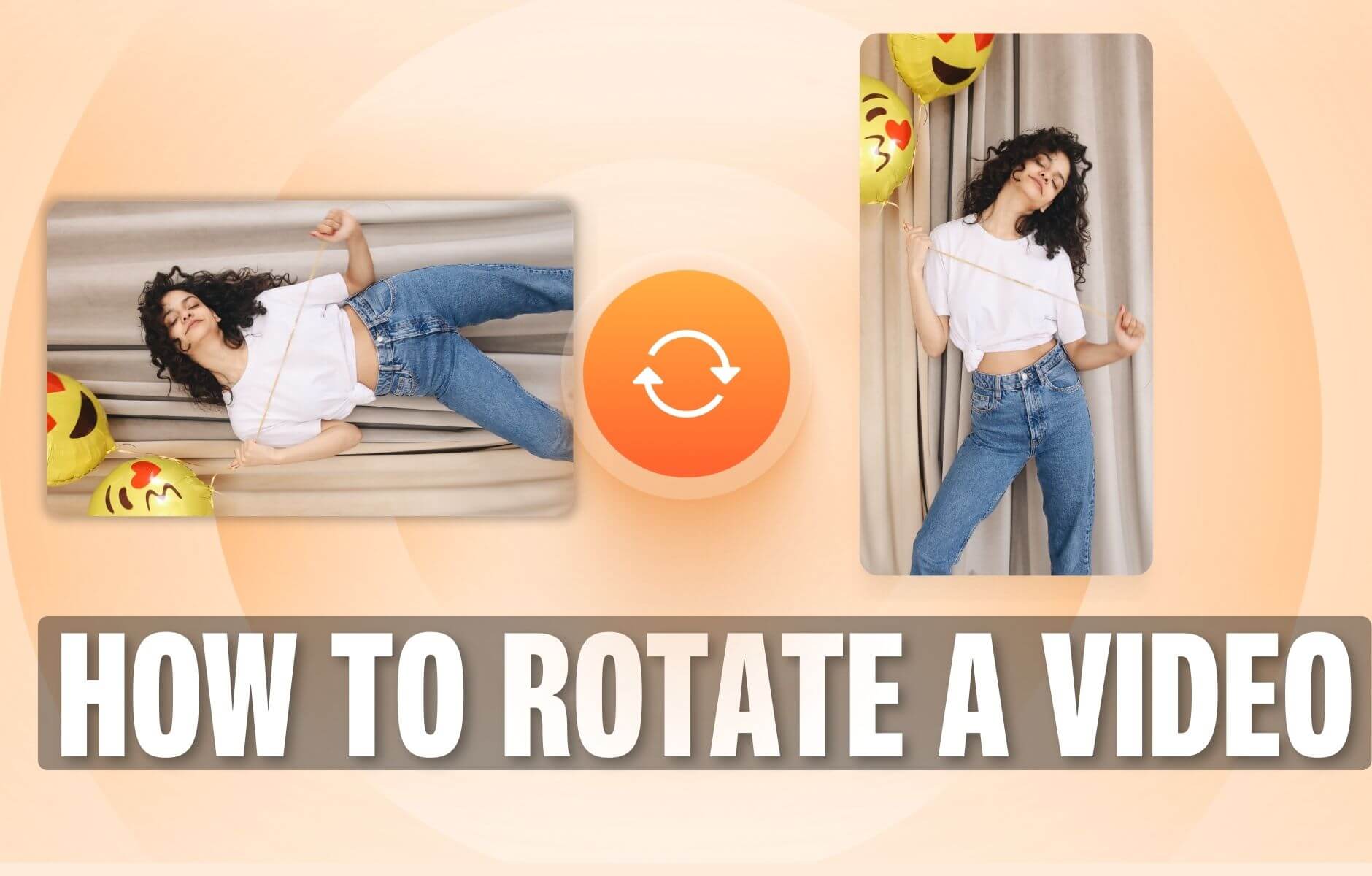
How to Rotate a Video (6 Quick & Easy Ways)
How to easily rotate a video whether you're on your desktop, mobile, or on your web browser.
Trusted by 1M+ creators
When it comes to amazing videos, all you need is VEED
No credit card required
More than a YouTube video combiner
VEED offers so much more than just video joiner tools. Our online video editing app has a wide range of features that you can use to create awesome HD videos to share on social media. It is all online, no app to install, and works on all desktop and mobile browsers. It’s compatible with Windows, Linux, and Mac, as well as with iPhone and Android devices.