


Trusted by 1M+ creators
Audio to Text
Free online audio to text converter. Transcribe audio to text in 125+ languages with up to 99.9% accuracy
No credit card required
4.6
2,100+ reviews















AI audio to text: convert any audio file to text instantly with AI transcription
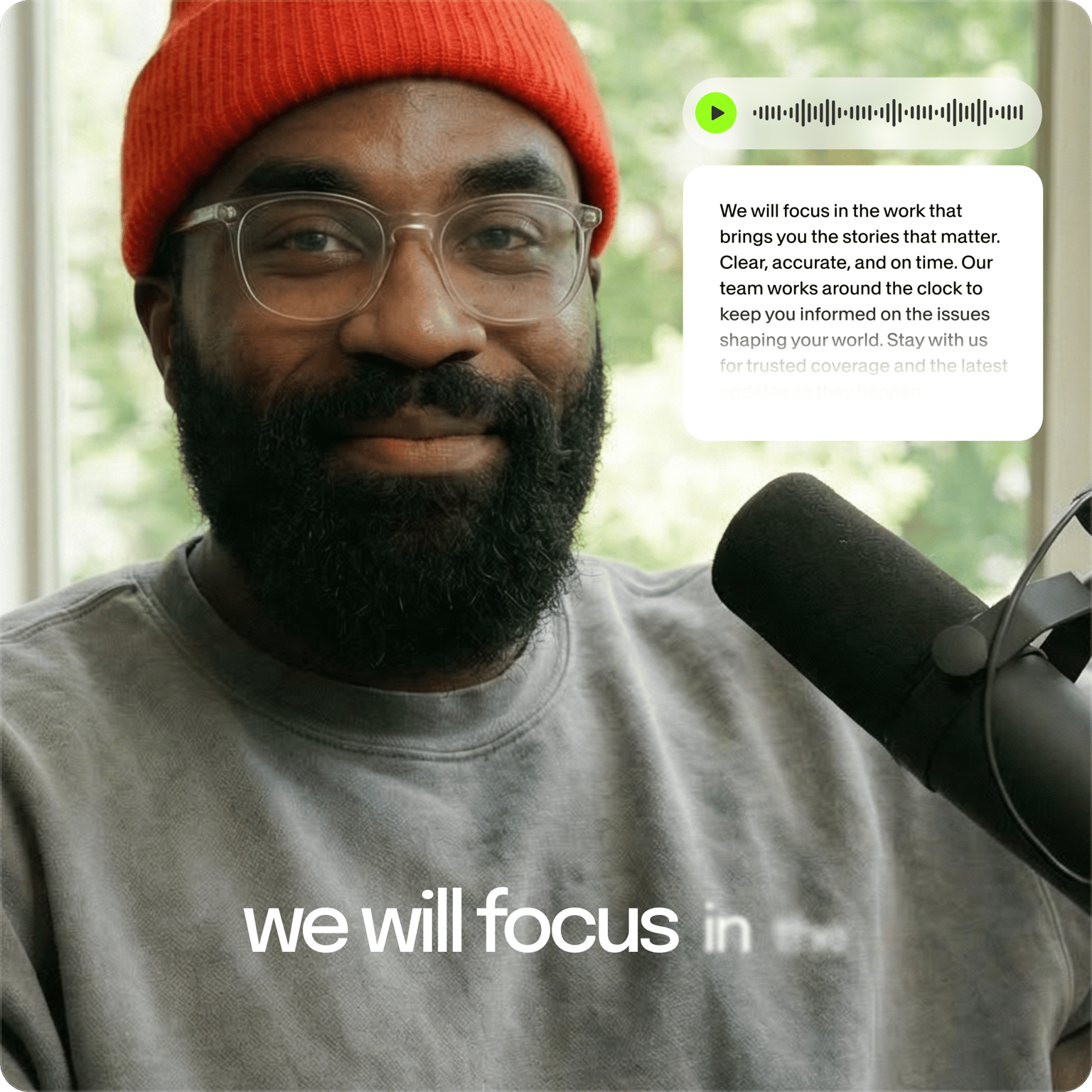
AI audio transcriber for social video, podcasts, interviews, and meeting recordings. Transcribe audio files in MP3, WAV, M4A, AAC, or any other format. Turn audio into text and add subtitles in minutes. Our online transcriber works for marketers repurposing audio for social media content, podcasters creating episode transcripts, and professionals documenting meetings.
Upload a short clip and try our AI audio transcriber for free. Convert any audio recording to text, then use our built-in audio editing tools for studio-quality sound. Need to transcribe a video? Our AI transcriber handles video files too; see our video-to-text converter for MP4 to transcript conversion.
How to transcribe audio to text:
Step 01
Upload or record
Upload your audio or video to VEED, or record directly using our online audio recorder.
Step 02
Auto-transcribe and translate
Auto-transcribe your file from the Subtitles menu. You can also translate your transcript into over 125 languages. Select a language and translate the transcript instantly.
Step 03
Review and export
Review your transcription results. Our AI highlights any uncertain words for quick verification. Just click to edit if needed. Export your results when ready.
Learn More
Learn more about our audio-to-text tool in this video:
Audio transcriber for MP3, WAV, M4A, and every other format
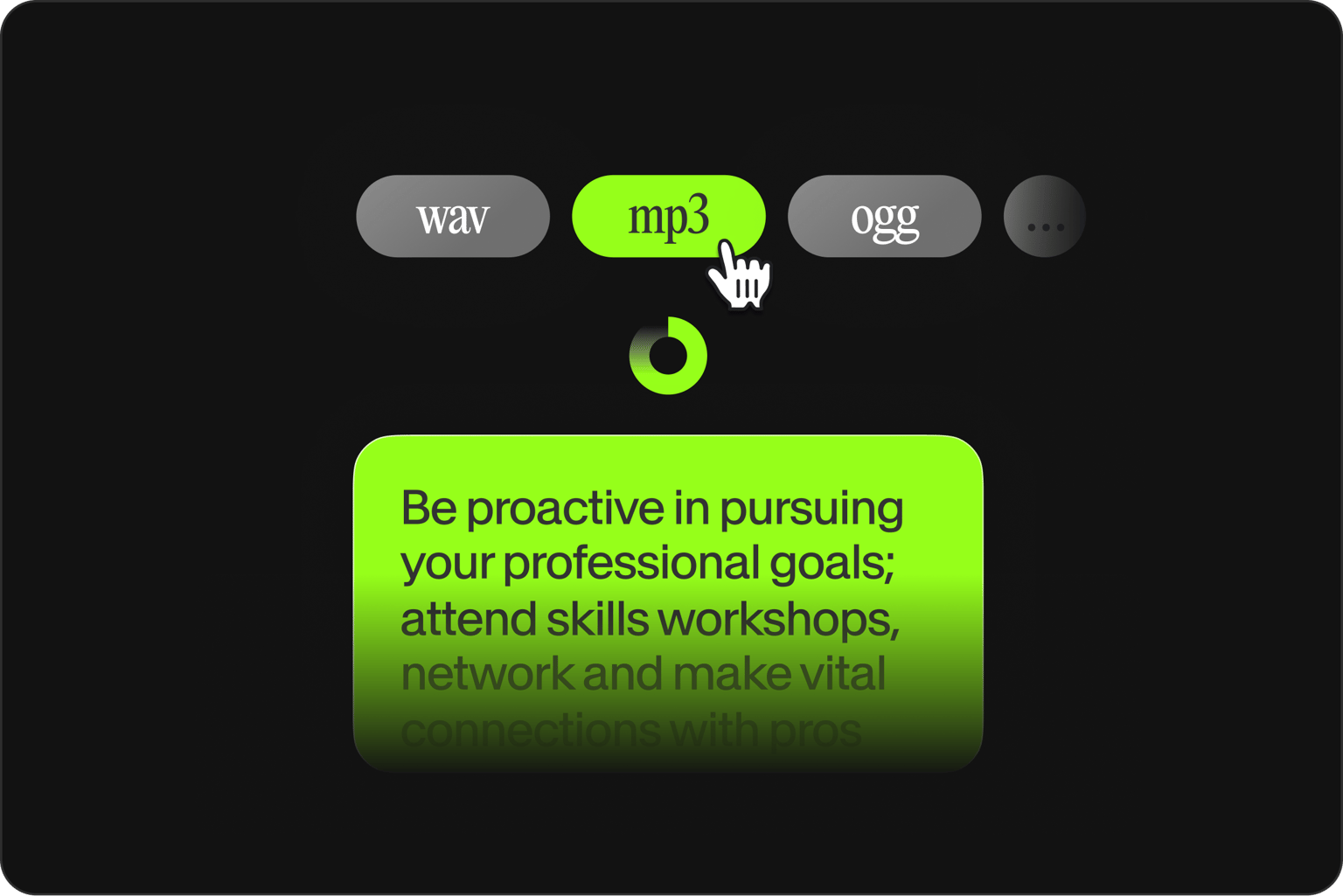
Extract text from any audio format online: MP3, WAV, M4A, AAC, and more. Whether you need MP3 transcription or a transcript from a WAV recording, you go from audio to transcript in minutes. View your transcription results immediately on screen for free. To download transcript files, upgrade to a paid plan, and export as TXT files for blog posts, SRT files for YouTube subtitles, or VTT files for web video captions. Premium plans offer more transcription allowances to meet various transcription needs.

Audio file to text converter: Turn audio into valuable written content
Turn audio into text or a ready-to-use script for content creation, accessibility, and documentation. Use AI transcriptions for social video captions, podcast episodes, meeting notes, and SEO-friendly blog posts. Our AI transcript generator converts recordings to text in seconds. Organize information, engage audiences, and make your content more discoverable.
Voice to text transcription and translation in 125+ languages
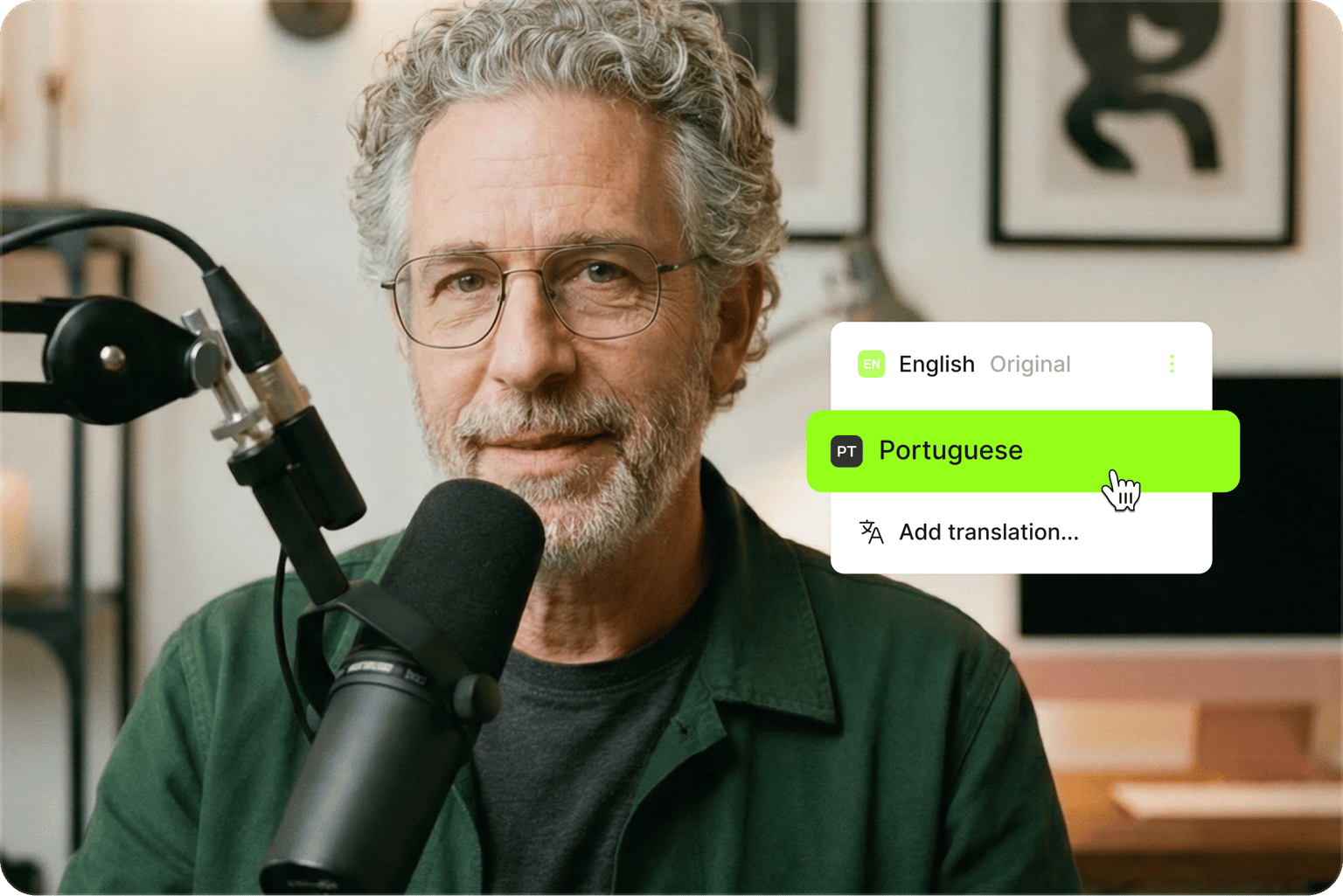
AI transcriber for social video, podcasts, meetings, and voice memos. Marketers can turn webinar recordings into captions and social post copy. Podcasters can create episode transcripts for SEO. Professionals can document meetings without manual note-taking. Our platform also handles video-to-text transcription. Upload MP4 or MOV files and get transcripts instantly. Translate subtitles to text in 125+ languages to reach untapped markets and help your business grow.
FAQ
Yes, free users can try the tool on short clips. Upgrade to a paid plan for longer transcriptions, higher monthly limits that you can allocate as needed, and premium features like custom subtitle styling and AI video editing tools. Both transcription and translation count toward your limit. Check our pricing page for detailed plan comparisons.
Audio transcription is the process of converting spoken words in a recording into written text. An audio to text converter does this automatically: AI listens to the file, recognizes the speech, and produces a timed transcript you can edit, download, or turn into captions. It replaces manual typing, so a one-hour interview becomes a searchable document in minutes rather than hours.
Upload your MP3, WAV, or M4A file to VEED's online transcriber and click 'Auto-subtitle' in the Subtitles menu. Our AI processes audio in minutes, so MP3 transcription and other formats work the same way. Turn audio to text and edit directly in the browser. Download transcripts as TXT, SRT, or VTT on paid plans.
VEED's AI transcript generator delivers up to 99.9% accuracy in automatic transcriptions and translations. Transcribe your audio to text and translate it to over 125 languages instantly.
Click any line in the transcript to edit it directly. VEED automatically splits the transcription into timed segments based on the speech in your recording. Use the Dictionary feature to add custom terms like brand names or industry jargon, so VEED recognizes them accurately in future transcriptions. Low-confidence words are flagged automatically, so you can scan and correct them before exporting.
Yes. Save the voice message as an audio file, then upload it to VEED's audio-to-text converter. The AI transcribes it automatically in minutes. Works with MP3, M4A, AAC, and other common audio formats. Useful when you'd rather read a voice message than play it back, or need a written record of a client note you can save and reference later.
Yes, you can also make a transcript from a video. Our video-to-text converter lets you transcribe MP4, MOV, WebM, and other formats. Upload your video and the AI extracts the audio track automatically.
Loved by creators.
Loved by the Fortune 500
“
With VEED I didn't need 15 tutorials - I jumped straight in and started editing.

Gwenne Wilcox
Founder,
Brand Brainery
“
You can go beyond choppping things. VEED actually makes my videos look great.

Michael Glover
Demand Gen Manager,
ConvertFlow
“
The first four videos i created with VEED got over 40,000 impressions on LinkedIn.

Travis Tyler
Senior Content Producer,
PandaDoc
“
I found VEED at the right time: if you're making UGC ads and not using Eye Contact Correction and Noise Reduction on VEED you're missing out on ROI.

Sebastian Schurgers
Head of Growth Marketing,
Gronda
“
With VEED I didn't need 15 tutorials - I jumped straight in and started editing.
Gwenne Wilcox
Founder,
Brand Brainery
“
You can go beyond choppping things. VEED actually makes my videos look great.
Michael Glover
Demand Gen Manager,
ConvertFlow
“
The first four videos i created with VEED got over 40,000 impressions on LinkedIn.
Travis Tyler
Senior Content Producer,
PandaDoc
“
I found VEED at the right time: if you're making UGC ads and not using Eye Contact Correction and Noise Reduction on VEED you're missing out on ROI.
Sebastian Schurgers
Head of Growth Marketing,
Gronda
“
The first four videos i created with VEED got over 40,000 impressions on LinkedIn.
Travis Tyler
Senior Content Producer,
PandaDoc
“
I found VEED at the right time: if you're making UGC ads and not using Eye Contact Correction and Noise Reduction on VEED you're missing out on ROI.
Sebastian Schurgers
Head of Growth Marketing,
Gronda
“
With VEED I didn't need 15 tutorials - I jumped straight in and started editing.
Gwenne Wilcox
Founder,
Brand Brainery
“
You can go beyond choppping things. VEED actually makes my videos look great.
Michael Glover
Demand Gen Manager,
ConvertFlow
Discover more
- Assamese Speech to Text
- Audio to Notes
- Audio Transcription
- Bengali Speech to Text
- Cantonese Speech to Text
- Chinese Speech to Text
- Dictation Transcription
- German Speech to Text
- Japanese Speech to Text
- Kannada Speech to Text
- Korean Speech to Text
- M4A to Text
- MP3 to Text
- Music Transcription
- Persian Speech to Text
- Sinhala Speech to Text
- Speech to Text Arabic
- Speech to Text Bulgarian
- Speech to Text Czech
- Speech to Text Danish
- Speech to Text Dutch
- Speech to Text Finnish
- Speech to Text Hungarian
- Speech to Text in Marathi
- Speech to Text Italian
- Speech to Text Portuguese
- Speech to Text Russian
- Speech to Text Serbian
- Speech to Text Slovak
- Speech to Text Spanish
- Speech to Text Swedish
- Speech to Text Thai
- Speech to Text Turkish
- Speech to Text Vietnamese
- Tamil Audio to Text
- Telugu Audio to Text Converter
- Transcribe Recordings to Text
- Verbatim Transcription
- Voice Memo Transcription
- Voice Message to Text
- WAV to Text
Explore related tools
- Add Subtitles to Video
- AI Caption Generator
- AI Captioning
- Audio & Video Transcription
- Audio to Text
- Audio Translator
- Auto Subtitle Generator Online
- Dictation Transcription
- Fast Transcription
- Legal Transcription
- Listen and Translate
- Media Transcription
- Subtitle Converter
- Subtitle Editor
- Subtitle Translator
- Subtitles API
- Video to Text
- Video Translator
More from VEED
Best Transcription Software for Content Creators: Complete Workflow Guide
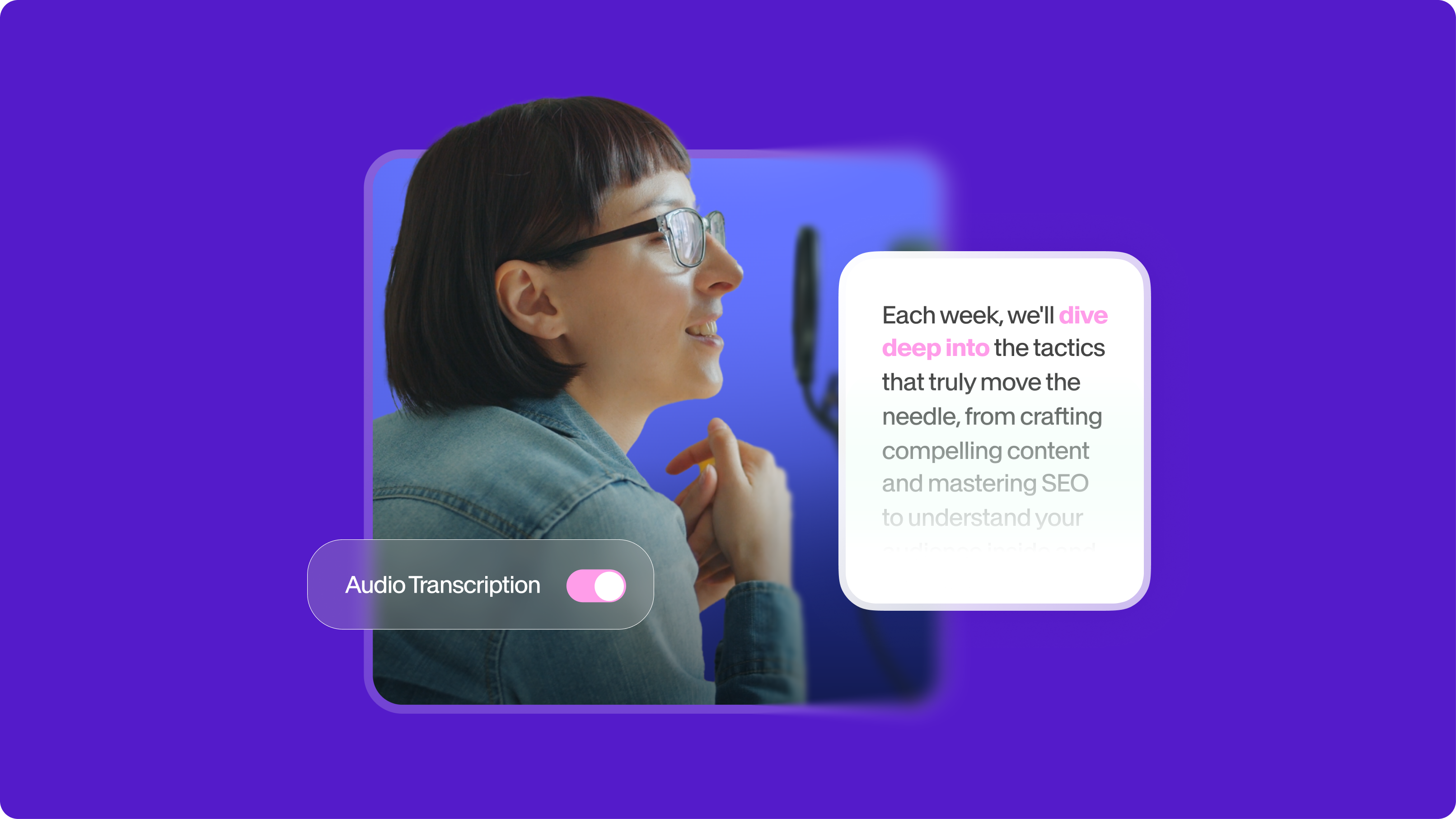
The best transcription software saves you significant time and helps you turn one piece of content into multiple reels, podcasts, and more. After recording, transcription streamlines content creation—show notes, blogs, captions, reels, newsletters—saving hours of typing.

How to Get the Transcript of a YouTube Video [Fast & Easy]
The easiest way to get the transcript of a YouTube video without jumping through a million hoops. Here's how.

How to Download SRT Subtitle Files Online (Quick and Easy)
Want to bump up your engagement, improve video SEO, and make your content more inclusive? Here's how to download and upload SRT files for your next video!
Trusted by 1M+ creators
When it comes to amazing videos, all you need is VEED
No credit card required
More than an audio to text converter
Audio transcription is just the start. VEED is an AI video creation platform that turns your ideas into publish-ready videos in minutes. Turn your audio into video using our stock library and AI video generator. Customize your video with your logo, brand colors, and fonts. Add captions in any language, clean your audio, and repurpose content for any platform. Start creating with VEED. Start creating with VEED today.