


Trusted by 1M+ creators
Dictation Transcription
Transcribe your dictation recordings online
No credit card required
4.6
2,100+ reviews















Online dictation tool - transcribe your audio recordings
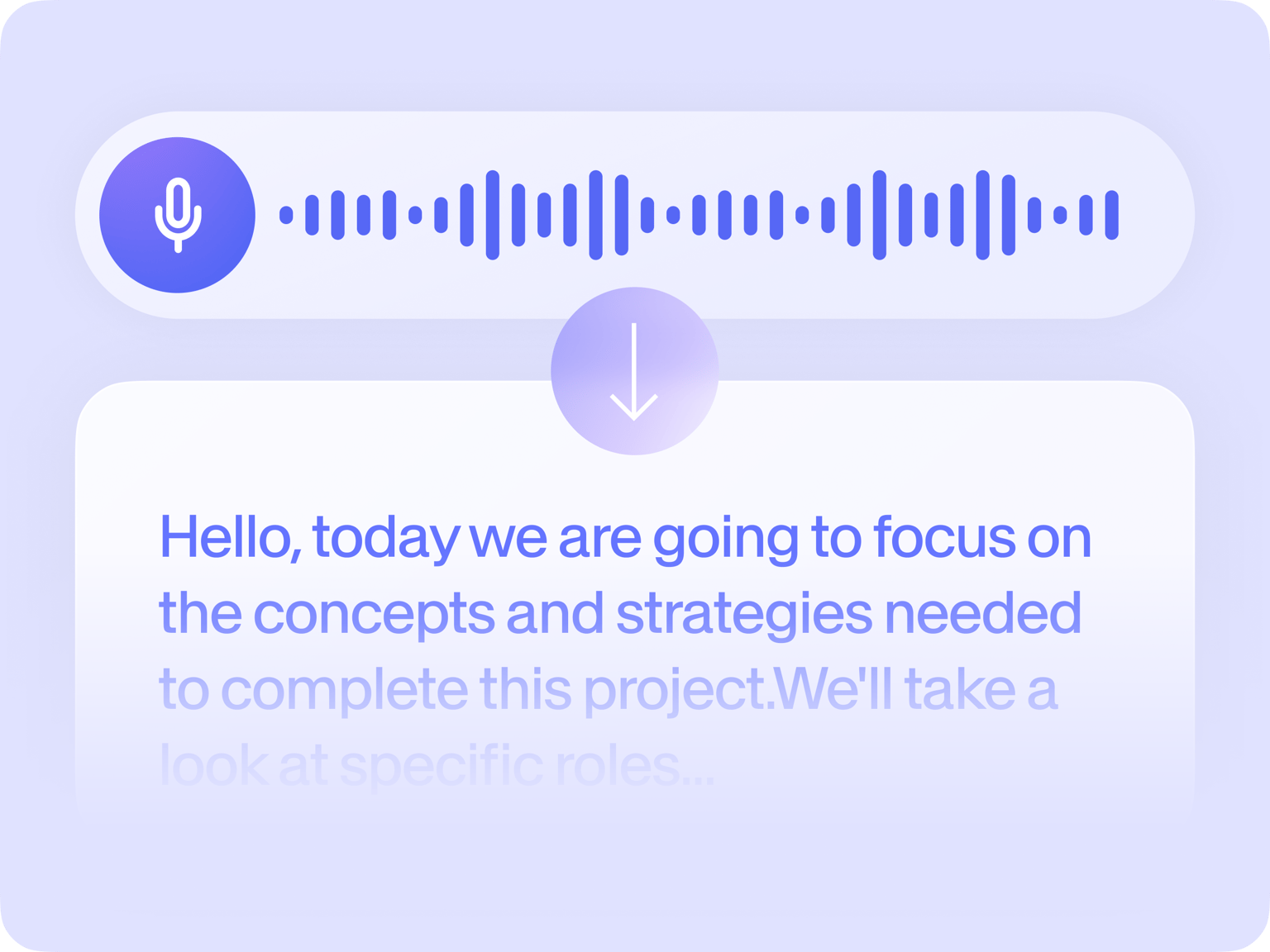
VEED lets you automatically transcribe your voice recordings or dictation recordings to text. You can transcribe dictations for lectures, important interviews, and get accurate transcriptions in one click. You can even translate your transcript to multiple languages with the help of our artificial intelligence software.
Download a copy of your transcription in TXT format. Get unlimited transcription downloads with a premium account; you can visit our pricing page for more info. It works straight from your browser!
How to generate dictation transcriptions:
Step 01
Record or upload
Record or upload your audio or video on VEED. You can also drag and drop it into the editor.
Step 02
Generate transcription
Click ‘Subtitles’ > ‘Auto Subtitles’. Then press ‘START’. Your transcript will be generated automatically as the video plays out.
Step 03
Edit & Save
To edit, click on the subtitles and start typing. You can also edit the design of the subtitles, click on ‘styles’ and pick from the VEED design options. When finished, click ‘Options’, then ‘Download Subtitles’ in ‘.TXT format’ to download your text transcript
Learn More
‘Dictation Transcription’ tutorial
Your AI auto-transcription tool
No need to hire professional transcribers! Use VEED as an alternative solution to get a transcript for your dictation recordings. Our dictation transcription software uses machine learning and powerful AI for speech recognition to transcribe your audio and video files. You may need to edit a few lines but it’s still faster than having to transcribe your audio manually!
Online, fast, and accurate
VEED’s dictation transcription tool is browser-based; you don’t need to install software. It’s designed for accuracy and ease of use. Record or upload your audio or video and use our automated transcription software to generate a transcript. You can download a copy of your transcription in minutes! Why take notes manually? Skip the lengthy transcription process using Google Docs, and use VEED! Do it all online.
Get dictation transcripts in one click
You may need to get your dictation transcripts verbatim in some cases. You can use VEED to get accurate verbatim transcriptions. Use it for any type of media or recordings. Record, upload, and transcribe your content online all in one place. No need to use third-party apps that will require more money and time. You can even translate your TXT file to different languages.
FAQ
VEED is the best dictation transcription tool if you don’t want to hire professional transcribers. We have automated transcription software that will let you accurately and quickly transcribe your recordings.
A transcription of a dictation is the process of recording any spoken information in typewritten format. It can be done manually—or you can automatically transcribe voice recordings using VEED! Then, you can turn your transcriptions into subtitles with our subtitle generator.
VEED is designed for speed and accuracy, but the automatic generation of transcripts will depend on the length of your video or audio recording. It usually takes half the length of your recording - a ten-minute video will take less than five minutes to transcribe.
A premium subscription will give you unlimited downloads for your transcripts. You can visit our pricing page for more info.
Loved by creators.
Loved by the Fortune 500
“
With VEED I didn't need 15 tutorials - I jumped straight in and started editing.

Gwenne Wilcox
Founder,
Brand Brainery
“
You can go beyond choppping things. VEED actually makes my videos look great.

Michael Glover
Demand Gen Manager,
ConvertFlow
“
The first four videos i created with VEED got over 40,000 impressions on LinkedIn.

Travis Tyler
Senior Content Producer,
PandaDoc
“
I found VEED at the right time: if you're making UGC ads and not using Eye Contact Correction and Noise Reduction on VEED you're missing out on ROI.

Sebastian Schurgers
Head of Growth Marketing,
Gronda
“
With VEED I didn't need 15 tutorials - I jumped straight in and started editing.
Gwenne Wilcox
Founder,
Brand Brainery
“
You can go beyond choppping things. VEED actually makes my videos look great.
Michael Glover
Demand Gen Manager,
ConvertFlow
“
The first four videos i created with VEED got over 40,000 impressions on LinkedIn.
Travis Tyler
Senior Content Producer,
PandaDoc
“
I found VEED at the right time: if you're making UGC ads and not using Eye Contact Correction and Noise Reduction on VEED you're missing out on ROI.
Sebastian Schurgers
Head of Growth Marketing,
Gronda
“
The first four videos i created with VEED got over 40,000 impressions on LinkedIn.
Travis Tyler
Senior Content Producer,
PandaDoc
“
I found VEED at the right time: if you're making UGC ads and not using Eye Contact Correction and Noise Reduction on VEED you're missing out on ROI.
Sebastian Schurgers
Head of Growth Marketing,
Gronda
“
With VEED I didn't need 15 tutorials - I jumped straight in and started editing.
Gwenne Wilcox
Founder,
Brand Brainery
“
You can go beyond choppping things. VEED actually makes my videos look great.
Michael Glover
Demand Gen Manager,
ConvertFlow
Discover more
- Assamese Speech to Text
- Audio to Notes
- Audio Transcription
- Bengali Speech to Text
- Cantonese Speech to Text
- Chinese Speech to Text
- German Speech to Text
- Japanese Speech to Text
- Kannada Speech to Text
- Korean Speech to Text
- M4A to Text
- MP3 to Text
- Music Transcription
- Persian Speech to Text
- Sinhala Speech to Text
- Speech to Text Arabic
- Speech to Text Bulgarian
- Speech to Text Czech
- Speech to Text Danish
- Speech to Text Dutch
- Speech to Text Finnish
- Speech to Text Hungarian
- Speech to Text in Marathi
- Speech to Text Italian
- Speech to Text Portuguese
- Speech to Text Russian
- Speech to Text Serbian
- Speech to Text Slovak
- Speech to Text Spanish
- Speech to Text Swedish
- Speech to Text Thai
- Speech to Text Turkish
- Speech to Text Vietnamese
- Tamil Audio to Text
- Telugu Audio to Text Converter
- Transcribe Recordings to Text
- Verbatim Transcription
- Voice Memo Transcription
- Voice Message to Text
- WAV to Text
More from VEED

How to Download SRT Subtitle Files Online (Quick and Easy)
Want to bump up your engagement, improve video SEO, and make your content more inclusive? Here's how to download and upload SRT files for your next video!
12 Best Subtitle Fonts for Video Editing (Free and Paid Options)
Want videos that are more engaging because they're easier to follow along? Here's 12 of the best free and paid subtitle fonts for better video content.
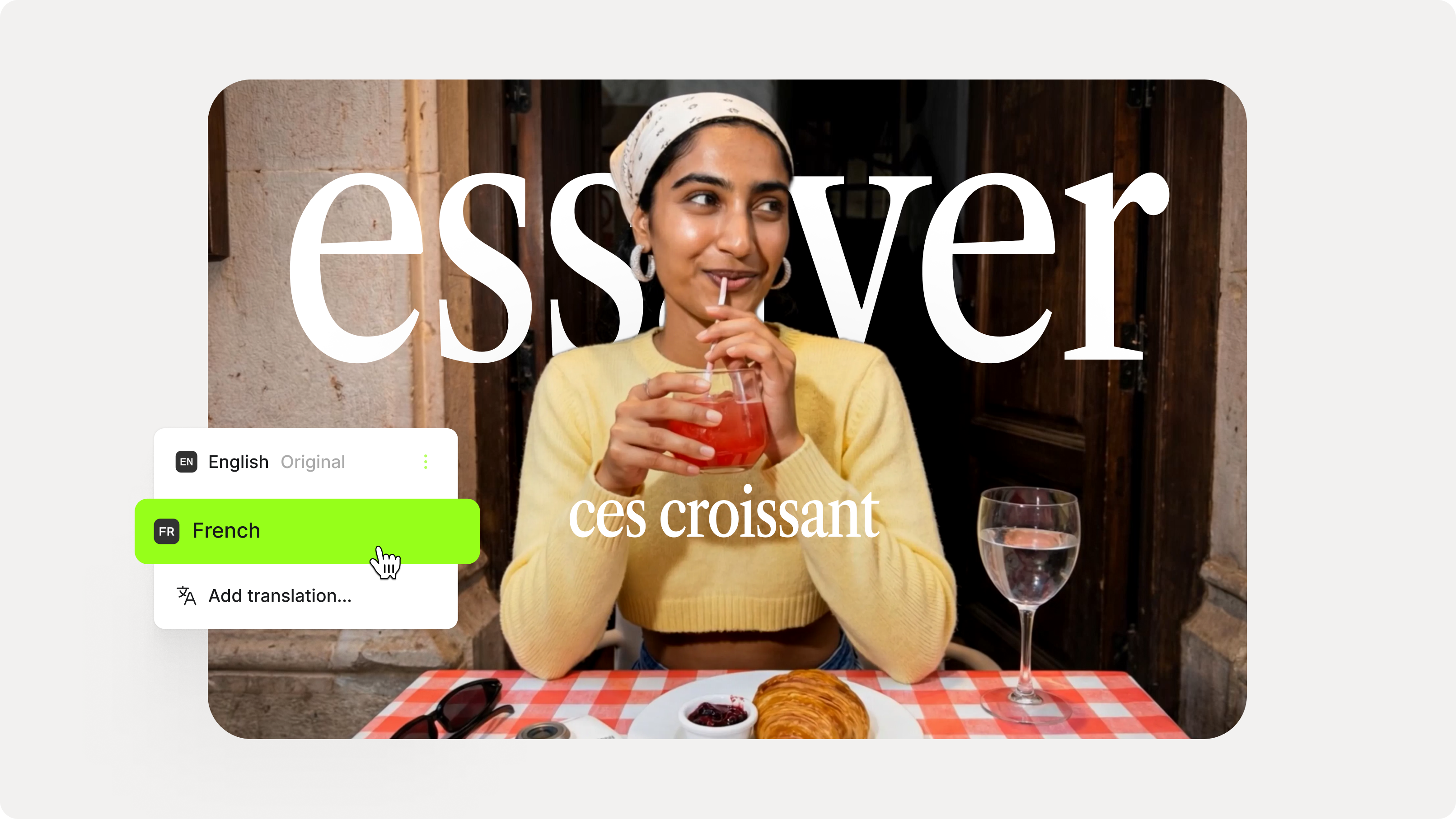
How to Add Translation Subtitles to a Video (Step-by-Step Guide)
A step-by-step guide to adding translation subtitles to any video using VEED. Covers auto-subtitle generation, AI translation into 125+ languages, customization, and export.
Trusted by 1M+ creators
When it comes to amazing videos, all you need is VEED
No credit card required
More than a dictation transcription software
You can do so much more on VEED than just transcribe and translate your dictations. It also lets you clean your audio to remove background noise. You can also add subtitles and video captions in a matter of minutes. VEED is first and foremost, a complete professional video-editing software that lets you create stunning, high-quality videos in just a few clicks. Use VEED today and create amazing videos online in minutes!