


Trusted by 1M+ creators
Speech to Text Thai
Accurately transcribe your Thai audio recordings to text with AI. Save time and money from transcription services
No credit card required
4.6
2,100+ reviews















Convert speech to text in Thai accurately
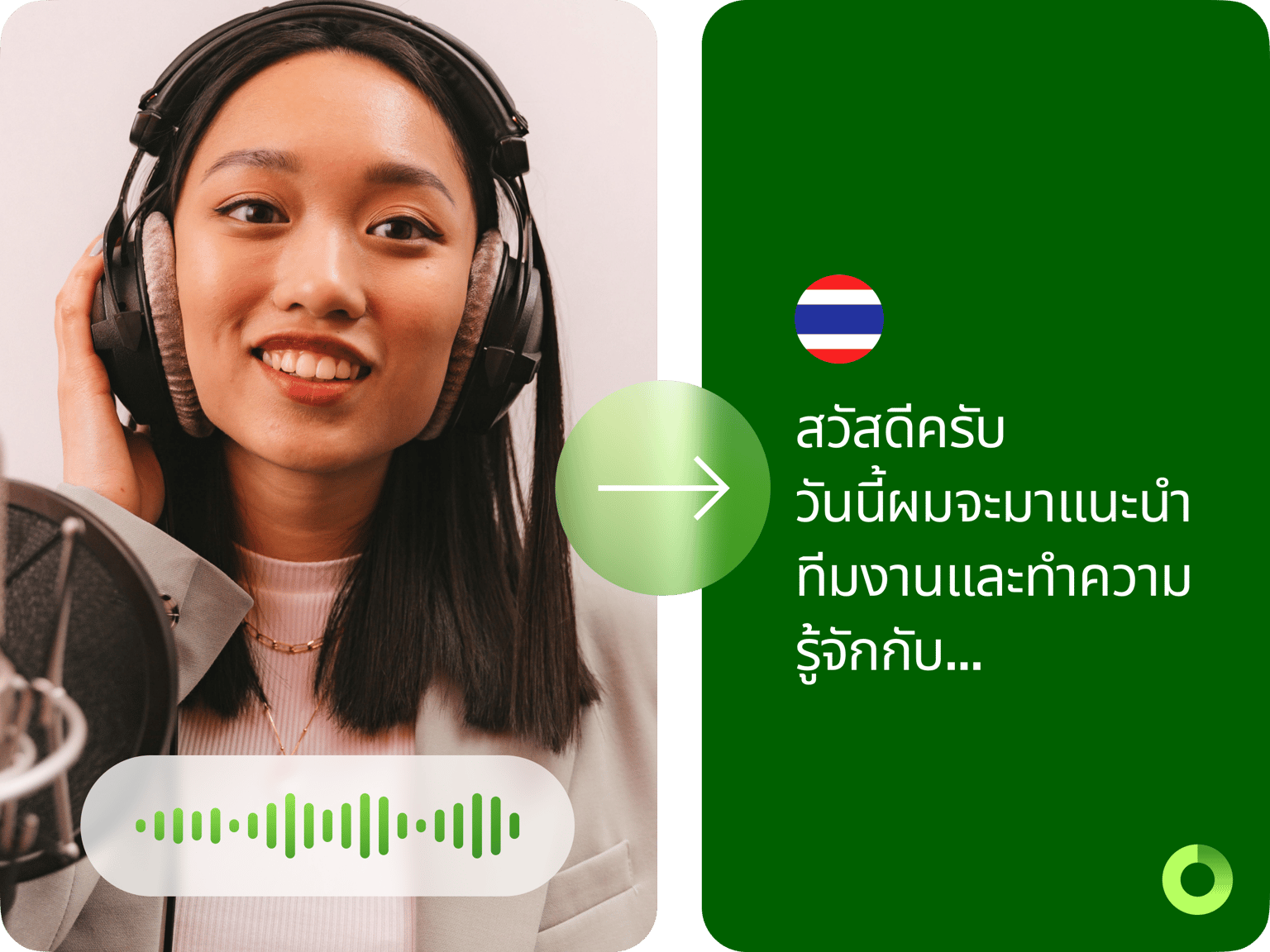
Convert voice recordings to text in Thai and 100 other languages online using VEED’s automatic speech recognition software. Transcribe audio and video accurately in one click. Transform your recordings into editable text, streamlining communication and saving you valuable time. You can also auto-generate subtitles!
How to convert speech to text in Thai with AI:
Step 01
Upload or record
Upload your audio or video to VEED or record one using our online audio recorder.
Step 02
Auto-transcribe and translate
Auto-transcribe your video from the Subtitles menu. You can also translate your transcript to over 120 languages. Select a language and translate the transcript instantly.
Step 03
Review and export
Review and edit the transcription if necessary. Just click on a line of text and start typing. Download your transcript in VTT, SRT, or TXT format.
Learn More
Learn more about our Thai speech-to-text tool:
One-click voice-to-text conversion in Thai with AI
Embrace the ease of effortless speech-to-text conversion with VEED’s automatic speech recognition technology. Our cutting-edge voice typing app lets you upload or record audio and watch your words magically transform into text in real-time. Our premium subscribers get unlimited transcription downloads. Check our pricing page for more info.
Recording, transcribing, and AI-powered translations
VEED lets you record and transcribe recordings in Thai or any spoken audio with a Thai accent—and translate your content to 100 languages. You can even directly translate your spoken audio to any language and replace the original audio with a translated voiceover using our voice dubber. Record your audio, transcribe, and host your videos in one place.
A one-stop suite for all your video editing needs
Our Thai speech recognition and voice typing app are just some of VEED’s state-of-the-art AI features. With VEED, you have access to a powerful AI video generator. Create professional videos with the help of AI - automatically add subtitles, remove background noise from your recordings, and a full range of other AI video editing tools.
FAQ
You can transcribe your Thai audio files to text instantly with VEED. Upload your audio or video file to VEE, and our software will transcribe the original file which you can download as a TXT, VTT, or SRT file.
You can do it automatically with VEED! No need to type manually. VEED is your go-to app if you want to convert voice to text in Thai—or instantly generate a Thai voiceover in various male and female AI voice profiles. VEED’s AI can also convert text to speech!
Depending on how the speech or recording is spaced out through the video, VEED will separate the transcriptions into different boxes. Just click on each box and start typing or editing the text.
Yes—but only the subtitles appearing on the video and not the TXT file. You can choose from a wide range of fonts and styles. Change its size, color, and opacity.
Loved by creators.
Loved by the Fortune 500
“
With VEED I didn't need 15 tutorials - I jumped straight in and started editing.

Gwenne Wilcox
Founder,
Brand Brainery
“
You can go beyond choppping things. VEED actually makes my videos look great.

Michael Glover
Demand Gen Manager,
ConvertFlow
“
The first four videos i created with VEED got over 40,000 impressions on LinkedIn.

Travis Tyler
Senior Content Producer,
PandaDoc
“
I found VEED at the right time: if you're making UGC ads and not using Eye Contact Correction and Noise Reduction on VEED you're missing out on ROI.

Sebastian Schurgers
Head of Growth Marketing,
Gronda
“
With VEED I didn't need 15 tutorials - I jumped straight in and started editing.
Gwenne Wilcox
Founder,
Brand Brainery
“
You can go beyond choppping things. VEED actually makes my videos look great.
Michael Glover
Demand Gen Manager,
ConvertFlow
“
The first four videos i created with VEED got over 40,000 impressions on LinkedIn.
Travis Tyler
Senior Content Producer,
PandaDoc
“
I found VEED at the right time: if you're making UGC ads and not using Eye Contact Correction and Noise Reduction on VEED you're missing out on ROI.
Sebastian Schurgers
Head of Growth Marketing,
Gronda
“
The first four videos i created with VEED got over 40,000 impressions on LinkedIn.
Travis Tyler
Senior Content Producer,
PandaDoc
“
I found VEED at the right time: if you're making UGC ads and not using Eye Contact Correction and Noise Reduction on VEED you're missing out on ROI.
Sebastian Schurgers
Head of Growth Marketing,
Gronda
“
With VEED I didn't need 15 tutorials - I jumped straight in and started editing.
Gwenne Wilcox
Founder,
Brand Brainery
“
You can go beyond choppping things. VEED actually makes my videos look great.
Michael Glover
Demand Gen Manager,
ConvertFlow
Discover more
- Assamese Speech to Text
- Audio to Notes
- Audio Transcription
- Bengali Speech to Text
- Cantonese Speech to Text
- Chinese Speech to Text
- Dictation Transcription
- German Speech to Text
- Japanese Speech to Text
- Kannada Speech to Text
- Korean Speech to Text
- M4A to Text
- MP3 to Text
- Music Transcription
- Persian Speech to Text
- Sinhala Speech to Text
- Speech to Text Arabic
- Speech to Text Bulgarian
- Speech to Text Czech
- Speech to Text Danish
- Speech to Text Dutch
- Speech to Text Finnish
- Speech to Text Hungarian
- Speech to Text in Marathi
- Speech to Text Italian
- Speech to Text Portuguese
- Speech to Text Russian
- Speech to Text Serbian
- Speech to Text Slovak
- Speech to Text Spanish
- Speech to Text Swedish
- Speech to Text Turkish
- Speech to Text Vietnamese
- Tamil Audio to Text
- Telugu Audio to Text Converter
- Transcribe Recordings to Text
- Verbatim Transcription
- Voice Memo Transcription
- Voice Message to Text
- WAV to Text
Trusted by 1M+ creators
When it comes to amazing videos, all you need is VEED
No credit card required
More than a Thai speech-to-text software
VEED is a comprehensive and intuitive AI video editing software that allows you to do much more than just transcribing Thai audio files to text. You can also transcribe the original recording of a video. Add subtitles to your videos to make them more accessible for everyone. It also has all the video editing tools you need. All tools are accessible online so you don’t need to install any software. Try our transcription and video editing app today!