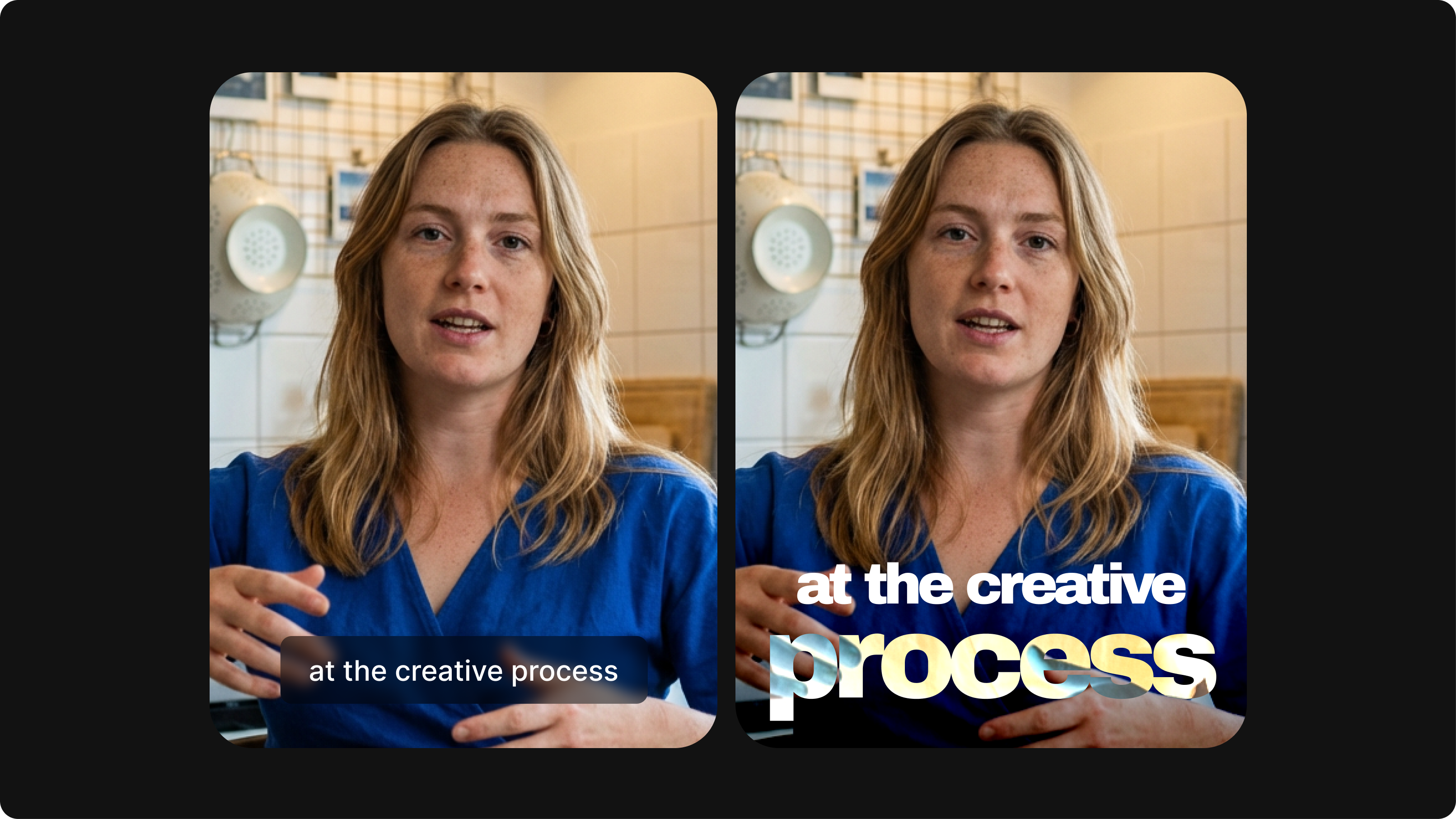
Subtitling 101: How to Automatically Add and Customize Subtitles with VEED
Everything you need to automatically add, customize, translate, and download subtitles like a pro using VEED.
Instantly add subtitles to videos from your Box account
4.6
319 reviews















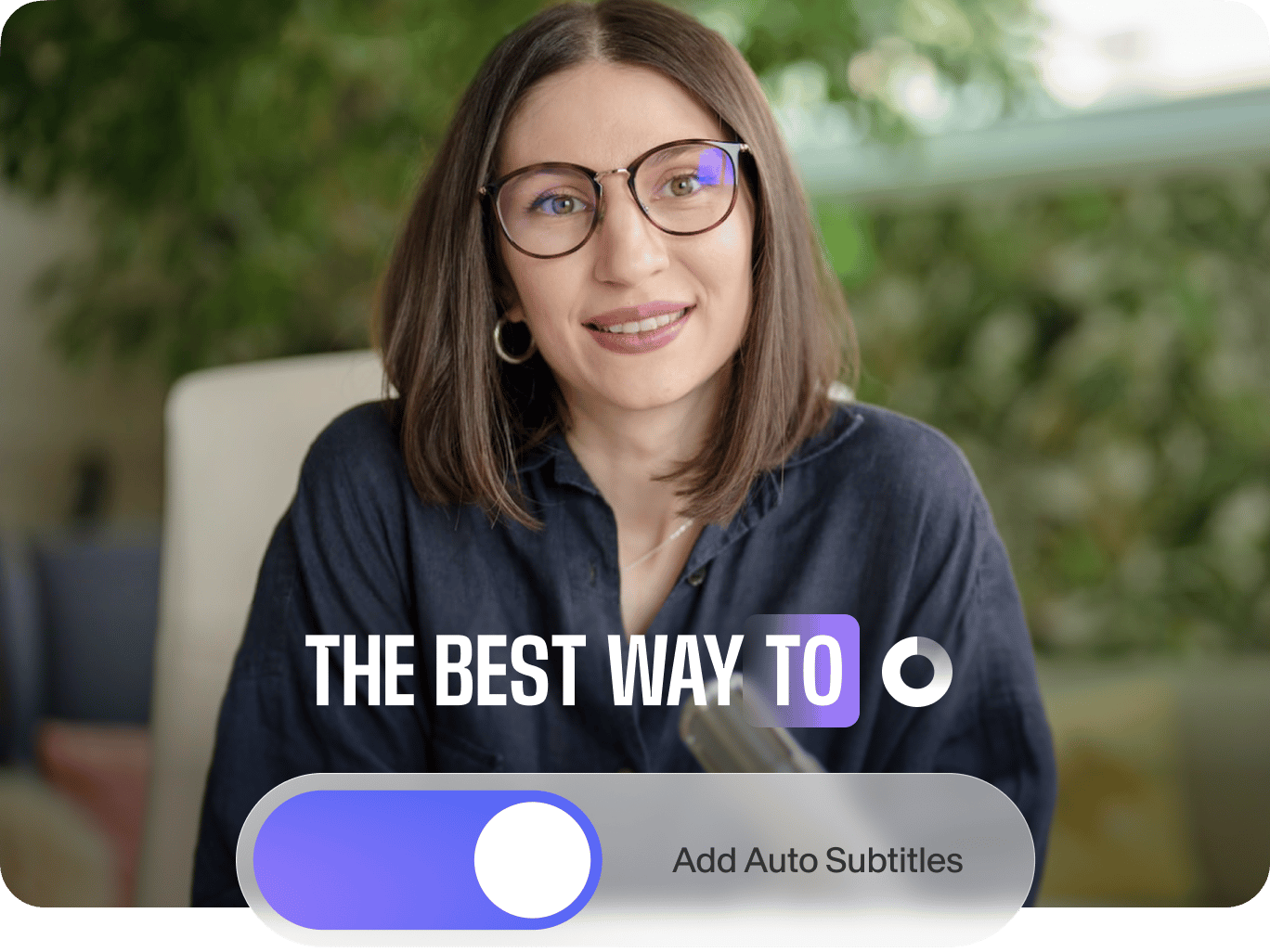
Have long or boring videos sitting in your Box account? Auto-subtitles make your videos more engaging and accessible. Add accurate subtitles in minutes. Simply install our app to your Box account and select your video. Then, create and customize subtitles within VEED’s video editor.
Working with a global team? Translate the subtitles into any language. Our auto-subtitles tool is free to try, and you can upgrade anytime for higher transcription limits. You can also explore more ways to enhance your videos, such as adding text, animations, and music. With VEED, anyone can make brilliant videos for Box and beyond.
How to add subtitles to a Box video file:
Step 1
Find ‘Auto-subtitles by VEED’ in the Box App Center. Add the app to your Box account.
Step 2
Choose a video stored in your Box account. Click ‘More Options’ > ‘Integrations,’ and select our auto-subtitles tool. Review permissions and sign in to VEED’s editor.
Step 3
Create accurate subtitles and translations in minutes. Perfect for project updates and marketing videos. Export your subtitled video and re-upload it to Box for seamless sharing.
Learn More
Learn how to add subtitles to a video automatically:
Instant subtitles for your Box videos
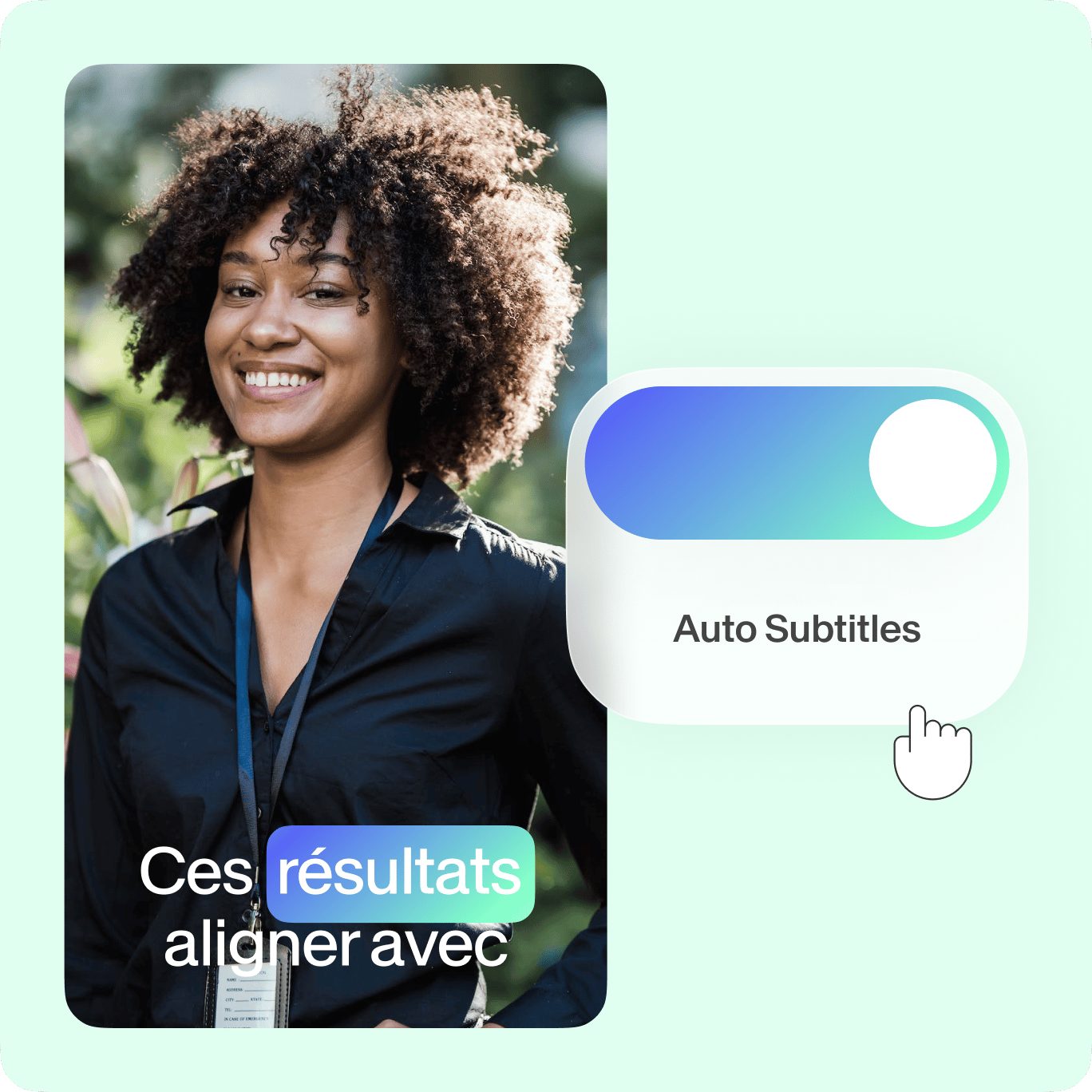
Add subtitles to your Box videos in minutes. VEED auto-generates subtitles with up to 98.5% accuracy. Plus, it can translate your videos to over 125 languages. Connect with every viewer – whether they’re speaking a different language or watching on mute during their commute.
Simple customization
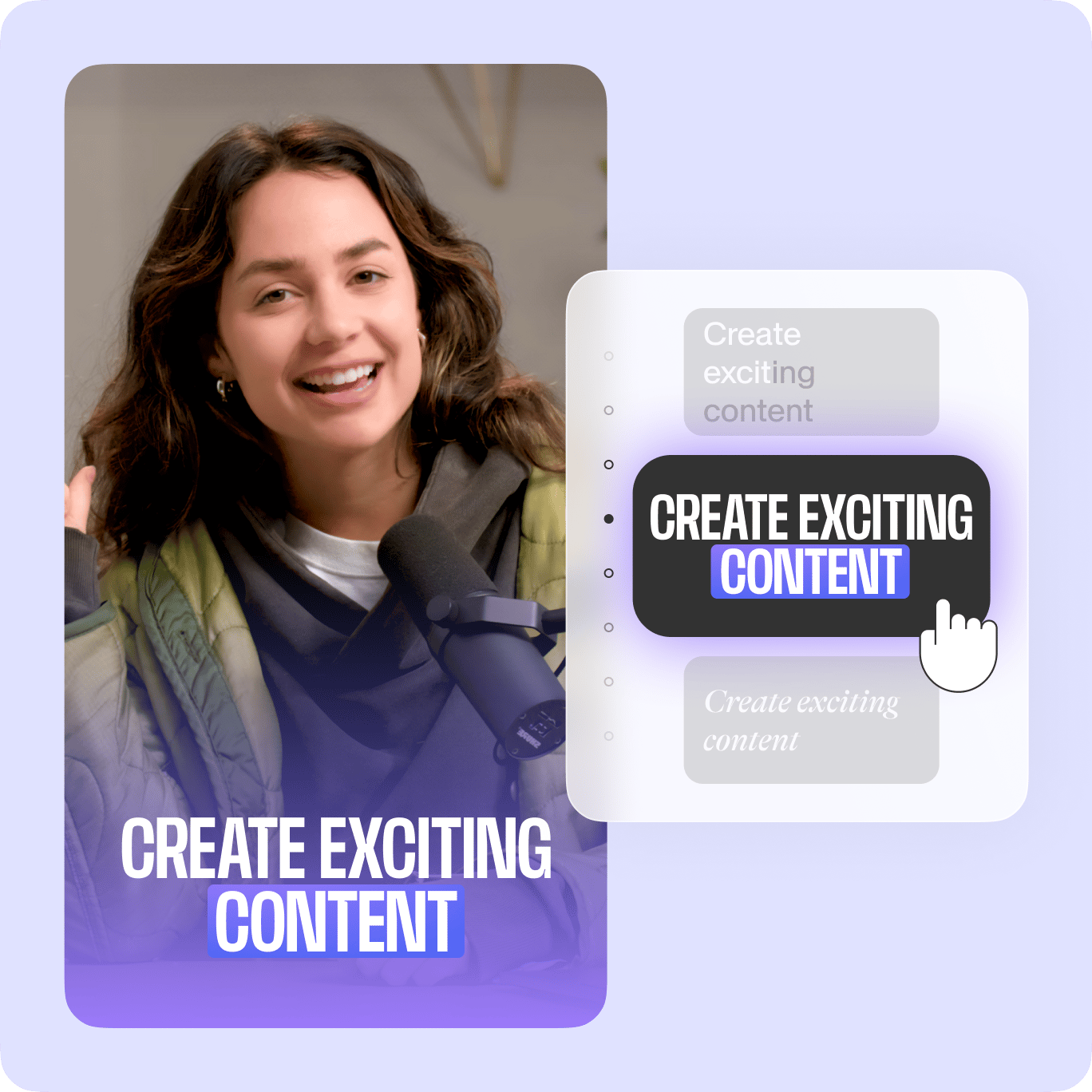
Choose from ready-made subtitle styles or make your own. Change the font, color, size, and position until your subtitles or captions look perfect. Need to fix the auto-generated text? Just click the text and edit it right in the editor.
Better Box videos, beautifully simple editing
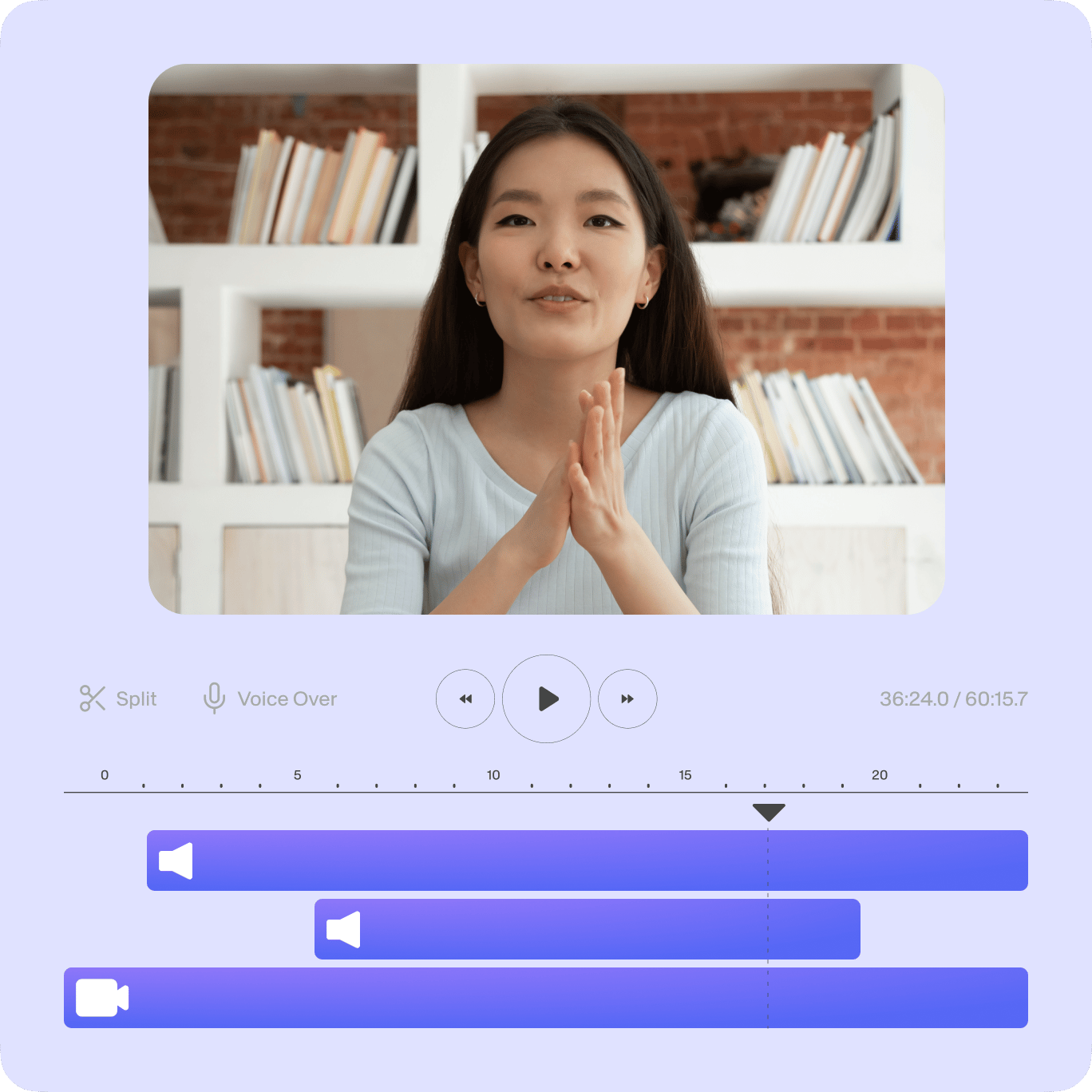
Make pro-quality videos in minutes, whether you’re a beginner or a pro. Editing is as easy as drag and drop! Add text titles and animations. Insert b-roll from our stock library. And remove background noise in one click. From recording to polishing your Box videos, VEED has you covered.
FAQ
Explore related tools
Loved by the Fortune 500
VEED has been game-changing. It's allowed us to create gorgeous content for social promotion and ad units with ease.

Max Alter
Director of Audience Development, NBCUniversal

I love using VEED. The subtitles are the most accurate I've seen on the market. It's helped take my content to the next level.

Laura Haleydt
Brand Marketing Manager, Carlsberg Importers

I used Loom to record, Rev for captions, Google for storing and Youtube to get a share link. I can now do this all in one spot with VEED.

Cedric Gustavo Ravache
Enterprise Account Executive, Cloud Software Group

VEED is my one-stop video editing shop! It's cut my editing time by around 60%, freeing me to focus on my online career coaching business.

Nadeem L
Entrepreneur and Owner, TheCareerCEO.com

More from VEED
When it comes to amazing videos, all you need is VEED
No credit card required
More ways to enhance your Box videos
VEED is your all-in-one video editor for training videos, marketing content, and more. Auto-subtitles are just one of many things you can do. Recording a tutorial? Our online recorder with a teleprompter helps you stay on script. And Magic Cut auto-trims your recording mistakes and filler words. Sharing project updates? PPT to video turns your slides into an engaging video – complete with an AI-generated script and realistic presenter. Streamline your workflow. Try VEED now.