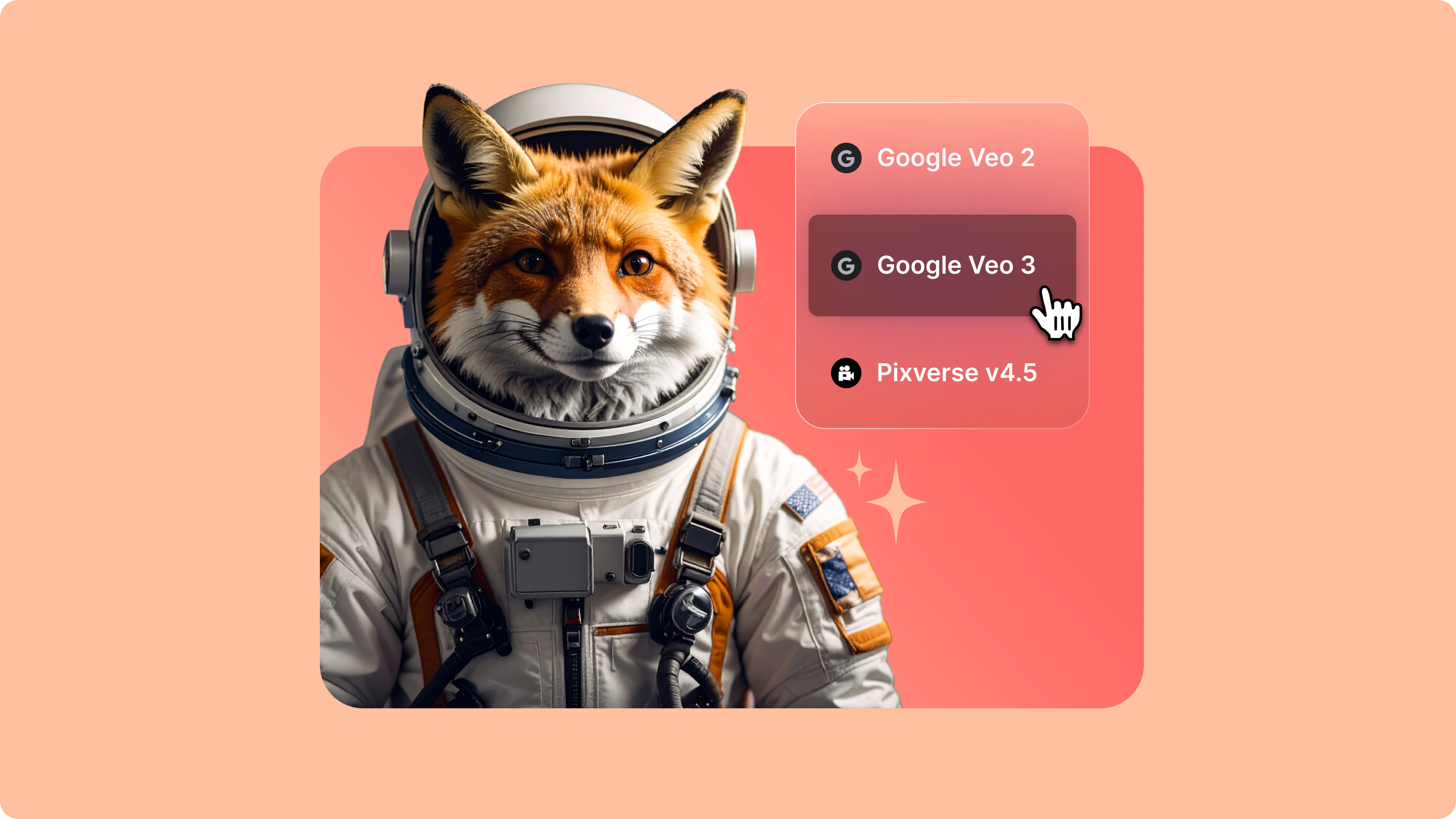
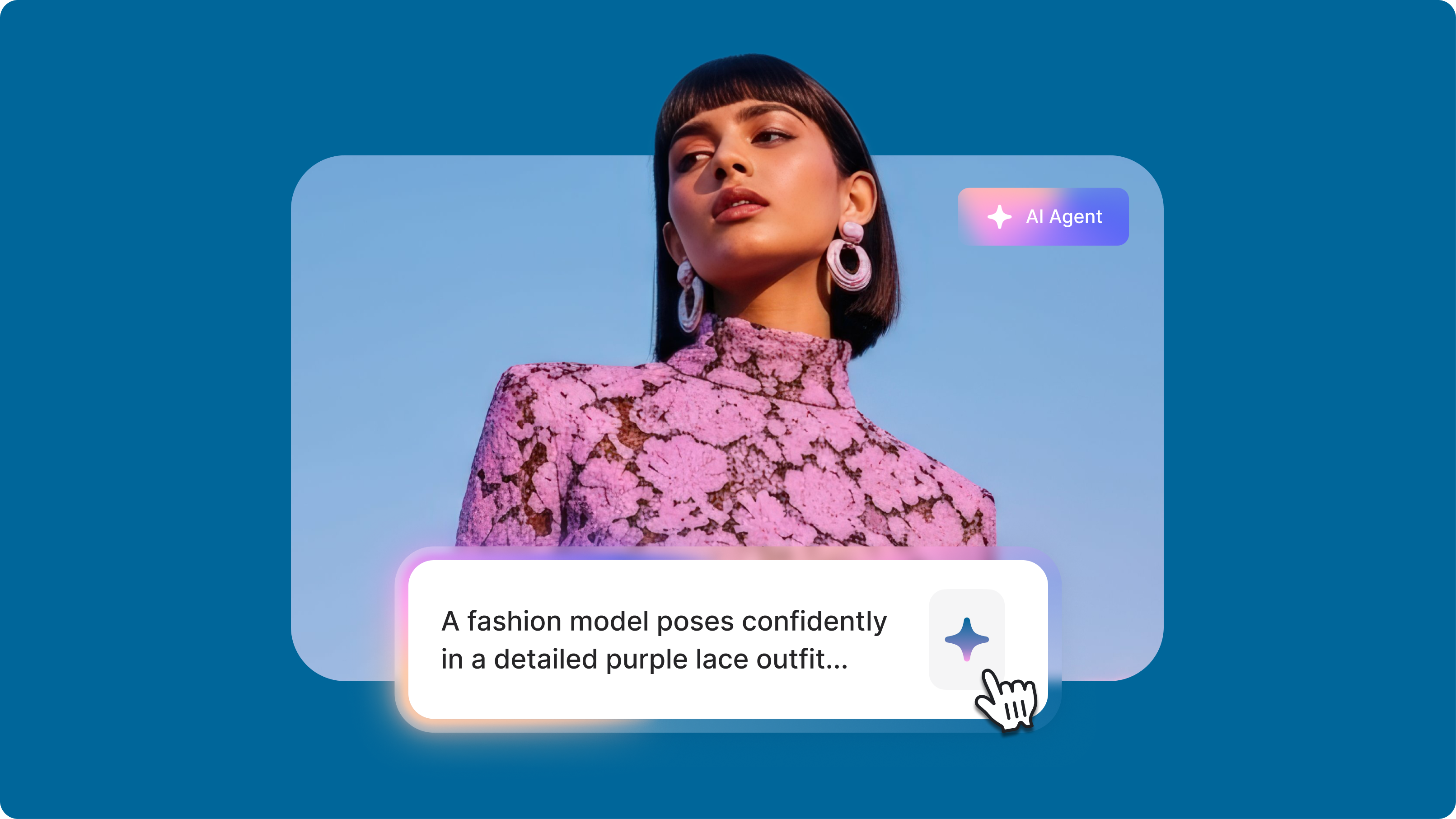
Kling O1: Everything You Need to Know About the New AI Video Model
Learn how Kling O1's multi-modal reasoning delivers precise AI videos with cinematic camera control. Now available on VEED's AI Playground!


4.6
2,100+ reviews















Kling O1 is the first AI model that edits existing video using text, images, and video inputs. No more reshoots because the client wants a different product color. No more scrapping a great take because of a distracting background object. And no more shooting three times for three outfit variations.
With Kling O1, you simply upload your footage, describe the change, add a reference image—and get an edited video back. Swap a character's outfit. Add a product to a scene. Remove background distractions. VEED is one of the first platforms to offer Kling O1, available now in our AI playground alongside models like Veo 3.1 and Sora 2. Try Kling O1 now.
How to use Kling O1:
Step 1
Select Kling O1 from the video-to-video options. Upload your source video (3-10 seconds, minimum 720p). Choose your editing mode: Swap items, Add items, or Remove items.
Step 2
Write a text prompt describing what you want to change: "swap the blue jacket for a red hoodie" or "add a coffee cup to the table." Upload up to 4 reference images to guide the edit, using @Image tags to reference them in your prompt.
Step 3
Kling O1 processes your inputs and generates a 10-second edited video. Download it directly or bring it into our video editor for additional refinements like trimming, adding subtitles, or combining with other clips.
Learn More
Watch this video to learn more about Kling O1:
Kling O1 features
Multimodal prompt inputs
Kling O1 is powered by Kuaishou's Multimodal Visual Language (MVL) framework, a unified Transformer architecture that merges text semantics with visual signals. Combine existing video, reference images, and text descriptions in a single generation. The model interprets them together, understanding how edits should behave across frames. Reference a video for its camera movement, and apply that motion to a different scene.
Fix your footage without reshooting
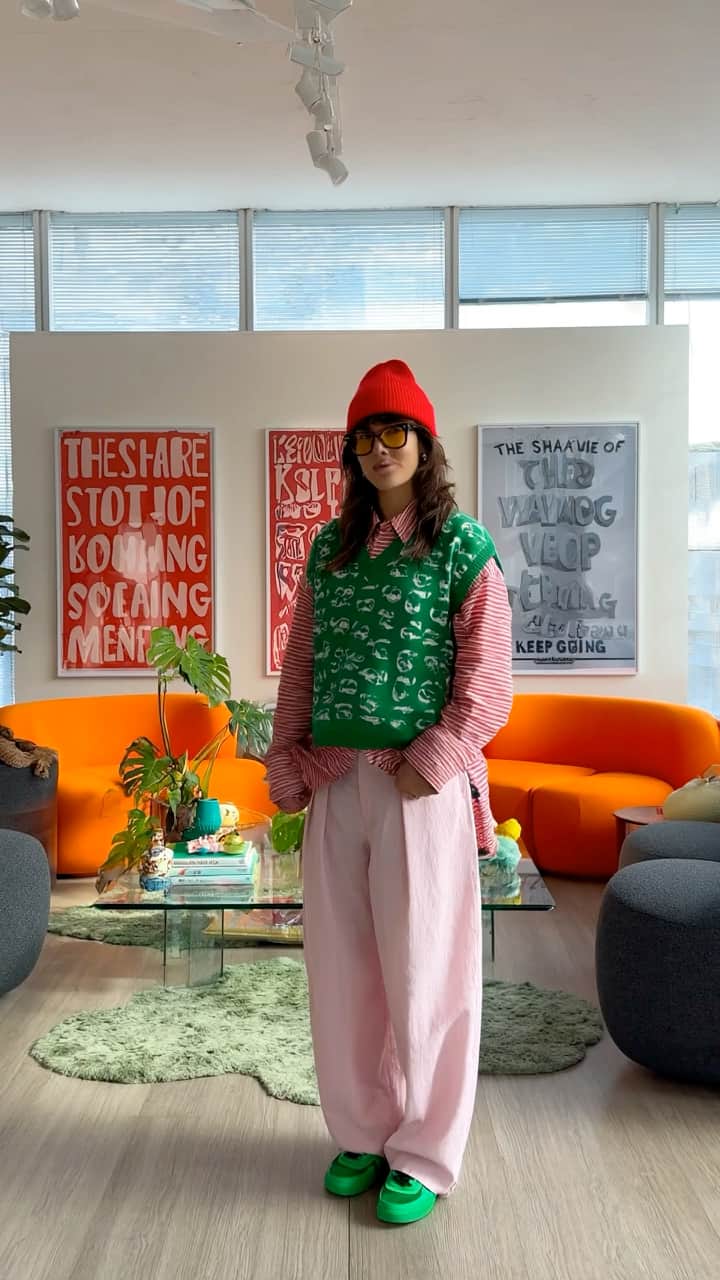
You have footage that's almost right—wrong outfit, distracting background object, missing prop, outdated packaging. Kling O1 lets you fix it. Swap in the correct product. Remove the passersby. Add the prop that should've been there. The model tracks elements across frames with what Kuaishou calls "director-like memory," retaining identity of characters, props, and settings through dynamic camera movements.
Build scenes with multiple reference images
Go beyond fixing. Construct entire scenes by combining separate reference images. Upload a character, an environment, and props as individual inputs, then prompt Kling O1 to bring them together. The model maintains consistency across each element, letting you build compositions that would otherwise require coordinated shoots or complex compositing.
FAQ
Discover more
Explore related tools
Loved by the Fortune 500
VEED has been game-changing. It's allowed us to create gorgeous content for social promotion and ad units with ease.

Max Alter
Director of Audience Development, NBCUniversal

I love using VEED. The subtitles are the most accurate I've seen on the market. It's helped take my content to the next level.

Laura Haleydt
Brand Marketing Manager, Carlsberg Importers

I used Loom to record, Rev for captions, Google for storing and Youtube to get a share link. I can now do this all in one spot with VEED.

Cedric Gustavo Ravache
Enterprise Account Executive, Cloud Software Group

VEED is my one-stop video editing shop! It's cut my editing time by around 60%, freeing me to focus on my online career coaching business.

Nadeem L
Entrepreneur and Owner, TheCareerCEO.com

More from VEED
When it comes to amazing videos, all you need is VEED
No credit card required
Beyond Kling O1
Test Kling O1's multimodal video editing and try other video-to-video models for various projects. VEED is an AI video creation platform that lets you generate and fine-tune videos all in one place. Combine clips, generate captions, add voiceovers, and export for any platform. Sign up now and start creating with VEED.