






















Seedance Image to Video

Transform photos into cinematic sequences with ByteDance AI

4.6

319 reviews

Visa logo
Venture Foods logo
Merck logo
Target logo
Pentax logo
Procter & Gamble logo
Meta company logo with infinity symbol and text 'Meta' in gray.
Amazon logo with company wordmark and the brand's signature curved smile.
Google logo
BBC logo featured in VEED's customer showcases.
NBCUniversal
UBS logo with stylized snowflake symbol and text.
Netflix logo in gray lettering.
OpusClip logo with gray stylized p icon.
ElevenLabs logo
Visa logo
Venture Foods logo
Merck logo
Target logo
Pentax logo
Procter & Gamble logo
Meta company logo with infinity symbol and text 'Meta' in gray.
Amazon logo with company wordmark and the brand's signature curved smile.
Google logo
BBC logo featured in VEED's customer showcases.
NBCUniversal
UBS logo with stylized snowflake symbol and text.
Netflix logo in gray lettering.
OpusClip logo with gray stylized p icon.
ElevenLabs logo

ByteDance image to video: Turn any photo into a multi-shot video

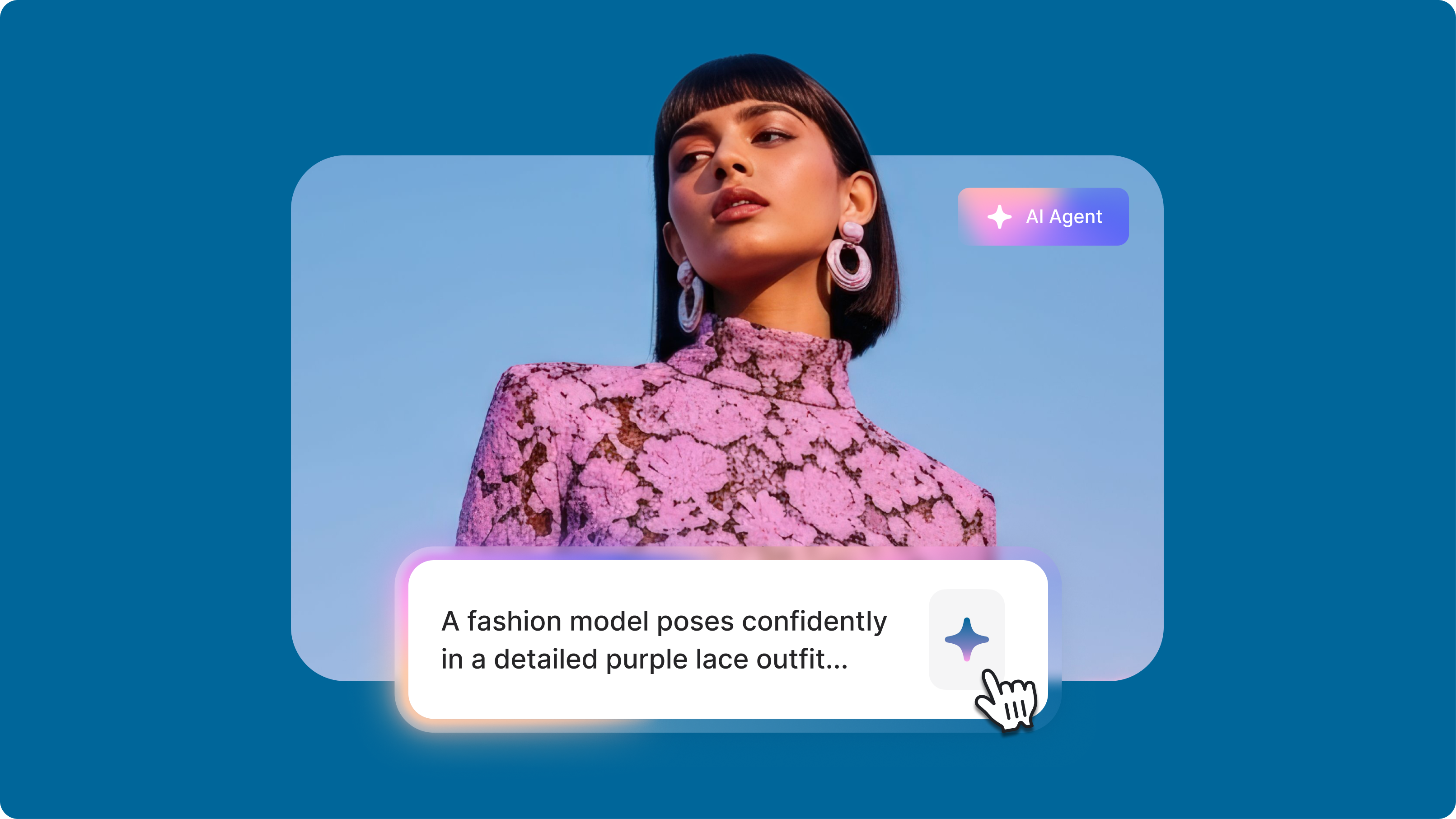
Static photos missing that dynamic edge? Upload any image and Seedance image-to-video transforms it into cinematic sequences. The model creates multiple cohesive shots with smooth transitions from a single photo. Perfect for creators developing MV-style content, food shorts, or brand sequences.

Seedance achieved #1 ranking on Artificial Analysis leaderboards for both text-to-video and image-to-video generation. The model delivers a wide dynamic range of motion, from subtle expressions to large-scale movements. Explore Seedance image-to-video now and see how it compares to other models in our AI playground.

How to use Seedance image to video:

Step 1

Upload your image and select Seedance

Choose Seedance from our model options and upload your reference photo. The model works well with portraits, landscapes, and product shots.

Step 2

Describe your sequence

Type a prompt specifying camera movements, character actions, or scene transitions. Seedance excels at multi-shot generation, so you can try prompts like "wide shot to close-up" or "character turns and smiles" to test the model’s visual consistency.

Step 3

Download or enhance your video

Download your preferred output or enhance it in our video editor. Compare how Seedance handles your specific image against other models to find the best approach for your project.

Learn More

Watch this AI playground walkthrough:

ByteDance AI interprets complex prompts

Seedance accurately follows detailed instructions for bringing photos to life. Specify subtle facial expressions, dramatic camera moves like dolly zooms, or coordinated character gestures. The model delivers exactly the motion you envision, whether realistic movement or stylized sequences.

Multi-shot sequences from single images

Most AI models only create single continuous shots from photos, but Seedance generates multiple cohesive scenes. Create shot-reverse-shot sequences, smooth camera transitions, and match cuts. Characters stay recognizable as they move between different angles and lighting conditions.

Versatile image to video capabilities

Test Seedance with different image types, from product shots to stylized character portraits. The model handles diverse visual styles while maintaining 24 FPS smoothness. Compare how Seedance processes different source material against other image-to-video models in our AI playground.

FAQ

Loved by creators.

Loved by the Fortune 500


VEED has been game-changing. It's allowed us to create gorgeous content for social promotion and ad units with ease.

Headshot of Max Alter in a circular portrait, wearing a plaid shirt against a white-to-purple gradient background.

Max Alter
Director of Audience Development, NBCUniversal

NBCUniversal logo.

I love using VEED. The subtitles are the most accurate I've seen on the market. It's helped take my content to the next level.

Professional headshot of woman in dark blazer and white shirt with sunglasses on head, circular crop.

Laura Haleydt
Brand Marketing Manager, Carlsberg Importers

Carlsberg® logo

I used Loom to record, Rev for captions, Google for storing and Youtube to get a share link. I can now do this all in one spot with VEED.

Headshot of Cedric Gustavo Ravache wearing glasses.

Cedric Gustavo Ravache
Enterprise Account Executive, Cloud Software Group

Cloud Software Group logo featuring a nested cloud icon.

VEED is my one-stop video editing shop! It's cut my editing time by around 60%, freeing me to focus on my online career coaching business.

Professional headshot of Nadeem L. wearing a dark green blazer over a burgundy turtleneck.

Nadeem L
Entrepreneur and Owner, TheCareerCEO.com

TheCareerCEO brand logo combining a play button with ascending bars, representing video content for career growth.

More from VEED

When it comes to amazing videos, all you need is VEED

Try Seedance now

No credit card required

More than a Seedance image to video testing platform

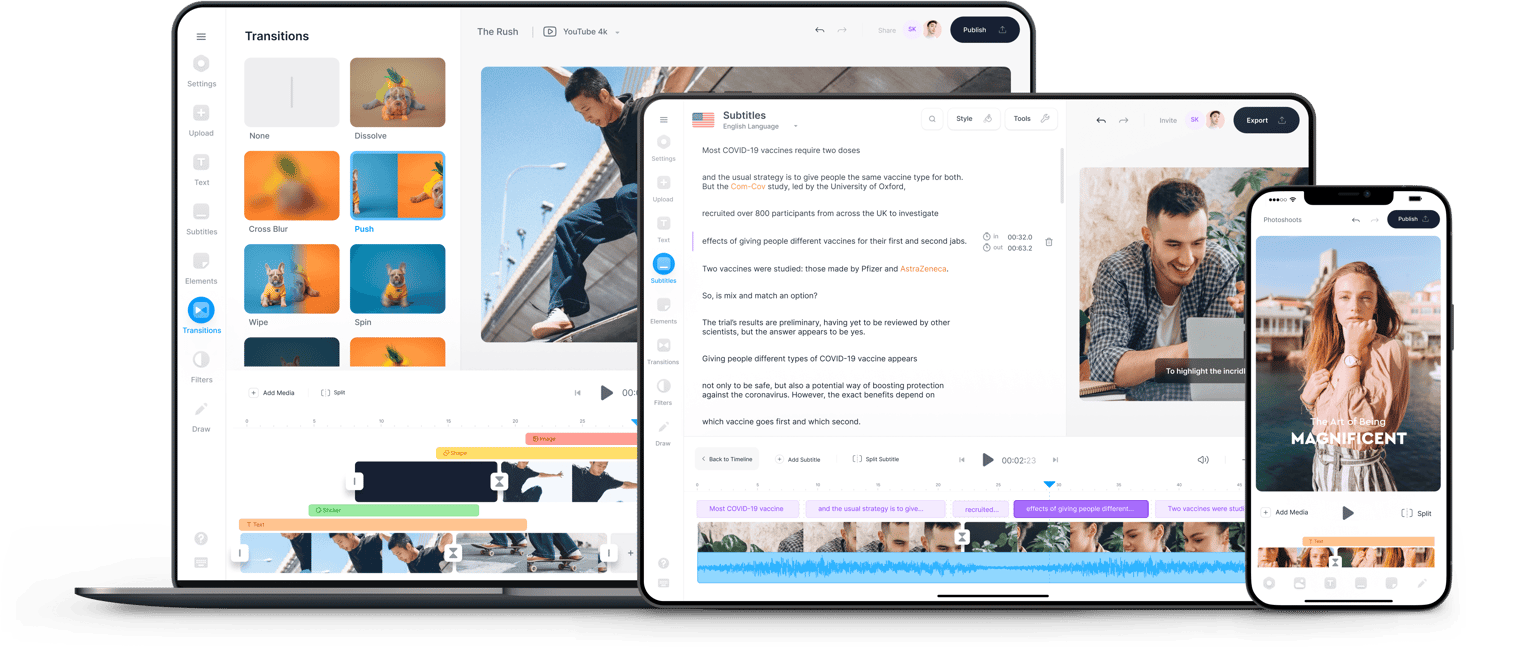
Try the best AI models on our AI playground, and explore many more ways to create videos with VEED. Use Gen-AI studio to generate videos from a text prompt — with AI voiceovers, avatars, and subtitles built in. Bring your generated video into the editor to add footage, customize captions, and export in any format. VEED is an AI video creation platform that lets you generate, edit, and export professional videos all in one place.

VEED app displayed on mobile,tablet and laptop