


Trusted by 1M+ creators
AI Stock Video Generator
Create high-quality videos from simple text prompts. Generate stock videos, lifelike avatars, captions, and more
No credit card required
4.6
2,100+ reviews















Make high-quality videos quickly
Our AI stock video generator turns your text prompts into videos – either by auto-curating stock footage or creating visuals with generative AI. No more endless searching for suitable stock footage or editing videos from scratch. Just type a prompt, and our AI software will generate a video.
You not only get AI-generated stock footage but also AI text-to-speech and avatars. Plus, you’ll have access to our full suite of video editing tools to ensure your video is as engaging as possible! Add animated text and auto-generate subtitles to make accessible videos. Make professional-quality talking head videos and training videos in just a few clicks.
How to generate AI stock videos:
Step 01
Type a prompt
Choose the type of video you want to create: Social media, business presentation, training video, and others. Describe the video topic.
Step 02
Style the video
Customize details like aspect ratio, presenter or voice, and subtitles. Then, create a script with your preferred tone and target audience.
Step 03
Generate and refine
Generate your AI video. You can open our video editor to change the stock footage, AI voice, and subtitle style.
Learn More
Learn more about our text-to-video AI generator:
Auto-generate stock videos from text
Skip the tedious search for suitable b-roll visuals. Just describe your idea, and our AI curates the perfect stock footage. Customize video styles and generate scripts with ease. From social media content to business presentations, create diverse videos quickly. Our stock video maker turns your ideas into professional-quality videos in minutes.
Create polished videos in a few clicks
Our AI goes beyond curating stock footage. It lets you add text overlays and create voiceovers using text-to-speech or your cloned voice. Everything you need to create videos, all in one platform. Our AI streamlines your entire content creation workflow from start to finish.
Create and edit videos all in one platform
Whether you need AI stock videos or intuitive video editing tools, VEED has you covered. We feature a full range of video editing tools that let you create professional videos without confusing and complicated configurations. Create content in a breeze with our intuitive timeline, drag-and-drop interface, and wide range of AI tools.
FAQ
VEED's AI stock video generator creates visuals from text prompts. Simply describe your video, and the AI tool will generate a video for you. Load our video editor to add your personal touches. You can change the talking avatar, voiceover, and AI-generated stock footage.
To generate AI stock footage, start typing a prompt and inputting your script. Our AI will then create stock footage. You can further refine the generated content using our video editor. Additionally, you have the option to explore our stock video library or import your own stock footage files.
Upgrading to a paid subscription unlocks access to our entire stock footage library — perfect for when you’d like to change the AI-generated visuals. Free account users have a limited selection of stock audio and video options.
Currently, you can convert up to 5,000 text characters to speech at a time. Text-to-speech lets you instantly generate narration for your marketing videos, training videos, and more.
Loved by creators.
Loved by the Fortune 500
“
With VEED I didn't need 15 tutorials - I jumped straight in and started editing.

Gwenne Wilcox
Founder,
Brand Brainery
“
You can go beyond choppping things. VEED actually makes my videos look great.

Michael Glover
Demand Gen Manager,
ConvertFlow
“
The first four videos i created with VEED got over 40,000 impressions on LinkedIn.

Travis Tyler
Senior Content Producer,
PandaDoc
“
I found VEED at the right time: if you're making UGC ads and not using Eye Contact Correction and Noise Reduction on VEED you're missing out on ROI.

Sebastian Schurgers
Head of Growth Marketing,
Gronda
“
With VEED I didn't need 15 tutorials - I jumped straight in and started editing.
Gwenne Wilcox
Founder,
Brand Brainery
“
You can go beyond choppping things. VEED actually makes my videos look great.
Michael Glover
Demand Gen Manager,
ConvertFlow
“
The first four videos i created with VEED got over 40,000 impressions on LinkedIn.
Travis Tyler
Senior Content Producer,
PandaDoc
“
I found VEED at the right time: if you're making UGC ads and not using Eye Contact Correction and Noise Reduction on VEED you're missing out on ROI.
Sebastian Schurgers
Head of Growth Marketing,
Gronda
“
The first four videos i created with VEED got over 40,000 impressions on LinkedIn.
Travis Tyler
Senior Content Producer,
PandaDoc
“
I found VEED at the right time: if you're making UGC ads and not using Eye Contact Correction and Noise Reduction on VEED you're missing out on ROI.
Sebastian Schurgers
Head of Growth Marketing,
Gronda
“
With VEED I didn't need 15 tutorials - I jumped straight in and started editing.
Gwenne Wilcox
Founder,
Brand Brainery
“
You can go beyond choppping things. VEED actually makes my videos look great.
Michael Glover
Demand Gen Manager,
ConvertFlow
Discover more
- AI Animation Generator
- AI Art Video Generator
- AI Course Creator
- AI Marketing Video Generator
- AI Movie Generator
- AI Music Video Generator
- AI News Generator
- AI Reel Generator
- AI Training Video Generator
- AI UGC
- AI Video Demo
- AI Video Editor
- AI Video Maker
- AI Visual Generator
- AI YouTube Video Maker
- Animate from Audio
- Article to Video
- Blog to Video
- Faceless Videos
- Idea to Video
- Script to Video
- Seedance AI Video
- Text to Animation AI
- Text to Video AI
- TikTok Video Generator
- Veo 3
- Video Generators
- Viral AI Video Generator
- YouTube Shorts Maker
Explore related tools
More from VEED

20+ Best AI Tools in 2025 (The Only List You’ll Need)
Here are the best AI tools for video, writing, generating art, and coding. Read to find out which is the best one in each category.

Best AI Avatar Generators in 2026 (The Only List You'll Need)
Searching for the best AI avatar generator? We got you. Check out this expert round-up of the must-try generators out there.
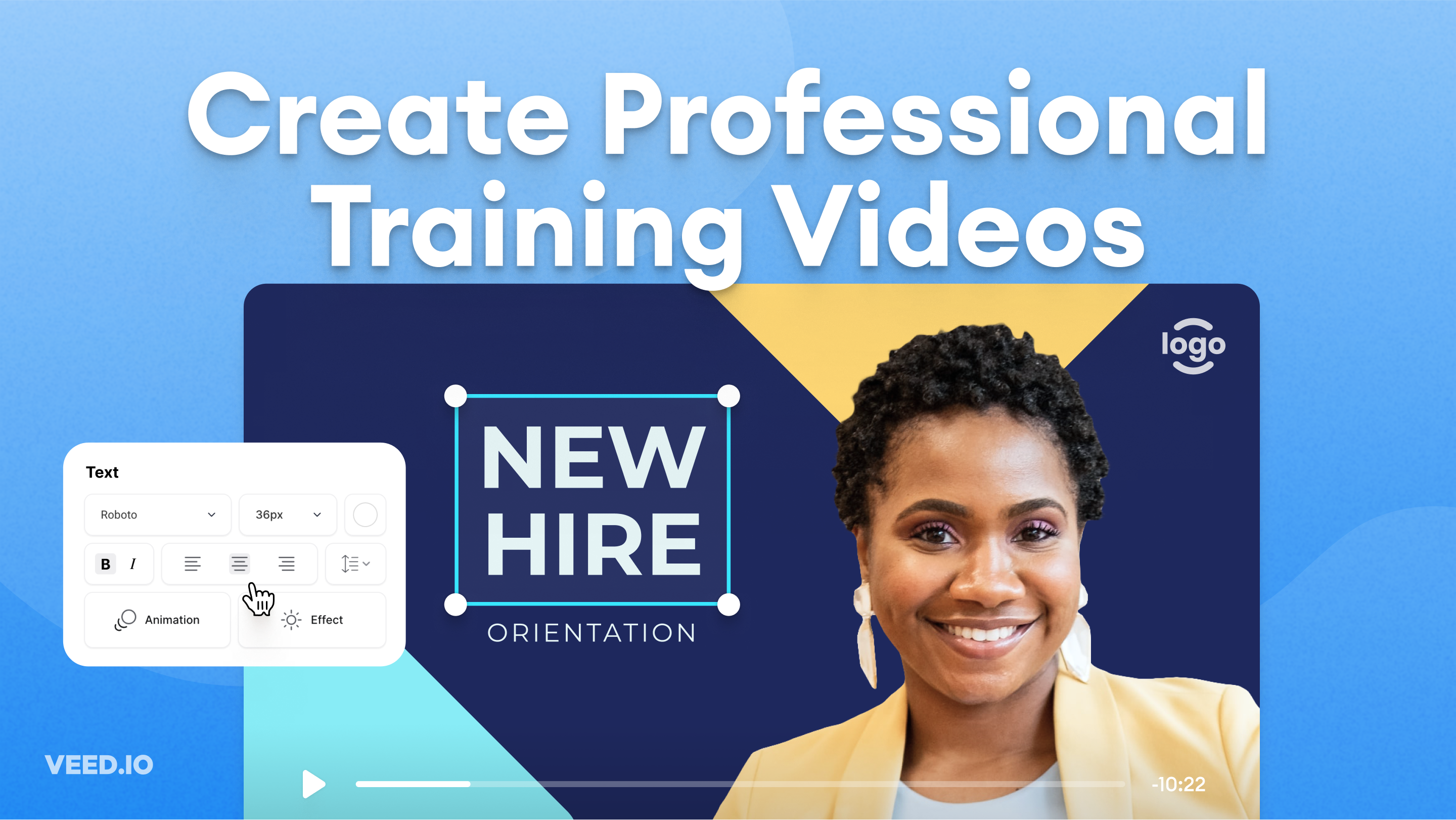
How to Easily Create Training Videos (With Examples)
How to create training videos to support your business with VEED's easy-to-use video recording, editing, and collaboration tool.
Trusted by 1M+ creators
When it comes to amazing videos, all you need is VEED
No credit card required
More than an AI stock video maker
Create more than just AI stock videos. VEED is an AI video creation platform that turns your ideas into complete videos. Type your idea or script into VEED AI. Generate a complete video with a talking avatar, supporting visuals, and captions. Personalize your content by swapping in your footage. Or generate new visuals with the best AI models. You can also move your project into the editor to add text and drop in your logo. One platform, from generation to export. Sign up for VEED now.