






















Veo 3 Image to Video

Turn photos into cinematic videos with synchronized sound

4.6

319 reviews

Visa logo
Venture Foods logo
Merck logo
Target logo
Pentax logo
Procter & Gamble logo
Meta company logo with infinity symbol and text 'Meta' in gray.
Amazon logo with company wordmark and the brand's signature curved smile.
Google logo
BBC logo featured in VEED's customer showcases.
NBCUniversal
UBS logo with stylized snowflake symbol and text.
Netflix logo in gray lettering.
OpusClip logo with gray stylized p icon.
ElevenLabs logo
Visa logo
Venture Foods logo
Merck logo
Target logo
Pentax logo
Procter & Gamble logo
Meta company logo with infinity symbol and text 'Meta' in gray.
Amazon logo with company wordmark and the brand's signature curved smile.
Google logo
BBC logo featured in VEED's customer showcases.
NBCUniversal
UBS logo with stylized snowflake symbol and text.
Netflix logo in gray lettering.
OpusClip logo with gray stylized p icon.
ElevenLabs logo

Google Veo 3 image-to-video: Bring photos to life with realistic motion and sound

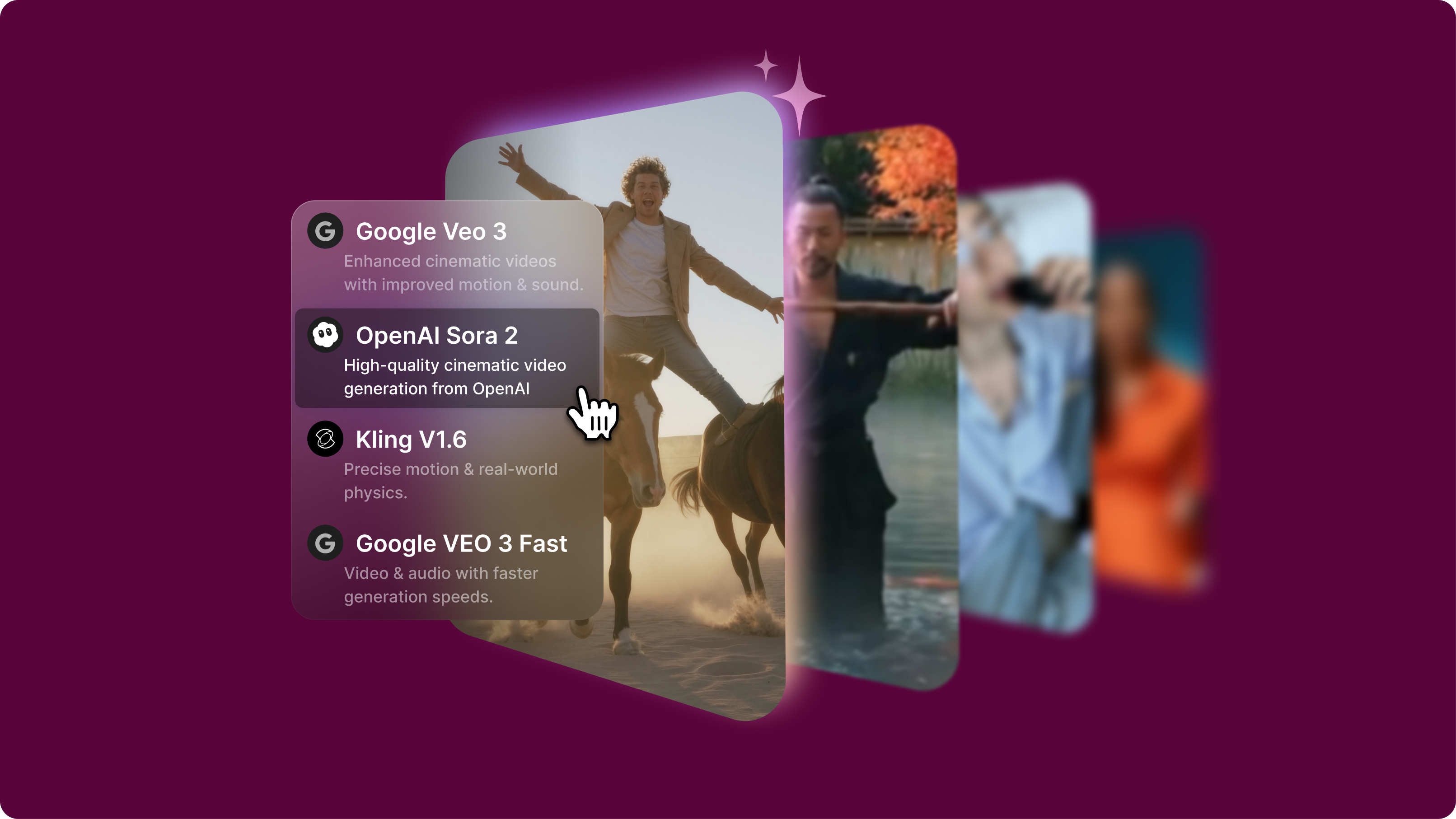
You've seen what Veo 3 can do — stunning cinematic videos with synchronized audio. Now imagine applying that same capability to your favorite photos. Google Veo 3's image-to-video model turns any photo into a realistic 8-second video. The model also generates dialogue, ambient sounds, and music based on your prompt.

Your static image becomes the starting point for endless ideas. Experiment with different scenes, moods, and stories. Transform a plain cardboard box photo into a luxury product reveal with unboxing sounds and upbeat music. Or turn static headshots into brand videos. Explore Veo 3 image-to-video now and compare it with other models in our AI playground.

How to use Veo 3 image-to-video:

Step 1

Upload reference image and select Veo 3

Access Veo 3 through our AI playground and upload your reference image. Clear, well-composed images provide strong visual anchors for video generation.

Step 2

Describe motion and audio in your prompt

Specify ambient sounds, dialogue, or sound effects alongside visual movement. Include camera movements and scene descriptions for complete audio-visual control.

Step 3

Generate, preview, and enhance

Generate your clip and compare Veo 3's results with other image-to-video models. You can use our built-in video editor to add captions and custom assets, or combine clips into longer sequences.

Learn More

Watch our AI playground walkthrough:

Veo 3 AI image to video with native audio

Veo 3 uniquely generates synchronized sound effects, dialogue, and music directly from image inputs. This feature sets Veo 3 apart from other video models that only create silent animations, making Veo 3 great for storytelling, character work, and immersive content.

Cinematic quality with realistic physics simulation

Veo 3 image-to-video creates believable motion and authentic lighting effects. The model excels in physics, realism, and prompt adherence while producing high-definition video. The AI understands complex scene descriptions and brings them to life with impressive detail.

One photo, endless creative possibilities

The Veo 3 image-to-video model works great for many use cases. Transform a static product photo into engaging demos. Make a headshot speak and tell your brand story. Or reimagine everyday objects as cinematic scenes. You can experiment with different moods and stories

FAQ

Loved by creators.

Loved by the Fortune 500


VEED has been game-changing. It's allowed us to create gorgeous content for social promotion and ad units with ease.

Headshot of Max Alter in a circular portrait, wearing a plaid shirt against a white-to-purple gradient background.

Max Alter
Director of Audience Development, NBCUniversal

NBCUniversal logo.

I love using VEED. The subtitles are the most accurate I've seen on the market. It's helped take my content to the next level.

Professional headshot of woman in dark blazer and white shirt with sunglasses on head, circular crop.

Laura Haleydt
Brand Marketing Manager, Carlsberg Importers

Carlsberg® logo

I used Loom to record, Rev for captions, Google for storing and Youtube to get a share link. I can now do this all in one spot with VEED.

Headshot of Cedric Gustavo Ravache wearing glasses.

Cedric Gustavo Ravache
Enterprise Account Executive, Cloud Software Group

Cloud Software Group logo featuring a nested cloud icon.

VEED is my one-stop video editing shop! It's cut my editing time by around 60%, freeing me to focus on my online career coaching business.

Professional headshot of Nadeem L. wearing a dark green blazer over a burgundy turtleneck.

Nadeem L
Entrepreneur and Owner, TheCareerCEO.com

TheCareerCEO brand logo combining a play button with ascending bars, representing video content for career growth.

More from VEED

When it comes to amazing videos, all you need is VEED

Test Veo 3 now

No credit card required

More than a Veo 3 image-to-video testing platform

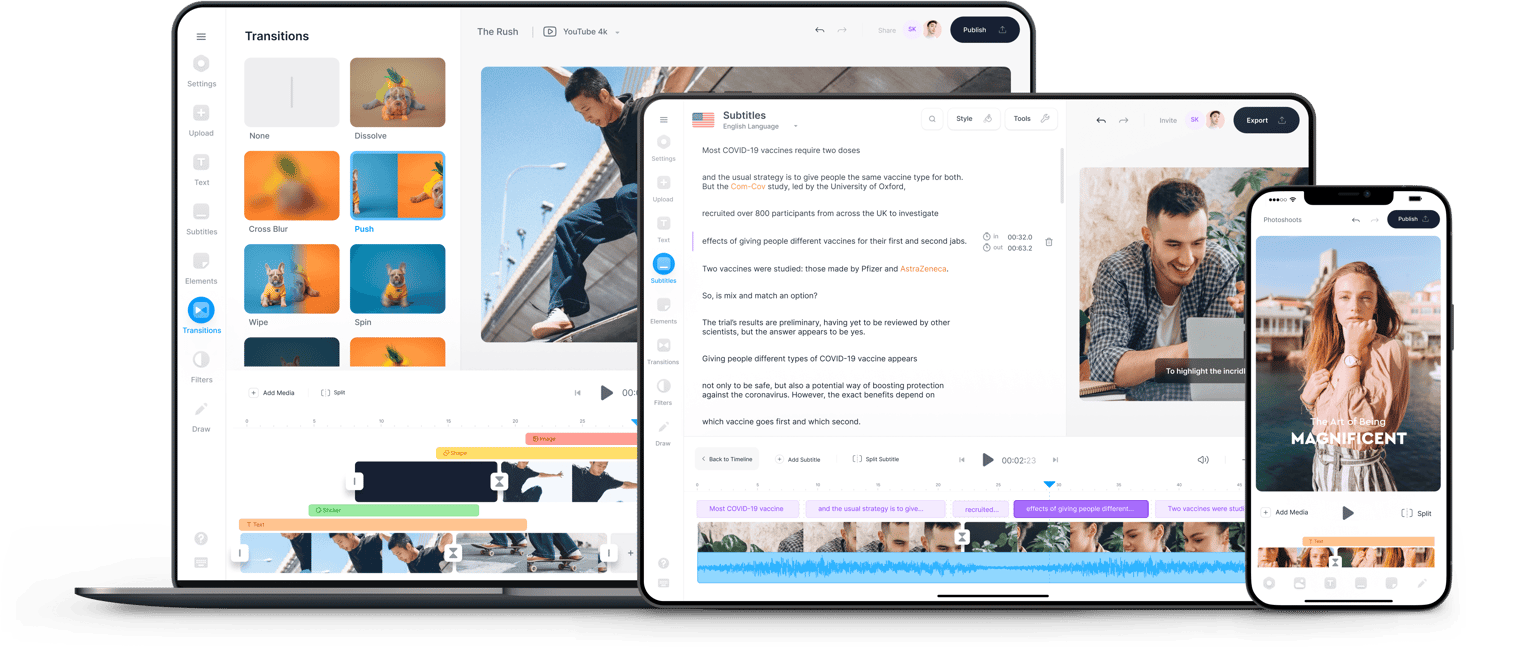
Test how Veo 3's synchronized audio generation performs with your specific images, then compare results against other image-to-video models. Once you've discovered which model works best for your photos, seamlessly move to our video editor. Add your logo or combine several animated photos into cohesive videos. VEED streamlines your entire workflow from AI model exploration to video creation.

VEED app displayed on mobile,tablet and laptop