Google Veo 3.1: The Next Generation of AI Video (Live on VEED)

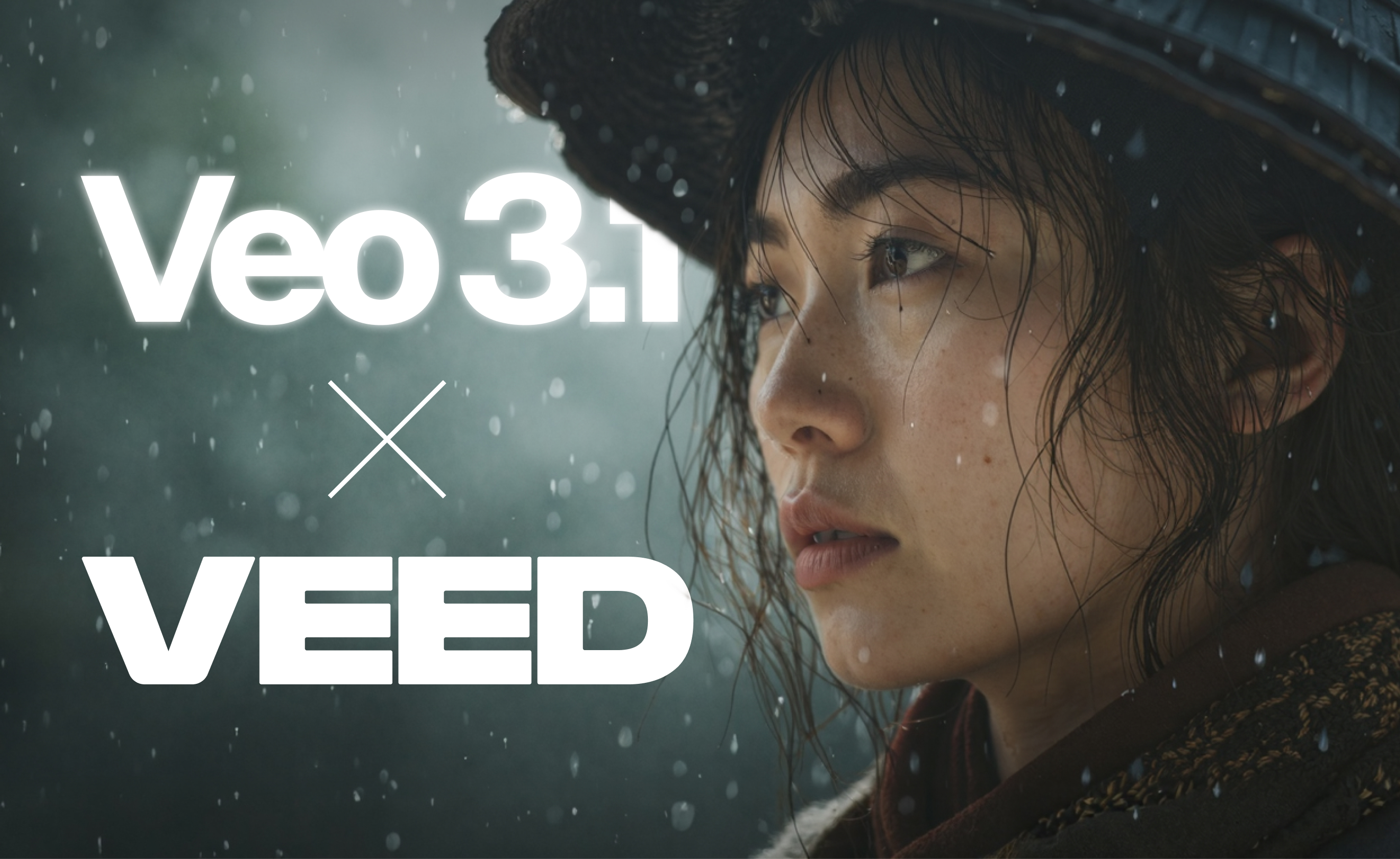
The wait is over. Google has just launched Veo 3.1, its most advanced AI video generator yet—and you can now try it on VEED.
Veo 3.1 pushes the boundaries of AI filmmaking, offering creators, marketers, and studios new levels of cinematic control. Whether you’re producing high-quality ads, short films, or content for social media, this update redefines what’s possible with AI-powered video generation.
What is Google Veo 3.1?
Google Veo 3.1 is the latest AI video model from Google DeepMind, designed to generate longer, more detailed, and more realistic videos from simple text prompts or reference images.
It builds on the success of previous versions, offering sharper visuals, smoother camera movements, and better scene consistency. The result is immersive, 1080p video content that rivals professional film production.
Veo 3.1 also introduces multi-prompt workflows, allowing creators to guide each scene with more precision. You can now maintain character consistency, use different camera angles, and craft storylines that flow naturally from shot to shot.
Latest updates on Veo 3.1: Latest enhancements
Google just made Veo 3.1 even better. In mid-January 2026, they released a significant update focused on image-to-video generation, giving creators more control and higher-quality outputs than ever before.
Released: January 13, 2026
The latest update to Veo 3.1 introduces significant improvements to the "Ingredients to Video" feature, bringing more creative control and higher-quality outputs for mobile-first video creation. This update focuses on expressiveness, consistency, and professional-grade resolution options.
Enhanced image-to-video capabilities
The updated Ingredients to Video feature transforms reference images into dynamic, expressive video clips with minimal prompting. The model now generates richer dialogue and storytelling elements, making videos feel more alive and engaging, even with simple text descriptions.
Key improvements include greater consistency in character identity across multiple scenes, allowing creators to maintain the same character appearance as settings change. Background and object consistency has also been enhanced, making it easier to reuse specific elements, such as textures, props, or environments, across different shots.
The model can now seamlessly blend disparate elements—combining characters, objects, textures, and stylized backgrounds into cohesive clips. This makes it particularly useful for creators who want to combine AI-generated images from tools like Nano Banana Pro with video generation.
Native vertical video and upscaling
For the first time, Veo 3.1's Ingredients to Video supports native 9:16 aspect ratio generation, explicitly designed for platforms like YouTube Shorts and social media. This eliminates the need for cropping or quality loss when creating vertical content.
The update also introduces state-of-the-art upscaling to 1080p and 4K resolution. The improved 1080p output delivers sharper, cleaner videos ideal for editing workflows, while 4K provides rich textures and stunning clarity for high-end productions and large-screen displays.
Where to access the updates
These enhancements are available across multiple Google platforms and on VEED's AI models interface:
- Consumer platforms: Veo 3.1 Ingredients to Video is now available in YouTube Shorts, the YouTube Create app, and the Gemini app with portrait mode support
- Professional tools: The updates are rolling out to Flow, the Gemini API, Vertex AI, and Google Vids
- Resolution options: 1080p and 4K upscaling are available in Flow, the Gemini API, and Vertex AI
All videos generated through Google's tools include SynthID digital watermarking for content verification.
Veo 3.1’s new capabilities
This version focuses on depth, realism, and creative control. Here’s what stands out:
1. Extended video generation
Veo 3.1 can now generate minute-long, multi-shot video clips. Each clip maintains scene consistency, ensuring transitions look cinematic and seamless.
2. High-fidelity visuals
Expect sharper textures, better lighting, and smoother motion. From drone shots to tracking shots, Veo 3.1 delivers high-quality video with rich detail and depth.
3. Multi-prompt and storyboard control
The new multi-prompt feature lets creators plan out storyboards or combine several ideas into one continuous sequence. This helps in building longer, more coherent narratives.
4. Improved character and lip-sync accuracy
Veo 3.1 now maintains character consistency throughout scenes and improves lip-sync precision for dialogue and voiceovers.
5. Cinematic presets and creative control
The model includes new presets for popular aspect ratios and camera movements. Whether you’re making a TikTok clip or a film trailer, you can choose a style and let Veo 3.1 handle the rest.
6. Richer audio generation, built in
Dialogue, ambient sound, and effects can now be generated natively. No need to fumble with separate audio tracks—Veo handles it all in sync
How does it fare against other models?
Google’s Veo 3.1 stands out among other AI video generation models like OpenAI’s Sora and Gemini integrations. While Sora has set a high bar for text-to-video realism, Veo 3.1 excels in scene and character consistency, offering creators more reliable control across multiple shots.
It’s also optimized for filmmaking, giving users more creative control with fewer artifacts and smoother camera angles.
Veo 3.1 use cases
Veo 3.1 is made for AI filmmakers, content creators, and B2B teams who want to streamline video production.
Here’s how you can use it:
- Generate videos for ads, explainer content, or social media campaigns.
- Craft storyboards and pre-visualize film scenes before production.
- Combine text prompts and reference images for quick image-to-video creation.
- Experiment with sound effects, voiceovers, and audio generation for complete storytelling.
With high-quality video output and cinematic control, Veo 3.1 makes professional storytelling accessible to anyone.
Try Veo 3.1 on VEED
The best part? You can now use Veo 3.1 on VEED.
VEED is among the first platforms to integrate Google’s latest AI video model, letting users generate videos using simple text prompts inside a clean, browser-based editor. You can also fine-tune aspect ratios, add subtitles, and enhance your final cut with sound effects, all in one workflow.
This makes it easier than ever to test Veo’s new multi-prompt capabilities, play with presets, and create immersive video content with professional results.
Here is a quick tutorial on how to use it:
The future of AI filmmaking
The release of Google Veo 3.1 marks a major step toward fully AI-driven video creation. From multi-shot storytelling to natural motion and high-fidelity rendering, it’s a glimpse of what’s next for digital media.
And with VEED’s integration, that future is just a few clicks away.
Try Veo 3.1 on VEED today and see how easy it is to create cinematic stories with AI.
