


Trusted by 1M+ creators
Auto Video Editor
AI auto video editor that cleans your audio, adds music and B-roll, and more. Turn your raw footage into a polished video in minutes
No credit card required
4.6
2,100+ reviews















Turn raw footage into polished videos with AI auto video editing
Let AI edit your video and turn hours of editing into minutes. Our AI auto video editor handles the heavy lifting for you. Upload your video and apply automatic edits like noise removal, B-roll, and dynamic captions. You can also resize your video to fit perfectly on any social media platform.
Auto edit videos for faceless YouTube channels, podcast highlights, gaming clips, and car reviews. Automated video editing lets you focus on your message instead of tedious editing tasks. Try our auto video editor now for free.
How to edit a video automatically with AI:
Step 01
Tell us about your video
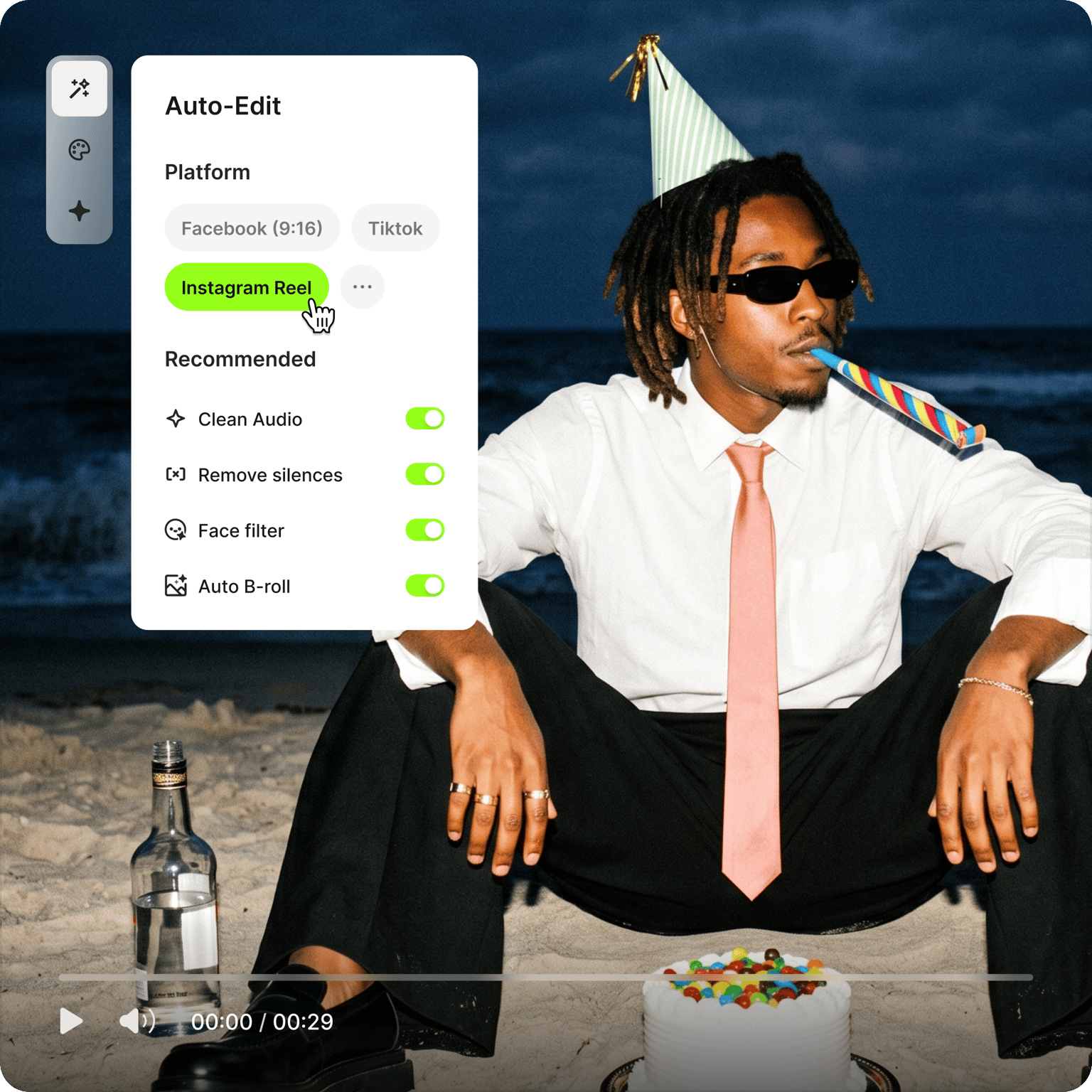
Select your video type and goal, then choose your preferred social media format.
Step 02
Upload your video
Import the video you want to auto-edit. The auto video editor works well with vlogs, tutorials, interviews, and product demos.
Step 03
Apply auto edits
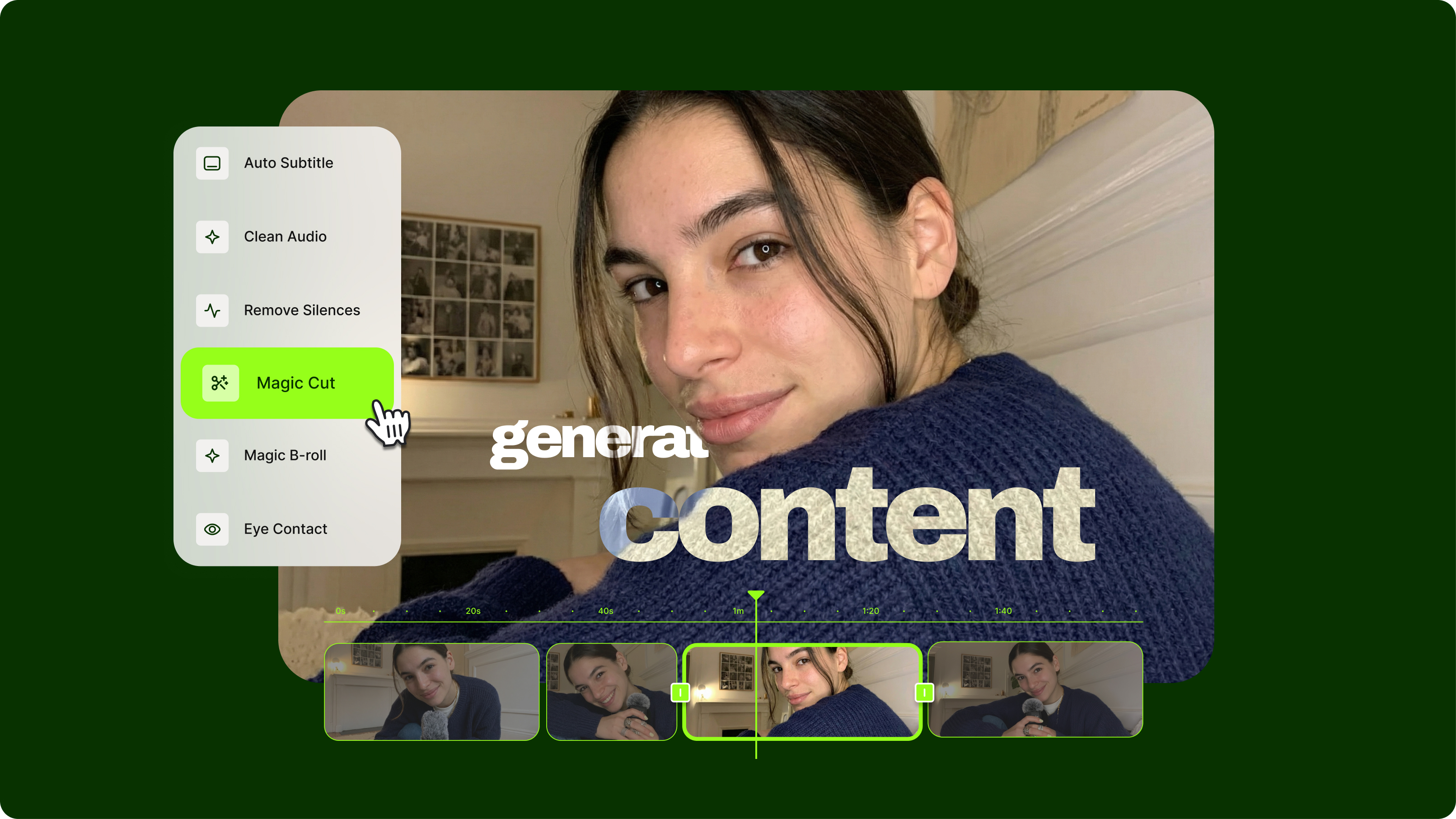
Select automatic edits like noise removal, eye contact correction, and AI B-roll to enhance your video. Download your video or add finishing touches by editing manually on our editor.
Learn More
Learn how to add B-roll to your videos automatically:
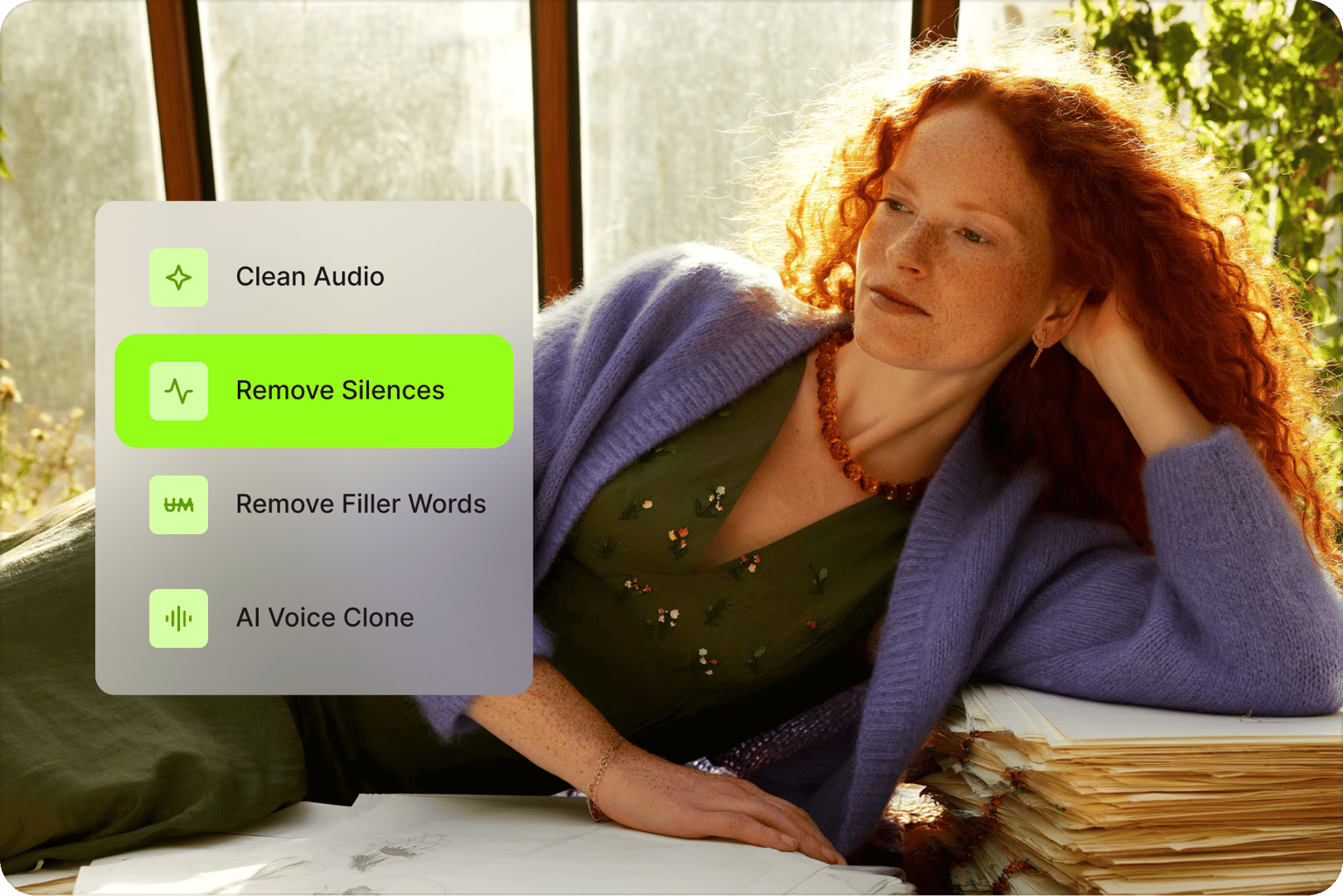
AI video editing with automatic silence removal
VEED features all the tools you need to edit videos in minutes. Our Auto Edits tool applies automatic enhancements like audio cleanup, eye contact correction, and B-roll to your video. Load our video editor and click 'Magic Cut' to remove filler words and silences in just one click.
Apply camera filters and special effects instantly. Add subtitles, closed captions, and animated text to make your videos accessible for all viewers. Plus, repurpose long videos and extract shareable clips for social media.
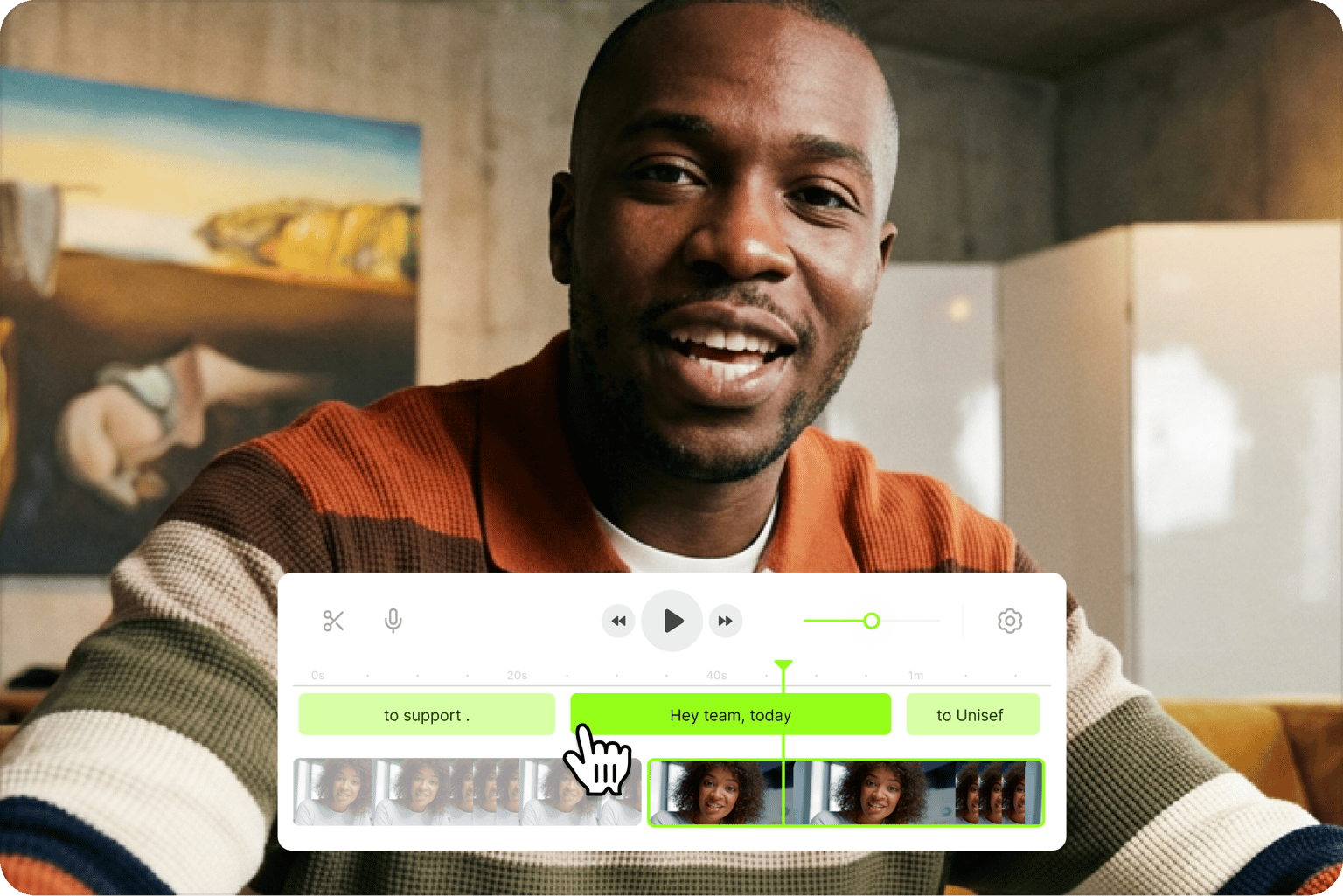
Everything you need to create publish-ready videos
Create publish-ready videos even without expensive, complicated software or a full video production team. With VEED, you can turn your video footage, audio files, images, and animations into stunning, professional video content. Our auto video editor's features include color correction, color grading, and visual effects. It also works as an AI video changer: remove or replace your background, apply filters, and adjust the look of your footage in a few clicks. You can edit audio tracks, clean your audio in one click, and remove filler words. Get started for free, then upgrade for watermark-free exports and full access to our AI tools.
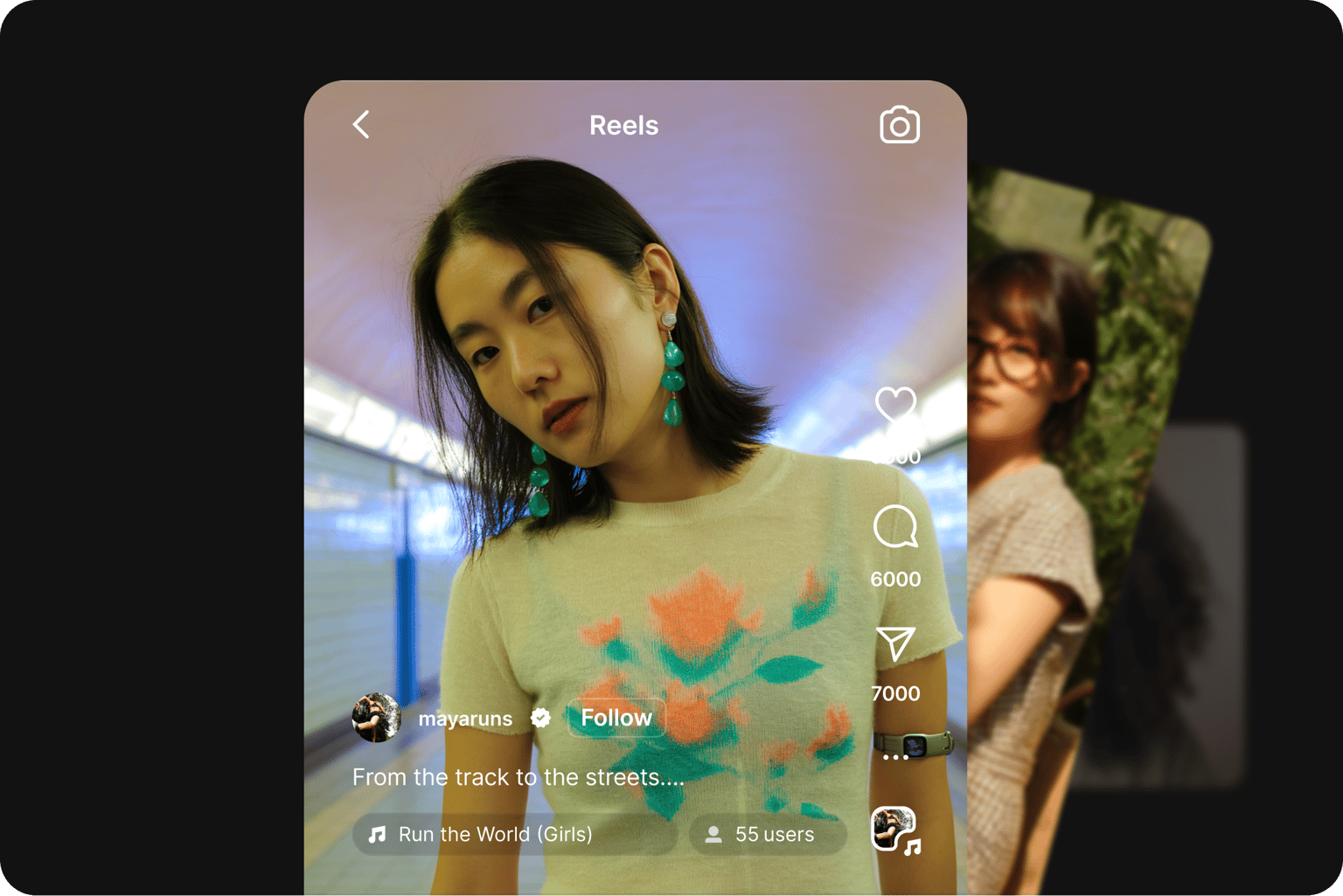
Create on-brand social videos for every platform
Optimize your videos for all social media and video-sharing platforms like YouTube. Easily create Instagram reels, Facebook stories, and more. If you’re creating social media videos for your business, you can use our Brand Kit to add your logo, fonts, and brand colors to keep everything on brand. Our Brand Kit feature is available to premium subscribers. Check our pricing page for more information.
FAQ
Auto video editing uses AI to handle repetitive tasks like removing silences, adding subtitles, and optimizing formats. Manual editing gives you precise control over every cut. Our video editor online combines both approaches: use automated video editing for efficiency, then fine-tune with manual tools when needed.
Using VEED's auto video editor, specify your video type and goals, then upload your footage. Select auto edits like audio cleanup, eye contact correction, and auto B-roll from the recommended options. Download your video or open it in our editor for additional customization.
Yes. An AI that can edit videos handles the repetitive steps for you: it cleans your audio, cuts silences and filler words, adds captions, and finds B-roll to match your script. It can also change how your video looks with filters, color correction, and background replacement. Upload your footage, pick the auto edits you want, and download the result or fine-tune it in the editor.
VEED's AI auto video editor combines auto edits with professional tools. Our auto edit maker cleans audio and applies face filters, auto B-roll, and music. The tool also adds subtitles to videos and resizes videos to fit perfectly on any platform. Our auto video editor provides a drag-and-drop interface for creators at any skill level.
Yes. Our auto video editor optimizes content for YouTube, TikTok, Instagram Reels, Facebook, and LinkedIn. The software adjusts aspect ratios and applies the best formatting for each social media platform to maximize engagement. Create all kinds of content like talking head videos, tutorials, podcast episodes, gaming videos, and meme-style videos.
YouTubers use automation to handle repetitive editing tasks. They rely on tools that automatically remove filler words and dead air from their recordings, then add subtitles and optimize formatting for different platforms. VEED's auto video editor provides these time-saving features, automatically cleaning up your footage and optimizing it for YouTube in minutes.
Traditional video editing typically takes 30-60 minutes for a 1-minute video, depending on complexity and the editor's experience. This includes cutting footage, adding text and graphics, audio editing, color grading, and exporting. With automated editing tools, the most tedious tasks like subtitle generation can happen in seconds instead of minutes.
Loved by creators.
Loved by the Fortune 500
“
With VEED I didn't need 15 tutorials - I jumped straight in and started editing.

Gwenne Wilcox
Founder,
Brand Brainery
“
You can go beyond choppping things. VEED actually makes my videos look great.

Michael Glover
Demand Gen Manager,
ConvertFlow
“
The first four videos i created with VEED got over 40,000 impressions on LinkedIn.

Travis Tyler
Senior Content Producer,
PandaDoc
“
I found VEED at the right time: if you're making UGC ads and not using Eye Contact Correction and Noise Reduction on VEED you're missing out on ROI.

Sebastian Schurgers
Head of Growth Marketing,
Gronda
“
With VEED I didn't need 15 tutorials - I jumped straight in and started editing.
Gwenne Wilcox
Founder,
Brand Brainery
“
You can go beyond choppping things. VEED actually makes my videos look great.
Michael Glover
Demand Gen Manager,
ConvertFlow
“
The first four videos i created with VEED got over 40,000 impressions on LinkedIn.
Travis Tyler
Senior Content Producer,
PandaDoc
“
I found VEED at the right time: if you're making UGC ads and not using Eye Contact Correction and Noise Reduction on VEED you're missing out on ROI.
Sebastian Schurgers
Head of Growth Marketing,
Gronda
“
The first four videos i created with VEED got over 40,000 impressions on LinkedIn.
Travis Tyler
Senior Content Producer,
PandaDoc
“
I found VEED at the right time: if you're making UGC ads and not using Eye Contact Correction and Noise Reduction on VEED you're missing out on ROI.
Sebastian Schurgers
Head of Growth Marketing,
Gronda
“
With VEED I didn't need 15 tutorials - I jumped straight in and started editing.
Gwenne Wilcox
Founder,
Brand Brainery
“
You can go beyond choppping things. VEED actually makes my videos look great.
Michael Glover
Demand Gen Manager,
ConvertFlow
Discover more
- AI Clip Generator
- AI Content Generator for YouTube
- AI Gaming Clip Maker
- AI Podcast Clip Generator
- AI Podcast Editing
- AI Podcast Generator
- AI Product Video Generator
- AI Shorts
- AI Video Clip Generator
- AI Video Clipper
- AI Video Marketing
- AI Viral Clip Maker
- Automatic Clip Maker
- Image Sequence to Video
- Jump Cut Video
- Long Video to Short Video AI
- Product Video Maker
- Short Form Video Editor
- TikTok Clip Maker
- Twitch Clip Maker
- Twitch Clipper
- Video Automation Software
- Video Clipping Services
- Video Editing Services
- YouTube Video Editing Services
Explore related tools
More from VEED
Streamlining Video Editing with AI: A Guide for Busy Marketers
Want to streamline your video editing workflow? Check out this list of the best AI tools for video editing.

How to Make AI Videos with VEED: Bring Your Ideas to Life
Want to learn how to make AI videos with VEED? Check out this starter guide to take your video projects from A to Z in the blink of AI.

Beyond Likes and Shares: Building a Social Media Strategy That Grows Your Business
So you’re posting regularly, maybe a few times a week. But without a solid social media strategy, even your best content efforts can feel like shouting into the void.
Trusted by 1M+ creators
When it comes to amazing videos, all you need is VEED
No credit card required
More than an auto video editor
VEED is more than an auto video editor. It's an AI video creation platform where you can generate, refine, and export videos that look like your brand made it, not AI. Use VEED AI for automated video creation: build a complete video from a script or idea. Add a talking character, voiceover, captions, and your brand assets without switching tools. Turn your ideas into post-ready videos in minutes. Sign up now to start creating.