


Trusted by 1M+ creators
Remove Wind Noise from Video
Get rid of wind noise with our AI audio cleaner
No credit card required
4.6
2,100+ reviews















Remove wind noise from a video in one click
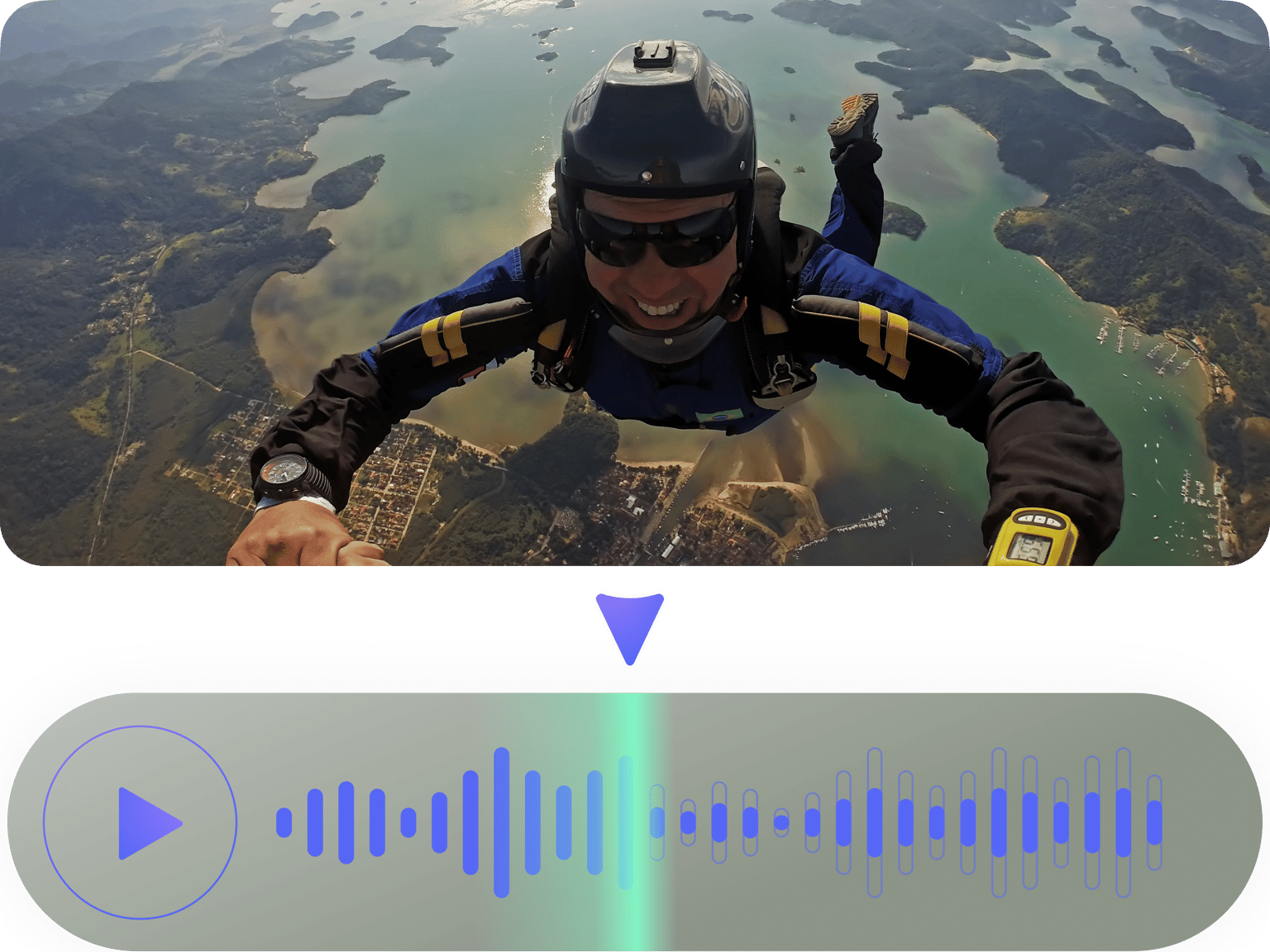
Distracting wind noise in your podcast or talking video? Remove background noise instantly with our AI audio cleanup tool. Powered by Dolby technology, our AI audio cleaner automatically detects and eliminates background noise. No need for expensive software or technical know-how. Try our AI tool for free. Turn raw footage into professional content that sounds like it was recorded in a studio. Aside from wind noise removal, explore more tools to polish your video. Remove those “ums,” “ahs,” and other filler words with Magic Cut. Or brighten your footage with color correction and filters. VEED brings you all the essential tools in one platform.
How to remove wind noise from a video:
Step 01
Upload or record
Upload your video to the editor or record one using our webcam recorder.
Step 02
Remove wind sound from video
Select the clip on the timeline and click ‘Clean Audio’ under Magic Tools. Our AI will automatically remove wind noise from your video.
Step 03
Export or keep editing
Export your video with clear audio. Or explore more ways to enhance your video, such as removing filler words and applying color correction.
Learn More
Watch this AI noise reduction walkthrough:
Wind noise reduction in seconds
Traditional audio engineering requires technical expertise and hours of painstaking work. With VEED’s AI audio cleaner, you can instantly eliminate distracting wind noise when you need to share that important outdoor interview or company update right away. Try our audio cleaner for free to see the results. Then, upgrade when you’re ready.
Professional results with AI audio cleanup
Poor audio quality makes viewers scroll past your content without a second thought. Professional-sounding audio increases watch time, improves comprehension, and makes you look more credible. Achieve crystal-clear audio even without fancy equipment, turning amateur footage into studio-quality content.
Remove breathing sounds, hisses, and white noise
Breath sounds or traffic noise can also distract from your video. The AI audio cleaner removes these unwanted sounds with just one click. Clean up audio yourself without the tedious manual editing process. Achieve a clear sound that keeps viewers focused on your message. Plus, make your videos look more professional with intuitive color correction.
FAQ
You can try our video noise remover for free. Upload your video, click the Clean Audio tool, and instantly improve sound quality. For continued access to this feature, you can upgrade to our Pro plan.
Depending on your file size, most videos take just a few seconds or minutes of audio cleanup.
Upload your file and use our background noise remover. VEED's ‘Clean Audio’ technology works well with podcasts, dialogue, and interviews, effectively isolating voices from background noise.
Follow these tips to stop wind noise when recording:
- Position yourself with your back to the wind
- Record in sheltered areas away from open spaces.
- Use a “dead cat” fuzzy cover on your mic or improvise with a sock/soft fabric wrapped loosely around it.
For existing recordings, use VEED's one-click Clean Audio tool to enhance your audio instantly.
Loved by creators.
Loved by the Fortune 500
“
With VEED I didn't need 15 tutorials - I jumped straight in and started editing.

Gwenne Wilcox
Founder,
Brand Brainery
“
You can go beyond choppping things. VEED actually makes my videos look great.

Michael Glover
Demand Gen Manager,
ConvertFlow
“
The first four videos i created with VEED got over 40,000 impressions on LinkedIn.

Travis Tyler
Senior Content Producer,
PandaDoc
“
I found VEED at the right time: if you're making UGC ads and not using Eye Contact Correction and Noise Reduction on VEED you're missing out on ROI.

Sebastian Schurgers
Head of Growth Marketing,
Gronda
“
With VEED I didn't need 15 tutorials - I jumped straight in and started editing.
Gwenne Wilcox
Founder,
Brand Brainery
“
You can go beyond choppping things. VEED actually makes my videos look great.
Michael Glover
Demand Gen Manager,
ConvertFlow
“
The first four videos i created with VEED got over 40,000 impressions on LinkedIn.
Travis Tyler
Senior Content Producer,
PandaDoc
“
I found VEED at the right time: if you're making UGC ads and not using Eye Contact Correction and Noise Reduction on VEED you're missing out on ROI.
Sebastian Schurgers
Head of Growth Marketing,
Gronda
“
The first four videos i created with VEED got over 40,000 impressions on LinkedIn.
Travis Tyler
Senior Content Producer,
PandaDoc
“
I found VEED at the right time: if you're making UGC ads and not using Eye Contact Correction and Noise Reduction on VEED you're missing out on ROI.
Sebastian Schurgers
Head of Growth Marketing,
Gronda
“
With VEED I didn't need 15 tutorials - I jumped straight in and started editing.
Gwenne Wilcox
Founder,
Brand Brainery
“
You can go beyond choppping things. VEED actually makes my videos look great.
Michael Glover
Demand Gen Manager,
ConvertFlow
Discover more
Explore related tools
More from VEED

How to Clean Up Audio in a Video With This One-Click Trick
Remove distracting background noises in a single click using VEED. Learn how in this guide!

11 Best Audio Recording Software to Try in 2025
We tried and tested multiple audio recording software, so you won't have to. Read on to find out which one made the 2024 list and why.

8+ Best AI Voice Generators to Try in 2026
Searching for the best AI voice generator? We tested the top ones so you don't have to. Check out our comprehensive reviews of the best AI voice generators in this listicle.
Trusted by 1M+ creators
When it comes to amazing videos, all you need is VEED
No credit card required
More than background noise removal
VEED streamlines your entire video workflow. From recording to polishing content, you have all the tools you need. Our intuitive online editor helps you make videos that look and sound professional. Remove cluttered backgrounds instantly and apply custom backgrounds. Auto-delete filler words and unwanted pauses, making your content more focused and engaging. And add auto-subtitles aligned with your brand’s style. With VEED, you can do it all in one seamless platform. Start creating now.