


Trusted by 1M+ creators
Audio to Audio AI
Clone your voice, dub content, and remove background noise with AI
No credit card required

4.6
2,100+ reviews















Your complete AI audio studio
Create professional content without booking studio time or learning complex audio engineering. VEED combines essential AI audio-to-audio tools in one intuitive platform. Perfect for content creators and businesses. Clone your voice, generate voiceovers from text input, dub content in 125+ languages, and clean up audio instantly.
VEED gives you studio-quality sound in just a few clicks. But that’s not all. Our all-in-one toolkit includes powerful video editing tools. From trimming clips to adding subtitles, everything you need lives in one seamless workspace. Try our tools for free and upgrade anytime to unlock premium features.
How to use our audio-to-audio AI tools:
Step 01
Prepare audio
Upload your audio file or record directly in our editor. For voice cloning, you can either start with a blank canvas to create standalone audio, or upload your video for adding voiceovers.
Step 02
Select a tool
Choose a tool: Voice Clone, Translate Voice, or Clean Audio. Find these tools in our menu or type them in the Search bar.
Step 03
Process your audio
Our AI will guide you through the next steps, like recording a voice sample or choosing a language. Download your audio or integrate it into your video project.
Learn More
Watch this AI voice cloning tutorial:
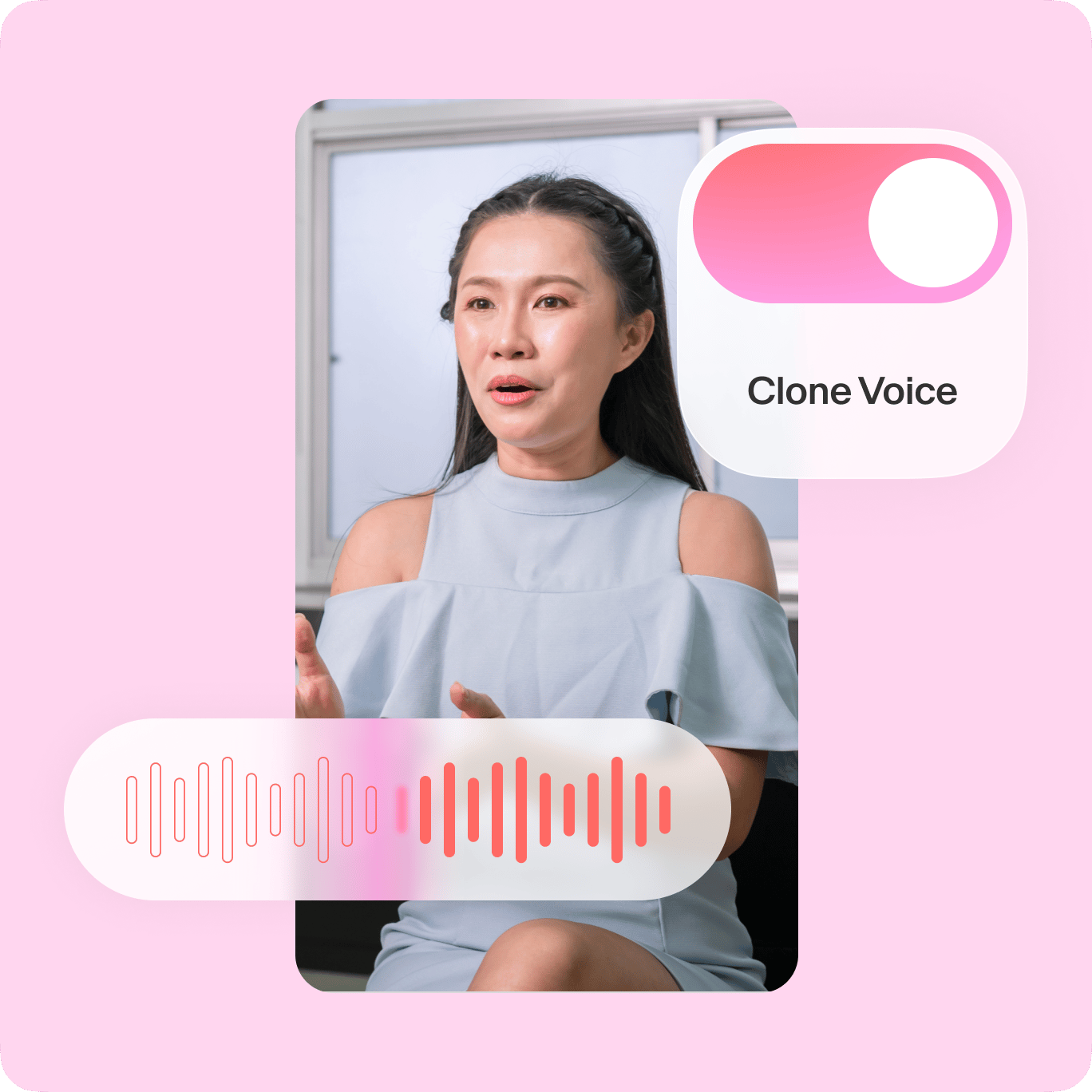
Replicate your voice by typing text
Need to create content regularly, but struggle to fit recording into your schedule? With our AI voice cloning tool, you only need to record once. Turn your audio sample into an AI voice that sounds just like you. Generate voiceovers just by typing your script. Have your voice in every explainer video or business presentation — without the tedious recording and retakes.
Remove background noise in one click
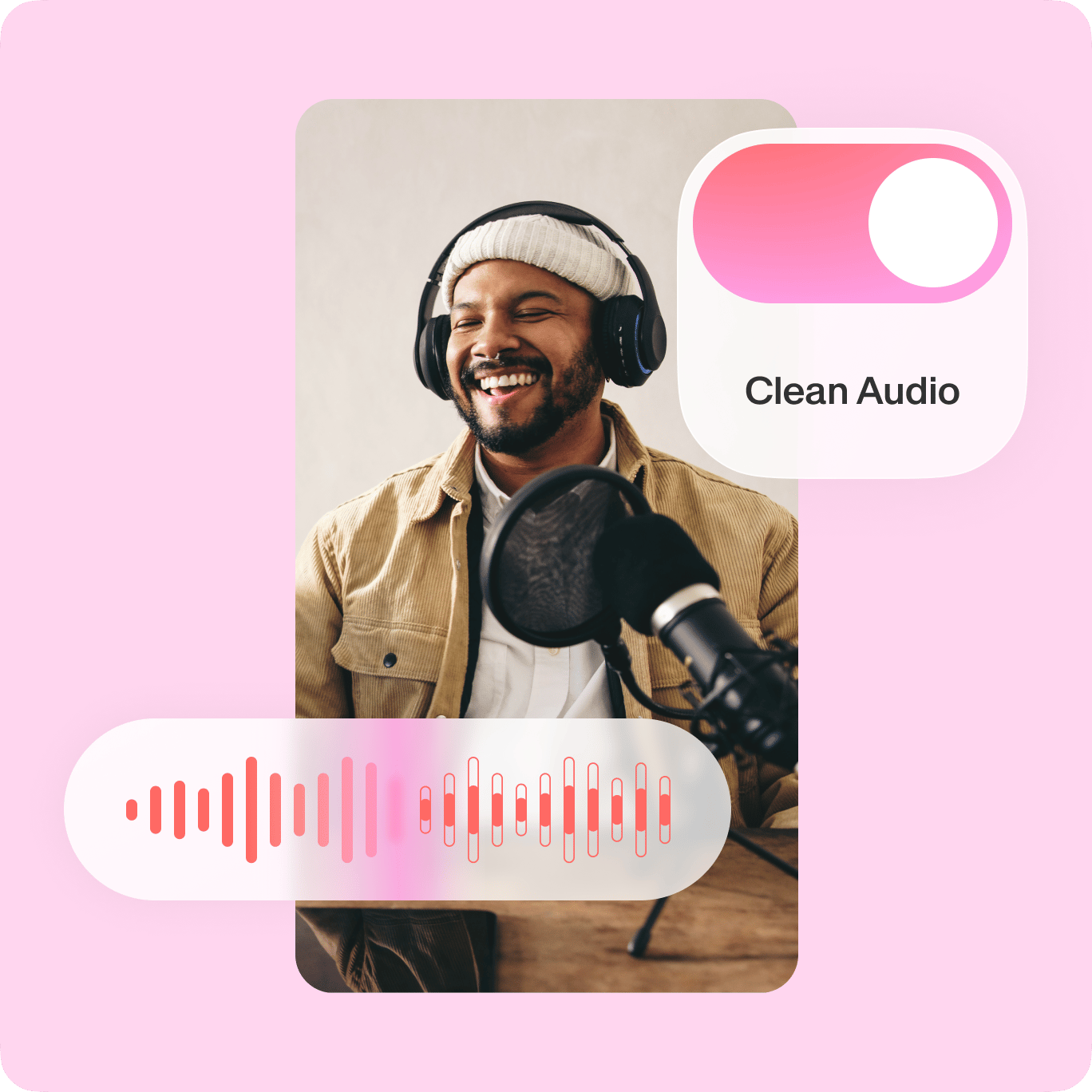
Frustrated by the noise from the AC unit or street traffic? No need to spend hours finding quiet recording times or editing audio using complex software. Our AI cleans up your audio in seconds. Get studio-quality sound even without the studio setup. Keep your audience engaged, with crystal-clear audio focused on your message.
Dub videos automatically
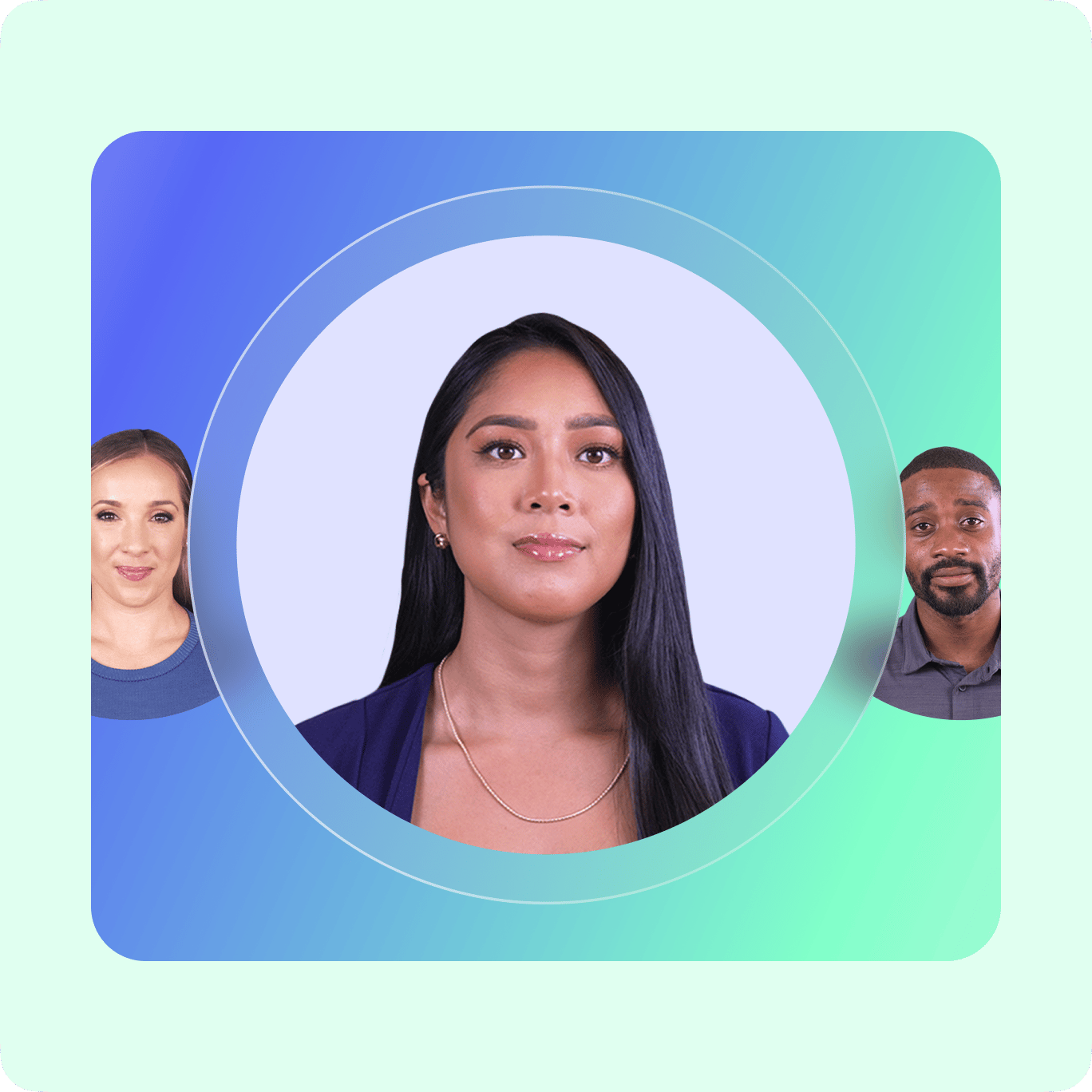
Reach new audiences by dubbing your content. Our dubbing software supports 125+ languages. Translate speech and generate authentic-sounding dubs. Localize your content for any audience to ensure your content resonates. VEED is your complete toolkit for making professional-quality videos. Create, translate, and enhance your videos all in one place.
FAQ
Our AI technology handles voice cloning, multilingual dubbing, noise removal, and filler word removal. We also provide an AI that transcribes audio and generates subtitles.
We offer a free plan that lets you try our AI audio features: voice cloning, audio cleanup, and voice translation. For regular users, our Pro plan provides higher usage limits and full access to our video editor. For larger teams with specific needs, our Enterprise plan offers custom usage limits.
You can upload and edit various audio formats, such as MP3, WAV, M4A, and AAC.
Yes. Our AI voice dubbing tool supports 125+ languages. Simply upload your content and click ‘Translate voice’ to dub it in your desired language.
Use our AI software to clean up your audio. Simply upload your audio to our editor. Then, select your clip on the timeline and click ‘Clean Audio.’
Do not use AI voice cloning to create harmful content, infringe any third-party rights, or defame anyone. Remember to tell anyone who is viewing your content that it is AI-generated. You can read the full terms here.
Loved by creators.
Loved by the Fortune 500
“
With VEED I didn't need 15 tutorials - I jumped straight in and started editing.

Gwenne Wilcox
Founder,
Brand Brainery
“
You can go beyond choppping things. VEED actually makes my videos look great.

Michael Glover
Demand Gen Manager,
ConvertFlow
“
The first four videos i created with VEED got over 40,000 impressions on LinkedIn.

Travis Tyler
Senior Content Producer,
PandaDoc
“
I found VEED at the right time: if you're making UGC ads and not using Eye Contact Correction and Noise Reduction on VEED you're missing out on ROI.

Sebastian Schurgers
Head of Growth Marketing,
Gronda
“
With VEED I didn't need 15 tutorials - I jumped straight in and started editing.
Gwenne Wilcox
Founder,
Brand Brainery
“
You can go beyond choppping things. VEED actually makes my videos look great.
Michael Glover
Demand Gen Manager,
ConvertFlow
“
The first four videos i created with VEED got over 40,000 impressions on LinkedIn.
Travis Tyler
Senior Content Producer,
PandaDoc
“
I found VEED at the right time: if you're making UGC ads and not using Eye Contact Correction and Noise Reduction on VEED you're missing out on ROI.
Sebastian Schurgers
Head of Growth Marketing,
Gronda
“
The first four videos i created with VEED got over 40,000 impressions on LinkedIn.
Travis Tyler
Senior Content Producer,
PandaDoc
“
I found VEED at the right time: if you're making UGC ads and not using Eye Contact Correction and Noise Reduction on VEED you're missing out on ROI.
Sebastian Schurgers
Head of Growth Marketing,
Gronda
“
With VEED I didn't need 15 tutorials - I jumped straight in and started editing.
Gwenne Wilcox
Founder,
Brand Brainery
“
You can go beyond choppping things. VEED actually makes my videos look great.
Michael Glover
Demand Gen Manager,
ConvertFlow
Explore related tools
More from VEED

8+ Best AI Voice Generators to Try in 2026
Searching for the best AI voice generator? We tested the top ones so you don't have to. Check out our comprehensive reviews of the best AI voice generators in this listicle.

How to Clean Up Audio in a Video With This One-Click Trick
Remove distracting background noises in a single click using VEED. Learn how in this guide!
Auto Subtitle Generator: The Easiest One You’ll Ever Need
Learn how to use the easiest auto-subtitle generator online. Automatically create accurate subtitles in minutes, and make your videos accessible worldwide.
Trusted by 1M+ creators
When it comes to amazing videos, all you need is VEED
No credit card required
Your all-in-one toolkit for audio and video creation
VEED offers more than just audio-to-audio transformation. It's a complete content creation platform where you can enhance audio, edit video, and create engaging content in minutes. Starting a video from scratch? Our AI video generator lets you create instant videos just by typing prompts. Discover how our AI tools can elevate your content with minimal effort. Try VEED today.