


Trusted by 1M+ creators
Remove Mouth Clicks from Audio
Remove mouth clicks, clean up your audio, and create polished content in minutes
No credit card required
4.6
2,100+ reviews















Achieve cleaner, click-free audio in one click
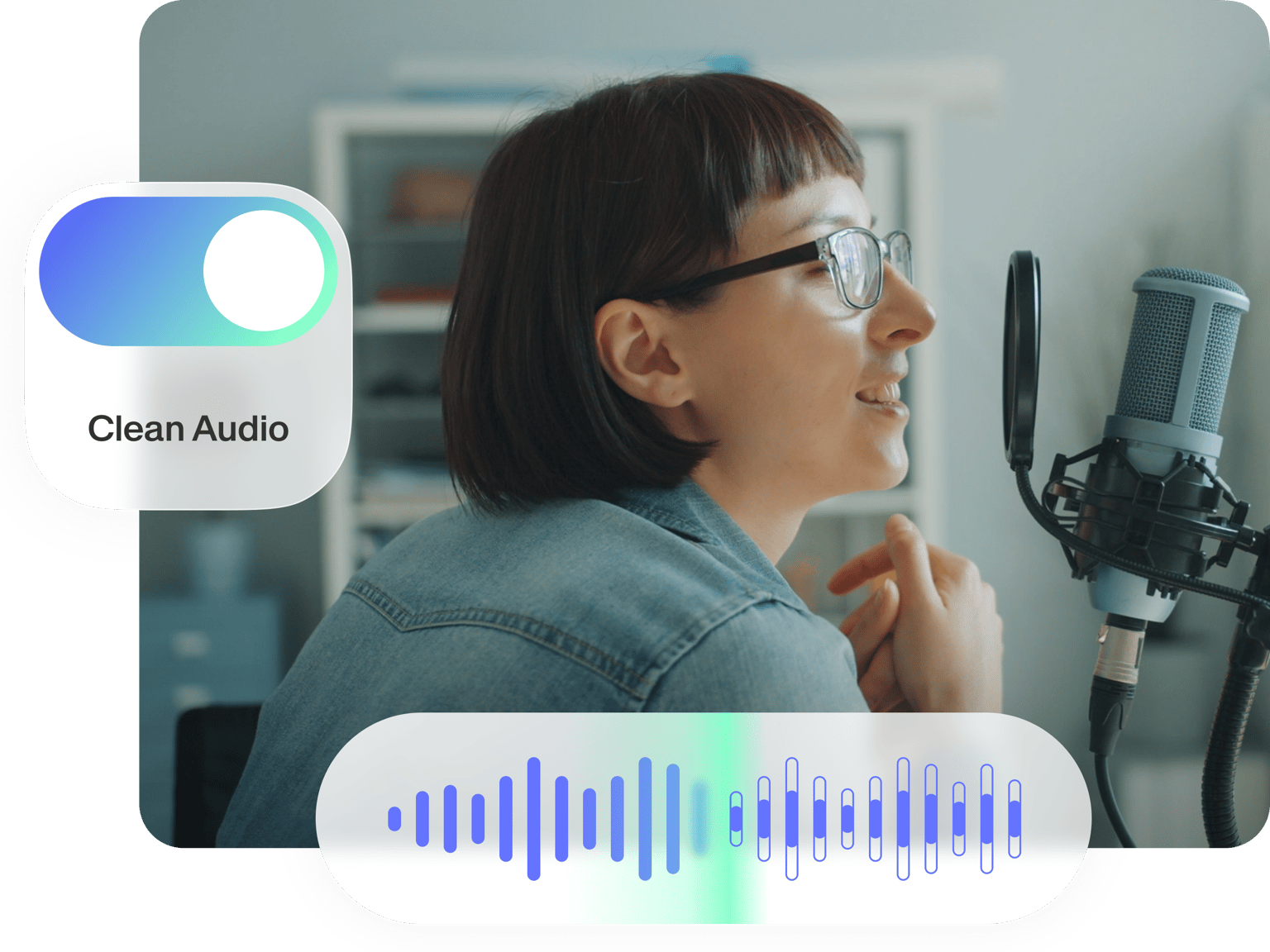
Magic Cut lets you remove distracting mouth clicks from your audio. All it takes is one click of a button! Get rid of mouth clicks, breathing sounds, filler words, and interruptions – without the tedious retakes and manual editing. With VEED, you can achieve crisp, professional-quality content in minutes.
If you’re looking to create videos, our all-in-one video editor has got you covered too. Enhance your content by adding text, removing background noise, or uploading a custom background image. You can even use our voice cloning tool to add instant, personalized voiceovers when you’re pressed for time.
How to remove mouth noises from audio:
Step 01
Upload or record audio
Upload your audio or video recording. Or start recording using our built-in recorder.
Step 02
Click ‘Magic Cut’
Use Magic Cut to remove mouth clicks and other interruptions. You can manually extend clips to include more context or refine the audio.
Step 03
Export or keep creating
Export your audio or video. You can also use our various tools to enhance your video with text, subtitles, music, and more.
Learn More
Watch this AI Magic Cut tutorial:
Get rid of mouth clicks in one click
Mouth clicks can distract from your message. But you don’t need to spend hours on endless retakes or manual editing. Magic Cut lets you instantly remove mouth noises and other unwanted sounds. Trim down your audio to your best takes and achieve crisp recordings. Polishing your audio is easier than ever.
Remove filler words, sound more persuasive
From mouth clicks to ‘ums’ and ‘ahs,’ Magic Cut cleans up your audio in seconds. Our AI also removes awkward pauses and interruptions, like a knock on the door or your phone ringing. And with our background noise remover (available for paid subscriptions), you can enhance your audio further. Record with confidence and edit to perfection with VEED.
Generate perfect voiceovers with voice cloning
Short on time or unable to record? Our voice cloning tool lets you add instant voiceovers while maintaining the personal touch of your own voice. Simply record a snippet of your voice and convert text to speech. No need for tedious recording sessions every time! Scale your content and add English narrations to vlogs, demo videos, company updates, and more.
FAQ
VEED’s Magic Cut tool can remove mouth clicks from audio instantly. Upload your audio or video. Select the clip and click the ‘Magic Cut’ button. The AI feature not only removes mouth clicks but also unwanted breathing sounds, awkward pauses, and interruptions from your recording.
Minimize mouth clicks by ensuring you are well-hydrated before recording. Avoid consuming food like dairy that can dry out your mouth. While recording, speak slightly over or to the side of the microphone instead of directly into it. If mouth noises still come up, you can use VEED’s Magic Cut tool to clean up your audio.
Yes, Magic Cut is free. Just upload your file and select Magic Cut in the tools menu. VEED’s free plan is a great starting point for creators looking to save time in their production process. As your needs grow, you can unlock even more advanced functionalities and increased usage limits by upgrading to one of our paid plans.
Magic Cut only works with spoken English audio, audio distinguishable from music, and clips between 10 seconds and 55 minutes. We’re always working to enhance our AI features, so stay tuned for updates that may expand its capabilities.
Loved by creators.
Loved by the Fortune 500
“
With VEED I didn't need 15 tutorials - I jumped straight in and started editing.

Gwenne Wilcox
Founder,
Brand Brainery
“
You can go beyond choppping things. VEED actually makes my videos look great.

Michael Glover
Demand Gen Manager,
ConvertFlow
“
The first four videos i created with VEED got over 40,000 impressions on LinkedIn.

Travis Tyler
Senior Content Producer,
PandaDoc
“
I found VEED at the right time: if you're making UGC ads and not using Eye Contact Correction and Noise Reduction on VEED you're missing out on ROI.

Sebastian Schurgers
Head of Growth Marketing,
Gronda
“
With VEED I didn't need 15 tutorials - I jumped straight in and started editing.
Gwenne Wilcox
Founder,
Brand Brainery
“
You can go beyond choppping things. VEED actually makes my videos look great.
Michael Glover
Demand Gen Manager,
ConvertFlow
“
The first four videos i created with VEED got over 40,000 impressions on LinkedIn.
Travis Tyler
Senior Content Producer,
PandaDoc
“
I found VEED at the right time: if you're making UGC ads and not using Eye Contact Correction and Noise Reduction on VEED you're missing out on ROI.
Sebastian Schurgers
Head of Growth Marketing,
Gronda
“
The first four videos i created with VEED got over 40,000 impressions on LinkedIn.
Travis Tyler
Senior Content Producer,
PandaDoc
“
I found VEED at the right time: if you're making UGC ads and not using Eye Contact Correction and Noise Reduction on VEED you're missing out on ROI.
Sebastian Schurgers
Head of Growth Marketing,
Gronda
“
With VEED I didn't need 15 tutorials - I jumped straight in and started editing.
Gwenne Wilcox
Founder,
Brand Brainery
“
You can go beyond choppping things. VEED actually makes my videos look great.
Michael Glover
Demand Gen Manager,
ConvertFlow
Discover more
More from VEED

How to Clean Up Audio in a Video With This One-Click Trick
Remove distracting background noises in a single click using VEED. Learn how in this guide!

11 Best Audio Recording Software to Try in 2025
We tried and tested multiple audio recording software, so you won't have to. Read on to find out which one made the 2024 list and why.

Podcasting 101: Everything you need to name, ideate, record, edit, and promote a podcast
A 5-step guide to start a podcast from generating a name to recording to promoting it.
Trusted by 1M+ creators
When it comes to amazing videos, all you need is VEED
No credit card required
Your all-in-one tool for polishing content
VEED lets you do more than just remove mouth clicks from audio. Our comprehensive video editor offers a wide range of tools, including background removal, clean audio, and color correction. But it doesn’t stop there. You can create all kinds of videos like tutorials, talking heads, and promotional content. And with text to video, you can get started right away; simply type your prompt! Ready to streamline your video production? Try VEED now!