


Trusted by 1M+ creators
English Subtitles
Add English subtitles to your video for free
No credit card required
4.6
2,100+ reviews















Auto-generate English Subtitles in Seconds
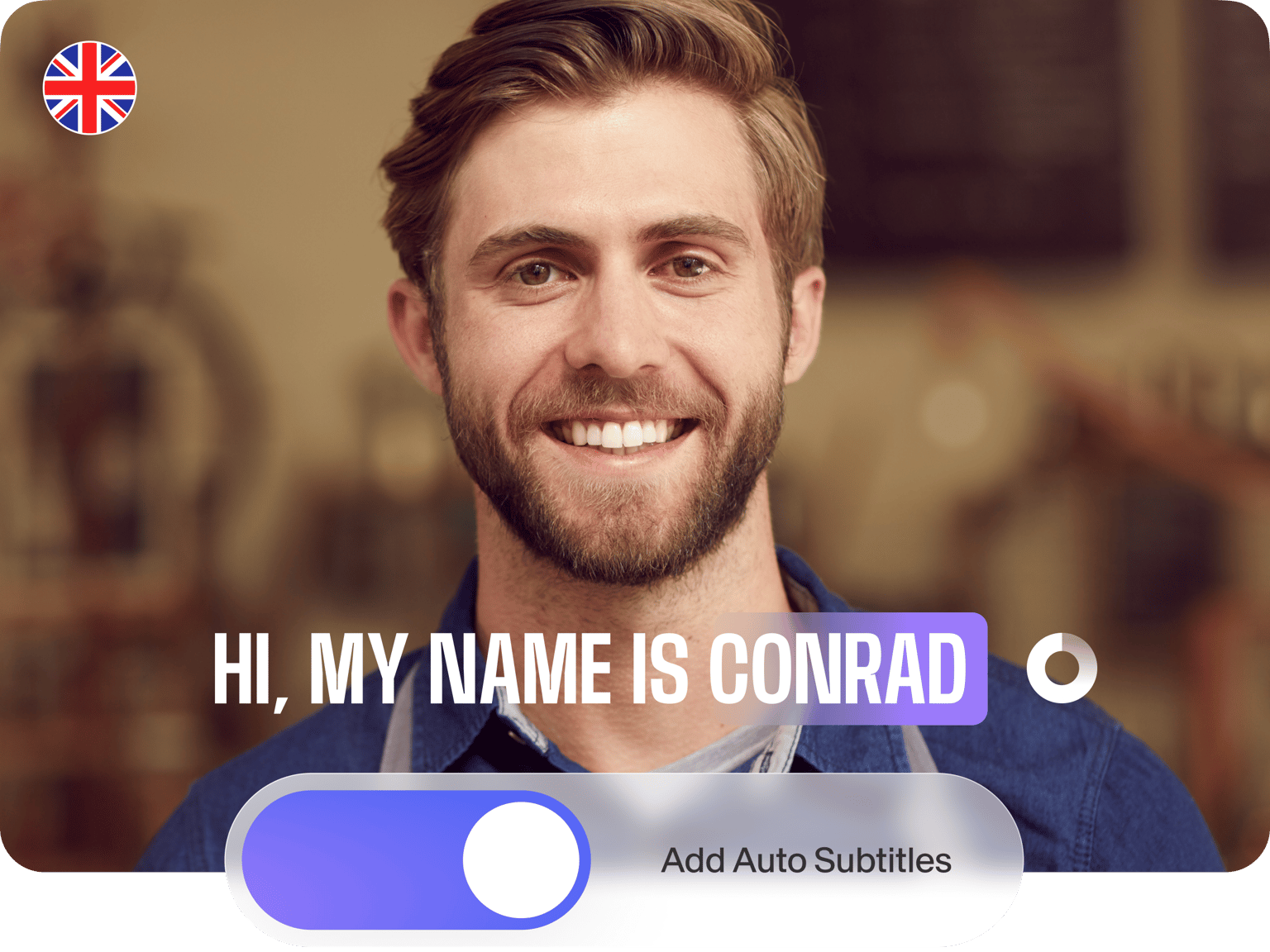
If you want to add English subtitles to your video, VEED’s free online auto-transcription tool is the quickest way. No wasted hours typing audio transcriptions by hand. Simply upload your video, then let the automatic transcriber get to work! If you need the SRT file or a translation, upgrade your account.
Whether you’re making a movie or want English subtitles for TV, VEED is the tool for you. Automatically add subtitles and translate your videos to multiple languages to create globally accessible content.
How to Generate English Subtitles:
Step 01
Upload Video
Upload a video file to VEED. Select the file from one of your folders — or drag and drop the file straight into the editor.
Step 02
Click ‘Auto Subtitles’
Click ‘Auto Subtitles,’ select English (US), and hit ‘Start.’ In just a few seconds, your English subtitles will be ready.
Step 03
Hit ‘Export’
Customize the font, style, screen position, even letter spacing, then when ready, hit ‘Export.’ VEED will render your project with the subtitles baked-in.
Learn More
‘How to Auto Generate English Subtitles’ Tutorial
Subtitles in seconds
No tool generates subtitles faster than VEED. Drag and drop a file into the editor, set the language to English, and then watch the subtitles appear. Transcribe your audio to text in seconds to keep a written record of your voice files. You can also automatically convert your videos to text.
Style as you like
Whether you need subtitles for a video on your website or social media, you can style the text just how you want it. VEED’s advanced tools let you switch fonts, add drop shadows, shift the screen position, even adjust the line height.
Use English subtitles to make your content searchable
You can also use the power of VEED’s AI subtitle tool to lead more people to your content, website, and YouTube channel. Adding a text element (i.e., captions) to your videos makes them more searchable.
FAQ
You can add English subtitles in just three steps: Select a Video File: Choose which video file you want to add subtitles to. Add Subtitles: Click 'Auto Subtitles' and pick English (US) as the language. Edit & Download: Edit the text and styles, then click ‘Export’ to render your video with English subtitles baked in.
The quickest way to add subtitles to a movie is to use VEED’s auto transcription tool. You can choose between hundreds of different foreign languages, and VEED’s subtitle generator will transcribe all the audio into text, then turn the text into subtitles.
With VEED, you can add subtitles to your videos for free! Create your VEED account Upload a video Click ‘Auto Subtitles’ Pick your language and hit ‘Start’
We’re biased, but we truly believe it’s VEED. With VEED, you can add accurate subtitles to your videos in seconds (and for free!). You can’t say better than that.
Loved by creators.
Loved by the Fortune 500
“
With VEED I didn't need 15 tutorials - I jumped straight in and started editing.

Gwenne Wilcox
Founder,
Brand Brainery
“
You can go beyond choppping things. VEED actually makes my videos look great.

Michael Glover
Demand Gen Manager,
ConvertFlow
“
The first four videos i created with VEED got over 40,000 impressions on LinkedIn.

Travis Tyler
Senior Content Producer,
PandaDoc
“
I found VEED at the right time: if you're making UGC ads and not using Eye Contact Correction and Noise Reduction on VEED you're missing out on ROI.

Sebastian Schurgers
Head of Growth Marketing,
Gronda
“
With VEED I didn't need 15 tutorials - I jumped straight in and started editing.
Gwenne Wilcox
Founder,
Brand Brainery
“
You can go beyond choppping things. VEED actually makes my videos look great.
Michael Glover
Demand Gen Manager,
ConvertFlow
“
The first four videos i created with VEED got over 40,000 impressions on LinkedIn.
Travis Tyler
Senior Content Producer,
PandaDoc
“
I found VEED at the right time: if you're making UGC ads and not using Eye Contact Correction and Noise Reduction on VEED you're missing out on ROI.
Sebastian Schurgers
Head of Growth Marketing,
Gronda
“
The first four videos i created with VEED got over 40,000 impressions on LinkedIn.
Travis Tyler
Senior Content Producer,
PandaDoc
“
I found VEED at the right time: if you're making UGC ads and not using Eye Contact Correction and Noise Reduction on VEED you're missing out on ROI.
Sebastian Schurgers
Head of Growth Marketing,
Gronda
“
With VEED I didn't need 15 tutorials - I jumped straight in and started editing.
Gwenne Wilcox
Founder,
Brand Brainery
“
You can go beyond choppping things. VEED actually makes my videos look great.
Michael Glover
Demand Gen Manager,
ConvertFlow
Discover more
- AI Caption Generator
- AI Captioning
- Bangla Subtitles
- Bengali Subtitles
- Chinese Subtitles
- Closed Captioning Software
- Czech Subtitles
- Danish Subtitles
- Dynamic Subtitles
- Finnish Subtitles
- French Subtitles
- German Subtitles
- Greek Subtitles
- Hebrew Subtitles
- Hindi Subtitles
- Hungarian Subtitles
- Indonesian Subtitles
- Italian Subtitles
- Japanese Subtitles
- Korean Subtitles
- Malayalam Subtitles
- Norwegian Subtitling
- Polish Subtitles
- Punjabi Caption
- Romanian Subtitles
- Russian Subtitles
- Spanish Subtitles
- SRT File Creator
- Subtitles Arabic
- Subtitles Dutch
- Subtitles Marathi
- Subtitles Persian
- Subtitles Portuguese
- Tagalog Subtitling
- Tamil Subtitles
- Telugu Subtitles
- Thai Subtitles
- Turkish Subtitles
- Ukrainian Subtitles
- Urdu Subtitles
- Video Captioning Services
- Video Subtitling Services
- Vietnamese Subtitles
- VTT Creator
More from VEED

How to Translate Subtitles in 2026: The Complete Guide
This article explains how to translate subtitles online using AI, covering SRT files, foreign films, Japanese and Arabic translations, Netflix workarounds, and videos without any existing subtitles.

How to Download SRT Subtitle Files Online (Quick and Easy)
Want to bump up your engagement, improve video SEO, and make your content more inclusive? Here's how to download and upload SRT files for your next video!

How To Translate a YouTube Video to English (and Any Other Language)
Knowing how to translate YouTube videos online can be one of the most useful things in a bilingual content creator’s arsenal.
Trusted by 1M+ creators
When it comes to amazing videos, all you need is VEED
No credit card required
More than English subtitles
You can do more than auto-generate English subtitles with VEED. Our tool is a complete video editing app, meaning you can cut, crop, and rotate videos. Or create educational and training content for colleagues and clients. You can even edit a reel for Instagram or a video for TikTok — all in minutes, all in your browser.