


Trusted by 1M+ creators
Malayalam Subtitles
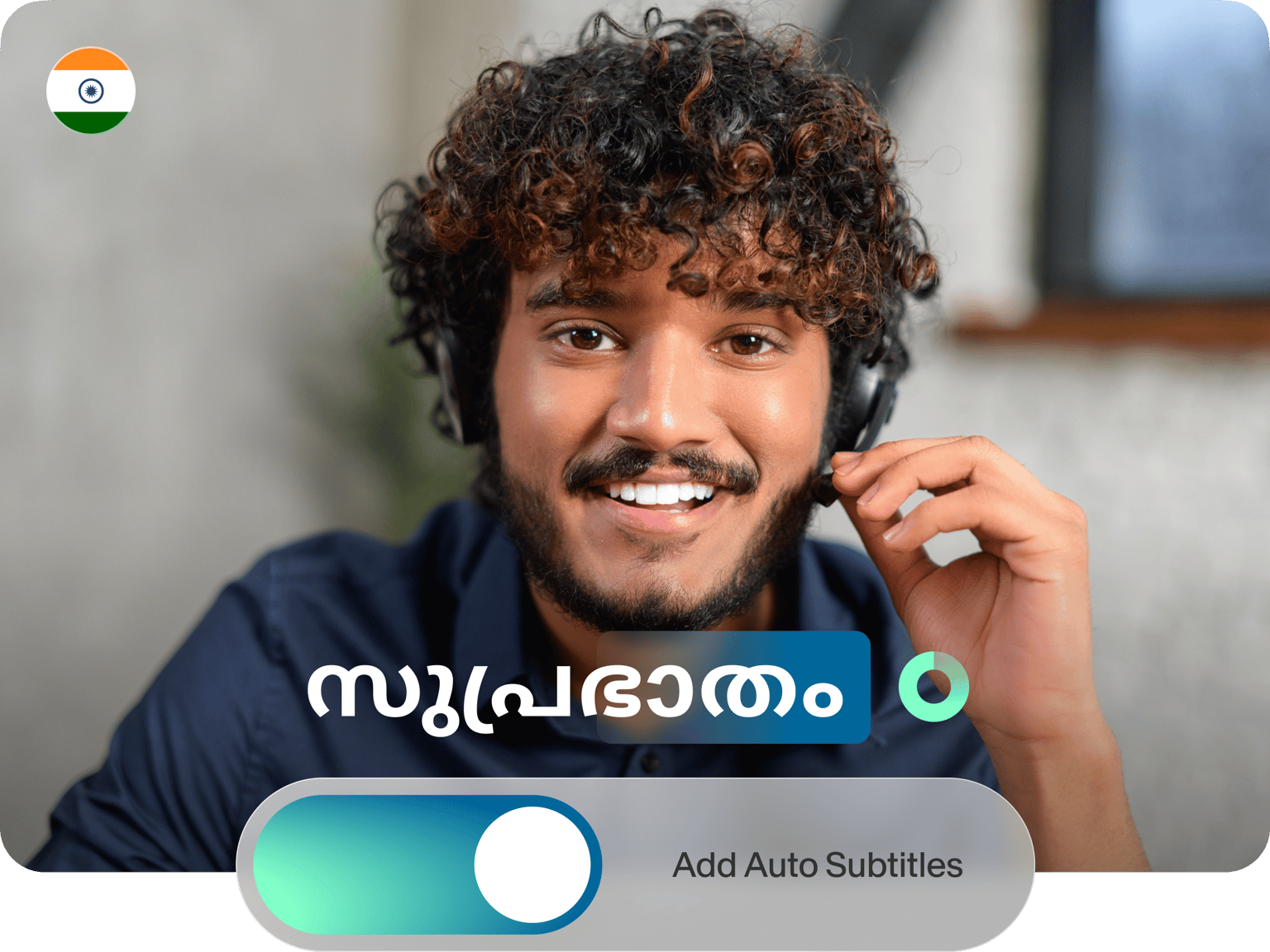
Auto-generate Malayalam subtitles for any video
No credit card required
4.6
2,100+ reviews















Quickest Way to Add Malayalam Subtitles
Adding Malayalam subtitles to a video has never been so quick. Veed’s automatic subtitles generator uses speech-recognition software to transcribe audio and video to text automatically, generating Malayalam subtitles before embedding them in a video. The subtitle and captions accuracy is also best-in-class, freeing you to focus on what you do best: creating more content!
How to Generate Malayalam Subtitles:
Step 01
Upload Video
Drag and drop a file straight into the VEED editor or upload one from your computer, whichever you prefer.
Step 02
Click ‘Auto Subtitles’
Click ‘Auto Subtitles,’ set Malayalam as your language, then hit ‘Start.’ In a matter of seconds, your Malayalam subtitles will be ready.
Step 03
Hit Export
When you’re ready, hit ‘Export.’ VEED auto-renders projects with the subtitles baked-in, ready to use on Facebook, Instagram, YouTube, the choice is yours!
Learn More
‘How to Auto Generate Malayalam Subtitles’ Tutorial
Pick your format
You can add hardcoded Malayalam subtitles to your video for free — or if you want a downloadable subtitle file (VEED supports SRT, VTT, TXT, you name it), simply upgrade to your account and pick your favorite format. Translate your videos, add subtitles, and keep a record of your transcript.
Near-perfect accuracy
VEED’s auto-subtitle generator uses artificial intelligence to generate Malayalam subtitles with near-perfect accuracy. Quickly edit the results to correct any last errors, then customize the font, change the color, even adjust the letter spacing before hitting ‘Export.’
FAQ
You can use VEED to add Malayalam subtitles in three quick steps: Select a File: Choose a video to add subtitles to. Add Subtitles: Click 'Auto Subtitle' and set Malayalam as the language. Export: Edit the subtitle text and style, then click ‘Export.’
Check this video for a quick tutorial: https://www.youtube.com/watch?v=8wZARTDbNmc
With VEED, you don’t need to download any software to add subtitles to a video. Just follow the four steps below: Create your VEED account Upload your video to our online video editor Click ‘Auto Subtitle’ Pick a language and hit ‘Start’
We know you have a few options, but VEED is one of the best. Our subtitle auto-generator doesn’t just offer best-in-class accuracy. You can add Malayalam subtitles to your video in seconds, absolutely free.
Loved by creators.
Loved by the Fortune 500
“
With VEED I didn't need 15 tutorials - I jumped straight in and started editing.

Gwenne Wilcox
Founder,
Brand Brainery
“
You can go beyond choppping things. VEED actually makes my videos look great.

Michael Glover
Demand Gen Manager,
ConvertFlow
“
The first four videos i created with VEED got over 40,000 impressions on LinkedIn.

Travis Tyler
Senior Content Producer,
PandaDoc
“
I found VEED at the right time: if you're making UGC ads and not using Eye Contact Correction and Noise Reduction on VEED you're missing out on ROI.

Sebastian Schurgers
Head of Growth Marketing,
Gronda
“
With VEED I didn't need 15 tutorials - I jumped straight in and started editing.
Gwenne Wilcox
Founder,
Brand Brainery
“
You can go beyond choppping things. VEED actually makes my videos look great.
Michael Glover
Demand Gen Manager,
ConvertFlow
“
The first four videos i created with VEED got over 40,000 impressions on LinkedIn.
Travis Tyler
Senior Content Producer,
PandaDoc
“
I found VEED at the right time: if you're making UGC ads and not using Eye Contact Correction and Noise Reduction on VEED you're missing out on ROI.
Sebastian Schurgers
Head of Growth Marketing,
Gronda
“
The first four videos i created with VEED got over 40,000 impressions on LinkedIn.
Travis Tyler
Senior Content Producer,
PandaDoc
“
I found VEED at the right time: if you're making UGC ads and not using Eye Contact Correction and Noise Reduction on VEED you're missing out on ROI.
Sebastian Schurgers
Head of Growth Marketing,
Gronda
“
With VEED I didn't need 15 tutorials - I jumped straight in and started editing.
Gwenne Wilcox
Founder,
Brand Brainery
“
You can go beyond choppping things. VEED actually makes my videos look great.
Michael Glover
Demand Gen Manager,
ConvertFlow
Discover more
- AI Caption Generator
- AI Captioning
- Bangla Subtitles
- Bengali Subtitles
- Chinese Subtitles
- Closed Captioning Software
- Czech Subtitles
- Danish Subtitles
- Dynamic Subtitles
- English Subtitles
- Finnish Subtitles
- French Subtitles
- German Subtitles
- Greek Subtitles
- Hebrew Subtitles
- Hindi Subtitles
- Hungarian Subtitles
- Indonesian Subtitles
- Italian Subtitles
- Japanese Subtitles
- Korean Subtitles
- Norwegian Subtitling
- Polish Subtitles
- Punjabi Caption
- Romanian Subtitles
- Russian Subtitles
- Spanish Subtitles
- SRT File Creator
- Subtitles Arabic
- Subtitles Dutch
- Subtitles Marathi
- Subtitles Persian
- Subtitles Portuguese
- Tagalog Subtitling
- Tamil Subtitles
- Telugu Subtitles
- Thai Subtitles
- Turkish Subtitles
- Ukrainian Subtitles
- Urdu Subtitles
- Video Captioning Services
- Video Subtitling Services
- Vietnamese Subtitles
- VTT Creator
More from VEED

How to Hardcode Subtitles with VEED
A lot of social media platforms don't actually allow you to upload SRT files with your videos. This is where hard coded subtitles comes in.
12 Best Subtitle Fonts for Video Editing (Free and Paid Options)
Want videos that are more engaging because they're easier to follow along? Here's 12 of the best free and paid subtitle fonts for better video content.

How to Download SRT Subtitle Files Online (Quick and Easy)
Want to bump up your engagement, improve video SEO, and make your content more inclusive? Here's how to download and upload SRT files for your next video!
Trusted by 1M+ creators
When it comes to amazing videos, all you need is VEED
No credit card required
More than Malayalam subtitles
VEED offers way more than auto-generated Malayalam subtitles. Our simple yet powerful online video editing platform lets you add progress bars, soundtracks, stickers, filters, special effects, whatever you like! VEED helps you forget about learning new software, freeing you to focus on creating amazing content.