


Trusted by 1M+ creators
Add Watermark to Video
Add watermarks to your videos online. Add logos, text, and more.
No credit card required

4.6
2,100+ reviews















Watermark Your Videos Online, Free
VEED’s simple video editing software to add watermarks to your videos online. No need to install an app. Simply upload your video, upload your watermark photo, and place it anywhere on the video frame! You don’t need to create an account but you can try our Pro subscription if you want to use our Brand Kit feature. This will allow you to save your watermark for future use so you don’t have to upload it each time.
How to Watermark Your Video:
Step 01
Add your video
Upload your video to VEED. Just click on ‘Choose Video’ to begin and select your file from your folders. Or drag and drop it into the box.
Step 02
Add your watermark
Click on ‘Upload’ from the left menu and select Upload Image. Choose your image file and place it on your desired location on the video frame.
Step 03
Export
Your video now has your watermark! Click on ‘Export’ to download your video to your device.
Learn More
‘Add Watermark to Video’ Tutorial
Add watermarks, text, and logos
You can add watermarks with text and/or logos to your videos online. Repost your branded video content across multiple social media platforms (with our preset canvas sizes) and get the word out about your brand. Add a watermark to your video with VEED in just a few clicks.
Use transparent background
Your watermark should have a transparent background so that it doesn’t block your video. It’s best to use an image in PNG format. VEED lets you upload any image file type but PNG is the only one that supports transparent backgrounds.
Subscribe to use the Brand Kit or add watermarks for free
You can add watermarks for free but you also have the option to use our Brand Kit feature. This will allow you to save your watermark for future use. No need to upload the watermark each time. The Brand Kit is available on our Pro account which starts at $24/month, billed annually. You can visit our pricing page for more information.
FAQ
- Click on ‘Choose Video’ and upload your video to VEED. 2. Select Upload from the left menu and add your watermark photo. Place it anywhere on the video frame. 3. Export and share!
Adding watermarks to your videos is absolutely free on VEED! You don’t even have to create an account however, doing so would let you save all your projects in one place.
VEED supports all popular video file types including iPhone videos, also called MOV or iMovie videos. It also supports other formats such as MP4, AVI, MKV, and more.
You can use the same tool to watermark your videos for Instagram. VEED lets you select the size and ratio of your video frame for different social media sites. Select a square frame to make your video compatible with Instagram and add your watermark!
Loved by creators.
Loved by the Fortune 500
“
With VEED I didn't need 15 tutorials - I jumped straight in and started editing.

Gwenne Wilcox
Founder,
Brand Brainery
“
You can go beyond choppping things. VEED actually makes my videos look great.

Michael Glover
Demand Gen Manager,
ConvertFlow
“
The first four videos i created with VEED got over 40,000 impressions on LinkedIn.

Travis Tyler
Senior Content Producer,
PandaDoc
“
I found VEED at the right time: if you're making UGC ads and not using Eye Contact Correction and Noise Reduction on VEED you're missing out on ROI.

Sebastian Schurgers
Head of Growth Marketing,
Gronda
“
With VEED I didn't need 15 tutorials - I jumped straight in and started editing.
Gwenne Wilcox
Founder,
Brand Brainery
“
You can go beyond choppping things. VEED actually makes my videos look great.
Michael Glover
Demand Gen Manager,
ConvertFlow
“
The first four videos i created with VEED got over 40,000 impressions on LinkedIn.
Travis Tyler
Senior Content Producer,
PandaDoc
“
I found VEED at the right time: if you're making UGC ads and not using Eye Contact Correction and Noise Reduction on VEED you're missing out on ROI.
Sebastian Schurgers
Head of Growth Marketing,
Gronda
“
The first four videos i created with VEED got over 40,000 impressions on LinkedIn.
Travis Tyler
Senior Content Producer,
PandaDoc
“
I found VEED at the right time: if you're making UGC ads and not using Eye Contact Correction and Noise Reduction on VEED you're missing out on ROI.
Sebastian Schurgers
Head of Growth Marketing,
Gronda
“
With VEED I didn't need 15 tutorials - I jumped straight in and started editing.
Gwenne Wilcox
Founder,
Brand Brainery
“
You can go beyond choppping things. VEED actually makes my videos look great.
Michael Glover
Demand Gen Manager,
ConvertFlow
Discover more
More from VEED
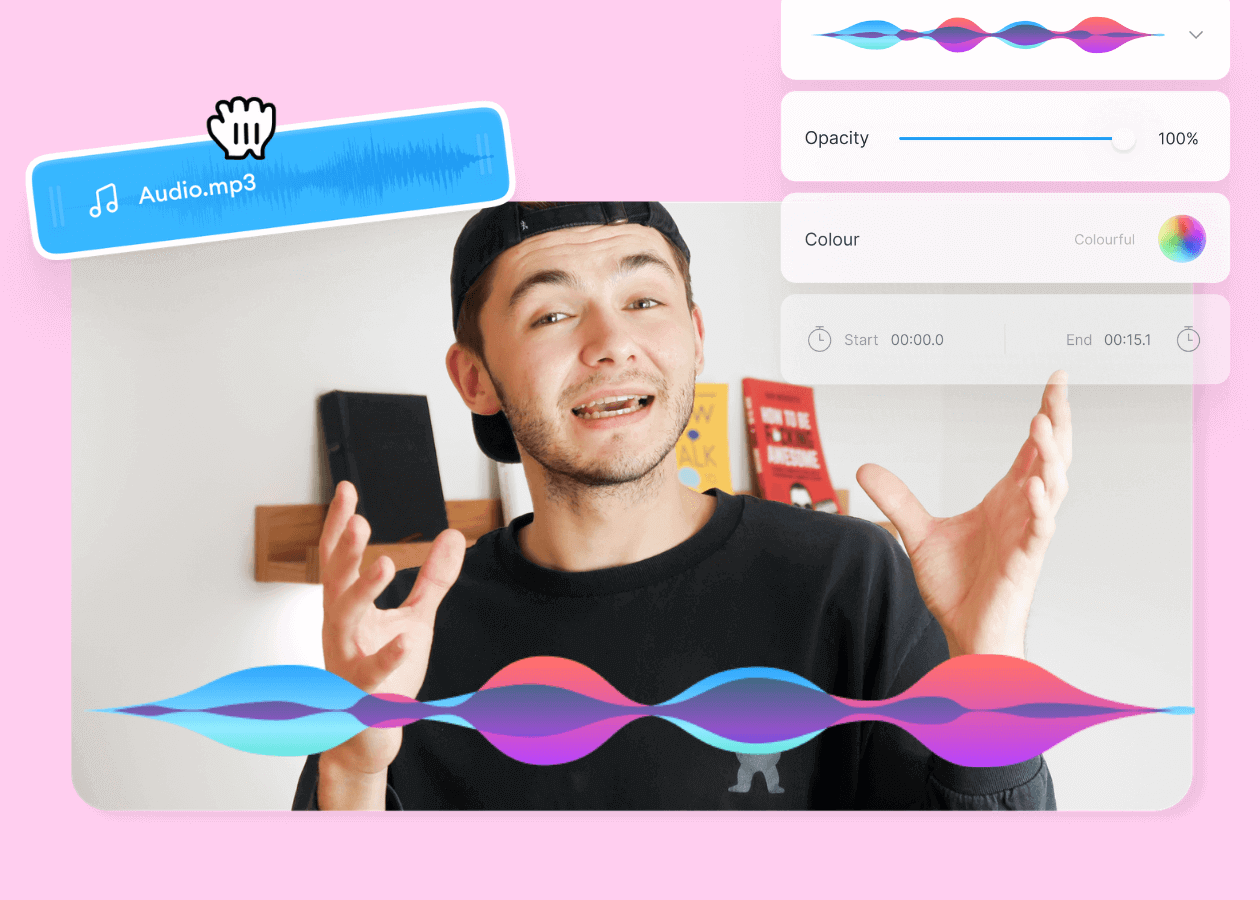
Top 5 Best Music Visualizers [Free and Paid]
Here are some of the best music visualizers available on the internet and how to use them!

How to Crop a Video (Free and Paid Easy-to-Use Methods)
The easiest way to crop videos (free & paid ways) whether on Windows 10 with VLC or online with VEED. Here's how!
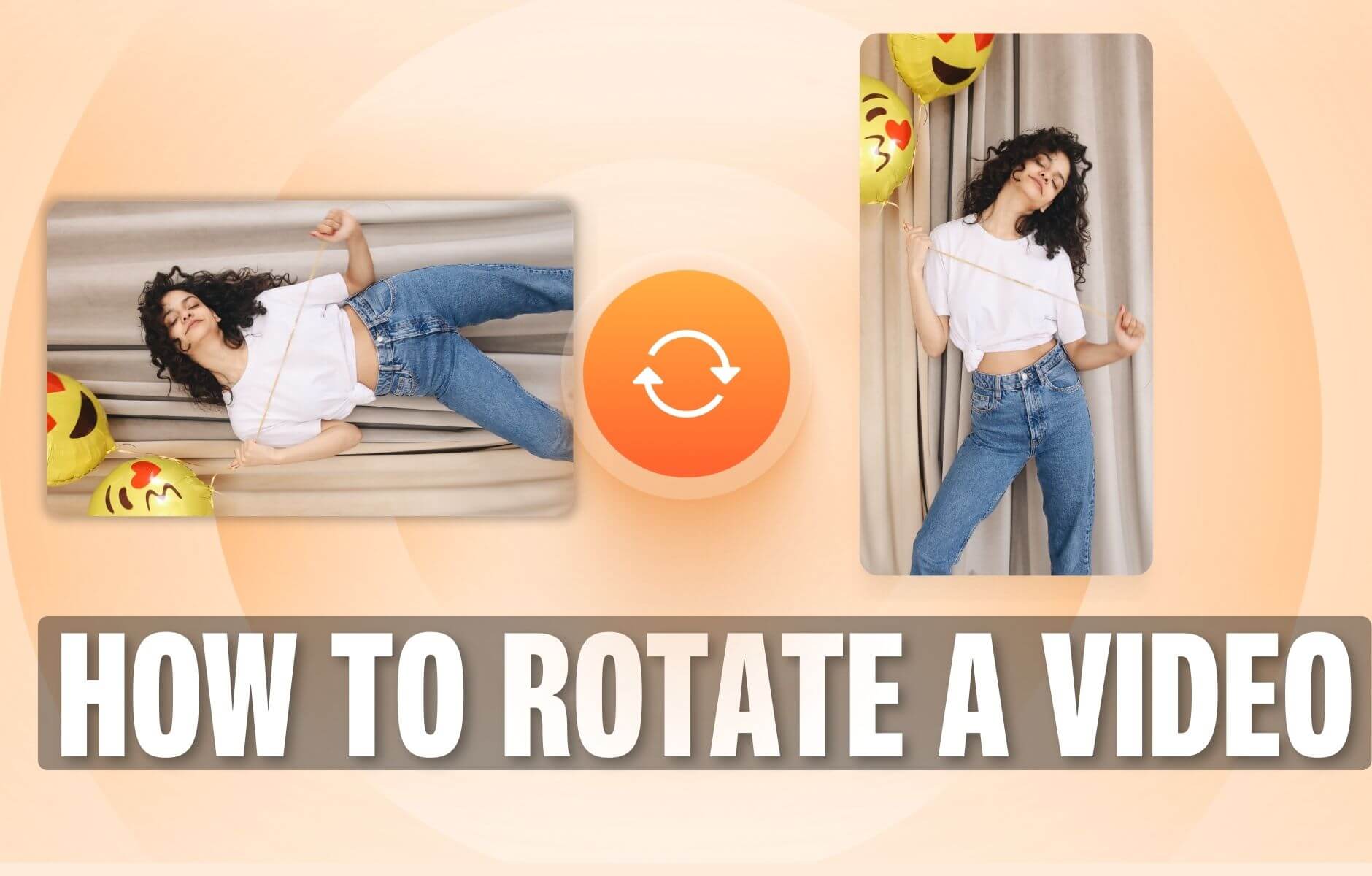
How to Rotate a Video (6 Quick & Easy Ways)
How to easily rotate a video whether you're on your desktop, mobile, or on your web browser.
Trusted by 1M+ creators
When it comes to amazing videos, all you need is VEED
No credit card required
More than adding watermarks to videos
There are so many incredible things you can do with your videos on VEED—apart from adding watermarks or logos. Use our handy text tool to add text, captions, or subtitles to your videos; make them accessible for everyone. You can also add other types of images, emojis, and stickers. Do all of these online, in just a few clicks!