


Trusted by 1M+ creators
Cooking Intro
Create an engaging cooking intro. Add text, animations, music, and more
No credit card required
4.6
2,100+ reviews















Make a captivating cooking intro in a few clicks
Hook your audience from the first frame with a polished, upbeat cooking intro. Whether it's recipe videos or cooking school promo, VEED has all the tools you need to create a professional, standout cooking channel. Whip up the perfect cooking intro in minutes.
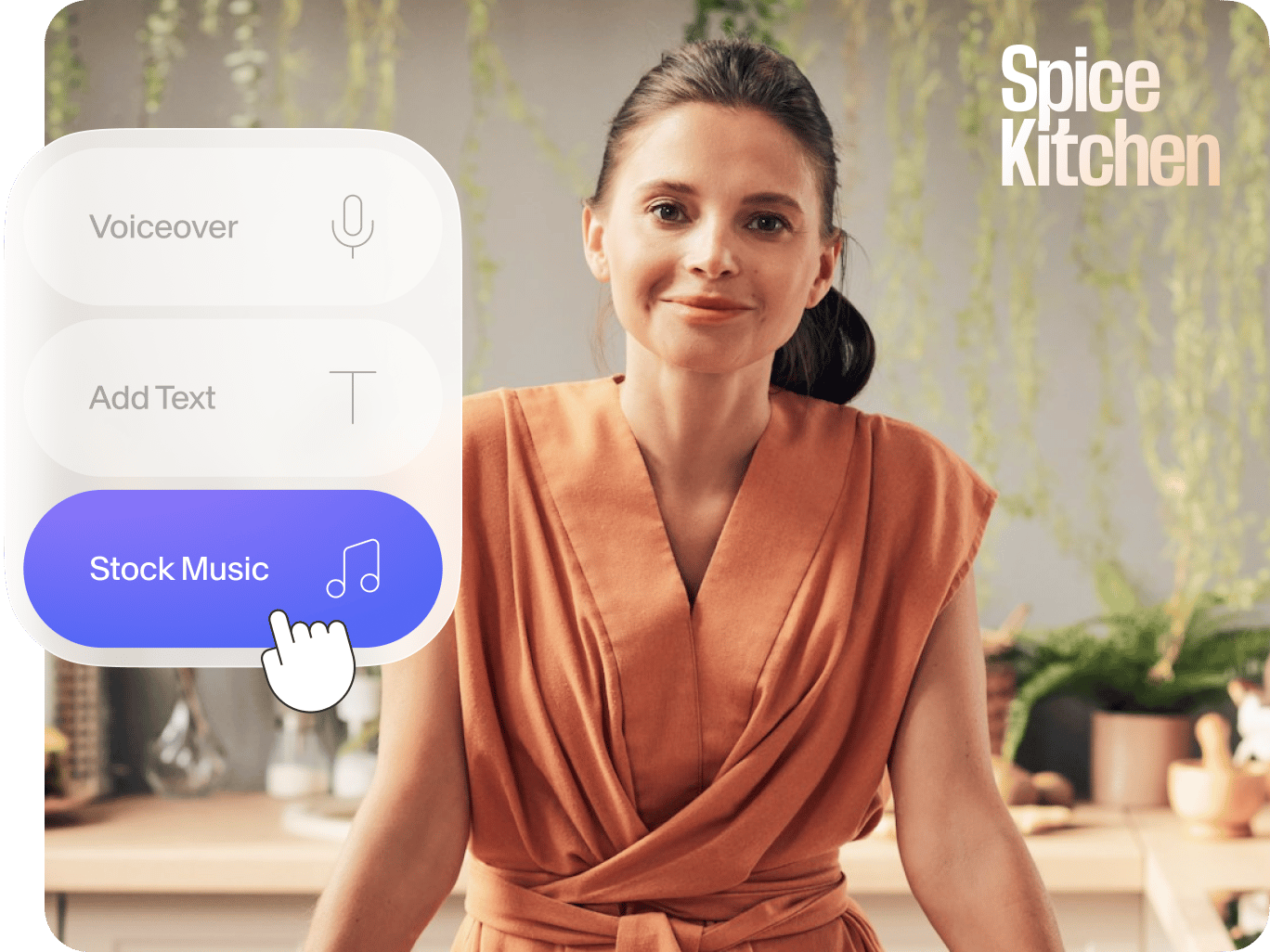
Upload your clips. And add custom text, animations, and music from our library. VEED also helps you create entire cooking videos! Automatically trim out mistakes and awkward pauses with Magic Cut. Then, use color correction to enhance your mouth-watering food shots.
How to make a cooking intro:
Step 01
Upload video
Upload videos of your featured dish. Or start with a blank canvas and add stock animations from our library.
Step 02
Customize
Enhance your cooking intro by adding text, your logo, and music.
Step 03
Export
Download the video. Add the intro to your cooking content to maintain a cohesive and memorable brand.
Learn More
Watch this YouTube intro maker tutorial:
Create animations in a few clicks
Make your cooking intro pop with VEED's stock animations or animate text. You can also animate your images. Add transitions to keep viewers excited and engaged. Don't want to start from scratch? Use our text-to-video feature to create a captivating intro.
Whip up a custom logo in seconds
No design skills? No problem! VEED’s AI image generator lets you type a prompt and generate an image. Simply describe the logo you have in mind, and let our AI tool do the rest. Within minutes, make a stunning logo video for your food cooking channel.
Keep your cooking videos on brand and memorable
With VEED's brand kit, you can easily upload your logo, font, and color palette. Apply these elements across your videos to establish a consistent, professional look that showcases your unique style and helps your cooking channel stand out.
FAQ
To create an intro for your cooking channel, add your footage. Or start with a blank canvas. Insert stock images, animations, and text to enhance your intro. Finally, add music to set the tone for your channel. VEED provides all the tools you need to create a captivating intro for your cooking channel.
Yes, VEED allows you to create cooking intro videos for free, but the videos will include a watermark. To remove the VEED watermark, you can subscribe to one of their premium plans. Visit VEED's pricing page for more information on the available plans and features.
VEED stands out from other free video editing apps due to its simplicity and versatility. The intro maker allows you to add your logo, color palette, and other branding elements to your intro. But it also offers many more tools, such as a webcam recorder with prompter, AI video generator, text-to-speech voiceovers, and more.
To make a good cooking intro, keep it short at around 10-15 seconds – just enough to hook your viewers. Show off your brand by including your logo and channel name. Also, show a glimpse of your cooking style or special dishes. Add transitions, text, and upbeat music to make your intro more engaging and memorable for your audience.
Loved by creators.
Loved by the Fortune 500
“
With VEED I didn't need 15 tutorials - I jumped straight in and started editing.

Gwenne Wilcox
Founder,
Brand Brainery
“
You can go beyond choppping things. VEED actually makes my videos look great.

Michael Glover
Demand Gen Manager,
ConvertFlow
“
The first four videos i created with VEED got over 40,000 impressions on LinkedIn.

Travis Tyler
Senior Content Producer,
PandaDoc
“
I found VEED at the right time: if you're making UGC ads and not using Eye Contact Correction and Noise Reduction on VEED you're missing out on ROI.

Sebastian Schurgers
Head of Growth Marketing,
Gronda
“
With VEED I didn't need 15 tutorials - I jumped straight in and started editing.
Gwenne Wilcox
Founder,
Brand Brainery
“
You can go beyond choppping things. VEED actually makes my videos look great.
Michael Glover
Demand Gen Manager,
ConvertFlow
“
The first four videos i created with VEED got over 40,000 impressions on LinkedIn.
Travis Tyler
Senior Content Producer,
PandaDoc
“
I found VEED at the right time: if you're making UGC ads and not using Eye Contact Correction and Noise Reduction on VEED you're missing out on ROI.
Sebastian Schurgers
Head of Growth Marketing,
Gronda
“
The first four videos i created with VEED got over 40,000 impressions on LinkedIn.
Travis Tyler
Senior Content Producer,
PandaDoc
“
I found VEED at the right time: if you're making UGC ads and not using Eye Contact Correction and Noise Reduction on VEED you're missing out on ROI.
Sebastian Schurgers
Head of Growth Marketing,
Gronda
“
With VEED I didn't need 15 tutorials - I jumped straight in and started editing.
Gwenne Wilcox
Founder,
Brand Brainery
“
You can go beyond choppping things. VEED actually makes my videos look great.
Michael Glover
Demand Gen Manager,
ConvertFlow
Discover more
- 2D Intro Maker
- Anime Intro Maker
- Company Intro
- DJ Intro Maker
- Dubstep Intro Maker
- Education Intro Maker
- Free video intro maker for Youtube
- Gaming Intro Maker
- Intro & Outro Maker
- Minecraft Intro Maker
- Movie Intro Maker
- Neon Intro
- News Intro Maker
- Podcast Intro Maker
- Sports Intro Maker
- Tech Intro
- TV Show Intro Maker
- Twitch Intro Maker
Explore related tools
More from VEED

How to Edit YouTube Videos Like a Pro (Even if it's Your First Time)
Edit YouTube videos fast and easy like a pro even if you've never edited a video in your life. Here's how!

YouTube Thumbnail Size Guide and Best Practices According to 3 YouTube experts
Want more views on your YouTube videos? Here's everything you need to know about thumbnails to get more clicks. We’ve also got proven YouTube thumbnail design tips from the pros who manage YouTube channels over at Ahrefs, Podia, and VEED.

The only 3 Instagram Reels editing apps you'll ever need (and how to know which one is best for your content)
The only three editing apps you'll ever really need for Reels and how to know which one is best for your content's needs.
Trusted by 1M+ creators
When it comes to amazing videos, all you need is VEED
No credit card required