

























AI Playground

VEED Motion

openai/sora-2
NEW
openai/sora-2-pro
NEW
google/veo-3.1
NEW
google/veo-3.1-fast
NEW
minimax/hailuo-02-standard
wan/wan-v2.5
kwaivgi/kling-v2.5-turbo-pro
bytedance/seedance-1-lite
pixverse/pixverse-v4.5
minimax/hailuo-02-pro
minimax/hailuo-2.3
NEW
minimax/hailuo-2.3-fast
NEW
wan/wan-v2.2
kwaivgi/kling-v1.6-standard
google/veo-3
google/veo-3-fast
google/veo-2
minimax/video-01
lightricks/ltx-video
luma/ray
veed/motion
NEW
kwaivgi/kling-omni-pro-video-to-video
NEW
wan/wan-v2.2-animate/move
wan/wan-v2.2-animate/replace

4.6

319 reviews

Generate cinematic AI videos with VEED Motion. No credit limits

Create AI videos without the credit limit anxiety. VEED Motion lets you generate as many cinematic videos as you need. No per-clip charges, no holding back. Batch-produce social ads, fill out entire content calendars in a single session, or pre-visualize scenes for bigger projects. Built on Wan 2.2's Mixture of Experts architecture, this VEED AI video generator delivers cinematic, lifelike motion from text prompts. For one week, it's completely free. Your best creative work happens when you stop counting credits.

How to generate videos with VEED Motion:

Step 1

Type a prompt and select VEED Motion

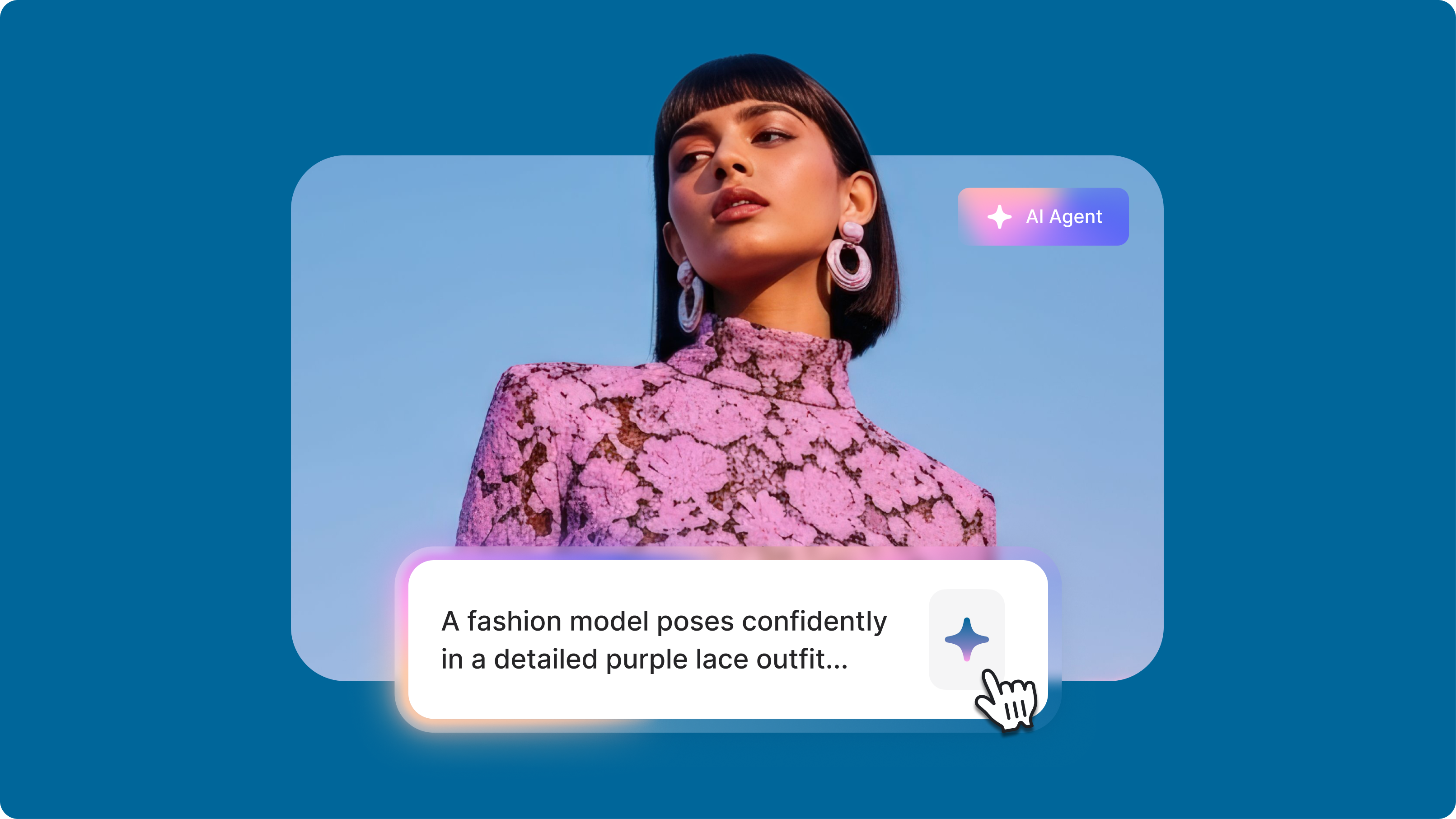
Describe your scene in about 80-120 words, roughly a short paragraph. Specify your subject, setting, motion, lighting, camera movement, and visual style. Select VEED Motion from the model dropdown and generate your video.

Step 2

Iterate freely

Review your output. Not quite right? Adjust your prompt and generate again. Unlimited generations mean you can experiment, A/B test concepts, and refine your vision without hesitation.

Step 3

Download video or open in the editor

Export your clip directly, or open it in VEED's video editor to trim, add captions, layer effects, or combine with other footage.

Learn More

Watch this AI playground walkthrough:

Motion AI that feels natural, not robotic

Stiff, awkward motion kills the impact of AI video. VEED Motion generates fluid movement that actually looks believable, whether it's a product rotating smoothly, a character walking naturally, or abstract elements flowing through a scene. The Mixture of Experts architecture dedicates specialized processing to motion quality, so movement feels natural rather than glitchy.

Cinematic control through plain language

Describe the shot you want: dolly forward, dramatic side-lighting, slow pan across a neon cityscape. VEED Motion translates your words into visuals. Generate realistic smoke and fog, dynamic particle effects, or moody atmospheric lighting using only text. What used to require VFX software and hours of work now takes a prompt and a few seconds.

AI animation video generator for any style

From photorealistic product shots to stylized anime sequences, VEED Motion handles the range. Use it as an AI anime video generator for stylized shorts and animated storytelling. Create surreal scenes while maintaining believable physics and lighting—underwater concerts, origami horses galloping through neon landscapes, flames dancing in abstract patterns. Perfect for experimental content, social media videos, or creative pre-visualization.

FAQ

Loved by creators.

Loved by the Fortune 500


VEED has been game-changing. It's allowed us to create gorgeous content for social promotion and ad units with ease.

Max Alter
Director of Audience Development, NBCUniversal


I love using VEED. The subtitles are the most accurate I've seen on the market. It's helped take my content to the next level.

Laura Haleydt
Brand Marketing Manager, Carlsberg Importers


I used Loom to record, Rev for captions, Google for storing and Youtube to get a share link. I can now do this all in one spot with VEED.

Cedric Gustavo Ravache
Enterprise Account Executive, Cloud Software Group


VEED is my one-stop video editing shop! It's cut my editing time by around 60%, freeing me to focus on my online career coaching business.

Nadeem L
Entrepreneur and Owner, TheCareerCEO.com

More from VEED

When it comes to amazing videos, all you need is VEED

Try VEED Motion

No credit card required

More from VEED

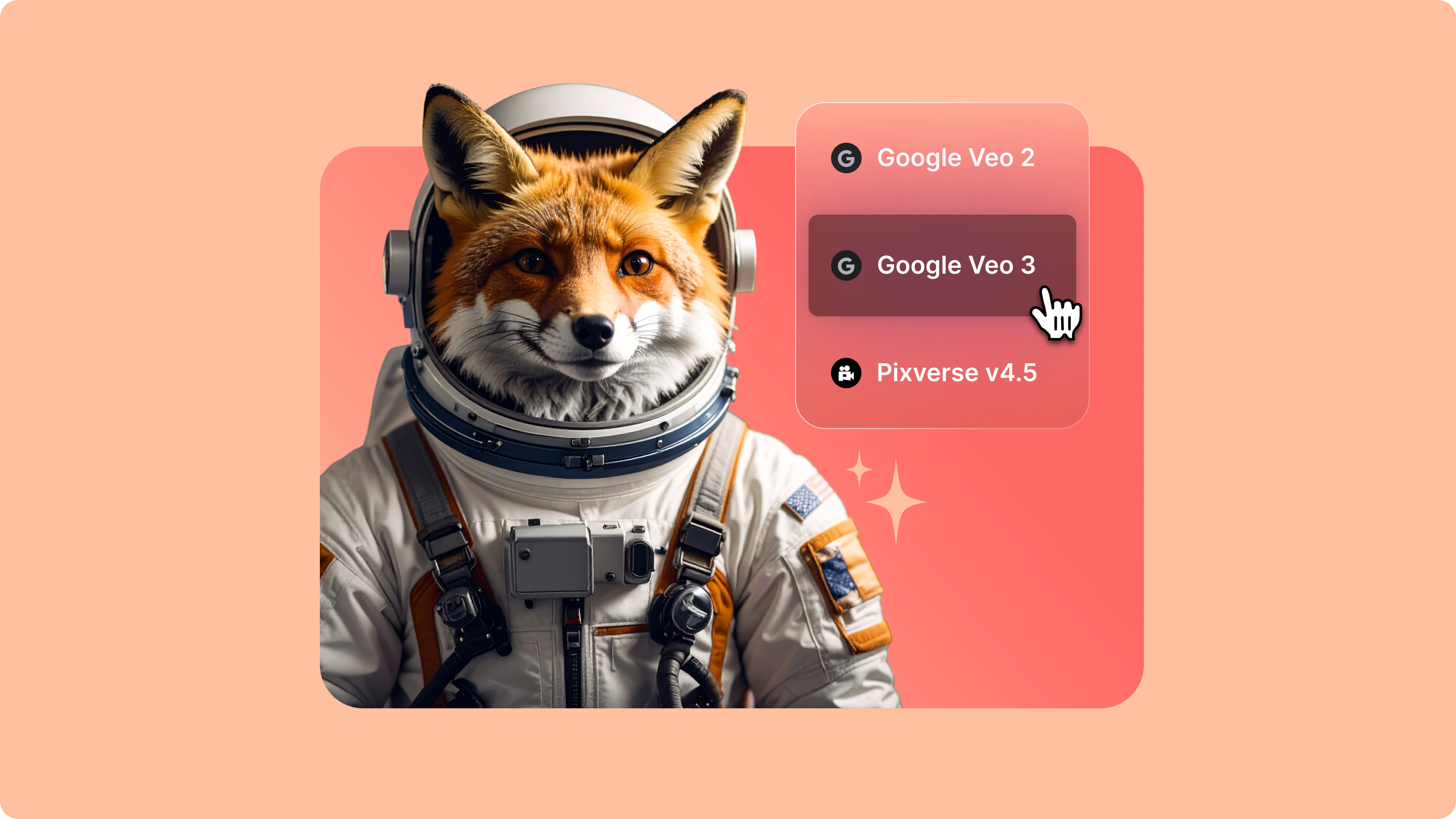
VEED Motion is just the start. Through VEED's AI playground, you can access multiple text-to-video models. Compare how different models interpret the same prompt, then choose the output that fits your project. Want to add motion to an image instead? VEED AI offers image-to-video generation, too. Once you've generated footage, VEED's video editor lets you trim, caption, enhance, and export without switching platforms. Generate, edit, publish—all in one place.

VEED app displayed on mobile,tablet and laptop