


Trusted by 1M+ creators
Resize Video
Resize your videos for YouTube, Instagram, Twitter, and more - with a single click!
No credit card required
4.6
2,100+ reviews















Resize your video files online, free!
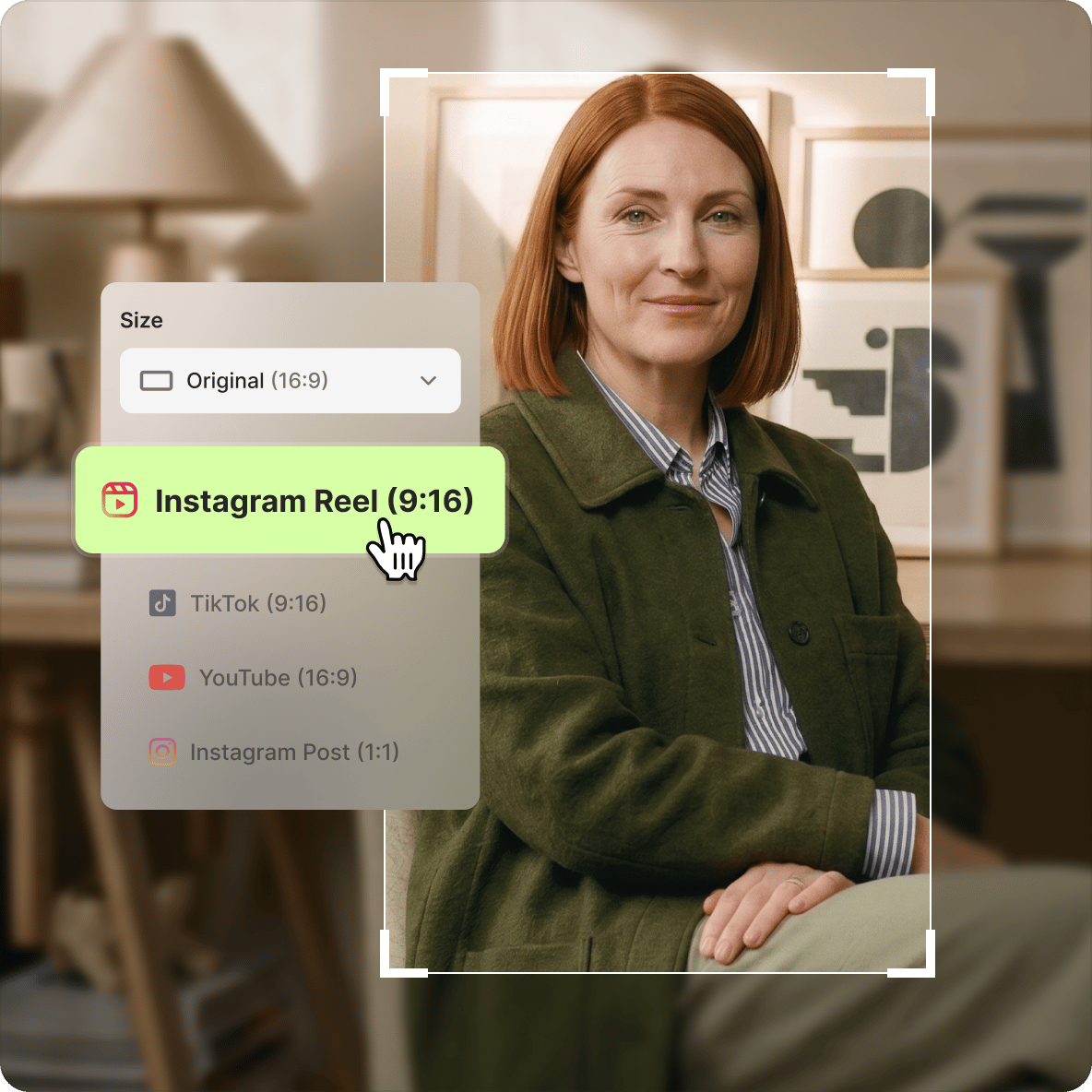
VEED's video resizer lets you change your video's dimensions and aspect ratio in one click. Upload your video, open Settings, and select from preset sizes for YouTube (16:9), Instagram Story (9:16), TikTok (9:16), Facebook Cover, LinkedIn, square (1:1), and more. Drag to crop or use Fit to Canvas to resize automatically. Exports in full HD with no loss in quality. Works with MP4, AVI, MOV, and other formats.
How to Resize your Videos
Step 01
Add Files
You can upload your video files by simply dragging and dropping
Step 02
Resize
Click ‘Settings’ then choose the size that you need. Crop your video to make sure it fits perfectly inside the frame’s dimensions
Step 03
Download
And that’s it! You can download your new resized, cropped video content. Nice!
Learn More
‘Resize Video’ Tutorial
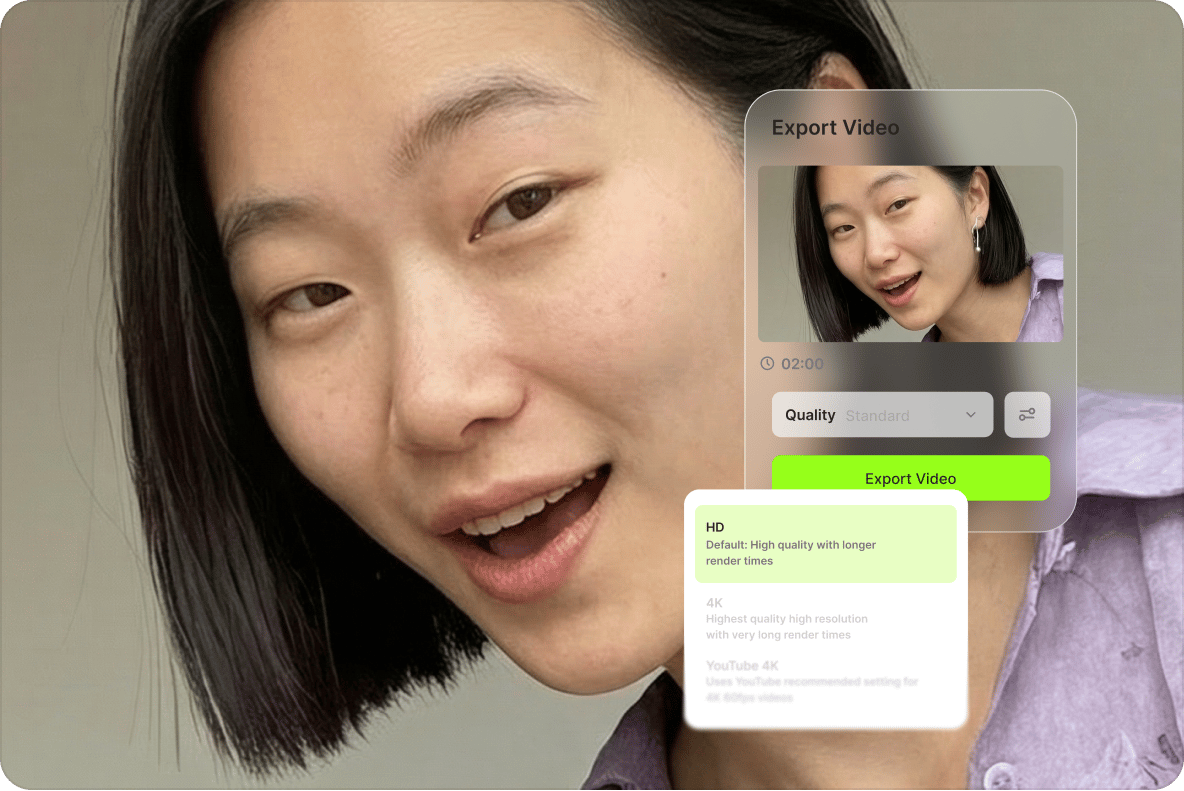
Resize & Change Resolution, Without Losing Quality
VEED maintains your video's picture quality while changing its dimensions. Select your resolution (4K, 1080p, 720p, and more) at export — no quality loss when resizing the canvas.
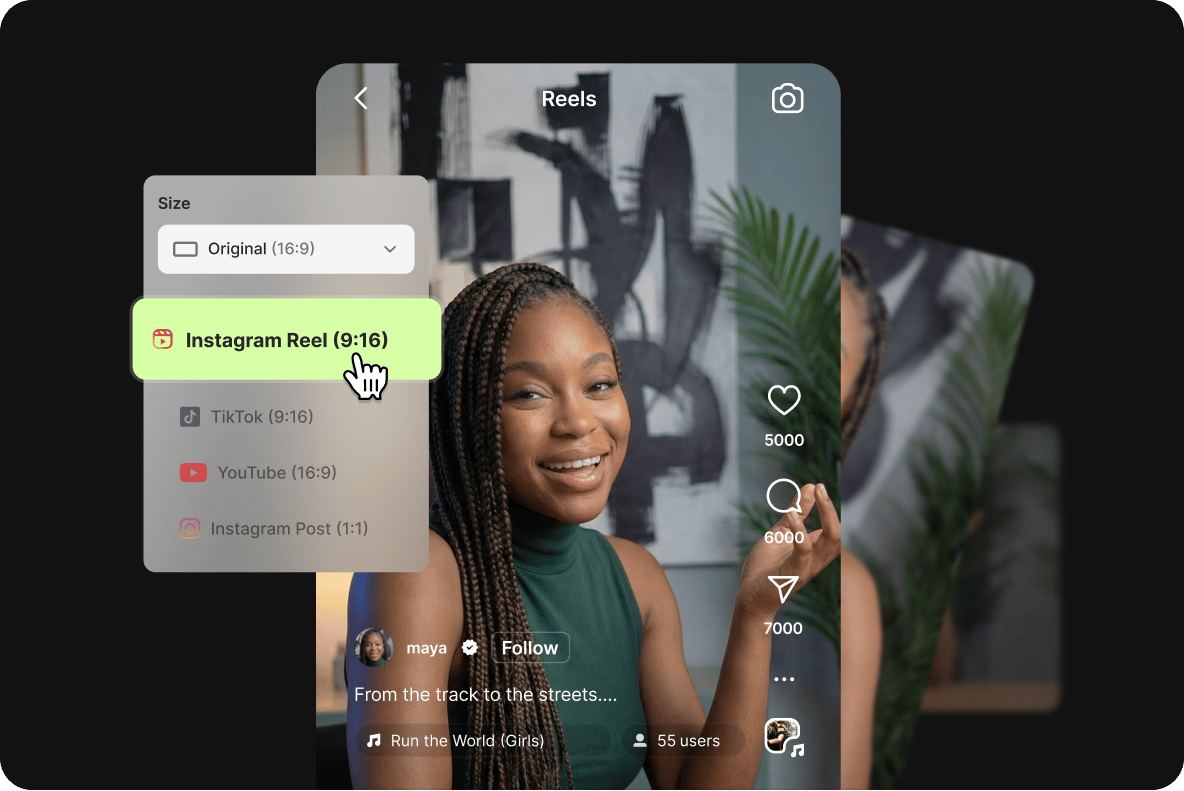
Resize for Social
VEED includes preset sizes for YouTube, Instagram, Facebook, LinkedIn, TikTok, and more. Resize in a few clicks to match each platform's requirements, then export and upload directly.
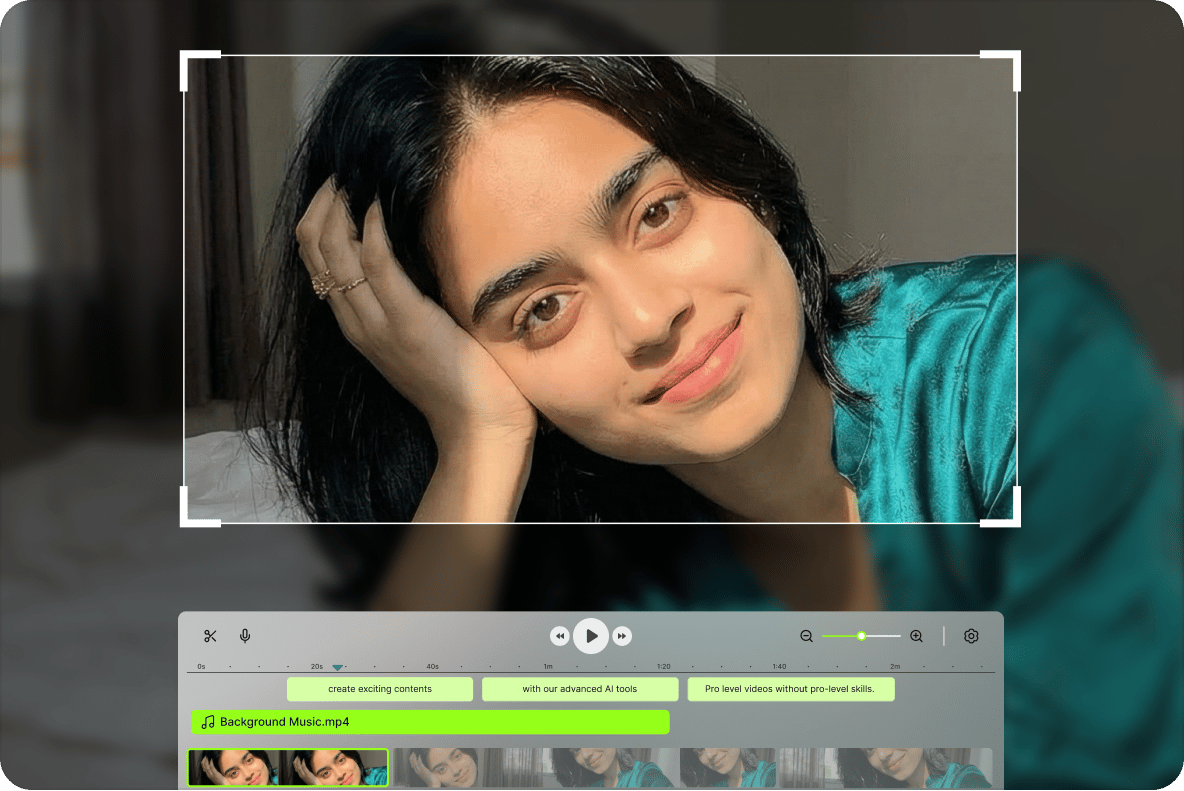
Cutting, Cropping, and more!
Beyond resizing, VEED's editor lets you cut, trim, crop, and merge video clips on the timeline. Crop out parts of the frame by dragging from any edge, and merge different clips into one video.
FAQ
You can resize a video on your desktop or mobile device using a video editor like VEED. Just upload your video on VEED, go to ‘Settings’ then click the ‘Size’ drop-down menu and choose from a range of preset dimensions. VEED also provides you with the best dimensions for the most popular social & video-sharing platforms:
- YouTube Shorts ratio: 9:16
- YouTube: 16:9
- TikTok: 9:16
- Instagram reel: 9:16
- And many more
No, but they are related. Video resolution refers to the number of pixels in each frame of your video, which determines the video’s clarity and detail. Examples are 720p or HD, 1080p or full HD, and 4K with 3840 x 2160 pixels. Meanwhile, video size may pertain to a video’s aspect ratio (width x height) or the video file size in terms of bytes.
If you want to increase your video’s resolution, you can do so with VEED during export.
Before recording, you can change the camera settings on your device and choose your preferred video resolution. You can also opt for a tool like VEED. Simply upload your video, make any edits necessary, click ‘Done’ and then select the resolution you want when you export.
VEED works with almost all video file formats. Upload yours today to start editing. Here’s a list of just a few popular file formats we support: AAC AVI Facebook Video GIF H264 H265 HEVC M4V MOV MP4 MPEG2 MPG TikTok Video for email Video iPad Video iPhone Video Windows Webex Video WEBM YouTube Video
Nope. With VEED you can resize your video, then select from various Export options (like 480p, 720p, 1080p, etc.) to ensure that your video output is of the highest quality. Full HD is not a problem. We even export in 4K. Nice!
Not a penny! You can upgrade to our Basic and Pro accounts if you require the features available on those plans, but to simply resize your video, there is no cost at all. Try it today and start resizing your videos, with VEED!
Loved by creators.
Loved by the Fortune 500
“
With VEED I didn't need 15 tutorials - I jumped straight in and started editing.

Gwenne Wilcox
Founder,
Brand Brainery
“
You can go beyond choppping things. VEED actually makes my videos look great.

Michael Glover
Demand Gen Manager,
ConvertFlow
“
The first four videos i created with VEED got over 40,000 impressions on LinkedIn.

Travis Tyler
Senior Content Producer,
PandaDoc
“
I found VEED at the right time: if you're making UGC ads and not using Eye Contact Correction and Noise Reduction on VEED you're missing out on ROI.

Sebastian Schurgers
Head of Growth Marketing,
Gronda
“
With VEED I didn't need 15 tutorials - I jumped straight in and started editing.
Gwenne Wilcox
Founder,
Brand Brainery
“
You can go beyond choppping things. VEED actually makes my videos look great.
Michael Glover
Demand Gen Manager,
ConvertFlow
“
The first four videos i created with VEED got over 40,000 impressions on LinkedIn.
Travis Tyler
Senior Content Producer,
PandaDoc
“
I found VEED at the right time: if you're making UGC ads and not using Eye Contact Correction and Noise Reduction on VEED you're missing out on ROI.
Sebastian Schurgers
Head of Growth Marketing,
Gronda
“
The first four videos i created with VEED got over 40,000 impressions on LinkedIn.
Travis Tyler
Senior Content Producer,
PandaDoc
“
I found VEED at the right time: if you're making UGC ads and not using Eye Contact Correction and Noise Reduction on VEED you're missing out on ROI.
Sebastian Schurgers
Head of Growth Marketing,
Gronda
“
With VEED I didn't need 15 tutorials - I jumped straight in and started editing.
Gwenne Wilcox
Founder,
Brand Brainery
“
You can go beyond choppping things. VEED actually makes my videos look great.
Michael Glover
Demand Gen Manager,
ConvertFlow
Discover more
Explore related tools
More from VEED

How To Resize Video For Instagram For Free (Quick And Easy)
Learn how to resize videos for Instagram in SECONDS with VEED.

How to Rotate a Video (6 Quick & Easy Ways)
How to easily rotate a video whether you're on your desktop, mobile, or on your web browser.

How to Crop a Video (Free and Paid Easy-to-Use Methods)
The easiest way to crop videos (free & paid ways) whether on Windows 10 with VLC or online with VEED. Here's how!
Trusted by 1M+ creators
When it comes to amazing videos, all you need is VEED
No credit card required
More than a Video Resizing Tool
Resizing for a platform is a quick fix, but there's more you can build in the same session. VEED is an AI video creation platform where you can generate, shape, and export videos for TikTok, Instagram, YouTube, and LinkedIn. Once your video is the right size, add captions and brand assets in the editor, then open VEED AI to generate your next video from a script with voiceovers and subtitles built in. Create your first video now.