


Trusted by 1M+ creators
Rotate Video
Rotate your video online to the correct orientation
No credit card required
4.6
2,100+ reviews















An online video rotation tool for professional video editors
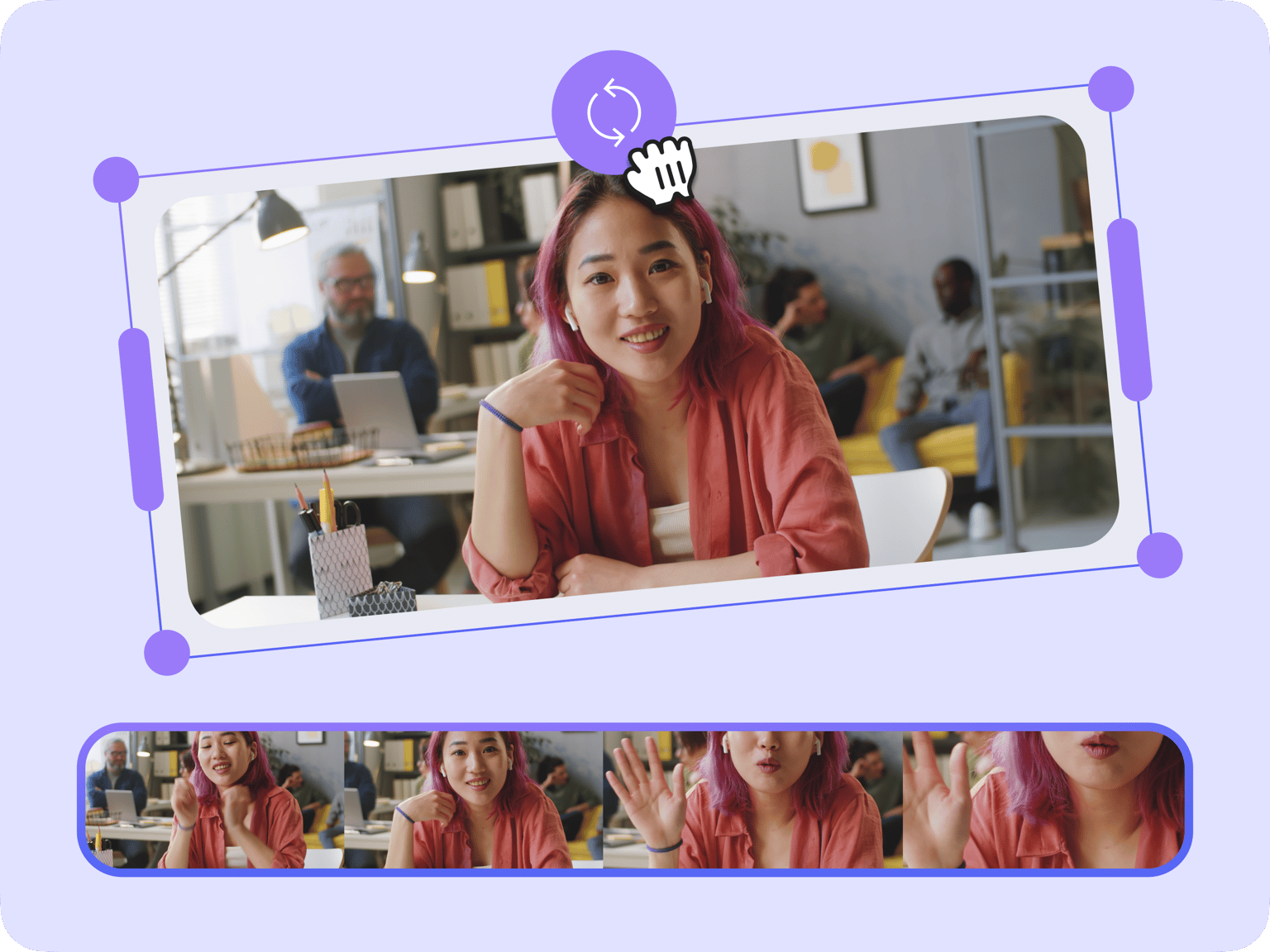
Rotate your video using VEED’s professional video editing software. You will have access to all the pro tools you need to not only fix videos shot in the wrong orientation but also enhance them to the best quality. Correct video orientation issues and create dynamic effects quickly to streamline your video creation process. Rotate your video 90 degrees or 180 degrees, flip it horizontally or vertically, or even rotate it at a custom angle.
Our video editing software offers a wide range of additional features that make it an essential tool for any professional video editor. You can adjust the video's brightness, contrast, saturation, and hue, giving you complete control over the final look of your footage. Add your logo to stay on brand. VEED is the best tool you can use to create engaging content for all your social media marketing campaigns!
Things you can do with VEED’s online rotation tool:
Step 01
Rotate to different angles
Rotate your video 90 degrees or 180 degrees, flip it horizontally or vertically, or even rotate it at a custom angle.

Step 02
Enhance the quality and add effects
Fix videos shot in poor lighting by adjusting the brightness and contrast. Use our camera filters to make them appear even clearer, and add dynamic video effects like color grading.

Step 03
Add animations, transitions, and more!
You can also add text and other elements like stickers and images and animate them on the screen. Add transitions between video clips and more!
Learn More
Watch this walkthrough on our video rotation tool:
Streamline your workflow and focus on creating
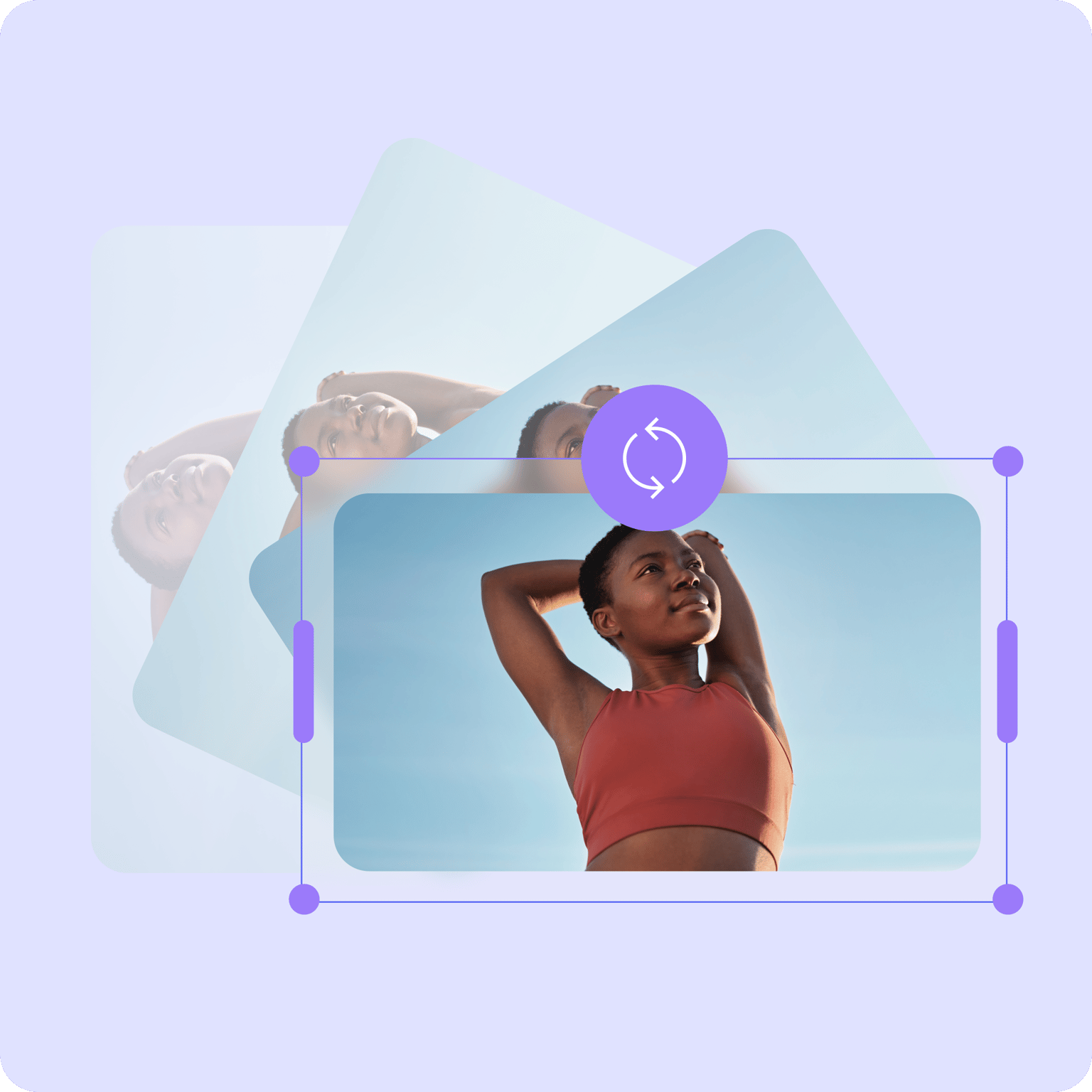
With VEED, you can streamline your entire content creation process—using intuitive tools that let you perform functions with one click and quick drag and drop actions. Focus on strategizing your content instead of spending too much time on confusing configurations. Plus, our premium subscribers can save videos as templates—allowing you to quickly customize just the intro or a part of the video and repurpose them. Check our pricing page for more info.
Innovative tools to help you create fresh content each time
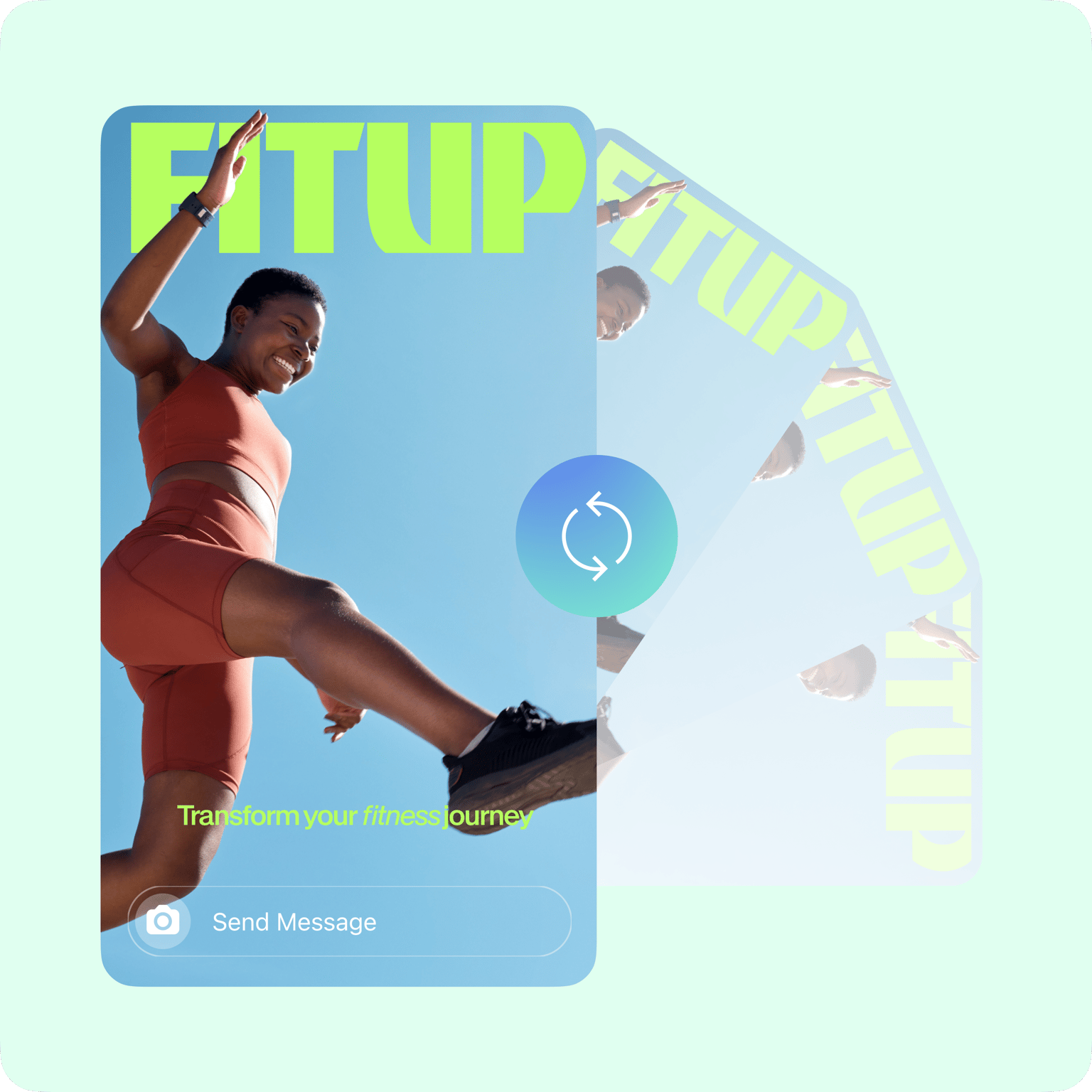
VEED is a professional video editing software that helps you unlock your creative potential and take your video editing skills to the next level. Bring your creative vision to life and produce videos that stand out from the crowd. We offer a lot more customization options than other software like Adobe Premiere Pro and Windows Movie Maker.
Professional integrations for all your marketing needs
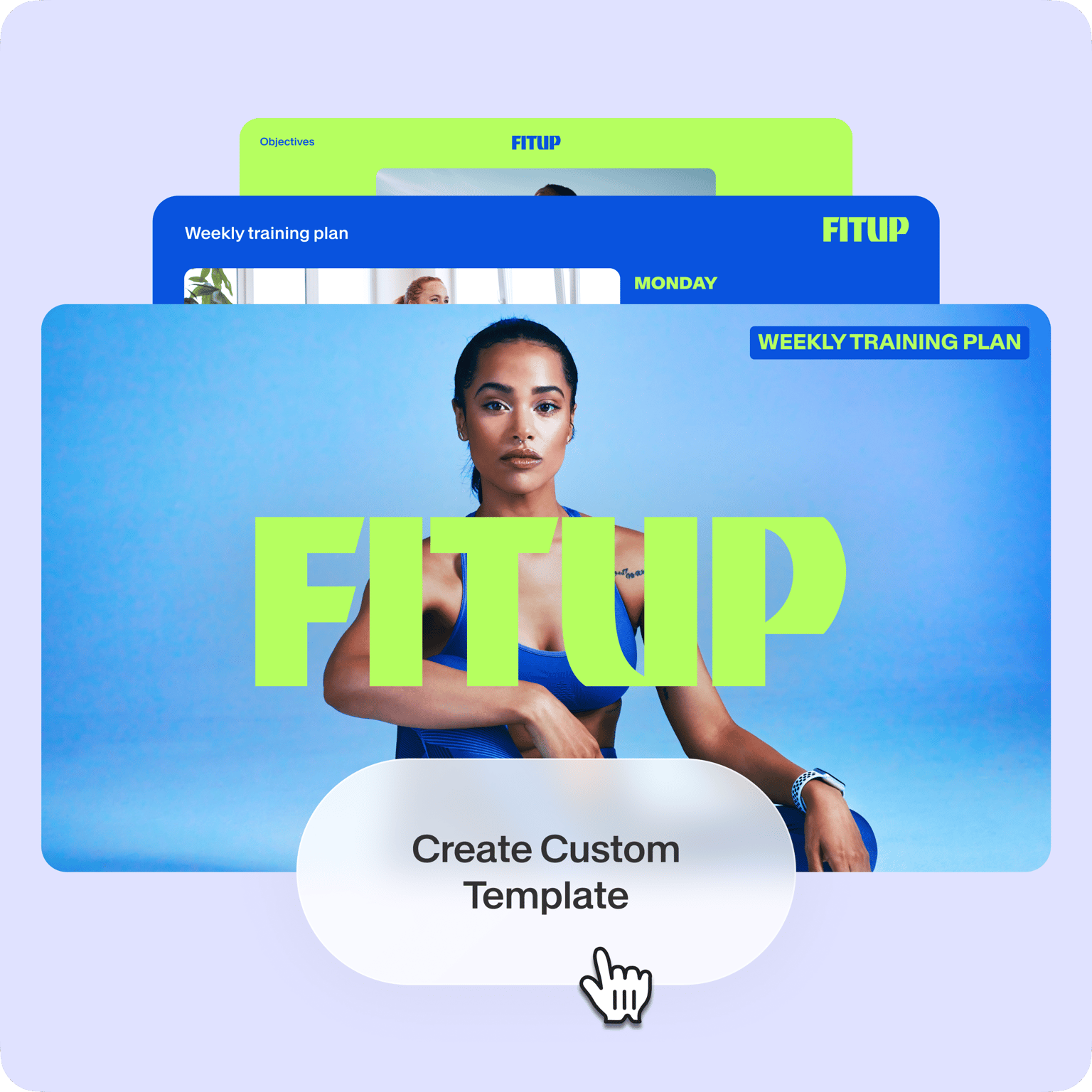
Our video editor is packed with so many integrations that will speed up your workflow. Need to create multiple videos for sales and marketing? Save your videos as templates and spend only a fraction of your time customizing them each time for different purposes! Create customizable talking head video templates and share them on your business channel and social media pages. Send the VEED link via email so your business partners and colleagues don’t have to download your video file. And so much more!
FAQ
Upload your video to VEED. Click ‘Adjust’. In the ‘Rotation’ section, type 90 to rotate 90 degrees clockwise, or -90 to rotate counterclockwise. Then click ‘Export’ to save your video.
Use VEED’s online tool to rotate your video, and export as MP4. This ensures compatibility with all media players and is the best file format for YouTube, Facebook, and other major platforms.
Built-in accelerometers on smartphones are usually able to detect the orientation of the phone, and knows when a video is shot in portrait or landscape mode. However, there may be times when the phone does not adjust its orientation at the moment you start filming. If that’s the case, you will end up with a sideways video. Fortunately, that’s super easy to fix using VEED’s rotate video tool.
Decide on the orientation of your video based on what you’re filming and what platform you’re uploading it to. Choose the horizontal orientation, called landscape mode, if the video is going on YouTube or a Facebook post. Keep it vertical, or portrait mode, if the video is for Instagram Stories or Facebook Live.
Yes! When using VEED to rotate your video, you may see black bars on the sides after rotating. You can stretch the rotated video by dragging the corners or edges of the video's image. Or go to ‘Transformation’ under the ‘Settings’ tab. Choosing the appropriate canvas size and the option ‘Fill the canvas’ will utilize the available space, removing the black bars.
Loved by creators.
Loved by the Fortune 500
“
With VEED I didn't need 15 tutorials - I jumped straight in and started editing.

Gwenne Wilcox
Founder,
Brand Brainery
“
You can go beyond choppping things. VEED actually makes my videos look great.

Michael Glover
Demand Gen Manager,
ConvertFlow
“
The first four videos i created with VEED got over 40,000 impressions on LinkedIn.

Travis Tyler
Senior Content Producer,
PandaDoc
“
I found VEED at the right time: if you're making UGC ads and not using Eye Contact Correction and Noise Reduction on VEED you're missing out on ROI.

Sebastian Schurgers
Head of Growth Marketing,
Gronda
“
With VEED I didn't need 15 tutorials - I jumped straight in and started editing.
Gwenne Wilcox
Founder,
Brand Brainery
“
You can go beyond choppping things. VEED actually makes my videos look great.
Michael Glover
Demand Gen Manager,
ConvertFlow
“
The first four videos i created with VEED got over 40,000 impressions on LinkedIn.
Travis Tyler
Senior Content Producer,
PandaDoc
“
I found VEED at the right time: if you're making UGC ads and not using Eye Contact Correction and Noise Reduction on VEED you're missing out on ROI.
Sebastian Schurgers
Head of Growth Marketing,
Gronda
“
The first four videos i created with VEED got over 40,000 impressions on LinkedIn.
Travis Tyler
Senior Content Producer,
PandaDoc
“
I found VEED at the right time: if you're making UGC ads and not using Eye Contact Correction and Noise Reduction on VEED you're missing out on ROI.
Sebastian Schurgers
Head of Growth Marketing,
Gronda
“
With VEED I didn't need 15 tutorials - I jumped straight in and started editing.
Gwenne Wilcox
Founder,
Brand Brainery
“
You can go beyond choppping things. VEED actually makes my videos look great.
Michael Glover
Demand Gen Manager,
ConvertFlow
Discover more
More from VEED

How to Rotate a Video (6 Quick & Easy Ways)
How to easily rotate a video whether you're on your desktop, mobile, or on your web browser.

How to Crop a Video (Free and Paid Easy-to-Use Methods)
The easiest way to crop videos (free & paid ways) whether on Windows 10 with VLC or online with VEED. Here's how!
12 Best Subtitle Fonts for Video Editing (Free and Paid Options)
Want videos that are more engaging because they're easier to follow along? Here's 12 of the best free and paid subtitle fonts for better video content.
Trusted by 1M+ creators
When it comes to amazing videos, all you need is VEED
No credit card required
More than rotating videos online
VEED offers so much more than just video rotation. It’s a professional video editing software that features all the tools you need to create high-quality videos quickly so you can focus on being creative instead of working through confusing configurations. It’s the perfect tool for content creators and marketers who need to create multiple pieces of content regularly. Try VEED today and start streamlining your workflow!