


Trusted by 1M+ creators
AI Text to Speech Video
Instantly convert text to voice and add it to any video with VEED’s AI text-to-speech video maker
No credit card required
4.6
2,100+ reviews















AI text-to-speech video maker: Convert text into natural speech
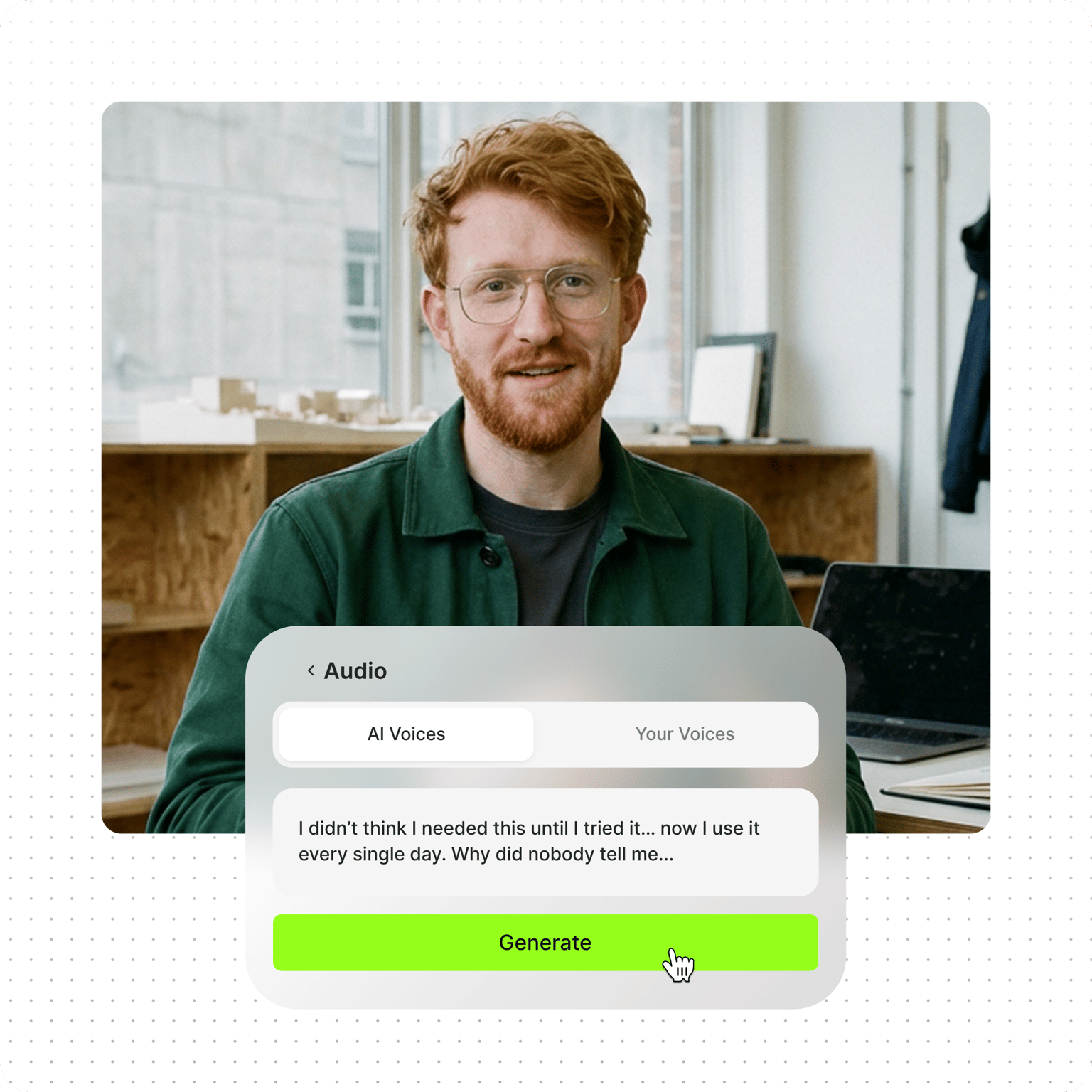
The text-to-speech video maker turns written text into narrations and voiceovers in 50+ languages. Type or paste your text, and our AI will read your text aloud instantly. Create podcasts, audiobooks, and documentary voiceovers with AI-generated voices. Plus, access VEED’s full suite of video editing tools. Effortlessly create dynamic audio and visual stories with VEED’s text-to-speech AI tool.
Generate AI voices that sound natural and expressive, so they sound like a real person speaking, not a robot reading a script. No need for a recording studio and endless retakes. Narrate social media videos, explainer videos, and more. Choose from multiple languages to expand your reach. Or use an AI avatar to read your written content and create a video. If you only need the audio file, you can also download the project as an MP3.
How to convert text to speech with AI:
Step 01
Upload video or start from scratch
Upload your footage to the editor, or start with a blank canvas. Our editor has a stock video library you can use for your video project.
Step 02
Convert text to voice
Step 03
Export or keep creating
Export your video or keep editing to add more elements, such as music, text, and captions.
Learn More
Learn how to use text-to-speech for videos in this walkthrough:
Online AI text-to-speech tool for videos
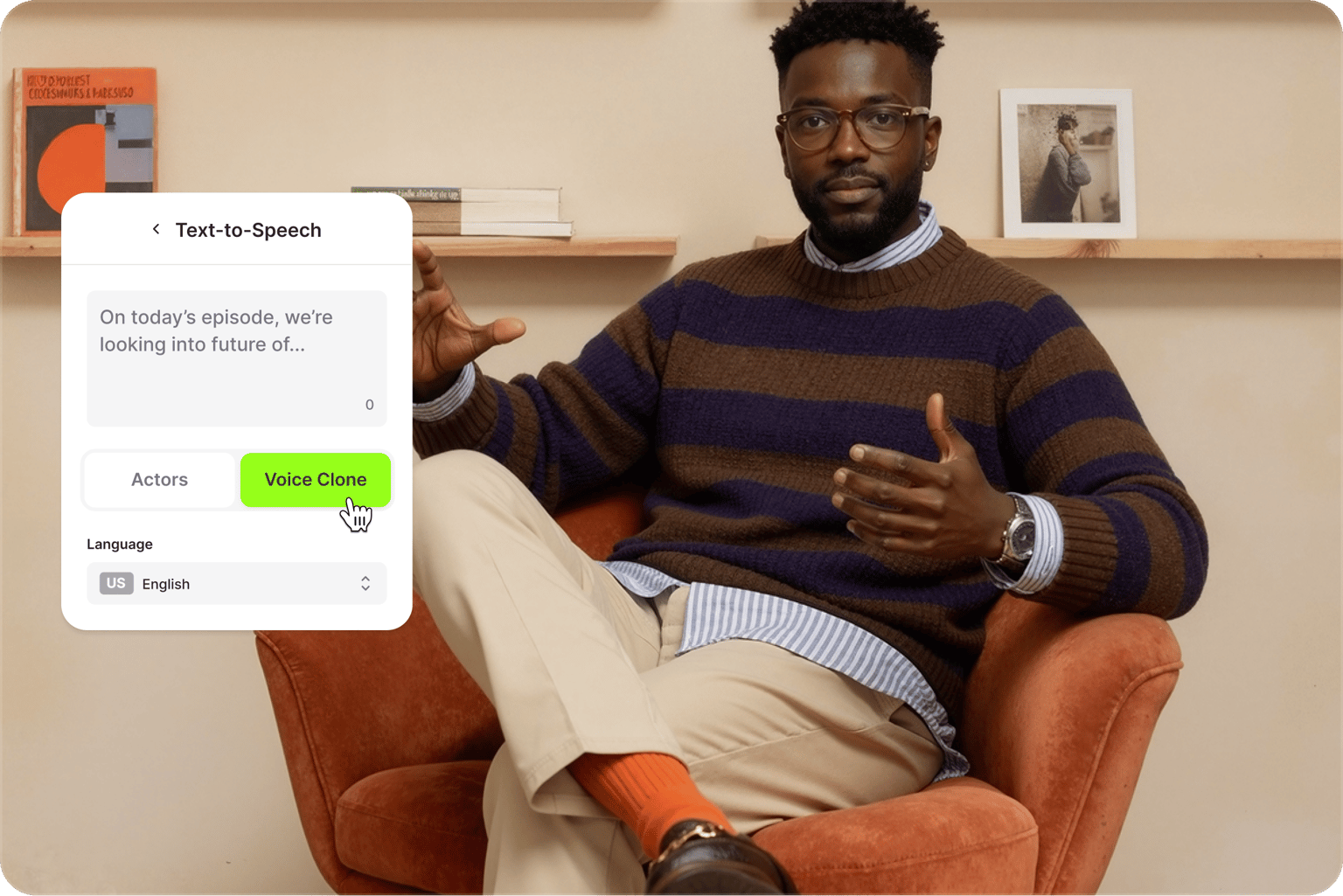
Use the text-to-speech video maker straight from your browser to convert text to voiceovers. No need to download or use complicated apps. Simply paste a text, and your selected AI voice will read it aloud. You can also choose an AI avatar from the Elements tab. Our TTS voices and avatars have realistic-sounding voice profiles. No more robotic-sounding voiceovers. You can also directly translate text to voice in different languages.
A diverse selection of voices for your text-to-speech video
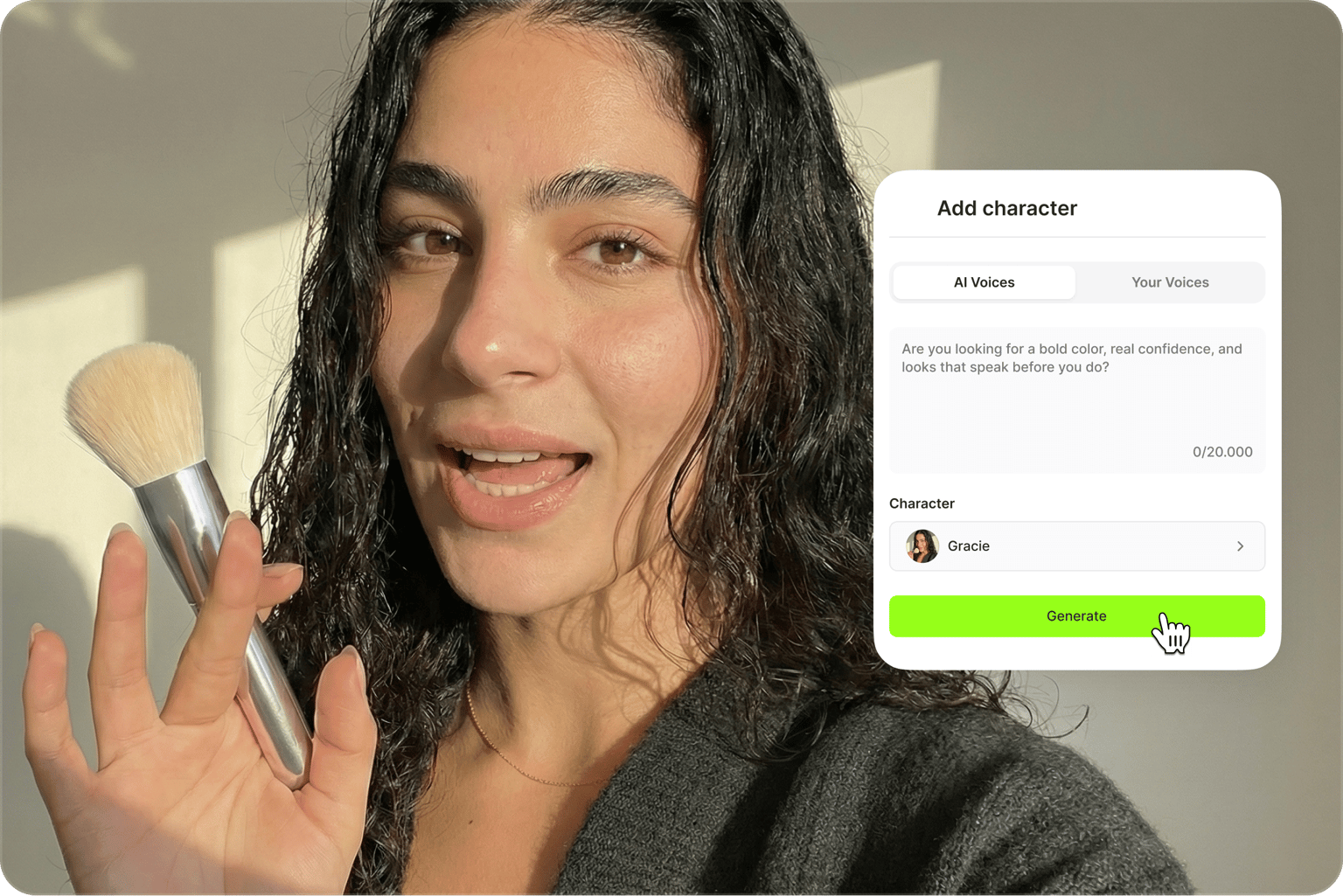
Our tool lets you choose from several male and female AI voices to read your text aloud and convert text to audio. Our digital avatars also feature a wide variety of styles, personalities, and backgrounds. Select the voice and style that best suits your branding and take your brand awareness campaign to the next level. With VEED’s powerful speech synthesis, you can be sure that your text-to-speech video will stand out from the rest.
Everything you need to create video content in one place
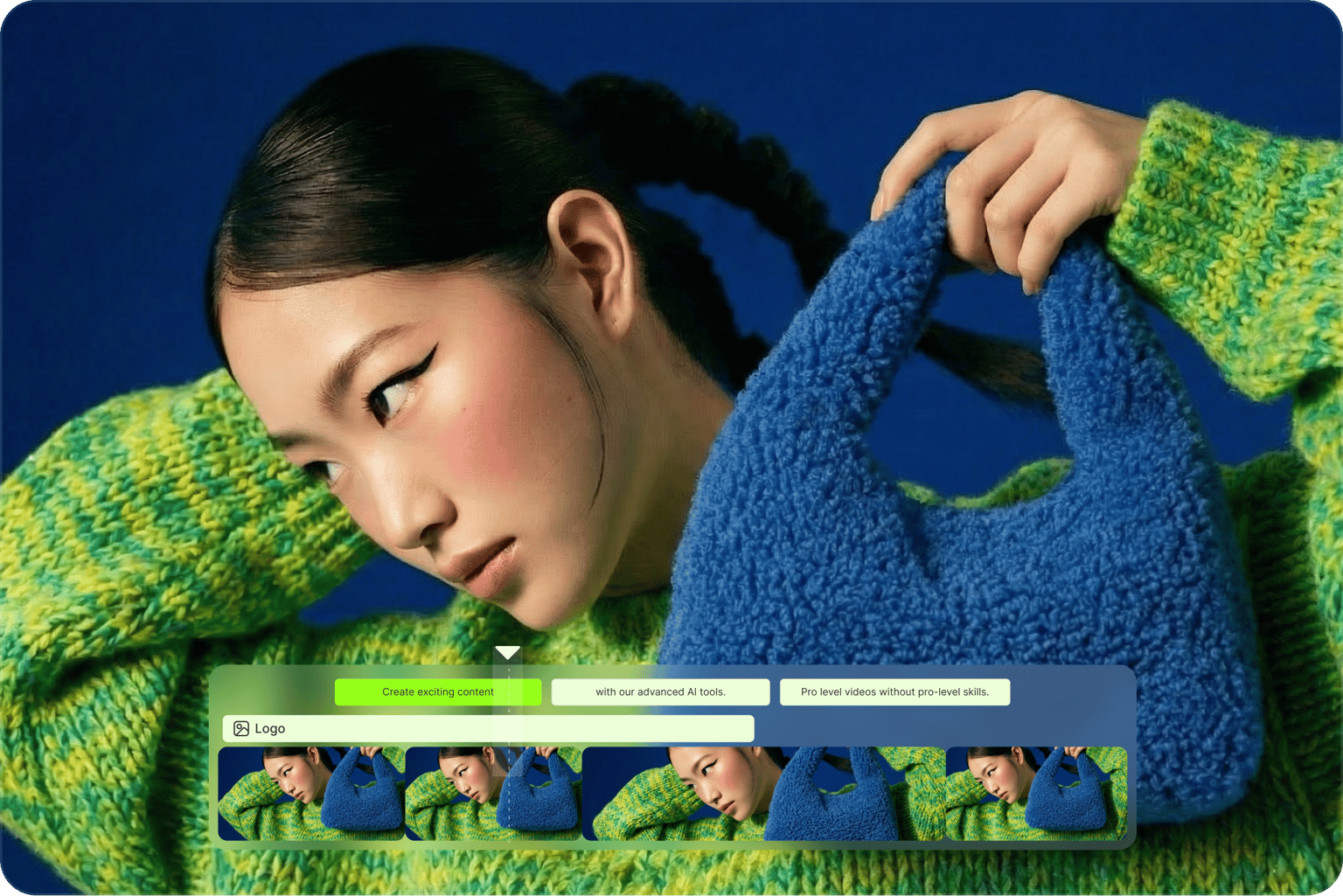
Create social media videos, marketing content, and other voiceover videos without switching tools. Start from your footage or generate videos with AI. Then, make your content uniquely yours by adding your logo, brand colors, animated text, and styled subtitles. Enhance your content with our video enhancer and image upscaler. VEED keeps your entire video creation workflow in one place. No need to stitch different tools together.
FAQ
VEED lets you add voiceovers and narrations to your videos instantly with the help of AI. Click Audio from the left menu and start typing or pasting your text. Select a voice, preview the speech, and add it to your video. If you don’t have your own footage, you can start with our customizable templates or use our AI video generator.
Many YouTubers and content creators use VEED's text-to-speech video maker because the AI voices sound like a real person rather than a robot, and YouTube allows uploads of text-to-speech videos created with AI. Type or paste your script, pick a voice, preview it, and add it to your video, then export in YouTube's format. If you want your own voice without recording every time, clone it once and reuse it.
All you have to do is type or paste your text. You can even clone your own voice to personalize your voiceover. Preview how it sounds, and when you’re happy, just add the voiceover to your project.
The tool supports 50+ languages and a wide range of accents, from Spanish, French, and Japanese to Dutch, Bulgarian, Polish, and Ukrainian. Pick the language in the Text to Speech panel, choose a male or female voice, and preview it before adding it to your project. Every language also has its own page with voice samples and tips, so you can check pronunciation before you commit to a script.
You can try VEED’s text-to-speech software for free. You can also convert text into a video, and you can do it straight from your browser.
Yes, Pro users can convert 5,000 characters of text to speech per audio clip. Monthly audio limits vary per subscription plan. Check our pricing page for more information.
Loved by creators.
Loved by the Fortune 500
“
With VEED I didn't need 15 tutorials - I jumped straight in and started editing.

Gwenne Wilcox
Founder,
Brand Brainery
“
You can go beyond choppping things. VEED actually makes my videos look great.

Michael Glover
Demand Gen Manager,
ConvertFlow
“
The first four videos i created with VEED got over 40,000 impressions on LinkedIn.

Travis Tyler
Senior Content Producer,
PandaDoc
“
I found VEED at the right time: if you're making UGC ads and not using Eye Contact Correction and Noise Reduction on VEED you're missing out on ROI.

Sebastian Schurgers
Head of Growth Marketing,
Gronda
“
With VEED I didn't need 15 tutorials - I jumped straight in and started editing.
Gwenne Wilcox
Founder,
Brand Brainery
“
You can go beyond choppping things. VEED actually makes my videos look great.
Michael Glover
Demand Gen Manager,
ConvertFlow
“
The first four videos i created with VEED got over 40,000 impressions on LinkedIn.
Travis Tyler
Senior Content Producer,
PandaDoc
“
I found VEED at the right time: if you're making UGC ads and not using Eye Contact Correction and Noise Reduction on VEED you're missing out on ROI.
Sebastian Schurgers
Head of Growth Marketing,
Gronda
“
The first four videos i created with VEED got over 40,000 impressions on LinkedIn.
Travis Tyler
Senior Content Producer,
PandaDoc
“
I found VEED at the right time: if you're making UGC ads and not using Eye Contact Correction and Noise Reduction on VEED you're missing out on ROI.
Sebastian Schurgers
Head of Growth Marketing,
Gronda
“
With VEED I didn't need 15 tutorials - I jumped straight in and started editing.
Gwenne Wilcox
Founder,
Brand Brainery
“
You can go beyond choppping things. VEED actually makes my videos look great.
Michael Glover
Demand Gen Manager,
ConvertFlow
Discover more
- Afrikaans Text to Speech
- AI Read Aloud
- AI Reader
- AI Voice Generator
- AI Voice Over
- Amharic Text to Speech
- Arabic Text to Speech
- Audiobook Maker
- Bangla Text to Speech
- Cantonese Text to Speech
- Chinese Text to Speech
- Convert Articles to Audio
- Deep Voice AI
- English Text to Speech
- French Text to Speech
- Georgian Text to Speech
- German Text to Speech
- Hebrew Text to Speech
- Hindi Text to Speech
- Icelandic Text to Speech
- Irish Text to Speech
- Italian Text to Speech
- IVR Recording
- Japanese Text to Speech
- Kazakh Text to Speech
- Korean Text to Speech
- Lao Text to Speech
- Malayalam Text to Speech
- Nepali Text to Speech
- Persian Text to Speech
- Realistic Text to Speech
- Russian Text to Speech
- Somali Text to Speech
- Spanish Text to Speech
- Speech in Swahili
- Tamil Text to Speech
- Text Reader
- Text to Audio
- Text to Podcast
- Text to Speech Albanian
- Text to Speech Armenian
- Text to Speech Bulgarian
- Text to Speech Catalan
- Text to Speech Converter
- Text to Speech Croatian
- Text to Speech Czech
- Text to Speech Danish
- Text to Speech Dutch
- Text to Speech Estonian
- Text to Speech Finnish
- Text to Speech Greek
- Text to Speech Gujarati
- Text to Speech Human Voice
- Text to Speech Hungarian
- Text to Speech Indonesia
- Text to Speech Khmer
- Text to Speech Latvian
- Text to Speech Lithuanian
- Text to Speech Malay
- Text to Speech Marathi
- Text to Speech MP3
- Text to Speech Norwegian
- Text to Speech Polish
- Text to Speech Portuguese
- Text to Speech Romana
- Text to Speech Serbian
- Text to Speech Slovak
- Text to Speech Slovenian
- Text to Speech Swedish
- Text to Speech Tagalog
- Text to Speech Telugu
- Text to Speech Thai
- Text to Speech Turkish
- Text to Speech Ukrainian
- Text to Speech Uzbek
- Text to Speech Voice Changer
- Text to Speech with Emotion
- Text to Talk
- Text to Voice Generator
- Text to Voice Over
- Urdu Text to Speech
- Vietnamese Text to Speech
- Zulu Text to Speech
Explore related tools
More from VEED

8+ Best AI Voice Generators to Try in 2026
Searching for the best AI voice generator? We tested the top ones so you don't have to. Check out our comprehensive reviews of the best AI voice generators in this listicle.

Best AI Avatar Generators in 2026 (The Only List You'll Need)
Searching for the best AI avatar generator? We got you. Check out this expert round-up of the must-try generators out there.

Video Dubbing Guide: Top Tips and Tools for Quality Voiceovers
Dubbing over a video doesn't have to be complicated. Well, that is, if you know what you're doing. Read on to learn more!
Trusted by 1M+ creators
When it comes to amazing videos, all you need is VEED
No credit card required
More than an AI text-to-speech video maker
Do more with video than just text-to-speech. VEED is an AI video creation platform where you can generate videos with the best AI models, then shape the output with your own assets and branding. Add your logo and brand colors, dub your content for global audiences, and add captions in 125+ languages. Everything you need to go from idea to publish-ready video is in one place. Start creating with VEED now.