


Trusted by 1M+ creators
Hindi Voice Cloning
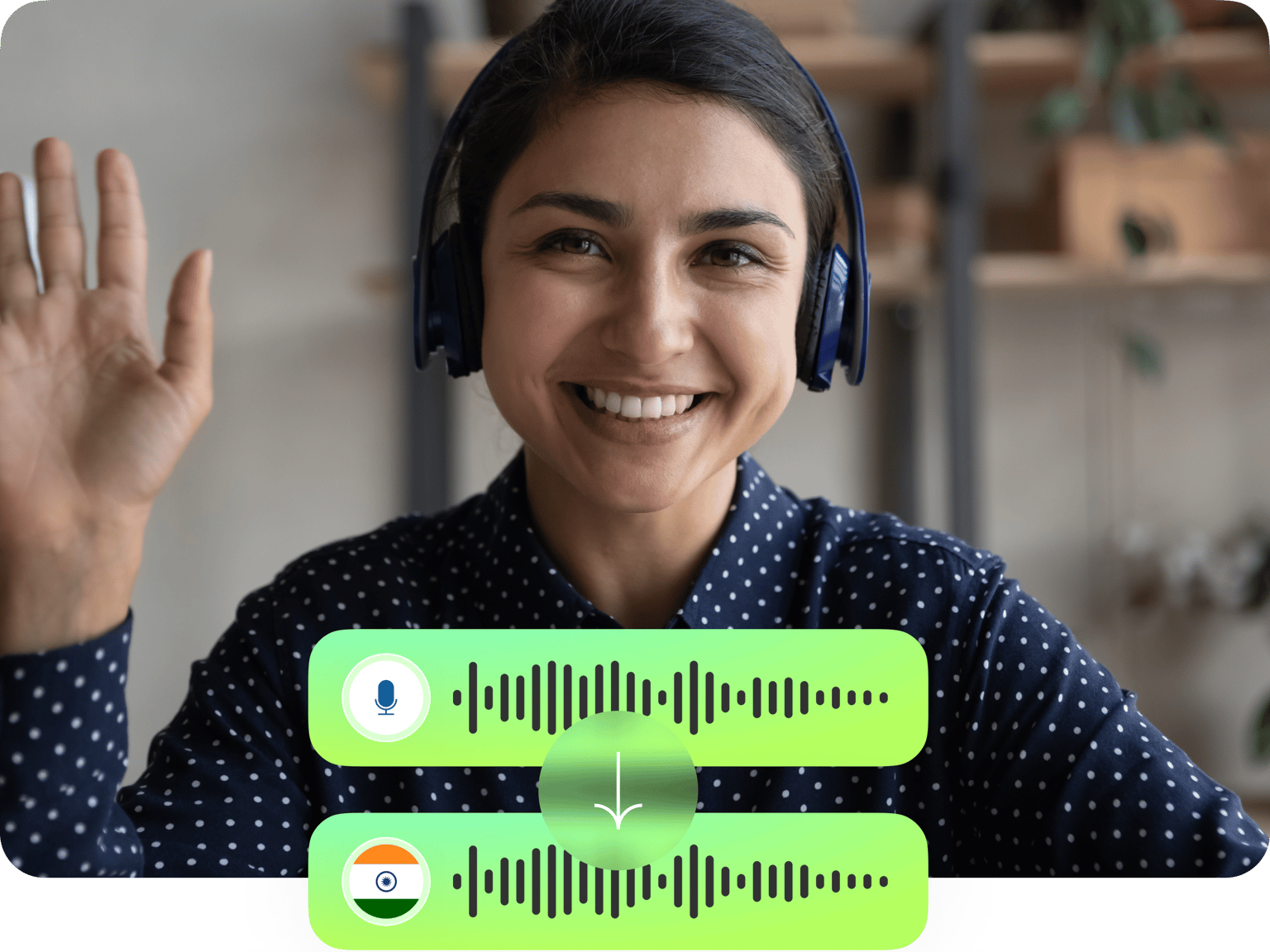
Convert Hindi text to speech in your own voice. Create instant voiceovers for marketing videos, e-learning content, and more
No credit card required
4.6
2,100+ reviews















Create Hindi voiceovers that sound just like you
Generate Hindi audio by typing a script. Our AI voice cloning tool generates voiceovers in your unique voice; simply record a 1-minute voice sample. Create auto-chat responses, e-learning content, and storytelling videos that are relatable to South Asian audiences. No need to spend hours recording and re-recording voiceovers. With VEED’s built-in video editor, you can easily add voiceovers to videos and much more. Drag and drop stock videos and music into your project. Add eye-catching captions and animations to your video. Whether you need Hindi voiceovers or a polished video, you can do it in minutes with VEED.
How to clone your voice in Hindi:
Step 01
Record your voice sample
In the Audio menu, select ‘Voice Clone.’ Add your voice. The popup window will prompt you to read the provided script and Terms of Service agreement.
Step 02
Generate Hindi voiceover
Type your script and set the language to Hindi. Our AI software will read your text out loud with your voice clone.
Step 03
Download or add to video
Export your Hindi voiceover as an MP3 file, or take it further by creating a complete video. Easily combine your voiceover with footage, text overlays, music, and more in our video editor.
Learn More
Watch our AI voice cloning tutorial:
Natural-sounding Hindi voiceovers in seconds
Personalize your marketing or educational content. Just enter your script and let your AI voice clone read out your words. Get perfect Hindi voiceovers without the hours of recording and retakes. Plus, create voiceovers in Hindi accents to connect with Indian diaspora communities.
Your voice in over 25 languages
Our voice cloning tool lets you speak more than 25 languages. Adapt your content for diverse audiences and expand your reach. No need for different voice actors for each market! Just a quick recording of your voice. You can also add auto subtitles in over 125 languages.
Voice generation and video editing in one place
Convert Hindi text to speech and easily add it to video. Our intuitive video editor streamlines your workflow. No more juggling multiple tools or platforms to create professional-quality videos. From voice cloning to text overlays and video resizing, you can do it all on VEED.
FAQ
Yes. You can try the voice cloning tool right away at no cost. Upgrade to a Pro subscription to unlock higher text-to-speech limits and access our full suite of AI-powered video editing tools.
When you type Hindi text but select another language (e.g. English) as the voice setting, the system will generate Hindi words with that language’s accent. For authentic Hindi pronunciation, always make sure to select Hindi as your voice language to match your script’s language.
Yes. There are two ways to create Hindi accent voiceovers in any language:
- Clone your voice: Record a voice sample in Hindi. Enter your script while selecting ‘Hindi’ as the language to preserve your accent.
- Standard text-to-speech: Convert text to speech using one of our preset Hindi voices.
Do not use the AI voice cloning tool to create harmful content, infringe any third-party rights, or defame anyone. Remember to tell anyone who is viewing your content that it is AI-generated. You can read the full terms here.
To dub your Hindi voiceover in another language:
- Select your generated voiceover and click ‘Convert to Audio Clip.’
- Select the audio clip then click ‘Translate voice’ in the Audio menu.
- Choose the language. Our AI voice dubber translates voice to voice from our preset voice profiles.
Loved by creators.
Loved by the Fortune 500
“
With VEED I didn't need 15 tutorials - I jumped straight in and started editing.

Gwenne Wilcox
Founder,
Brand Brainery
“
You can go beyond choppping things. VEED actually makes my videos look great.

Michael Glover
Demand Gen Manager,
ConvertFlow
“
The first four videos i created with VEED got over 40,000 impressions on LinkedIn.

Travis Tyler
Senior Content Producer,
PandaDoc
“
I found VEED at the right time: if you're making UGC ads and not using Eye Contact Correction and Noise Reduction on VEED you're missing out on ROI.

Sebastian Schurgers
Head of Growth Marketing,
Gronda
“
With VEED I didn't need 15 tutorials - I jumped straight in and started editing.
Gwenne Wilcox
Founder,
Brand Brainery
“
You can go beyond choppping things. VEED actually makes my videos look great.
Michael Glover
Demand Gen Manager,
ConvertFlow
“
The first four videos i created with VEED got over 40,000 impressions on LinkedIn.
Travis Tyler
Senior Content Producer,
PandaDoc
“
I found VEED at the right time: if you're making UGC ads and not using Eye Contact Correction and Noise Reduction on VEED you're missing out on ROI.
Sebastian Schurgers
Head of Growth Marketing,
Gronda
“
The first four videos i created with VEED got over 40,000 impressions on LinkedIn.
Travis Tyler
Senior Content Producer,
PandaDoc
“
I found VEED at the right time: if you're making UGC ads and not using Eye Contact Correction and Noise Reduction on VEED you're missing out on ROI.
Sebastian Schurgers
Head of Growth Marketing,
Gronda
“
With VEED I didn't need 15 tutorials - I jumped straight in and started editing.
Gwenne Wilcox
Founder,
Brand Brainery
“
You can go beyond choppping things. VEED actually makes my videos look great.
Michael Glover
Demand Gen Manager,
ConvertFlow
Discover more
- AI Voice Maker
- AI Voice Mimic
- AI Voice Replicator
- Dutch Voice Cloning
- French Voice Cloning
- Italian AI Voice Cloning
- Japanese Voice Cloning
- Korean Voice Cloning
- Overdub
- Polish Voice Cloning
- Portuguese Voice Cloning
- Real Time Voice Cloning
- Russian Voice Cloning
- Spanish Voice Cloning
- Text to Speech Using My Own Voice
- Turkish Voice Cloning
- Video Voice Changer
- Voice Emulator
- Voice to Voice AI
Explore related tools
More from VEED

8+ Best AI Voice Generators to Try in 2026
Searching for the best AI voice generator? We tested the top ones so you don't have to. Check out our comprehensive reviews of the best AI voice generators in this listicle.

Best AI Avatar Generators in 2026 (The Only List You'll Need)
Searching for the best AI avatar generator? We got you. Check out this expert round-up of the must-try generators out there.

How to Translate Subtitles in 2026: The Complete Guide
This article explains how to translate subtitles online using AI, covering SRT files, foreign films, Japanese and Arabic translations, Netflix workarounds, and videos without any existing subtitles.
Trusted by 1M+ creators
When it comes to amazing videos, all you need is VEED
No credit card required
Your all-in-one editor for Hindi content
VEED brings all your video creation needs together – from generating AI audio to trimming clips and adding animations. Create marketing content, tell your story, and craft educational videos with our complete AI toolkit. Whether you're a beginner or a pro, VEED makes video production simple. Start creating for free today!