


Trusted by 1M+ creators
AI Voice Cloning
Voice cloning in under 5 minutes. Generate natural AI voiceovers in your voice—just type your script
No credit card required
4.6
2,100+ reviews















Voice cloning AI: Record your voice once, speak over 25 languages
VEED's AI voice cloning tool lets you record your voice once and generate natural-sounding voiceovers in 29 languages — just type your script. Add narration to social media videos, marketing content, and podcasts without stepping in front of a microphone each time. Drop your voiceover straight into a video project, or dub your content to expand your reach globally. Try our voice cloning AI now for free.
How to clone your voice with AI:
Step 01
Record your voice
Head to the Audio section and click 'Voice Cloning.' Select your language and record yourself reading the provided script.
Step 02
Generate voiceover
Select your output language and enter your script to create an AI voice from your sample. VEED adds your voiceover directly to the project timeline.
Step 03
Export your project
Click 'Done' to export. Download the clip as an MP3 audio file, or export as an MP4 if you've added video footage.
Learn More
Watch this AI voice cloner walkthrough:
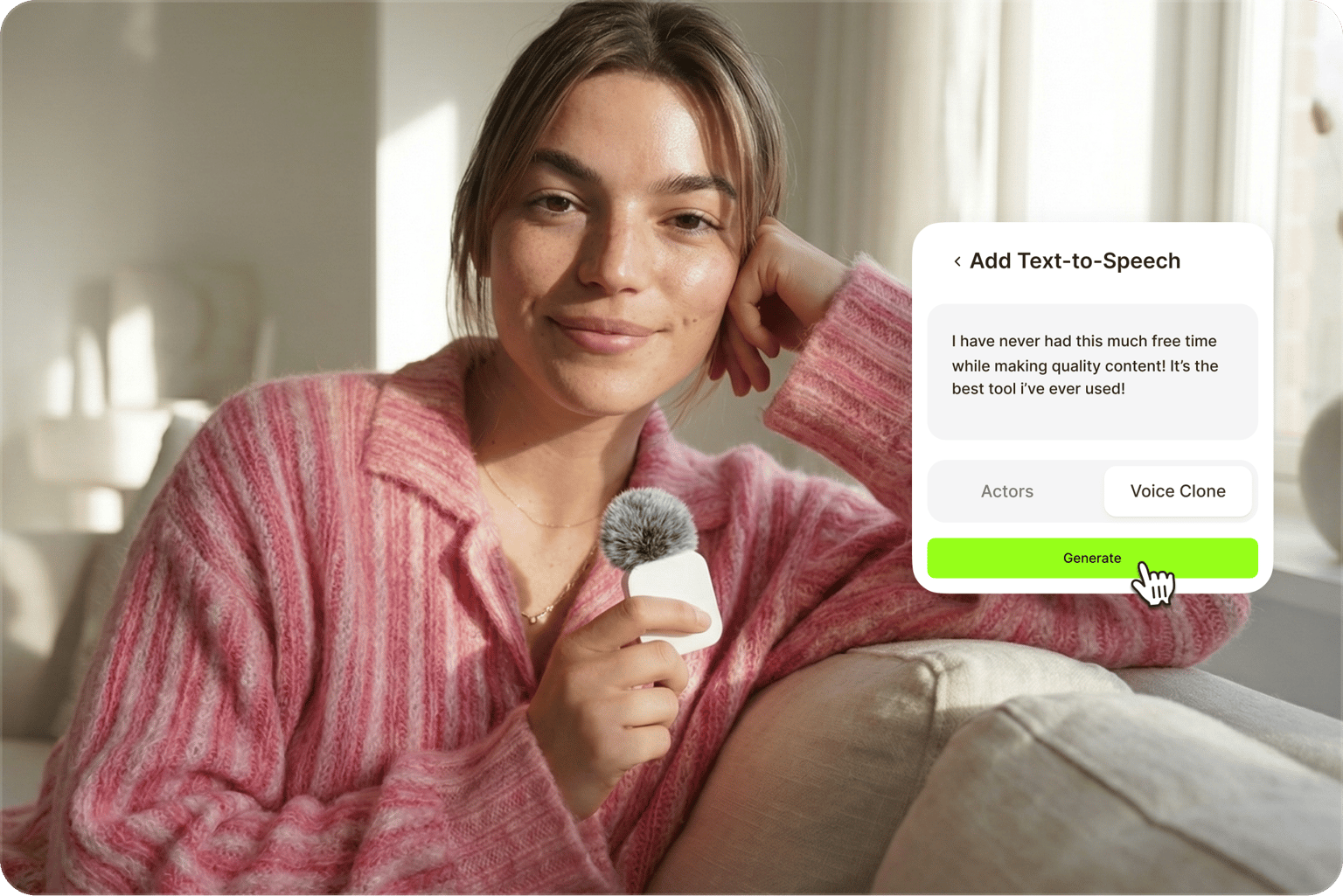
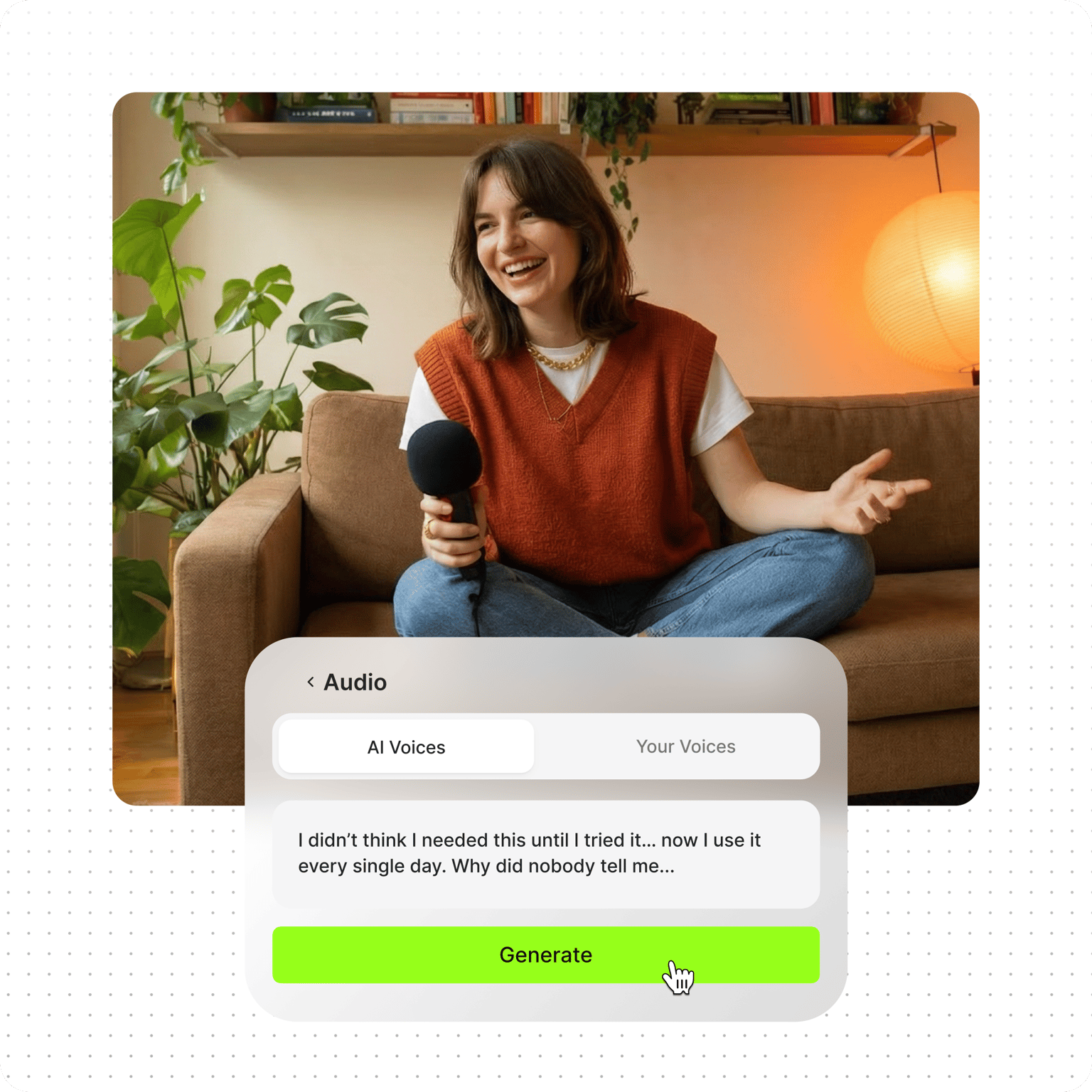
Create custom voiceovers with our text to voice generator
Record a quick voice sample, and VEED's voice cloning tool does the rest. Type your script and generate up to 4 minutes of natural-sounding voiceovers at a time. Perfect for social media content, podcast narration, explainer videos, and video ads. Our text-to-voice software captures the quality of your voice so you can use it on all projects.
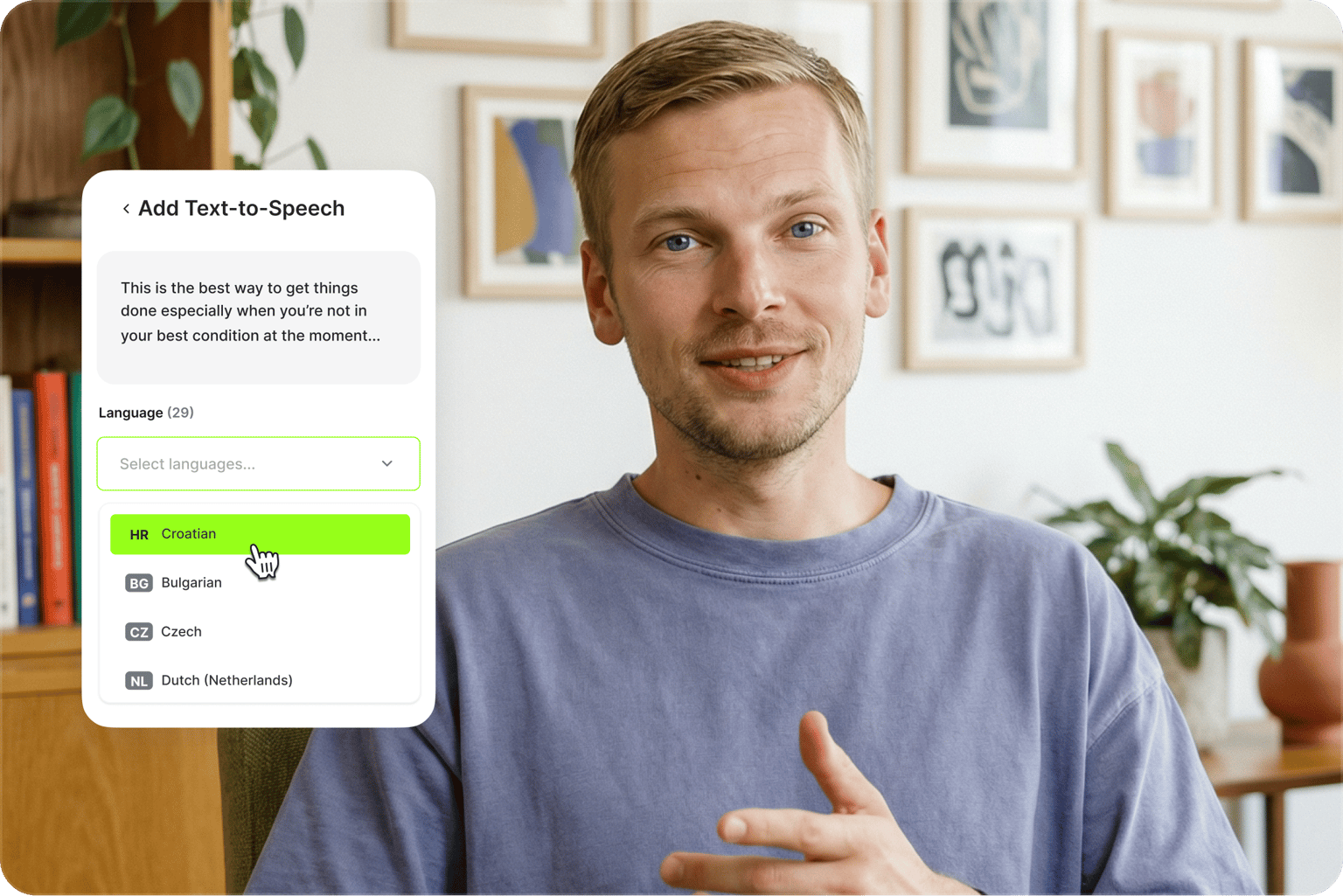
AI voice creator that lets you speak many languages
Record your voice once and generate voiceovers in 29 languages, including Spanish, French, and Portuguese. No need to re-record in each language. Just type your script in the target language, and your cloned voice delivers it naturally. Great for marketers running multilingual campaigns to reach new audiences.
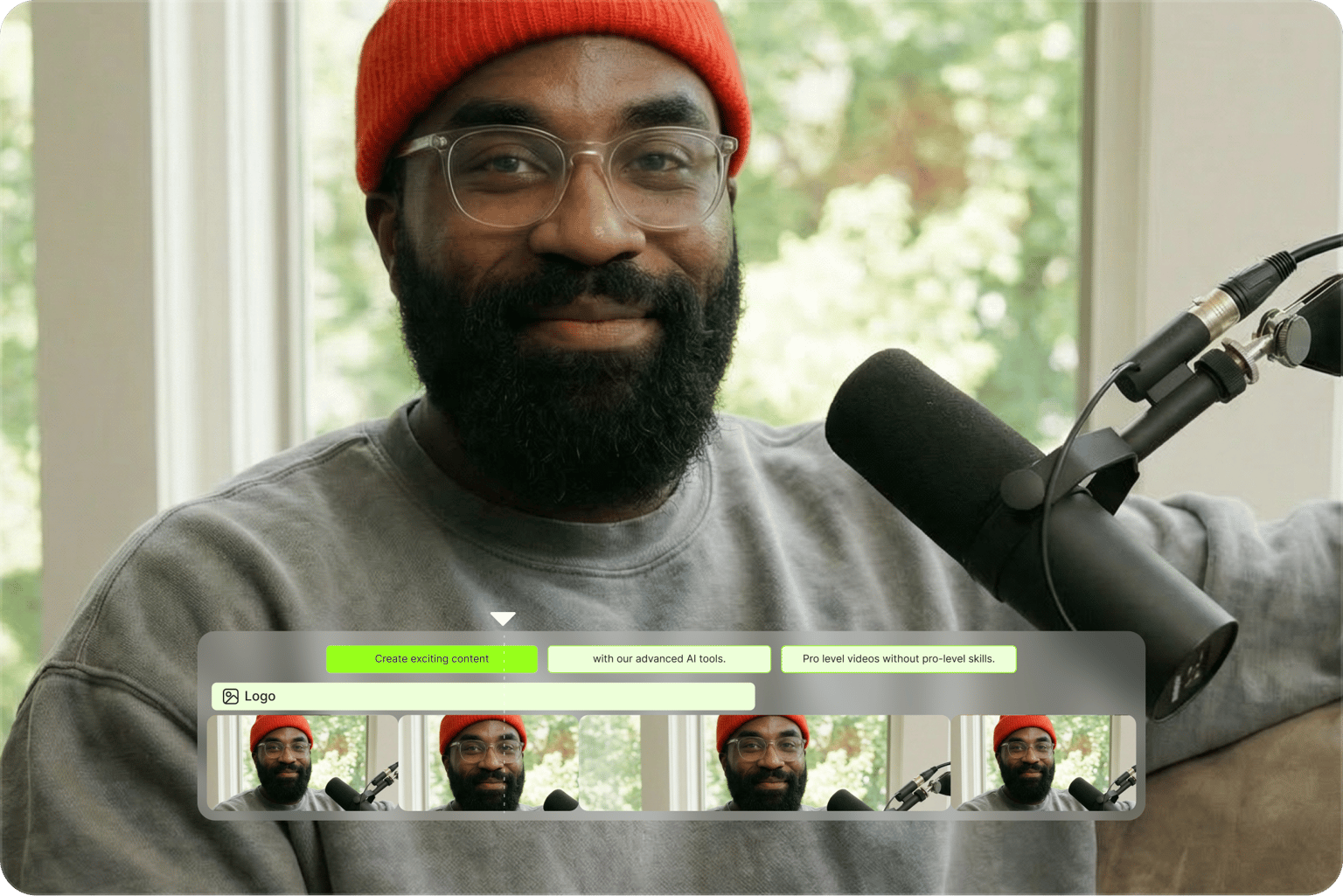
Keep your distinct voice in every video
Many voice cloning tools stop at voice generation. VEED lets you go from voice cloning to video creation. Generate your voiceover, drop it into a project in our video editor, and add your own footage or AI-generated visuals. Use your voice clone across videos. Scale your content with a consistent voice.
FAQ
One short recording is all it takes:
-
Log in and, on the home screen, click Character on the Create a talking video box.
-
Toggle Voice only on, then click Clone your voice.
-
Pick your language and microphone, click Start recording, and read the script aloud in a quiet room.
-
Click Done. Your clone appears under Your voice, ready for any script.
For a walkthrough with screenshots, read our guide on how to clone your voice with AI.
-
Yes. You can try AI voice cloning for free, with no credit card required, and hear the quality before you pay. Generating voiceovers uses AI credits, so the free plan suits recording your clone and testing a short script. Regular use and longer scripts need a paid plan. Check the pricing page for current credit limits, which vary by region.
A clean sample beats a long one. Record your voice cloning script in a quiet room, use a headset or USB mic rather than your laptop's built-in one, and read at the pace you actually speak. Background noise gets baked into the clone, so re-record a noisy take rather than pushing on. If a finished voiceover still sounds rough, apply Clean Audio to it in the editor.
AI voice cloning trains a model on a short sample of your voice so it can say anything you type, in your voice. From one recording, the model picks up your pitch, pace, and accent, then generates audio you never actually recorded. In practice, it is text to speech that sounds like you instead of a stock voice, ready for narration, dubbing, and social videos in 29 languages.
Keep it to your own voice and your own content. Do not use the AI voice cloner to create harmful content, infringe third-party rights, or defame anyone, and tell viewers when the audio is AI-generated. The recording script includes a consent line you read aloud, which confirms the voice is yours. The full AI tools terms of use cover the details.
No. The tool only clones your own voice, which is why you record the script yourself. Cloning someone else's voice without permission can break impersonation and publicity laws in many places, and the terms of use prohibit AI voice impersonation, fake voices, and audio deepfakes. Cloning your own voice is legal and covers what most people need: narration, dubbing, and videos that sound like you.
Loved by creators.
Loved by the Fortune 500
“
With VEED I didn't need 15 tutorials - I jumped straight in and started editing.

Gwenne Wilcox
Founder,
Brand Brainery
“
You can go beyond choppping things. VEED actually makes my videos look great.

Michael Glover
Demand Gen Manager,
ConvertFlow
“
The first four videos i created with VEED got over 40,000 impressions on LinkedIn.

Travis Tyler
Senior Content Producer,
PandaDoc
“
I found VEED at the right time: if you're making UGC ads and not using Eye Contact Correction and Noise Reduction on VEED you're missing out on ROI.

Sebastian Schurgers
Head of Growth Marketing,
Gronda
“
With VEED I didn't need 15 tutorials - I jumped straight in and started editing.
Gwenne Wilcox
Founder,
Brand Brainery
“
You can go beyond choppping things. VEED actually makes my videos look great.
Michael Glover
Demand Gen Manager,
ConvertFlow
“
The first four videos i created with VEED got over 40,000 impressions on LinkedIn.
Travis Tyler
Senior Content Producer,
PandaDoc
“
I found VEED at the right time: if you're making UGC ads and not using Eye Contact Correction and Noise Reduction on VEED you're missing out on ROI.
Sebastian Schurgers
Head of Growth Marketing,
Gronda
“
The first four videos i created with VEED got over 40,000 impressions on LinkedIn.
Travis Tyler
Senior Content Producer,
PandaDoc
“
I found VEED at the right time: if you're making UGC ads and not using Eye Contact Correction and Noise Reduction on VEED you're missing out on ROI.
Sebastian Schurgers
Head of Growth Marketing,
Gronda
“
With VEED I didn't need 15 tutorials - I jumped straight in and started editing.
Gwenne Wilcox
Founder,
Brand Brainery
“
You can go beyond choppping things. VEED actually makes my videos look great.
Michael Glover
Demand Gen Manager,
ConvertFlow
Discover more
- AI Voice Maker
- AI Voice Mimic
- AI Voice Replicator
- Dutch Voice Cloning
- French Voice Cloning
- Hindi Voice Cloning
- Italian AI Voice Cloning
- Japanese Voice Cloning
- Korean Voice Cloning
- Overdub
- Polish Voice Cloning
- Portuguese Voice Cloning
- Real Time Voice Cloning
- Russian Voice Cloning
- Spanish Voice Cloning
- Text to Speech Using My Own Voice
- Turkish Voice Cloning
- Video Voice Changer
- Voice Emulator
- Voice to Voice AI
Explore related tools
More from VEED
VEED vs. ElevenLabs 2026: Which AI Voice Tool Is Right for You?
If you primarily need high-quality AI voice for audio content, podcasts, or developer projects, ElevenLabs is the stronger tool. If you're creating videos for social media, marketing, or YouTube, VEED's all-in-one approach is the better fit for most creators.

How to Dub a Video with AI: Step-by-Step Guide for Perfect Audio Sync
Want to learn how to dub a video with AI? This guide is all you need.

Video Dubbing Guide: Top Tips and Tools for Quality Voiceovers
Dubbing over a video doesn't have to be complicated. Well, that is, if you know what you're doing. Read on to learn more!
Trusted by 1M+ creators
When it comes to amazing videos, all you need is VEED
No credit card required
More than an AI voice cloning tool
Voice cloning is just one of many AI tools in our platform. VEED is an AI video creation platform where you can generate, refine, and export videos in minutes. Add subtitles, clean your audio, and resize for any platform without switching tools. Starting without footage? Generate AI videos with the best AI models. Reprompt, adjust your video, add your branding, and shape the output until it looks and sounds like your brand made it — not AI. Sign up now to start creating.