


Trusted by 1M+ creators
Free Online Video Editor
Make pro videos in minutes with AI. Auto-cut filler words, add captions, clean audio, and more
No credit card required
4.6
2,100+ reviews















Create, edit, and enhance videos online
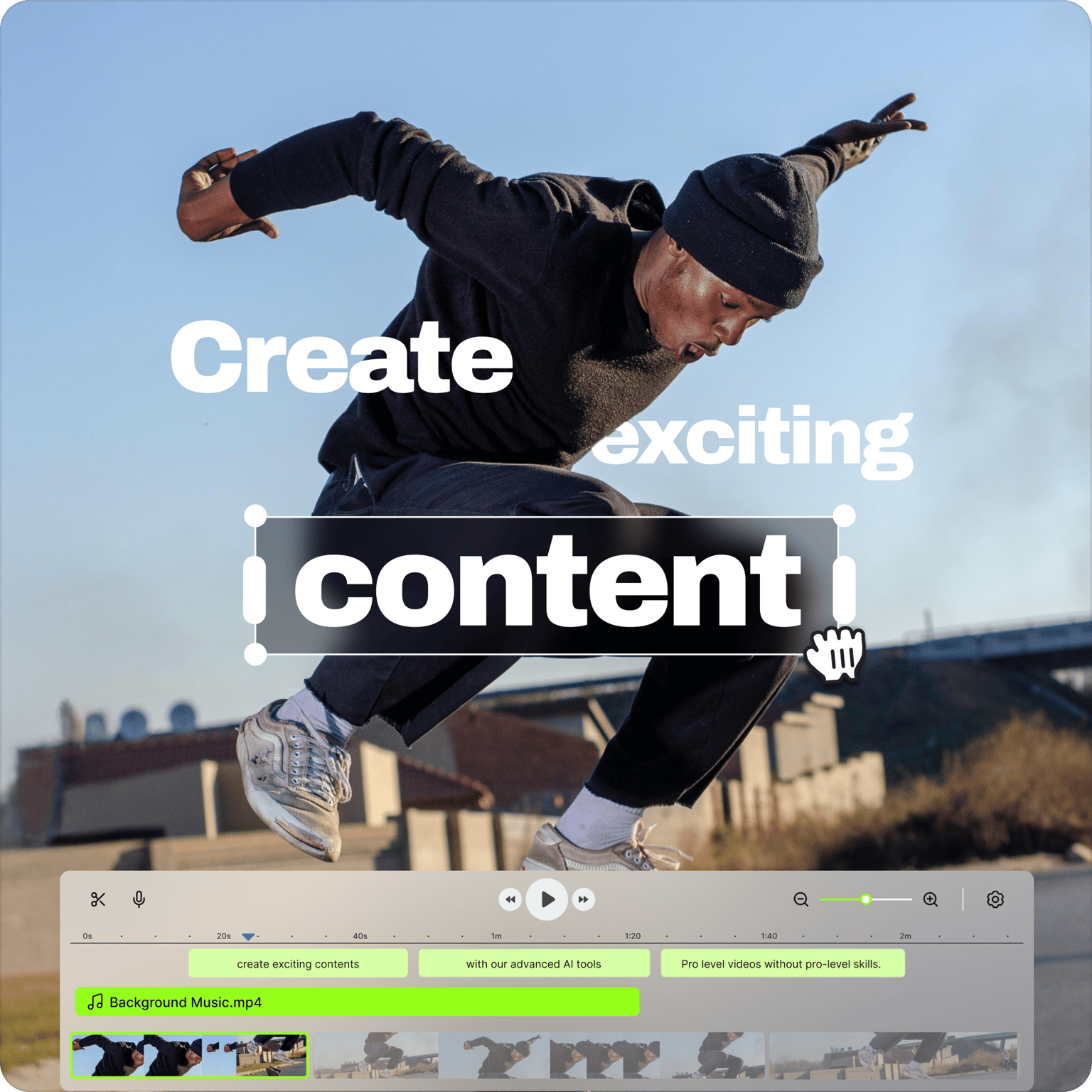
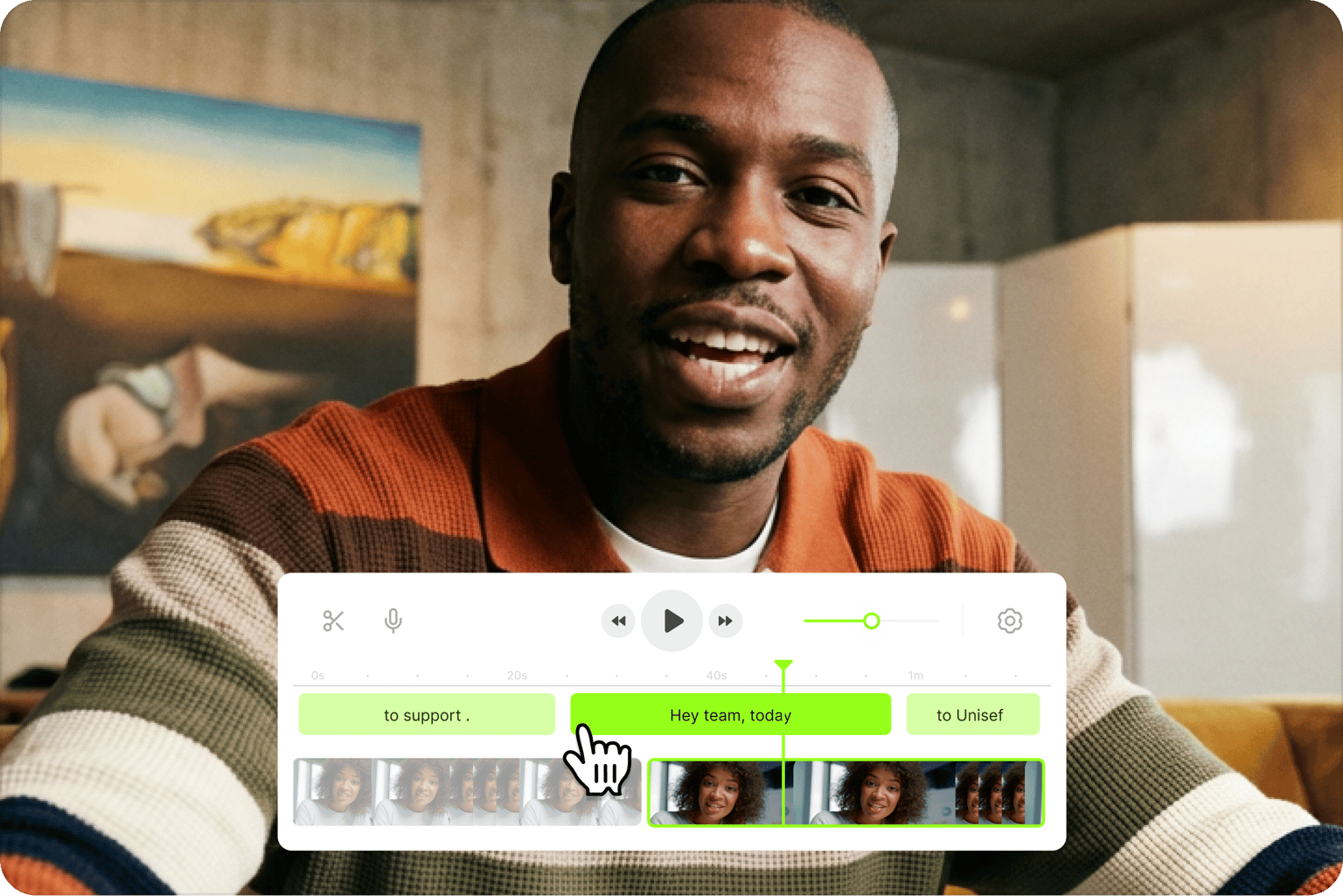
Edit videos faster with our all-in-one video editor. Add text, trim, and crop with drag-and-drop simplicity. Text-based editing lets you trim clips like editing a document. Use Auto Edits to add subtitles, clean up your audio, and insert B-roll automatically. Edit a video online, no software download required.
Generate AI videos from text prompts, repurpose long content into shorts for TikTok, Instagram, and YouTube, or polish existing footage with AI-powered enhancements. VEED provides creation, editing, and enhancement tools all in one place — no jumping between tools, no big production budgets. Start editing for free.
How to edit a video online:
Step 01
Upload your video
Drag and drop your video file or paste a link. VEED supports MP4, MOV, AVI, and other major formats.
Step 02
Edit and enhance
Trim, crop, and arrange clips on the timeline. Add text, subtitles, and music. Use Auto Edits to clean audio and insert B-roll automatically.
Step 03
Export and share
Download your edited video, share the link, or embed the video on your website. Upgrade for watermark-free exports in 1080p to 4K quality.
Learn More
Learn how to edit by text in this AI video editor walkthrough:
One-click editing with AI
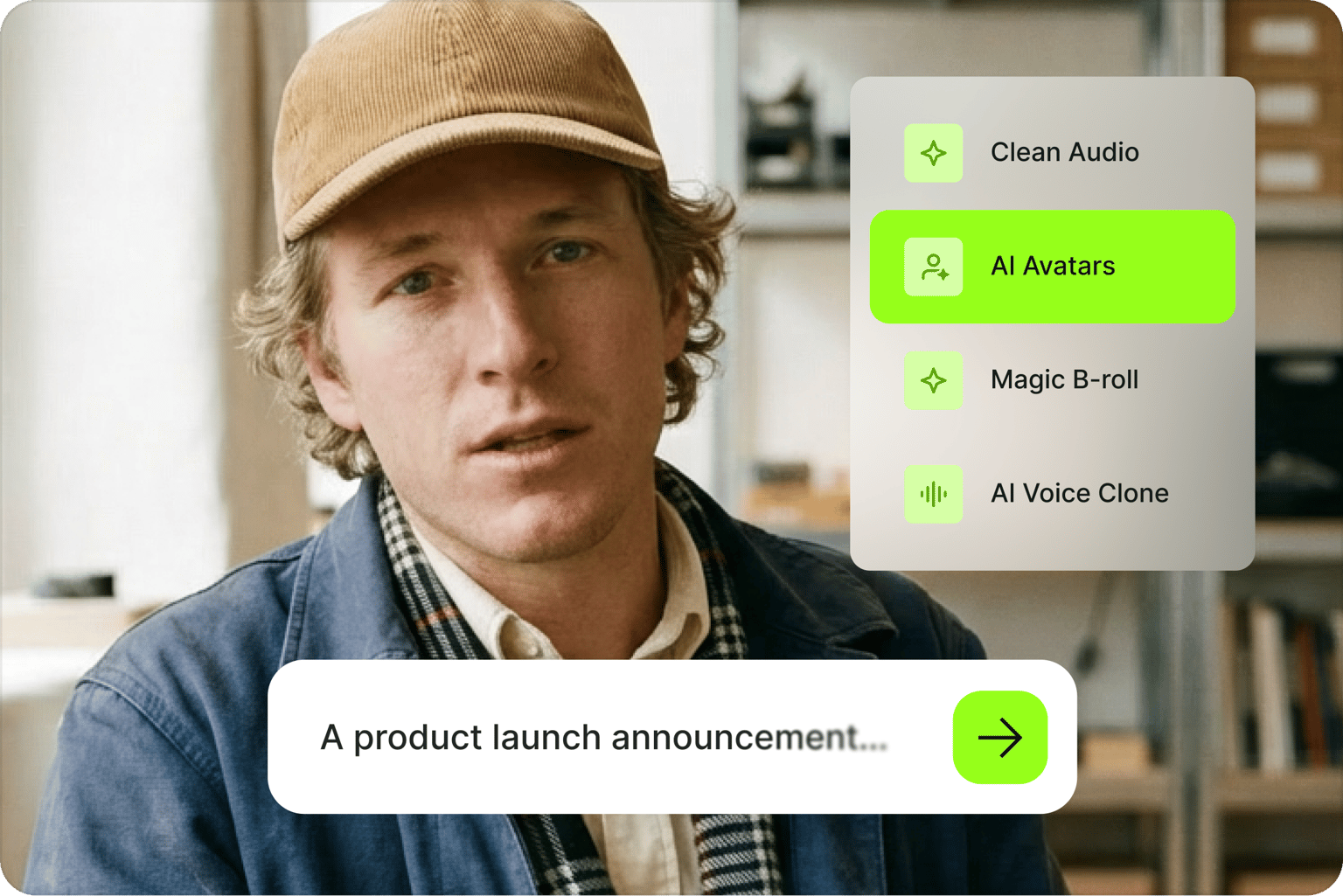
- Create videos on the web video editor with the help of our AI video generator tools, powered by leading AI video models like VEO 3, PixVerse AI, Kling AI and MiniMax AI. Use our text-to-video app to generate content from text prompts. Just type a description, and our AI will produce a professional-quality, editable video.
- Minimize re-takes and let our AI eye contact tool instantly redirect your eyes to the camera. Always look professional on screen.
- Clone your voice to add instant voiceovers to your videos using your voice profile. No need to record each time.
- Use our AI avatars to make talking head videos for marketing and business communications.
Online video maker for social media and business
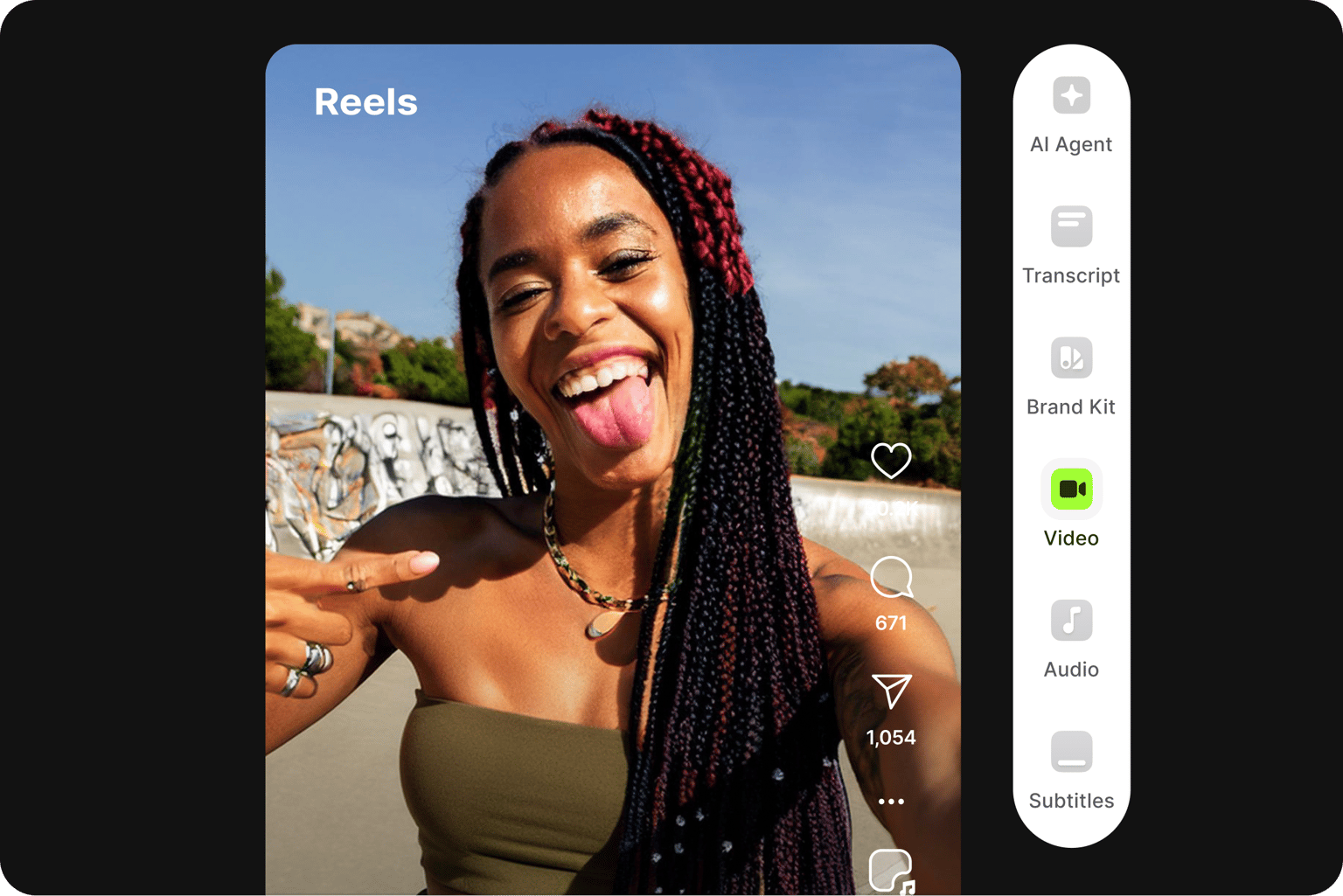
- Create professional-looking videos for social media and marketing campaigns. Drag and drop your footage, and generate AI videos with the best AI models.
- Instantly remove background noise from your video to ensure your content is free from audible distractions. Create crystal-clear audio for your audience.
- No need for green screens! Now, you can automatically remove your video’s background. Replace it with a solid color, an image, or even another video.
- Perfectly polish your videos by removing unwanted silences, awkward pauses, or filler words (like “er” or “um”) in just a few seconds.
- Collaborate on video projects and get timestamped feedback from your team.
Translate subtitles, audio, and more
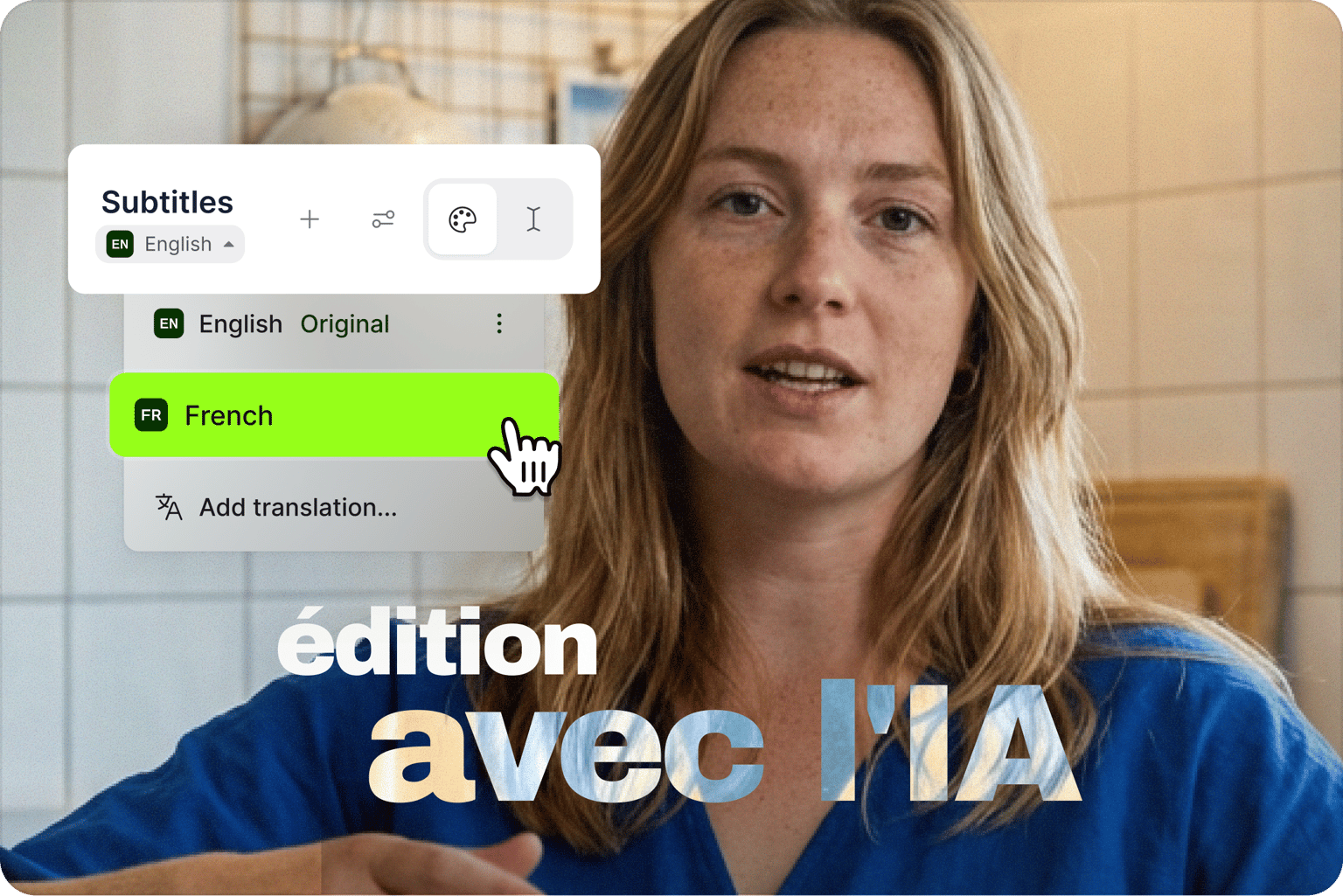
- Automatically add subtitles to your videos with near-perfect accuracy. Add animations, highlight words, and select from various subtitle styles.
- Transcribe your audio and translate it into over 125 languages in just a few clicks. Reach a global audience with minimal production costs.
- Our text-to-speech tool lets you add voiceovers and narrations without manually recording your voice. Select from different voice profiles and accents, and create videos that speak to your audience in their own language.
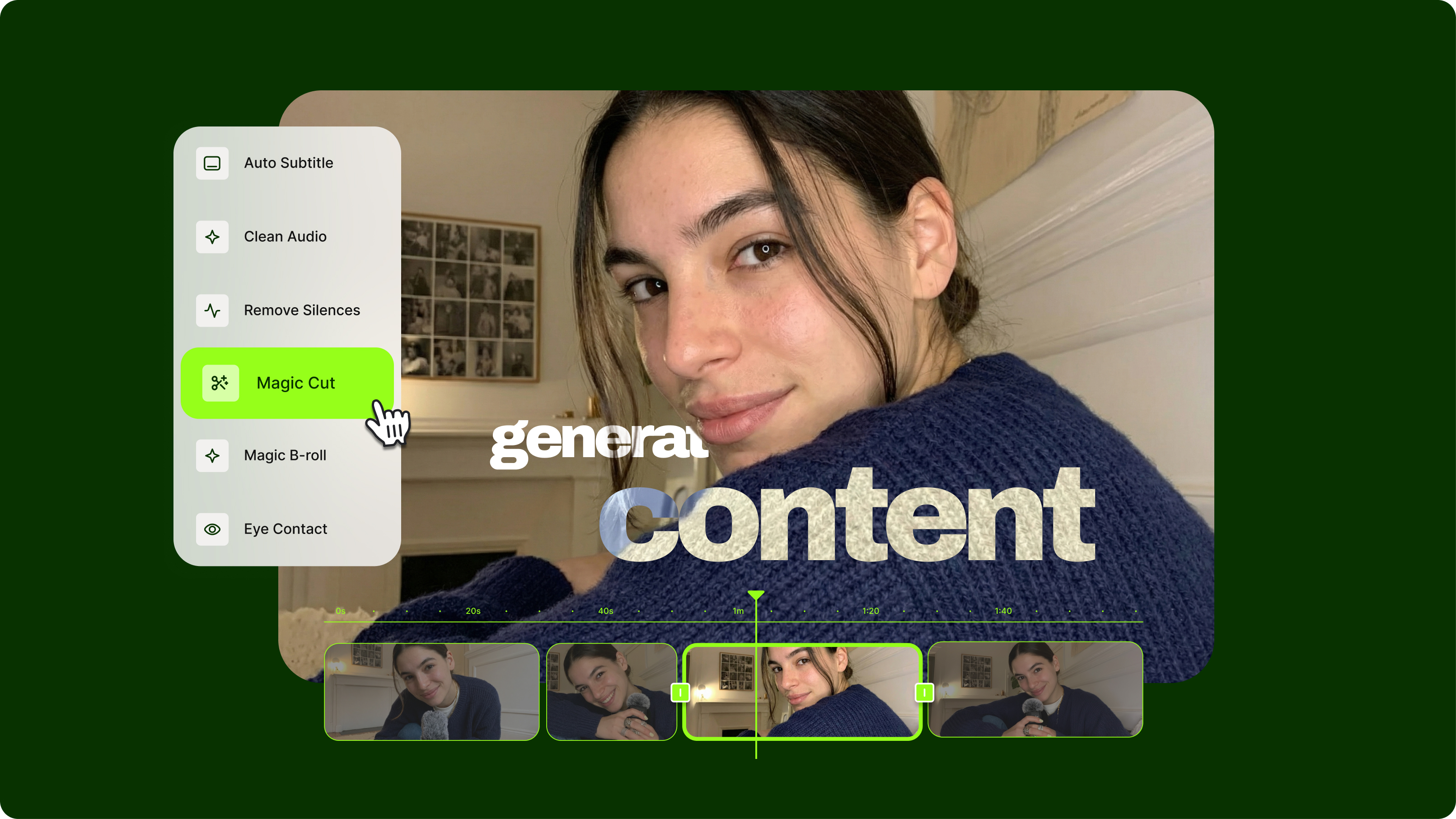
A complete AI video creation platform for content creators
- VEED is a powerful online video maker that lets you collaborate on video projects with fellow video content creators.
- Edit audio files, compress videos to make them easily shareable, and edit subtitles in a breeze.
- Generate instant transcripts, translate video and audio, and so much more. Grow your online presence by creating engaging content—all in a few clicks.
- Create videos quickly using our full suite of AI video creation and editing tools. Apply visual effects and edit videos with the help of AI.
FAQ
VEED is a strong choice for marketing teams and creators who need more than just video editing. No software download required, free to start. Beyond trimming and arranging clips, auto-generate subtitles, clean your audio, and extract shareable clips from long recordings. Creating a video from scratch? Generate videos with the best AI models. Then shape the content with your logo, brand colors, and fonts so your content looks uniquely yours.
VEED combines text-based editing, automatic edits, and AI video generation in one online platform. Edit a video by editing the transcript, and cut clips as easily as deleting text. Upload footage and let Auto Edits add subtitles, clean audio, and insert B-roll. Or generate complete videos from text prompts using AI.
Unlike other editors that specialize in one thing, VEED offers the complete workflow: create, edit, enhance, and export. No need to juggle multiple platforms or navigate complex software like Adobe Premiere.
Yes, for specific features. Free users get basic editing tools, such as trim, crop, resize, and add text and music. They can also export videos in 720p, perfect for social media sharing. A free plan also offers one-time trials to AI video editing tools like Auto Edits, AI B-roll, and audio cleanup. Free exports include a watermark. Upgrade to a premium plan for 4K exports, unlimited AI features, and watermark-free videos.
Free exports include a watermark. Upgrade to a paid plan to remove watermarks, unlock 1080p to 4K exports, and more AI features. Plans start at $9/month (billed yearly) and $19/month (billed monthly).
VEED’s online video editing software is easy to use, whether you’re editing a few clips for YouTube or looking for a more advanced editor to create professional videos. No download required. Start editing videos for free.
Upload your video to VEED and drag the trim handles to cut from the start or end. Need to shorten an MP4 or trim other formats? VEED handles them all. For precision, use text-based editing—delete words from the transcript and the video adjusts automatically.
Yes. Our video maker has a library of stock videos and royalty-free audio that you can add to your project.
Our online video editor works in all browsers, including Chrome, Safari, Microsoft Edge, and Firefox. VEED also works on any device - Mac, iPhone, iPad, Windows, Android, and Linux. Always update your browser to ensure the best experience.
Loved by creators.
Loved by the Fortune 500
“
With VEED I didn't need 15 tutorials - I jumped straight in and started editing.

Gwenne Wilcox
Founder,
Brand Brainery
“
You can go beyond choppping things. VEED actually makes my videos look great.

Michael Glover
Demand Gen Manager,
ConvertFlow
“
The first four videos i created with VEED got over 40,000 impressions on LinkedIn.

Travis Tyler
Senior Content Producer,
PandaDoc
“
I found VEED at the right time: if you're making UGC ads and not using Eye Contact Correction and Noise Reduction on VEED you're missing out on ROI.

Sebastian Schurgers
Head of Growth Marketing,
Gronda
“
With VEED I didn't need 15 tutorials - I jumped straight in and started editing.
Gwenne Wilcox
Founder,
Brand Brainery
“
You can go beyond choppping things. VEED actually makes my videos look great.
Michael Glover
Demand Gen Manager,
ConvertFlow
“
The first four videos i created with VEED got over 40,000 impressions on LinkedIn.
Travis Tyler
Senior Content Producer,
PandaDoc
“
I found VEED at the right time: if you're making UGC ads and not using Eye Contact Correction and Noise Reduction on VEED you're missing out on ROI.
Sebastian Schurgers
Head of Growth Marketing,
Gronda
“
The first four videos i created with VEED got over 40,000 impressions on LinkedIn.
Travis Tyler
Senior Content Producer,
PandaDoc
“
I found VEED at the right time: if you're making UGC ads and not using Eye Contact Correction and Noise Reduction on VEED you're missing out on ROI.
Sebastian Schurgers
Head of Growth Marketing,
Gronda
“
With VEED I didn't need 15 tutorials - I jumped straight in and started editing.
Gwenne Wilcox
Founder,
Brand Brainery
“
You can go beyond choppping things. VEED actually makes my videos look great.
Michael Glover
Demand Gen Manager,
ConvertFlow
Discover more
Explore related tools
More from VEED
Streamlining Video Editing with AI: A Guide for Busy Marketers
Want to streamline your video editing workflow? Check out this list of the best AI tools for video editing.

VEED vs. CapCut in 2026: Complete Comparison After the US CapCut Ban
VEED vs CapCut: Not sure which one to pick? Dive into our detailed comparison to determine which platform is right for you.

A 7-Step Video Editing Workflow (For Any Team)
Streamline your video projects with this 7-step editing workflow—perfect for teams creating marketing, training, or customer videos.
Trusted by 1M+ creators
When it comes to amazing videos, all you need is VEED
No credit card required
More than video editing software
VEED is an AI video creation platform that lets you generate videos with AI, clean your audio, add captions, and export in up to 4K quality. Convert MP4 videos to any format. Or compress your videos to make them easily shareable. Trim, crop, and fine-tune your footage, then take it further with AI-powered tools for generation and enhancement. Whether you're a marketer, educator, or content creator, VEED keeps your whole workflow in one place.