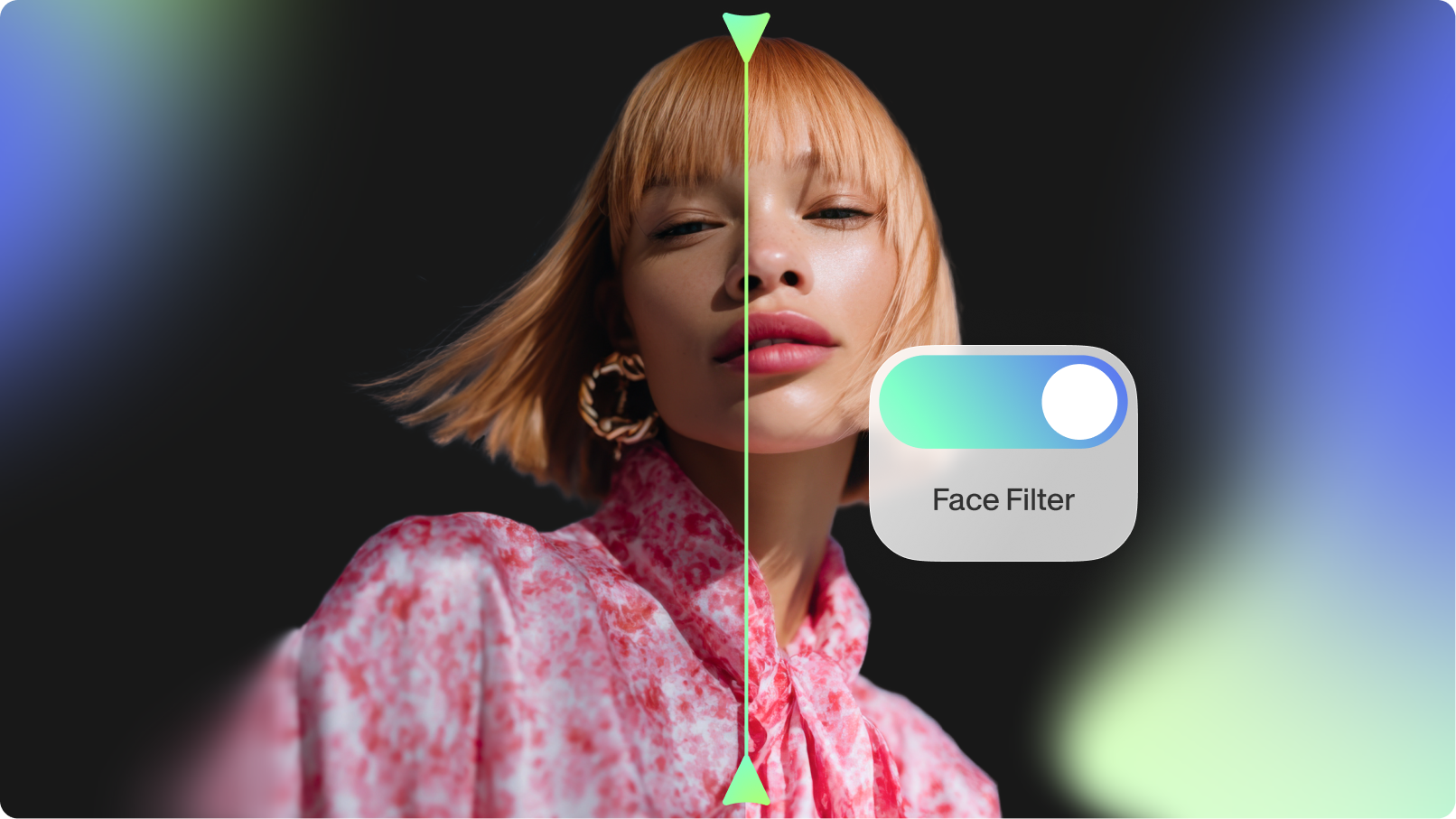
Introducing Face Filter: Instantly Perfect Your On-Screen Presence
Not feeling camera-ready? No problem. The Face Filter tool by VEED gives your on-camera appearance a natural uplift.
Join 1M+ readers getting guides and stories sent to their inboxes every month.
From company news to what it's like to work at VEED, take a peek inside! Looking to join the team? Explore available roles below.
View Open RolesAnybody can make great videos. Read and subscribe for tips to dominate with video.
Learn how VEED’s simple but powerful features can enable your team to make on-brand videos quickly and easily.
Join 1M+ readers learning how to use VEED to make engaging videos quickly and easily.
Stories from our founders, team, and guest experts. Want more like this? Join 1M+ readers getting guides and stories sent to their inboxes every month.
Not feeling camera-ready? No problem. The Face Filter tool by VEED gives your on-camera appearance a natural uplift.
.png)
The Asset Library is your central hub to store, manage, and repurpose all your video assets in VEED. Learn more here.
.png)
Dive into different scenarios and workflows where Edit with Script can help you create better videos faster.

AI Agent by VEED is an intelligent assistant that edits videos with natural language commands. Curious about what it can do? Learn here.

Transform static slides into memorable videos with VEED's Slides to Video. Discover different ways you can make the most out of this AI-powered tool.

Turn your presentations into engaging videos in seconds with Slides to Video by VEED. No editing skills needed—just upload and let AI do the heavy lifting.

Thinking how you can make the best use of your personal avatar? Check out this handy guide for some cool use cases.

The VEED Captions mobile app — made for on the go content creators — lets you add subtitles to your videos, translate them, and a lot more. Curious? Read to learn more.

Engage your viewers with VEED’s new AI-powered Eye Contact Correction tool. Read on to learn more!

Learn all about VEED's AI-powered video editing features and how to use them to create videos faster than ever!

With over 90+ diverse Avatars to choose from, you can finally create videos without expensive actors or fancy equipment right in our editor. Check out this guide to find out how!

Magic Cut is a video editing tool by VEED AI that takes a long, imperfect footage and transforms it into short, punchy edits. Read on to learn more about this groundbreaking tool!
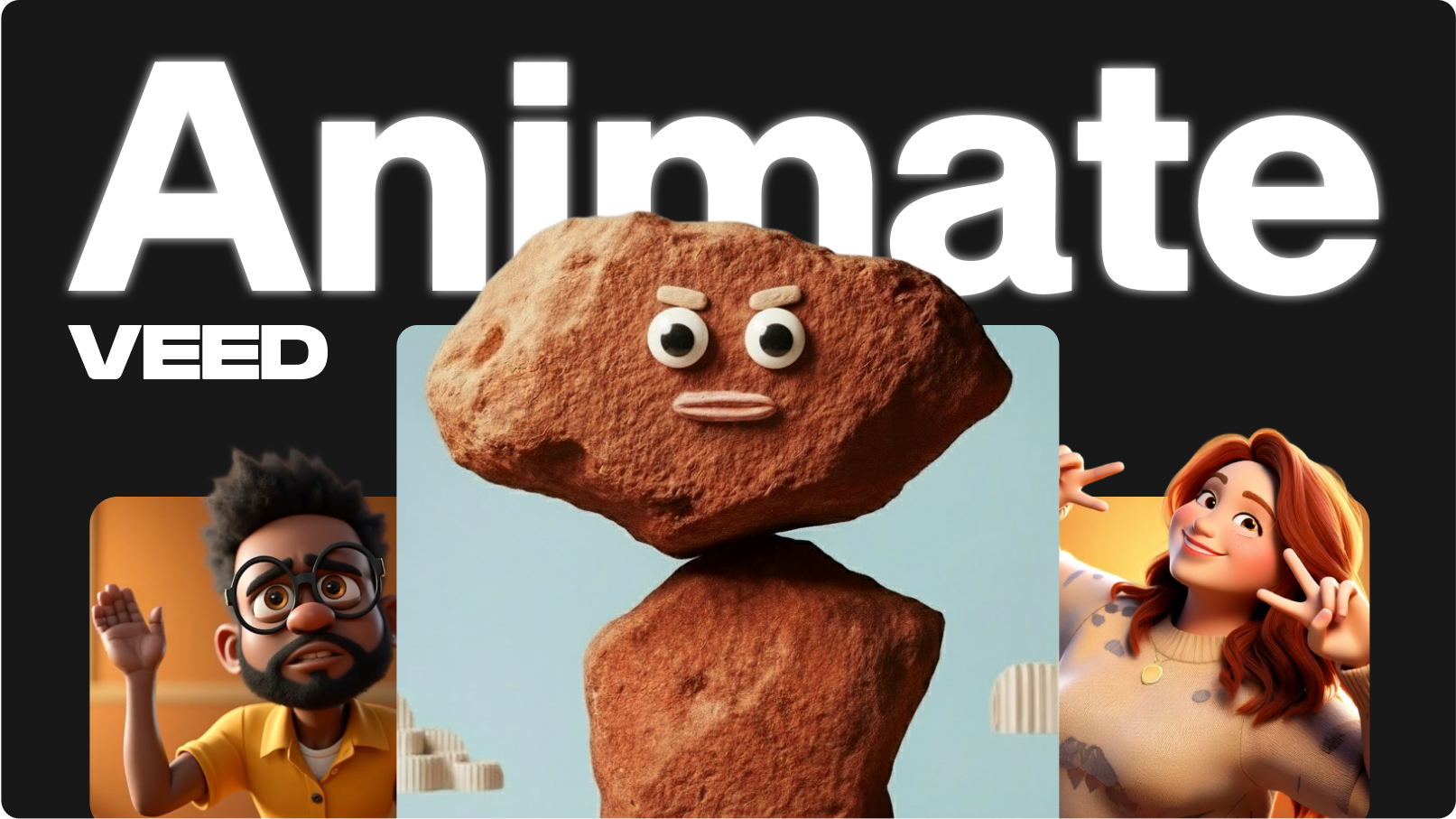
We’ve just launched VEED Animate: our brand new model built on top of WAN. With it, you can restyle an entire video and replace characters seamlessly. Learn more here.
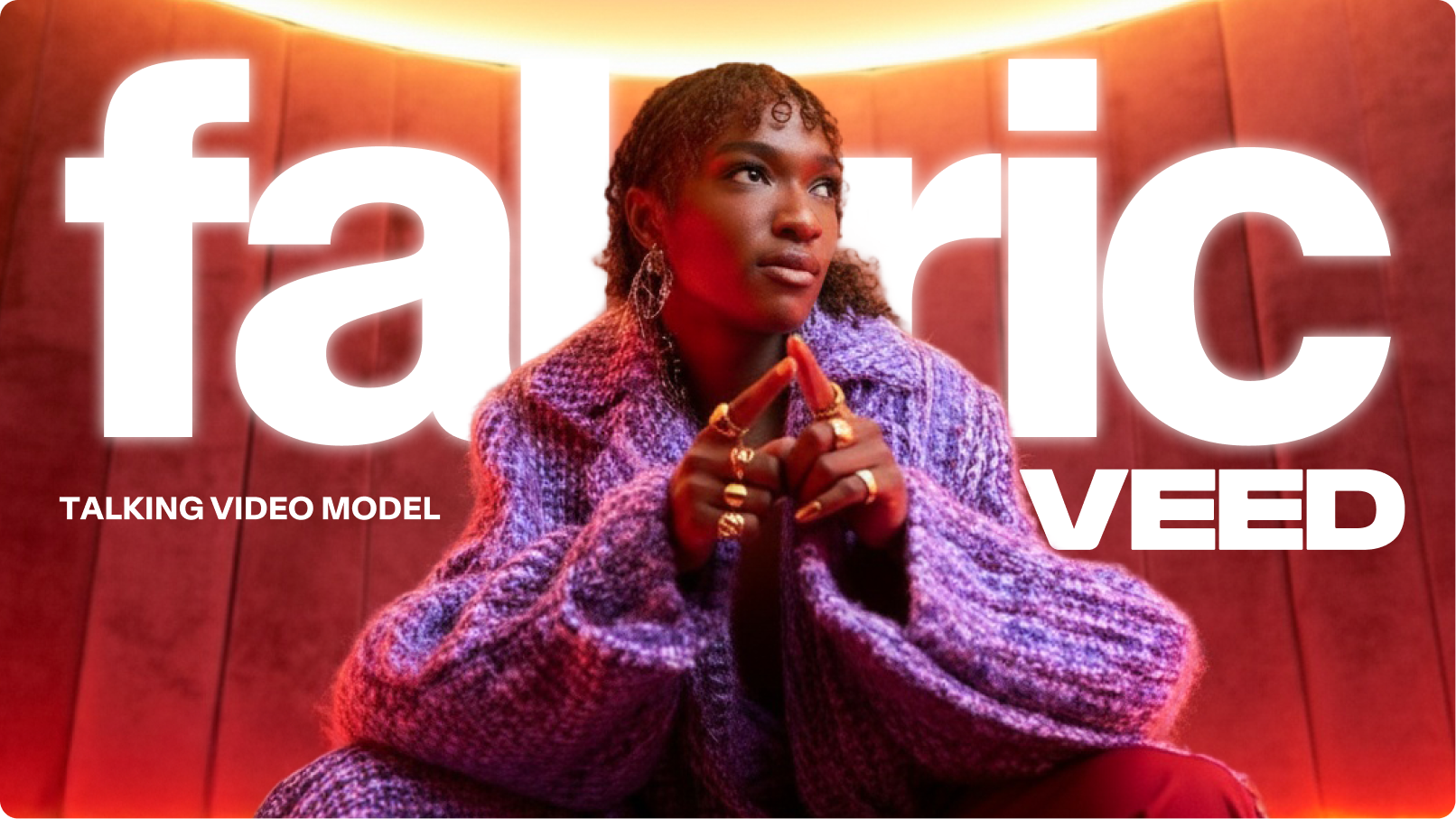
Whether you are building campaigns, testing ad creatives, or scaling tutorials, Fabric brings any image and idea to life.

Remove the background in your video and replace it with a better one with VEED’s one-click background remover. Learn how to use this tool to instantly improve your videos.
.png)
VEED Motion is our new cinematic AI video generation feature powered by the Wan 2.2 Fast model. And it's free to try for a week!
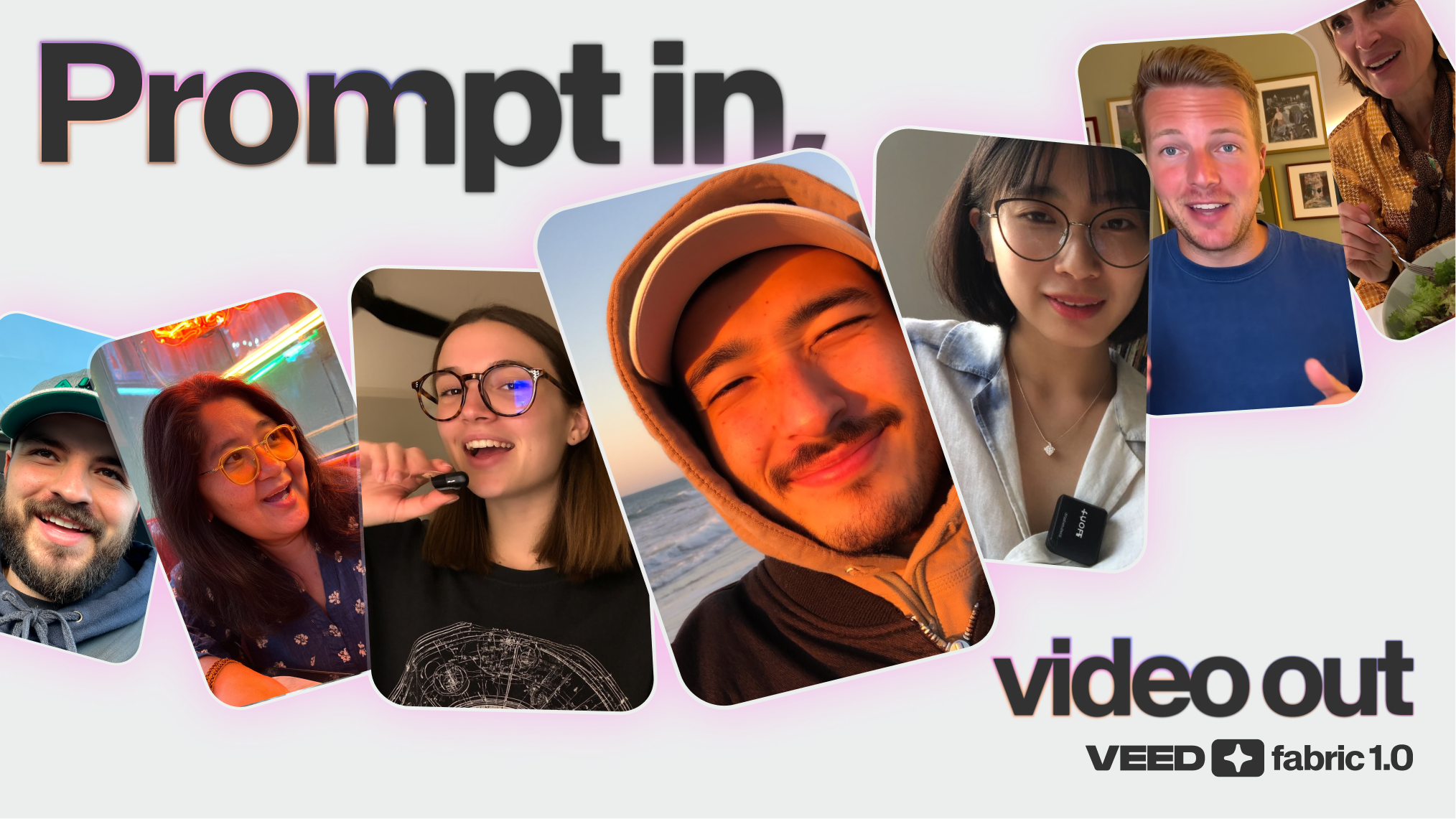
Fabric now also lives inside Gen AI Studio, VEED’s powerful text-to-video environment. Learn about the new workflow, why it matters, and how to use it.
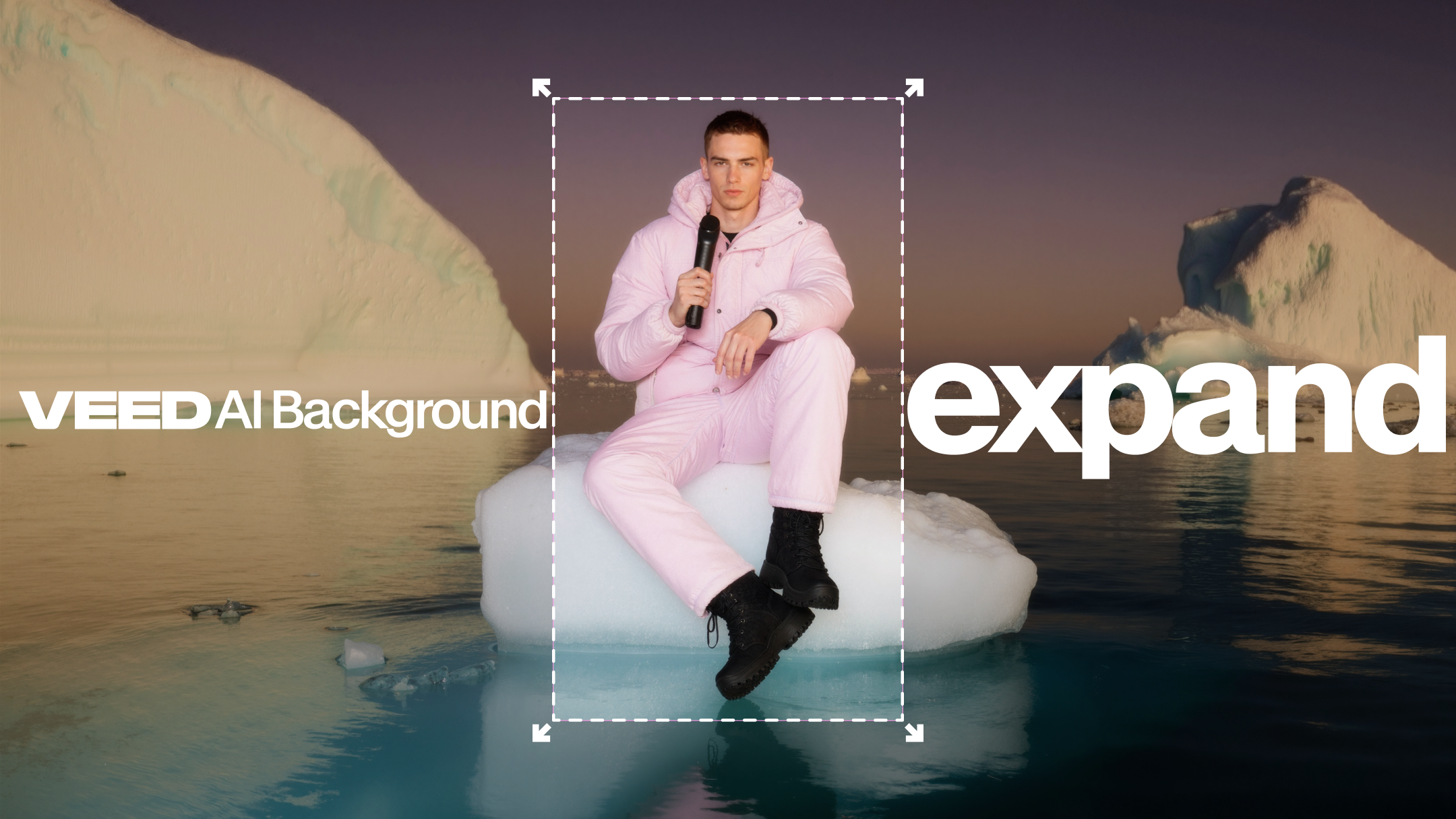
AI Background Expand extends, frames, and adjusts your videos into platform-ready content. Learn how teams like yours can use it.
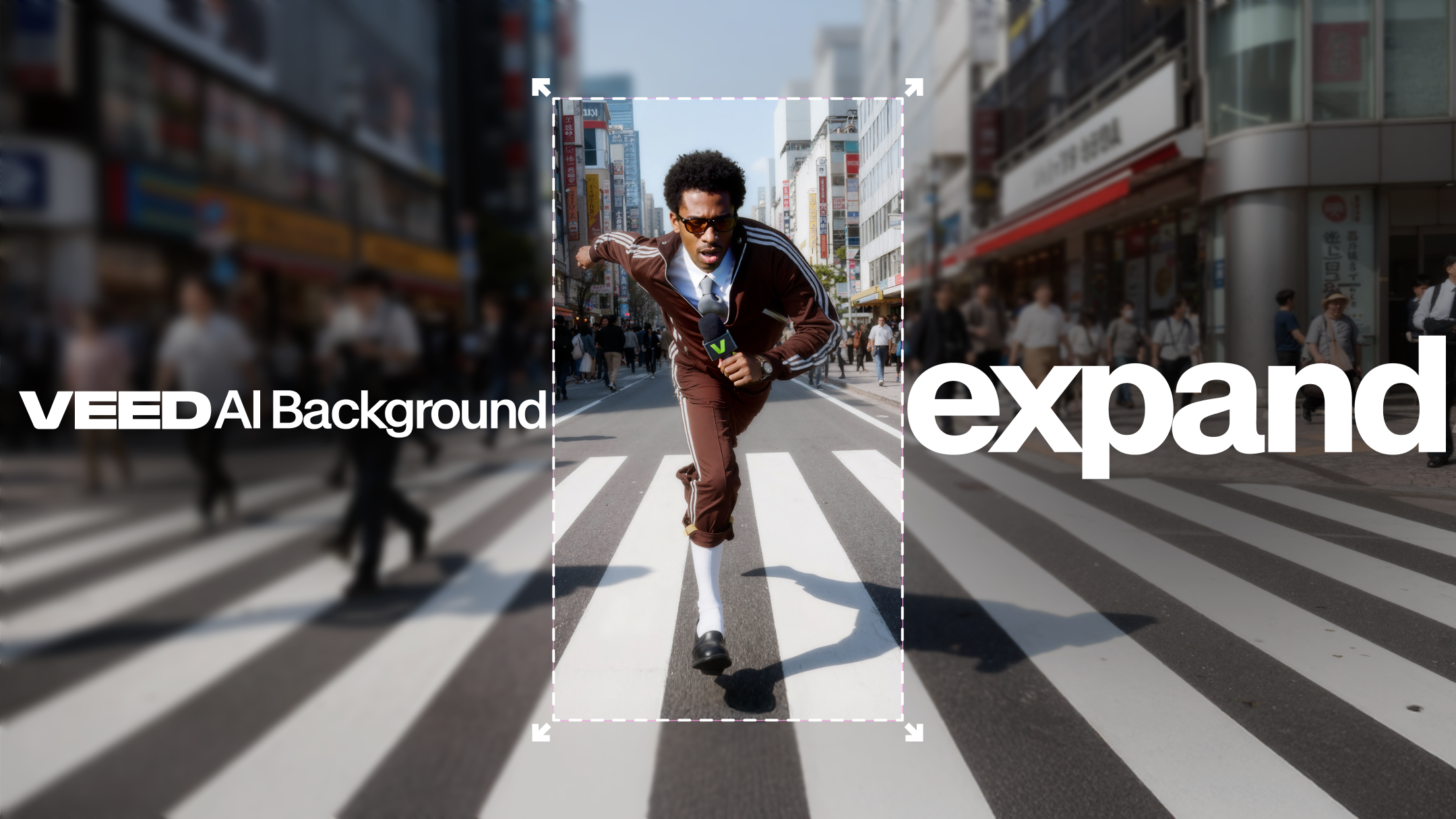
With VEED's AI Background Expand, you can take your video from landscape to vertical, square to vertical, or vertical to landscape, automatically. Learn more here.
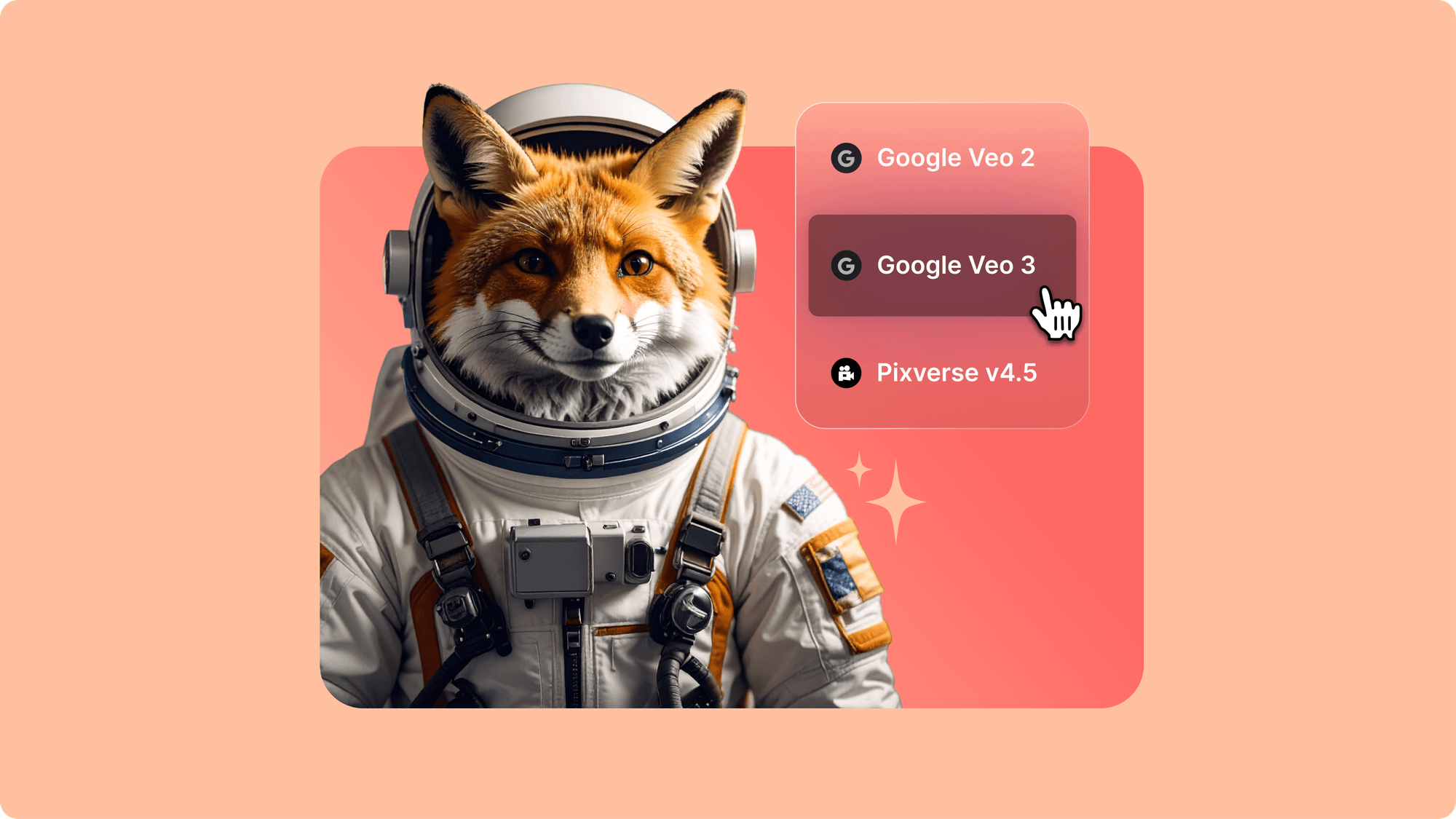
Whether you’re building a brand film, testing creative hooks, or launching your next ad campaign, the AI playground makes it easy. Learn more here.

Our AI Playground now brings the world’s most advanced AI video generation models straight into VEED’s editor. Learn more.
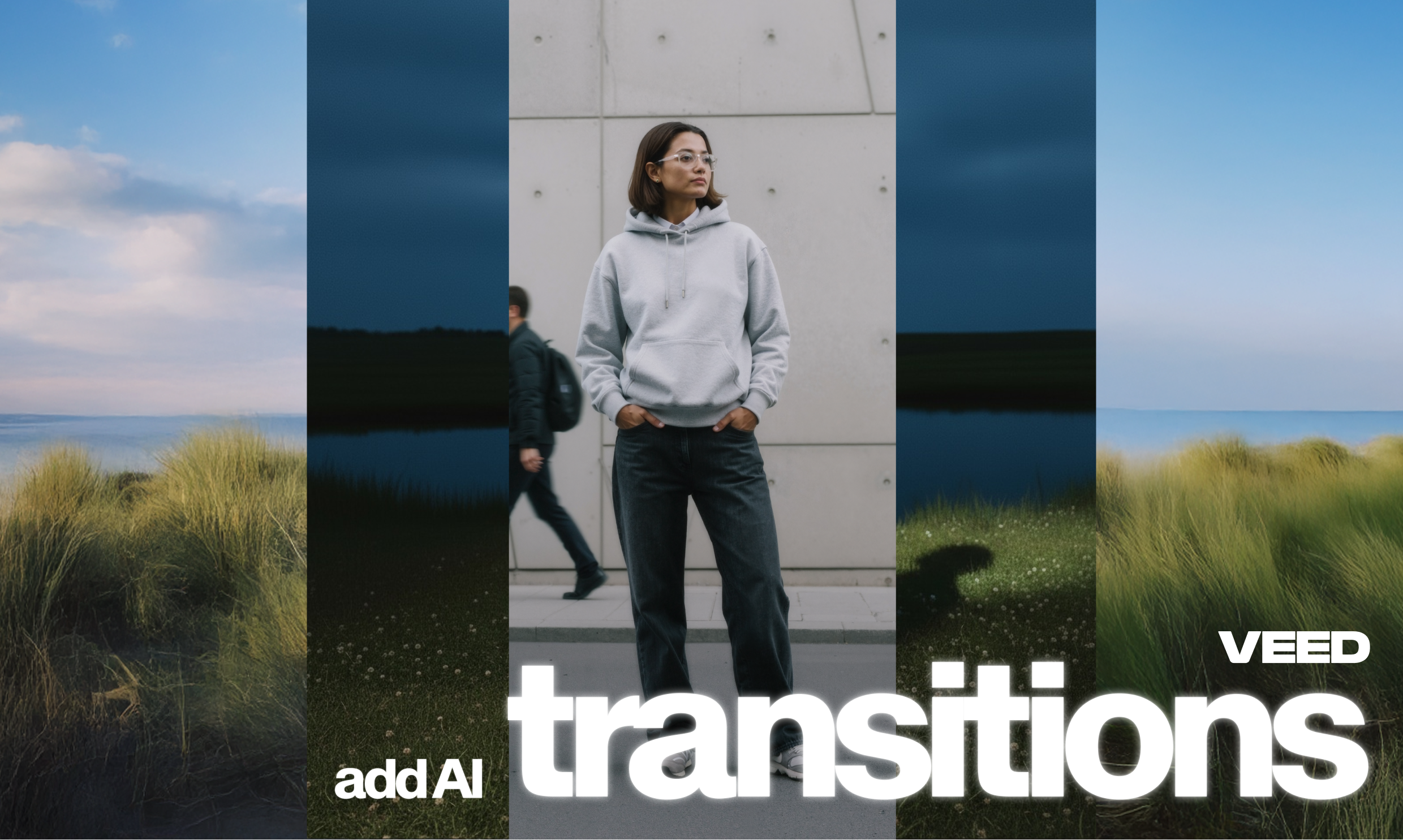
AI Transitions is a game-changing new feature in VEED that lets you create custom, context-aware transitions between clips using simple text prompts. Learn more here.
We've just shattered the video production bottleneck with VEED Flow—an AI-powered suite that revolutionizes your entire production process. Learn more here.
We’ve just launched VEED Animate: our brand new model built on top of WAN. With it, you can restyle an entire video and replace characters seamlessly. Learn more here.