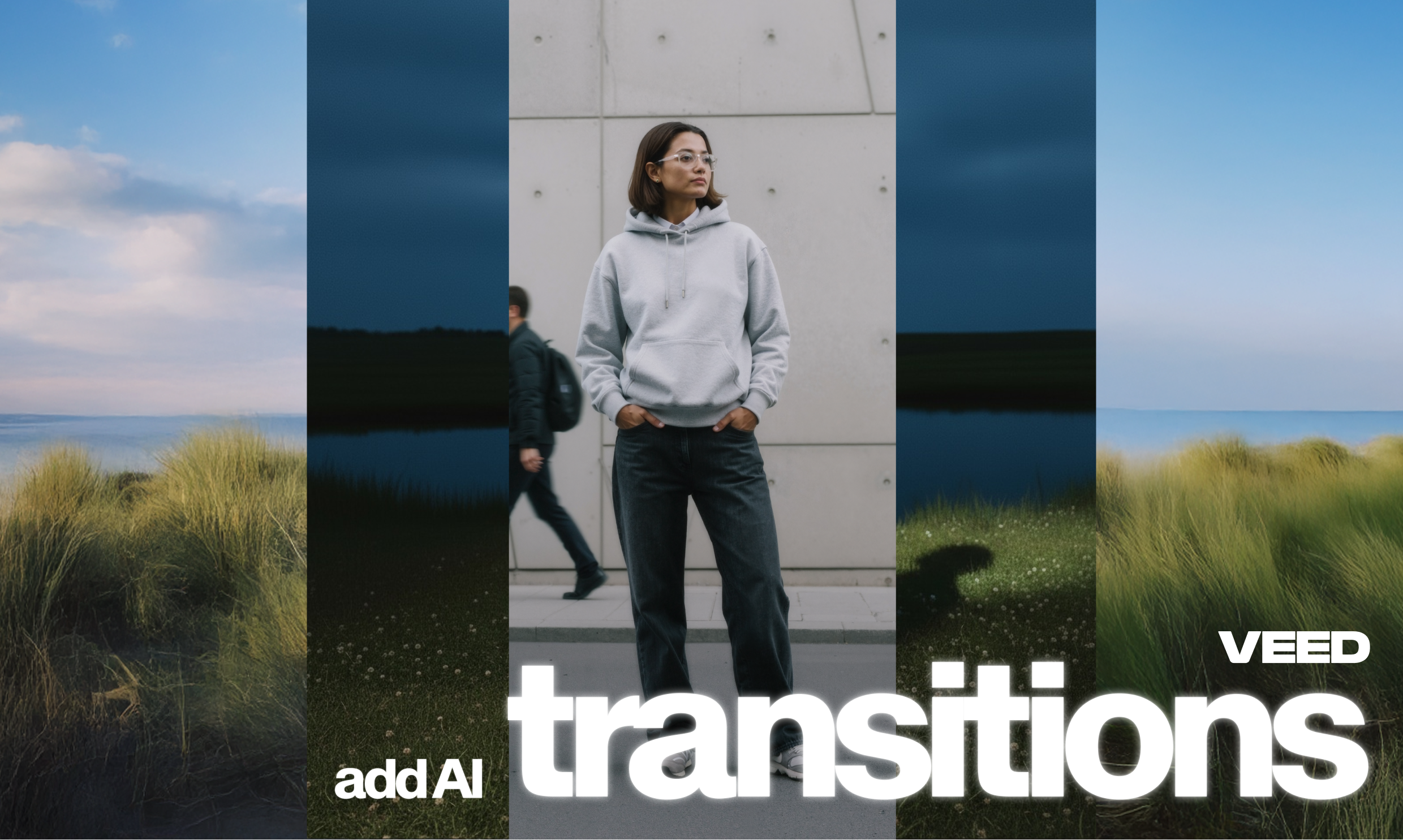
Cut between ideas, moments, or worlds, instantly. AI Transitions is a brand new feature by VEED that lets you craft stunning video-to-video transitions instantly. Powered by Kling 2.1 Pro, it helps you turn ordinary cuts into cinematic, story-driven moments that grab attention and keep viewers hooked.
Whether you’re creating content for social media, marketing, or storytelling, AI Transitions helps you say more between scenes, without any complex editing.
What are AI Transitions?
AI Transitions is a game-changing new feature in VEED that lets you create custom, context-aware transitions between clips using simple text prompts.
Type what you want to see—“from boardroom to beach,” “night to day,” or “office to outer space”—and AI brings it to life in seconds. You can also choose from preset styles to speed things up.
The result is seamless, creative transitions that feel intentional and professional, perfect for adding polish and storytelling flair to any project.
.png)
What this means
Transitions are the glue that hold your video together. Traditionally, they’ve been limited to stock effects like fades or slides. With AI Transitions, that changes completely.
Instead of choosing from a fixed library, you can now generate transitions that match your story. The AI understands context and style. That means, your jump from one scene to another feels natural, dynamic, and designed just for your video.
This opens up new creative possibilities:
- Creators can transport viewers anywhere, from a mountain top to a city street, in a single cut.
- Marketers can transform dull presentations into dynamic narratives that keep audiences engaged.
- Social media editors can build scroll-stopping jump cuts and trend-worthy transitions that stand out on every feed.
In short, you now get limitless creativity and pro-level results, fast.
How to use AI Transitions on VEED?
Fire up a new project on your VEED workspace, and upload your videos. Then, simply follow these steps:
1. Head over to AI Transitions
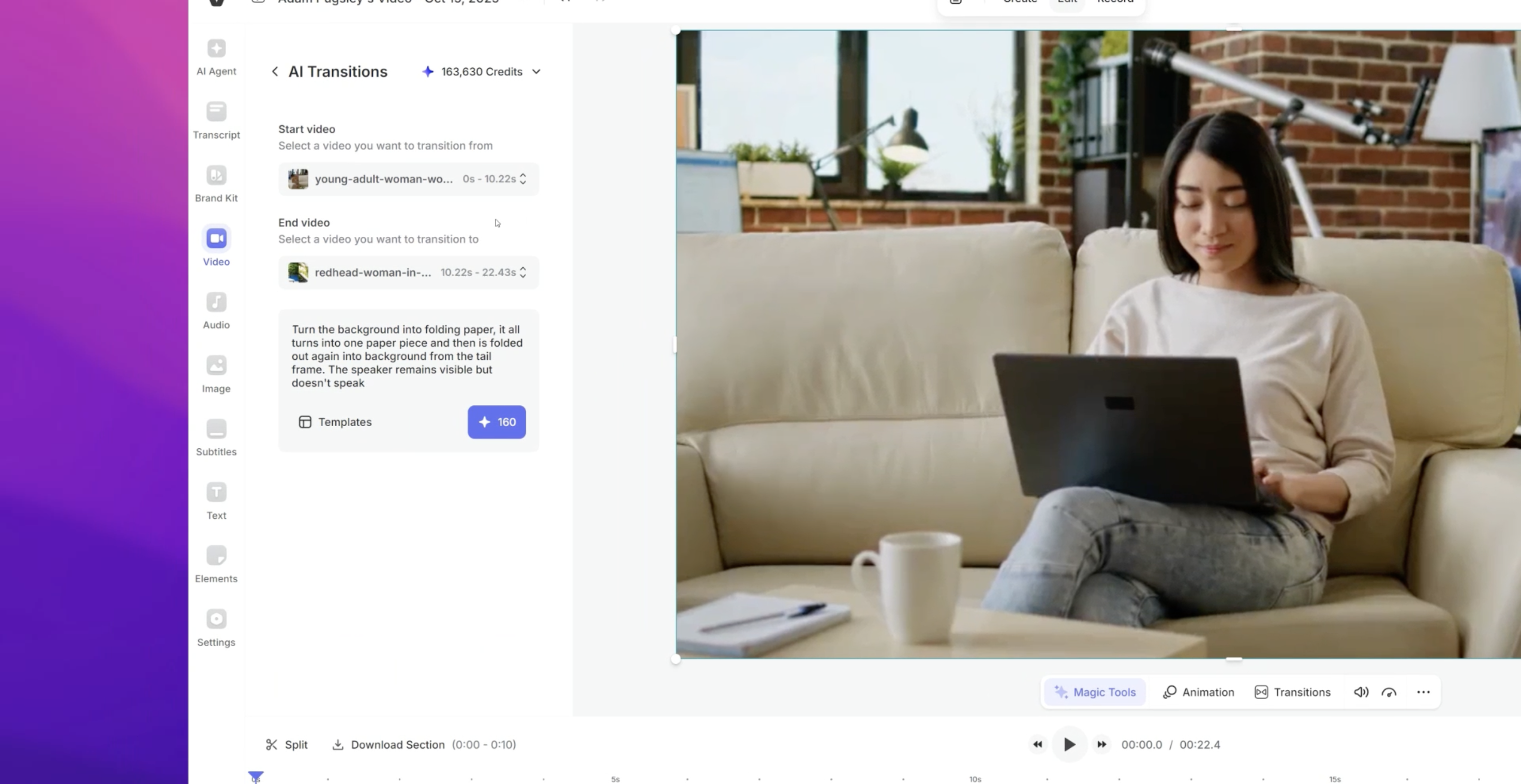
With your first clip selected on the timeline of your project, click on Video in the left-hand panel. Then, click on AI Transitions. You will be able to see the collection of preset transitions.

2. Select a preset transition (or modify)
Next, select a preset transition you like. Then, make sure the correct start and end videos (that you wish to join) are selected. At this point, you can also modify and tweak the template prompt in the field below. Once all set, click on the blue button, and your transition will begin to generate.
3. Enjoy your masterpiece
That’s all it takes to add AI transitions in between your clips! Remember: you’re not limited to the presets. You can also add custom prompts and modify your AI transitions however you want.

Download, share, and enjoy.
Create your next scene jump with AI
With AI Transitions, your next edit isn’t just smoother, it’s smarter. Bring your ideas to life with custom, cinematic transitions that make your videos feel effortless and engaging.
Try AI Transitions in the VEED editor today and see how far a single cut can take your story.
.jpg)
.png)