The AI Playground inside the VEED editor opens a whole new world for marketers and creators. You no longer have to guess which AI model fits your idea, or spend hours jumping between tools to piece your video together.
Whether you’re building a brand film, testing creative hooks, or launching your next ad campaign, the Playground makes it easy to go from idea to ready-to-publish video in minutes.
Here’s a breakdown of the most powerful ways to use it and the kind of results you can expect.

1. Product demos that actually sell
Our AI Playground lets you create spokesperson-style demos or realistic product scenes with built-in dialogue, sound, and camera movement.
Need a talking presenter? Type your prompt and get a polished, human-style delivery with natural lighting and tone. Want your product featured in motion? Use image-to-video to show it being used, opened, or interacted with.
Perfect for:
- Launch videos and landing page embeds
- Demo clips for social ads
- Product explainers with voice and visuals
You’ll have professional-looking demos ready before your competitors even finish scheduling a shoot.
2. Brand story videos that build connection
Every strong brand tells a story. But shooting cinematic footage takes time, coordination, and budget.
Now, you can generate cinematic scenes, emotional transitions, and voice-backed storytelling directly inside VEED. Write your brand’s narrative, pick a model with movement and dialogue, and build your film in the same editor you’ll use to finish it.
Perfect for:
- Brand films
- Vision and mission storytelling
- Launch campaigns
You’ll move from script to story faster, without sacrificing creativity or tone.
3. Explainer videos that make sense
AI-generated explainers don’t have to look robotic. With the right prompts and models, you can create multi-scene explainers that maintain a consistent visual style throughout.
Mix generated scenes with your own screen captures, add text overlays, and top it off with voiceovers or subtitles—all inside VEED.
Perfect for:
- Product walkthroughs
- App or feature explainers
- Internal training content
It’s the easiest way to make technical content both visual and engaging.
4. Social content that stops the scroll
Short-form video is still the most effective way to grab attention online—but staying fresh takes constant output.
With the AI Playground, you can test multiple styles in minutes: cinematic, stylized, lifestyle, or motion-based clips that fit perfectly in your feed. Generate your visual, then trim, caption, and animate, all within the same project.
Perfect for:
- Instagram Reels and TikTok
- Paid social ads
- Trend-based video snippets
Your next viral clip might start with a single prompt.
5. Lifestyle videos that feel real
Lifestyle marketing depends on movement, emotion, and authenticity. Seedance and Veo models bring that to life beautifully, producing flowing camera motion, natural gestures, and cinematic lighting.
You can create warm, relatable footage that fits your brand’s tone without scheduling a shoot or hiring talent.
Perfect for:
- Creator-style ads
- Brand partnerships
- “Day in the life” or story-led content
These clips look organic enough to blend into a creator’s feed—while still feeling on-brand.
6. Music and Motion Edits That Set the Mood
The AI Playground lets you sync visuals to your soundtrack, creating music videos, intros, or looping clips that feel dynamic and purposeful.
Add smooth transitions, title cards, or text effects to lock in your brand aesthetic.
Perfect for:
- Teasers and openers
- Brand intros
- Animated background visuals
The result: motion-led videos that capture energy and mood in seconds.
7. Action or trailer-style clips that grab attention
Need something bold and cinematic? Some models in the Playground specialize in dynamic, physics-driven visuals. Think sweeping camera moves, fast cuts, and effects like sparks, motion blur, and dramatic lighting.
You can create short, high-impact moments perfect for campaigns, reveals, or event trailers.
Perfect for:
- Product launches
- Hype reels
- Campaign intros
These videos give your brand that big-production feel—without a big production budget.
Other ways to creatively use the AI Playground
Beyond full video creation, the Playground is also perfect for quick creative exploration and experimentation. Use it as your space to test, visualize, and build supporting footage without the pressure of a full production.
Testing out the AI models
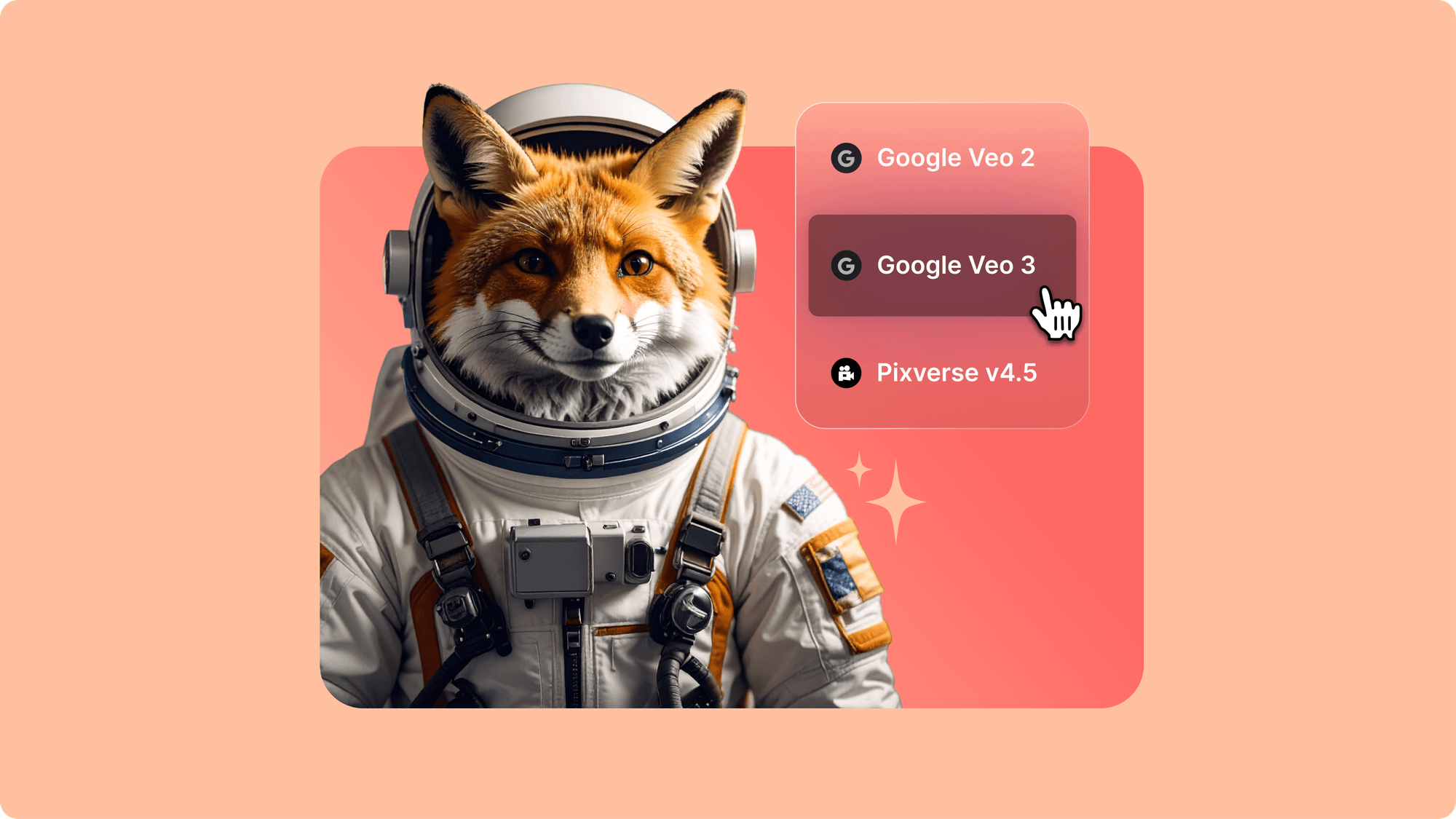
Curious how Veo compares to Sora or Kling? Run the same prompt through multiple models and see how each AI model interprets your idea. It’s the fastest way to learn their strengths and choose the right one for your next project.
Experimenting with visions
Use the Playground to explore new creative directions—visual styles, moods, or camera angles—before committing to a full edit. It’s your creative sandbox for shaping and refining ideas.
Creating b-roll
Need supporting visuals for your existing edit? Generate custom b-roll that fits your brand story or product theme. No need to hunt through stock sites—your perfect shot is just a prompt away.
Try it yourself
Sign in to VEED, open the AI Playground, and start exploring.
.jpg)
.png)