


Trusted by 1M+ creators
Add Audio to Video
Add music to a video online, for free. Put background music, sound effects, voice recordings, and realistic AI voiceovers over your video
No credit card required
4.6
2,100+ reviews















Add music to video online: Put any song over your video, plus sound effects, voiceovers, and enhancement tools
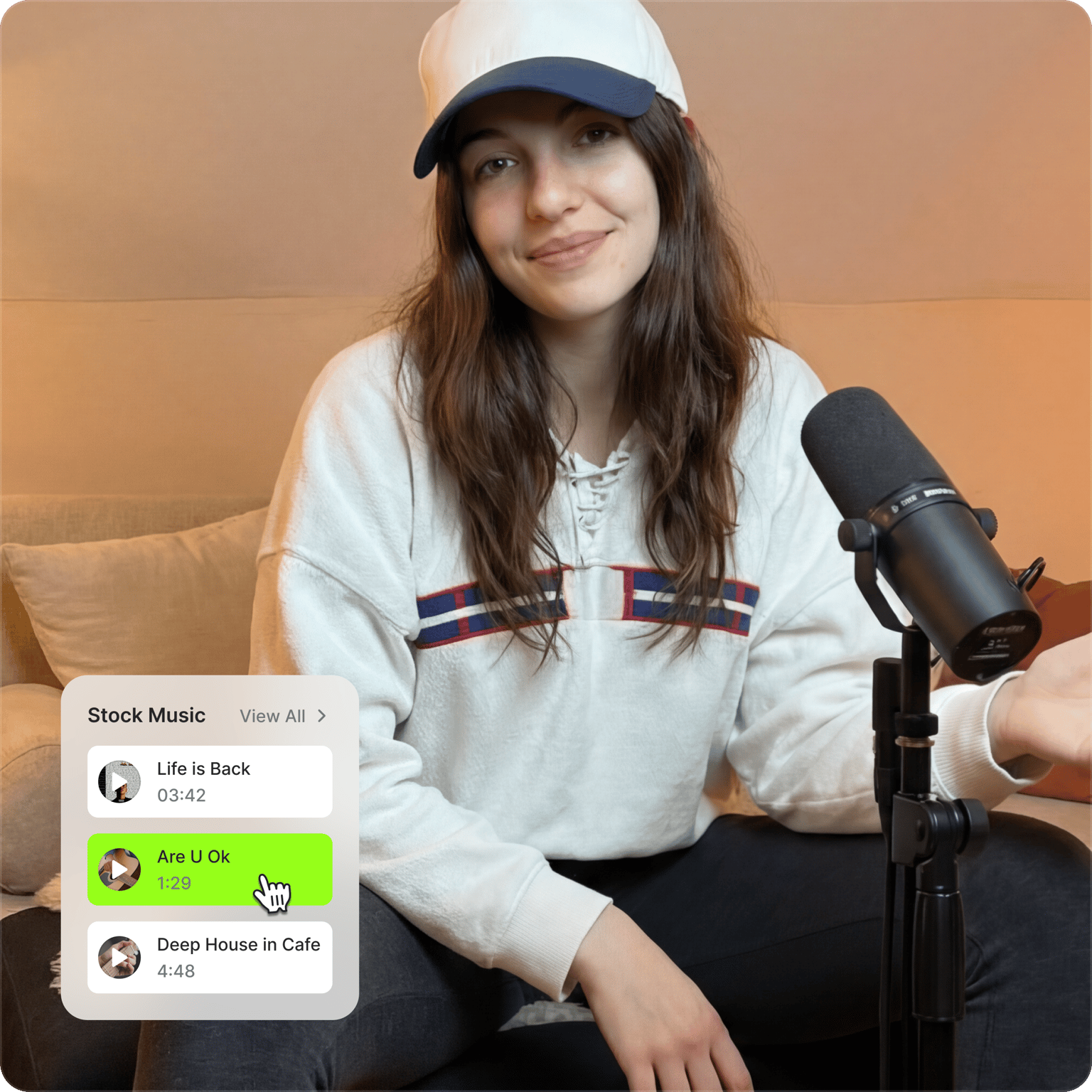
Enhance your video with the perfect soundtrack. Upload your favorite track or add music to video online using our royalty-free library, powered by Epidemic Sound. You can browse by mood and genre or search keywords to find audio that matches your vibe. Create engaging content that stops the scroll and builds your audience. Perfect for social media, marketing videos, and personal projects.
You can do more than just adding music to videos. Add sound to MP4 videos, put any song over existing footage, or replace the original audio track. Apply sound effects, record voiceovers, and clone your voice for personalized narration. And remove background noise and filler words in seconds using our AI audio tools. Whatever you need for audio and video editing, VEED makes it quick and simple.
How to add music to a video:
Step 01
Upload your video
Drag and drop your video file into our editor or import a video from a link. VEED supports all common video formats.
Step 02
Add music to video
Drag your music track to the timeline to put music over your video. Select the song on the timeline to adjust the volume slider. You can also enable fade in/out for smooth transitions.
Step 03
Export and download
Click ‘Done’ to export your video with music. Or keep editing to insert sound effects, record voiceovers, and add text-to-speech narration.
Learn More
Learn how to add audio to video:
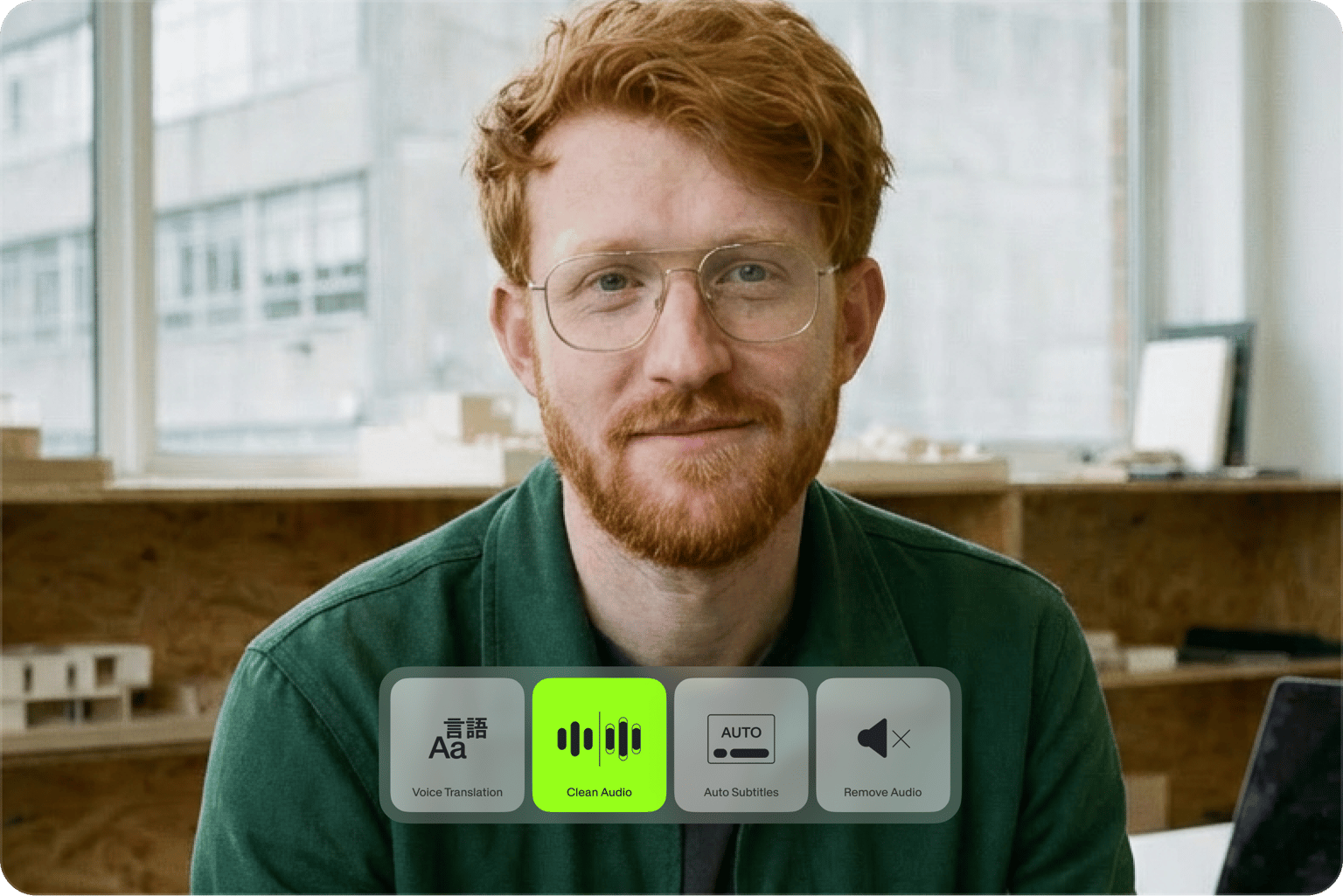
Simple video audio editor, professional results
Merge audio and video with our drag-and-drop timeline. Choose when your music starts and stops. Adjust volume levels and rearrange tracks across different layers. You can even have two separate audio tracks playing over your video simultaneously. With our audio and video combiner, you’re in control. Create studio-quality content quickly and pain-free.

Royalty-free music for content creators
55,000+ tracks cleared for commercial use, powered by Epidemic Sound right within VEED. Browse by genre or trending playlists, or enter keywords to get the best match for your content. Built around real creator use cases: product launches, travel content, YouTube intros, and UGC ads. Preview any track before committing. Swap in seconds. Your video sounds as considered as it looks.
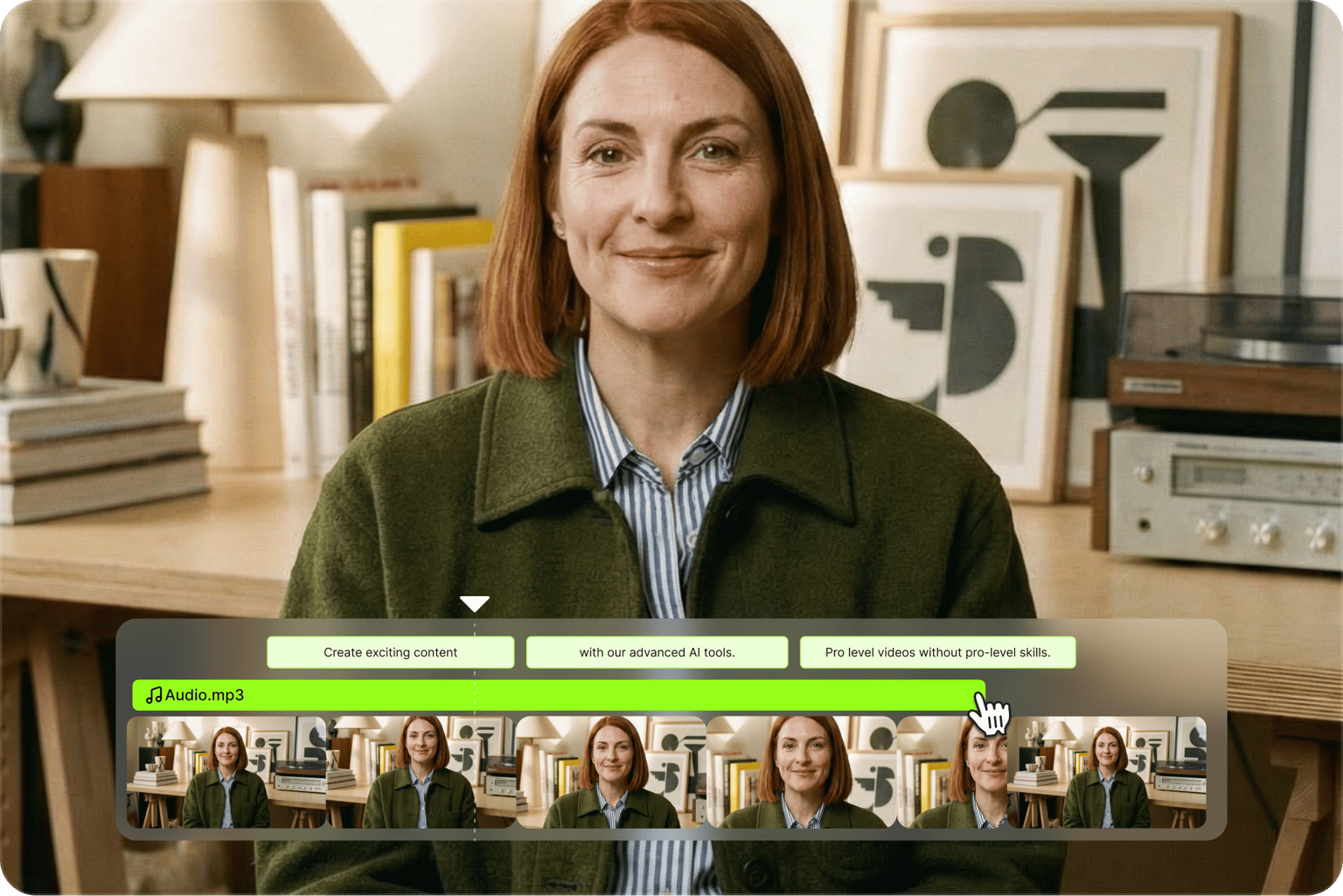
Professional audio editing for any video project
Add voiceovers by recording directly in your browser, or generate speech by typing your script. For more personalized content, try our voice cloning tool that lets you speak over 25 languages. Need to replace existing audio? Easily remove the original sound and merge new audio tracks with your video. VEED gives you everything you need to make your videos sound perfect—all without downloading complex software.
FAQ
VEED supports all common video and audio formats:
Video formats:
- Standard formats: MP4, AVI, WEBM, MPG, M4V
- Specialty formats: GIF, email video
- Device-specific: iPhone video, Windows video
Audio formats:
- Common formats: MP3, WAV, WAVE, AAC
- High-quality audio: FLAC
- Web formats: OGA, OGG, OPUS, M4A
- Upload your video to VEED, or import it from a link.
- Drag your song onto the timeline below the video, or pick a track from the royalty-free library.
- Trim the track to fit, lower its volume under any dialogue, and add a fade in or out.
- Click ‘Done’ to export your video with the new music.
Yes. VEED works in iPhone and Android mobile browsers; no app download needed. You can also download our iOS app for a dedicated mobile editing experience.
Absolutely. VEED has a built-in voice recorder, so you can record directly in the editor without switching tools. Hit record, narrate your video, and add the voiceover to the timeline. You can also convert text to speech for instant voiceovers.
Here’s how to add any song, including songs not available in Instagram’s music library:
- Upload your video to VEED.
- Add your audio track, trim it to fit, and sync with your video.
- Export and upload your video as an Instagram story.
Upload your photo, add the music track, and export as a video ready to post or share. You can make photo slideshows, social posts that autoplay with sound, and even video ads.
Upload your video to VEED, drag a royalty-free track or your own MP3 onto the timeline, and export. Free exports include a watermark. Upgrade to a paid plan to remove watermarks and unlock features like HD exports, AI video creation tools, and more storage. Visit our pricing page to compare all plan features.
Loved by creators.
Loved by the Fortune 500
“
With VEED I didn't need 15 tutorials - I jumped straight in and started editing.

Gwenne Wilcox
Founder,
Brand Brainery
“
You can go beyond choppping things. VEED actually makes my videos look great.

Michael Glover
Demand Gen Manager,
ConvertFlow
“
The first four videos i created with VEED got over 40,000 impressions on LinkedIn.

Travis Tyler
Senior Content Producer,
PandaDoc
“
I found VEED at the right time: if you're making UGC ads and not using Eye Contact Correction and Noise Reduction on VEED you're missing out on ROI.

Sebastian Schurgers
Head of Growth Marketing,
Gronda
“
With VEED I didn't need 15 tutorials - I jumped straight in and started editing.
Gwenne Wilcox
Founder,
Brand Brainery
“
You can go beyond choppping things. VEED actually makes my videos look great.
Michael Glover
Demand Gen Manager,
ConvertFlow
“
The first four videos i created with VEED got over 40,000 impressions on LinkedIn.
Travis Tyler
Senior Content Producer,
PandaDoc
“
I found VEED at the right time: if you're making UGC ads and not using Eye Contact Correction and Noise Reduction on VEED you're missing out on ROI.
Sebastian Schurgers
Head of Growth Marketing,
Gronda
“
The first four videos i created with VEED got over 40,000 impressions on LinkedIn.
Travis Tyler
Senior Content Producer,
PandaDoc
“
I found VEED at the right time: if you're making UGC ads and not using Eye Contact Correction and Noise Reduction on VEED you're missing out on ROI.
Sebastian Schurgers
Head of Growth Marketing,
Gronda
“
With VEED I didn't need 15 tutorials - I jumped straight in and started editing.
Gwenne Wilcox
Founder,
Brand Brainery
“
You can go beyond choppping things. VEED actually makes my videos look great.
Michael Glover
Demand Gen Manager,
ConvertFlow
Discover more
Explore related tools
More from VEED

How To Add Royalty Free Music To A Video
Royalty-free music has two big benefits over traditional music licensing: It’s a lot easier to find and download songs that fit your project, and it’s a lot cheaper.
VEED x ElevenLabs: Create Custom Music for Your Videos with AI
VEED's AI Background Music lets you create custom music with a simple tap. At the heart of this tool? Eleven Music, ElevenLabs' cutting-edge music API. Learn more here.

How to Dub a Video with AI: Step-by-Step Guide for Perfect Audio Sync
Want to learn how to dub a video with AI? This guide is all you need.
Trusted by 1M+ creators
When it comes to amazing videos, all you need is VEED
No credit card required
More than adding music to video
VEED is an AI video creation platform where you can generate videos with the best AI models. Turn your ideas into videos with sound. Then, shape the output with your own brand assets. Starting from existing footage? Upload your video files. Add music and AI voiceovers, or dub your content in multiple languages. Everything you need to go from idea to publish-ready video. No jumping between tools. Sign up for VEED now.