


Trusted by 1M+ creators
ChatGPT Video Editing
Generate and edit videos with the ChatGPT video editor. The best ChatGPT tool for videos
No credit card required
4.6
2,100+ reviews















Create professional content with ChatGPT for videos
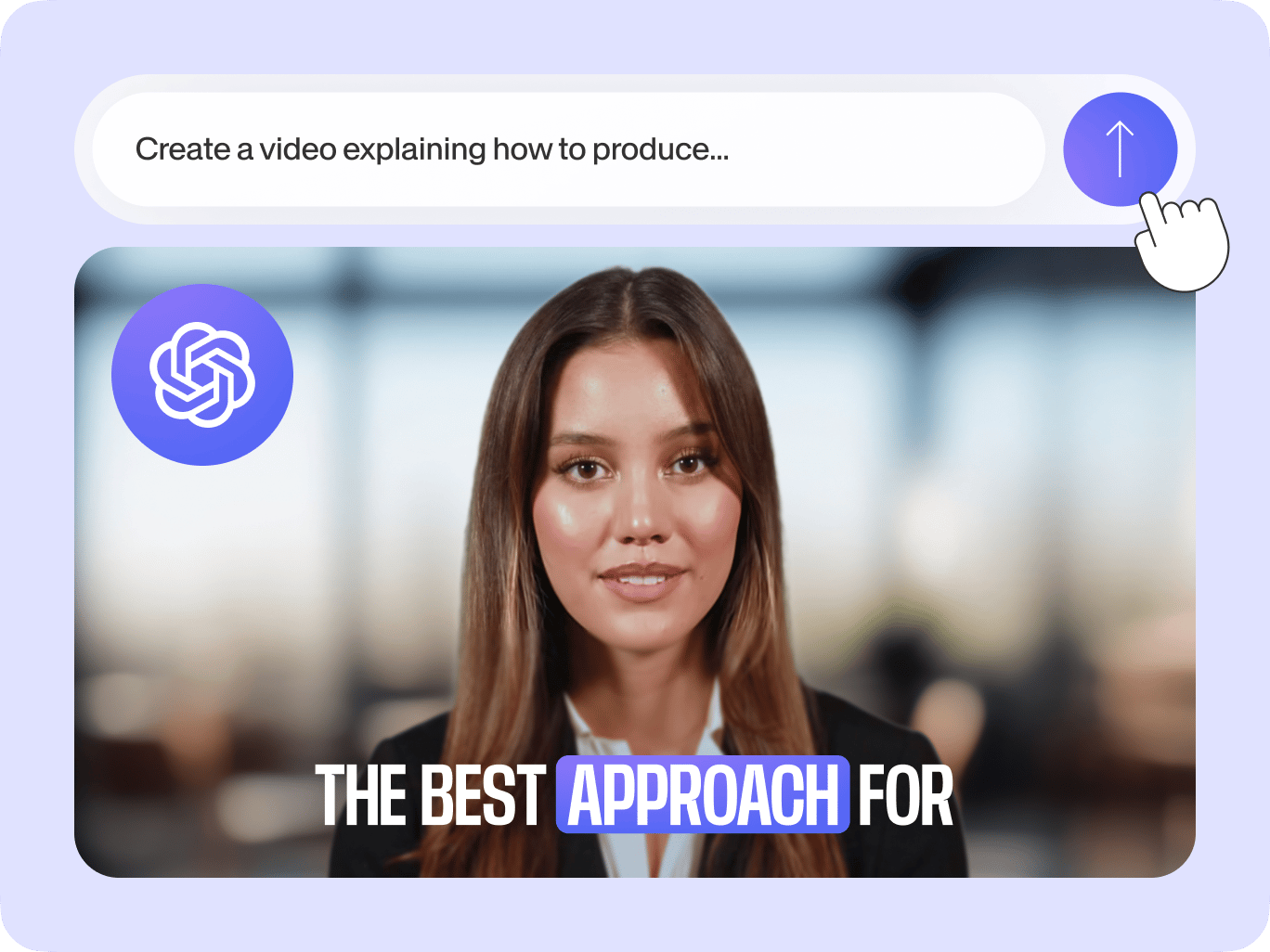
Turn your ChatGPT prompts to videos with VEED’s ChatGPT video editing tool. Generate videos for social media, marketing, and more with the fastest generative AI tool online. You can also edit your AI-generated content with the ChatGPT for videos. Tell the AI what you want to change in the video and it will guide you step by step on video editing.
Available for ChatGPT Plus users, our AI video maker will do it all—from writing the script, generating voiceovers, and creating the final video. Simply prompt the AI, refine your instructions, and indicate the length of the video you want to create. No time for back-and-forth prompts? No problem! Use our free AI text-to-video tool.
How to use the ChatGPT video editor:
Step 01
Type a prompt
Describe the video you want to create. Be as specific as you can about the content, style, and purpose. Refine your prompts then tell the AI to proceed and generate your video.
Step 02
Edit and customize with AI
To edit, tell the ChatGPT video editing tool the changes you want. It will provide the steps to edit the video using VEED’s video editing software. Replace clips, edit voiceovers, and add your brand logo to ensure the video aligns with your brand’s style.
Step 03
Export
Export your video in the appropriate size for your intended platform. Click ‘Done’ > ‘Export Video’ to download your video.
Learn More
Learn more about VEED’s ChatGPT tool for videos:
Speed up video production: ChatGPT editing software
The ChatGPT AI video generator will help you put your video ideas into stunning visuals. From writing the script, adding music, and voiceovers, VEED’s AI video editor will do it all. Create talking head videos in minutes, use AI avatars with realistic AI voices, and edit with AI tools.
Powerful storytelling with compelling visuals
You don’t have to start from scratch. Create professional video content even without footage by generating clips from your text prompts. Select the style, mood, and your target audience and the artificial intelligence tool will create your content. VEED’s AI video maker is a fast and efficient generative AI tool to help you tell powerful stories through videos.
Personalize, edit, and refine your content with AI
You are in control. The AI-generated content is tailored to your needs. Refine your prompts before generating the video to get the best results. You can also use your voice to create voiceovers using the voice cloning tool. Personalize your video content to fit your branding and voice with VEED’s generative AI.
FAQ
VEED's AI video generator plugin lets ChatGPT Plus users input prompts and generate videos instantly. The ChatGPT tool for videos helps you edit your content by providing clear and easy steps in using the AI video editor. Your AI-generated video opens in the video editing software, where you can customize your content.
While the ChatGPT video editing software can’t directly replace the audio of the AI-generated video, it will help you with the steps on how to do it in a few clicks. It will provide the link to the video editor where you can edit the audio with easy-to-use AI tools.
In the Audio menu, select ‘Text to Speech’ and type your text into the textbox. Choose the language and voice profile and preview the voiceover. Generate your voiceover and add it to your video.
Do not use the ChatGPT video generator to create harmful content, infringe any third-party rights, or defame anyone. You can read the full terms here.
Loved by creators.
Loved by the Fortune 500
“
With VEED I didn't need 15 tutorials - I jumped straight in and started editing.

Gwenne Wilcox
Founder,
Brand Brainery
“
You can go beyond choppping things. VEED actually makes my videos look great.

Michael Glover
Demand Gen Manager,
ConvertFlow
“
The first four videos i created with VEED got over 40,000 impressions on LinkedIn.

Travis Tyler
Senior Content Producer,
PandaDoc
“
I found VEED at the right time: if you're making UGC ads and not using Eye Contact Correction and Noise Reduction on VEED you're missing out on ROI.

Sebastian Schurgers
Head of Growth Marketing,
Gronda
“
With VEED I didn't need 15 tutorials - I jumped straight in and started editing.
Gwenne Wilcox
Founder,
Brand Brainery
“
You can go beyond choppping things. VEED actually makes my videos look great.
Michael Glover
Demand Gen Manager,
ConvertFlow
“
The first four videos i created with VEED got over 40,000 impressions on LinkedIn.
Travis Tyler
Senior Content Producer,
PandaDoc
“
I found VEED at the right time: if you're making UGC ads and not using Eye Contact Correction and Noise Reduction on VEED you're missing out on ROI.
Sebastian Schurgers
Head of Growth Marketing,
Gronda
“
The first four videos i created with VEED got over 40,000 impressions on LinkedIn.
Travis Tyler
Senior Content Producer,
PandaDoc
“
I found VEED at the right time: if you're making UGC ads and not using Eye Contact Correction and Noise Reduction on VEED you're missing out on ROI.
Sebastian Schurgers
Head of Growth Marketing,
Gronda
“
With VEED I didn't need 15 tutorials - I jumped straight in and started editing.
Gwenne Wilcox
Founder,
Brand Brainery
“
You can go beyond choppping things. VEED actually makes my videos look great.
Michael Glover
Demand Gen Manager,
ConvertFlow
Explore related tools
More from VEED

20+ Best AI Tools in 2025 (The Only List You’ll Need)
Here are the best AI tools for video, writing, generating art, and coding. Read to find out which is the best one in each category.

Introducing Magic Cut 2.0: Edit an Entire Video in One Click
Magic Cut is a video editing tool by VEED AI that takes a long, imperfect footage and transforms it into short, punchy edits. Read on to learn more about this groundbreaking tool!

8+ Best AI Voice Generators to Try in 2026
Searching for the best AI voice generator? We tested the top ones so you don't have to. Check out our comprehensive reviews of the best AI voice generators in this listicle.
Trusted by 1M+ creators
When it comes to amazing videos, all you need is VEED
No credit card required
More than a ChatGPT tool for videos
From generating video scripts, visuals, and adding stock music, VEED’s ChatGPT video editor helps you tell powerful stories through videos in minutes. But those are just some of our AI tools. Our platform helps you every step of the way, from ideating and scripting with AI to adding text and voiceovers. No need to switch between apps – do it all with VEED. Whether you're a seasoned pro or just starting out, our user-friendly tools make video creation a breeze.