


Trusted by 1M+ creators
Travel Video Editor
Create beautiful travel videos online, in minutes!
No credit card required
4.6
2,100+ reviews















Create amazing videos of your trips and vacations
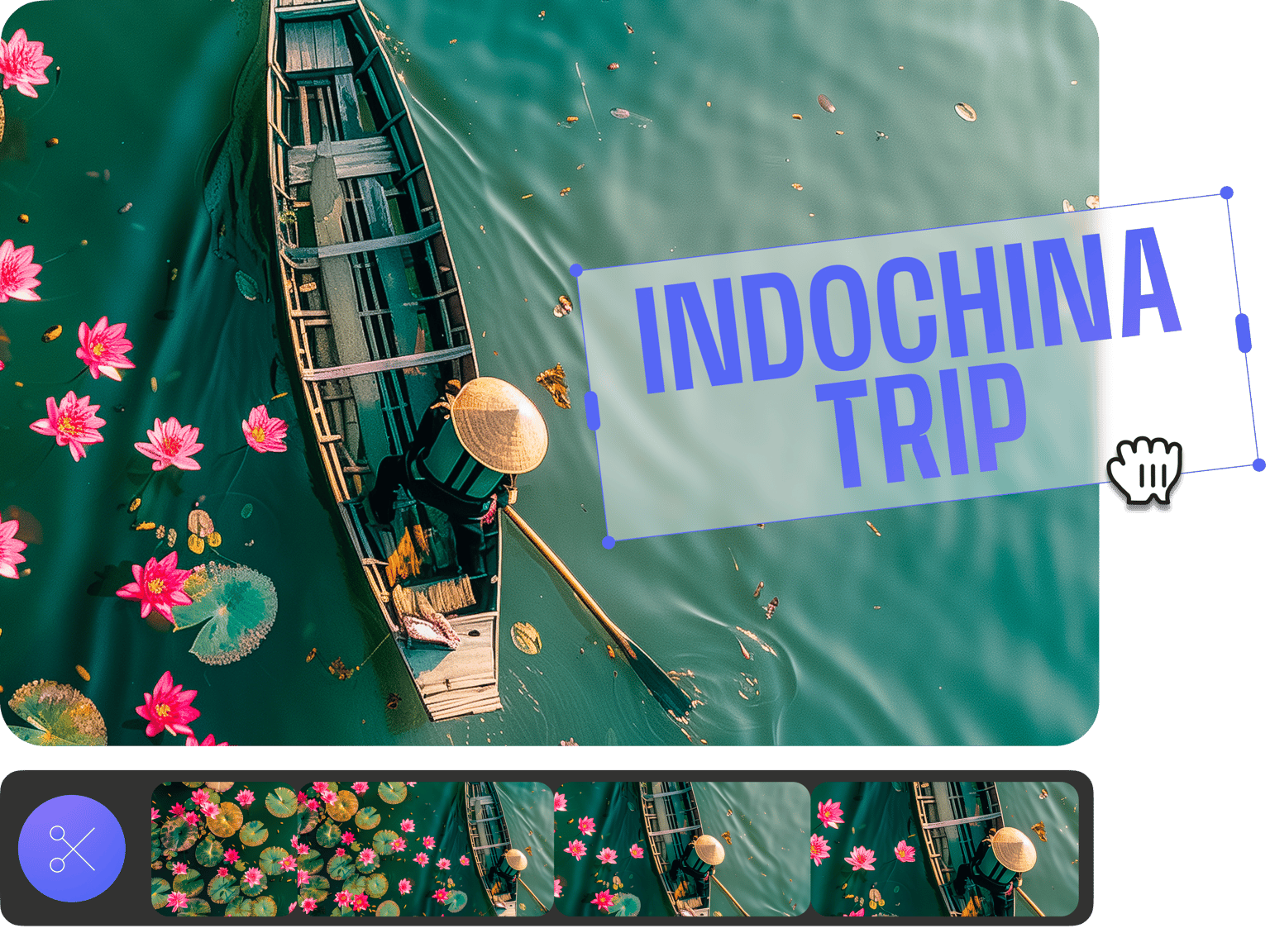
Your vacation doesn’t have to end when it ends. Create and edit your travel videos on VEED so you can make them look even more amazing to share with your friends and family. Add elements to the footages of your travel clips such as text, images, transitions, and more. You can also add music and sound effects. Share your video on Facebook, Instagram, and other social media sites!
How to Edit a Travel Video:
Step 01
Upload your video
Upload your video to VEED. You can drag and drop your files into the editor. Or you can select from our video templates and replace the placeholder video.
Step 02
Personalize
Edit and personalize your video by adding text, music, images, and more. You can also choose from our stock audio and video library.
Step 03
Export
Click Export. Download your video and share!
Learn More
‘Travel Video Editor’ Tutorial
Create compilations of your trip
Edit your travel video to make it look like a compilation of the places you went to on your trip. With VEED, it only takes a few clicks to create a compilation of video clips. Simply upload your videos into the editor and you can split, trim, cut them, and put the clips together to create one video compilation. Make amazing vacation compilation videos in minutes!
Make your videos look professional
Use our video editing software’s wide array of tools to make your videos professional-looking. Choose from our camera filters and video effects, add text, images, background music, and more. It only takes a few clicks. You don’t need any experience in video editing to create professional-looking videos! Share your awesome videos on different social media platforms.
Transition effects
Add transition effects to your video clips to make them look stunning. Add them in between video clips—all you have to do is drag and drop the transition effect into the Timeline. This is perfect for creating and editing the perfect travel video that you can share with your loved ones!
FAQ
- Upload your video to VEED; just drag and drop it into the editor.
- Personalize your video—add music, sound effects, images, and more.
- Download and share!
With VEED, you can create stunning vacation videos online—straight from your browser. No need to download an app!
The best way to edit videos is to use VEED’s free video editing software. You can rotate, crop, and trim your videos. Add text, images, music, and so much more!
While there are many other free video maker apps out there, VEED stands out because of its ease of use and its incredibly clean interface. Create stunning videos in minutes!
Loved by creators.
Loved by the Fortune 500
“
With VEED I didn't need 15 tutorials - I jumped straight in and started editing.

Gwenne Wilcox
Founder,
Brand Brainery
“
You can go beyond choppping things. VEED actually makes my videos look great.

Michael Glover
Demand Gen Manager,
ConvertFlow
“
The first four videos i created with VEED got over 40,000 impressions on LinkedIn.

Travis Tyler
Senior Content Producer,
PandaDoc
“
I found VEED at the right time: if you're making UGC ads and not using Eye Contact Correction and Noise Reduction on VEED you're missing out on ROI.

Sebastian Schurgers
Head of Growth Marketing,
Gronda
“
With VEED I didn't need 15 tutorials - I jumped straight in and started editing.
Gwenne Wilcox
Founder,
Brand Brainery
“
You can go beyond choppping things. VEED actually makes my videos look great.
Michael Glover
Demand Gen Manager,
ConvertFlow
“
The first four videos i created with VEED got over 40,000 impressions on LinkedIn.
Travis Tyler
Senior Content Producer,
PandaDoc
“
I found VEED at the right time: if you're making UGC ads and not using Eye Contact Correction and Noise Reduction on VEED you're missing out on ROI.
Sebastian Schurgers
Head of Growth Marketing,
Gronda
“
The first four videos i created with VEED got over 40,000 impressions on LinkedIn.
Travis Tyler
Senior Content Producer,
PandaDoc
“
I found VEED at the right time: if you're making UGC ads and not using Eye Contact Correction and Noise Reduction on VEED you're missing out on ROI.
Sebastian Schurgers
Head of Growth Marketing,
Gronda
“
With VEED I didn't need 15 tutorials - I jumped straight in and started editing.
Gwenne Wilcox
Founder,
Brand Brainery
“
You can go beyond choppping things. VEED actually makes my videos look great.
Michael Glover
Demand Gen Manager,
ConvertFlow
Discover more
- AI ASMR
- Anniversary Video Maker
- Award Video
- Breaking News Video Maker
- Clip Maker
- Commentary Video
- Comparison Video
- Congratulations Video
- Customized Video
- Event Video
- Fancam Maker
- Greeting Video
- Gym Video Editing
- Hype Video Maker
- Karaoke Video Maker
- Reaction Video Maker
- Response Video
- Romantic Video Online
- Scary Video Maker
- Scrapbook Video Maker
- Snack Video Online Free
- Sponsor Video
- Teacher’s Day Video
- Timeline Video Maker
- Vertical Video Editor
- Video Maker for Kids
- Vlog Video Editing
Trusted by 1M+ creators
When it comes to amazing videos, all you need is VEED
No credit card required
More than a travel video editor
VEED is so much more than just an online travel video editor. With VEED, you can create videos both for personal and professional use. Create stunning professional-looking videos for your business, advertising videos, social media marketing videos, or presentation videos. You can also create videos for your friends and family—like holiday videos, birthday greeting videos, and so much more! Get started for free today.