


Trusted by 1M+ creators
Summer Camp Poster Template
Make a summer camp poster for the noticeboard, the school hallway, or the parent group chat. Pick a template, edit the prompt with your camp name, dates, and ages, and hit generate
No credit card required
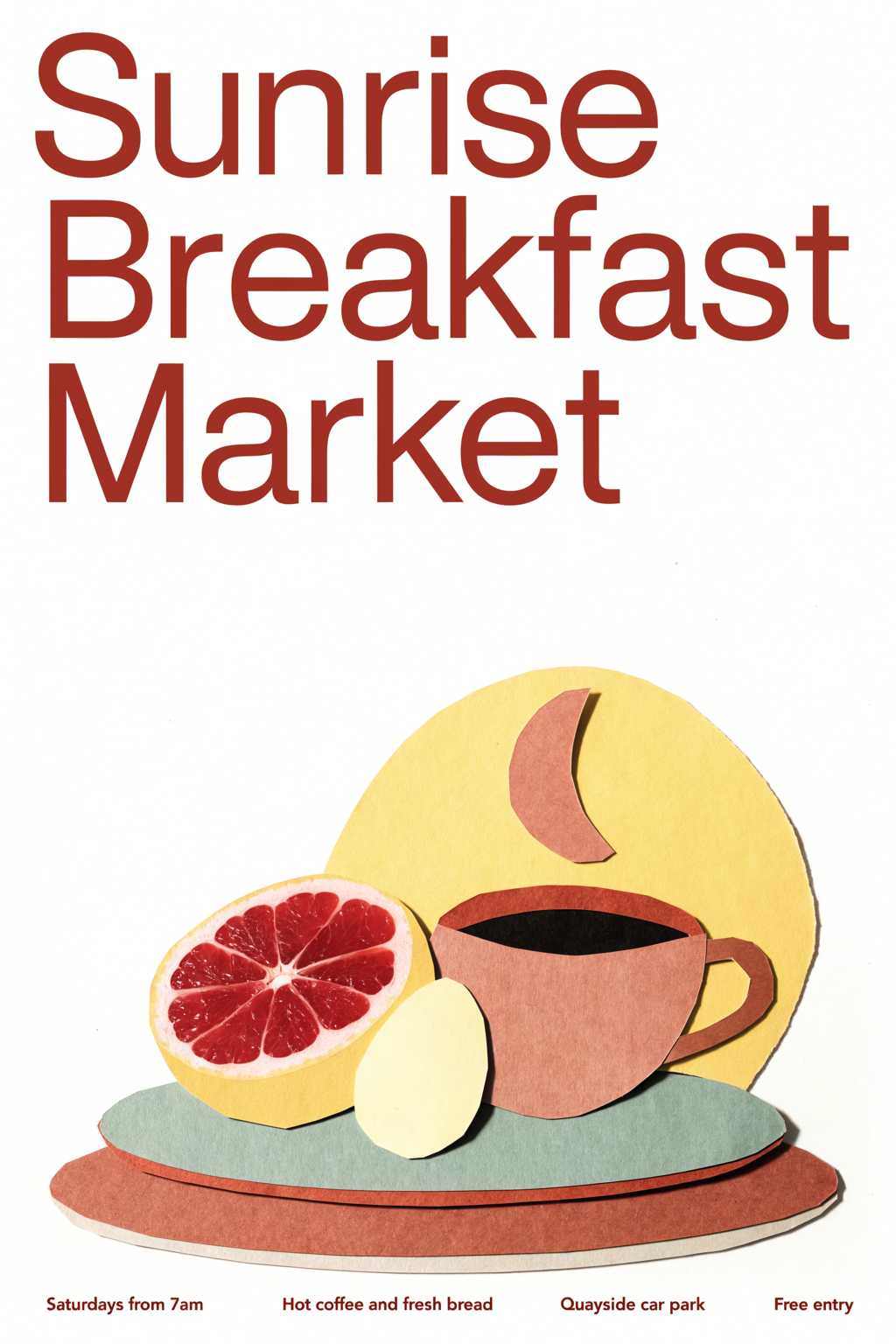
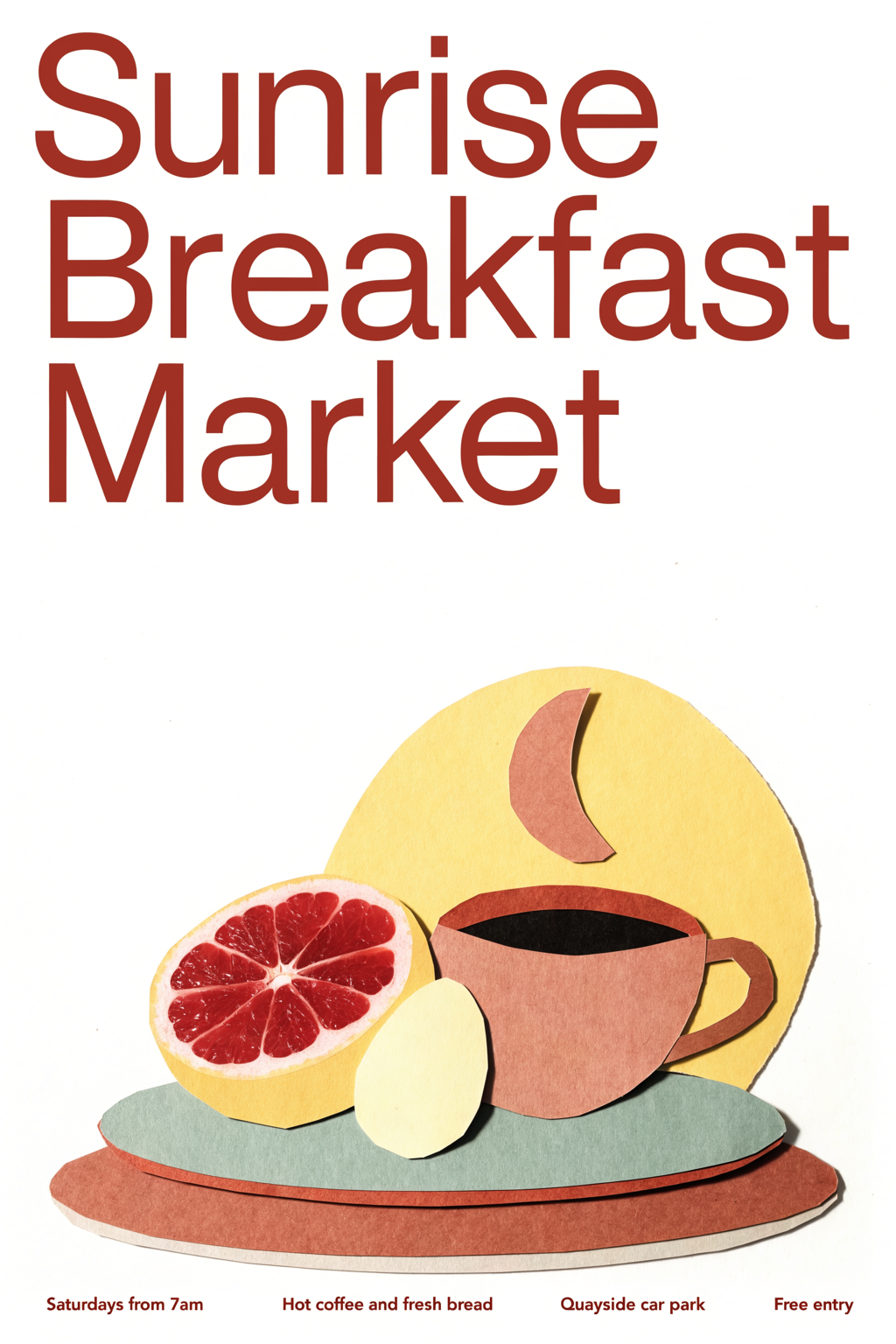
Terracotta Cream Cut Paper Breakfast Poster Design
Posters
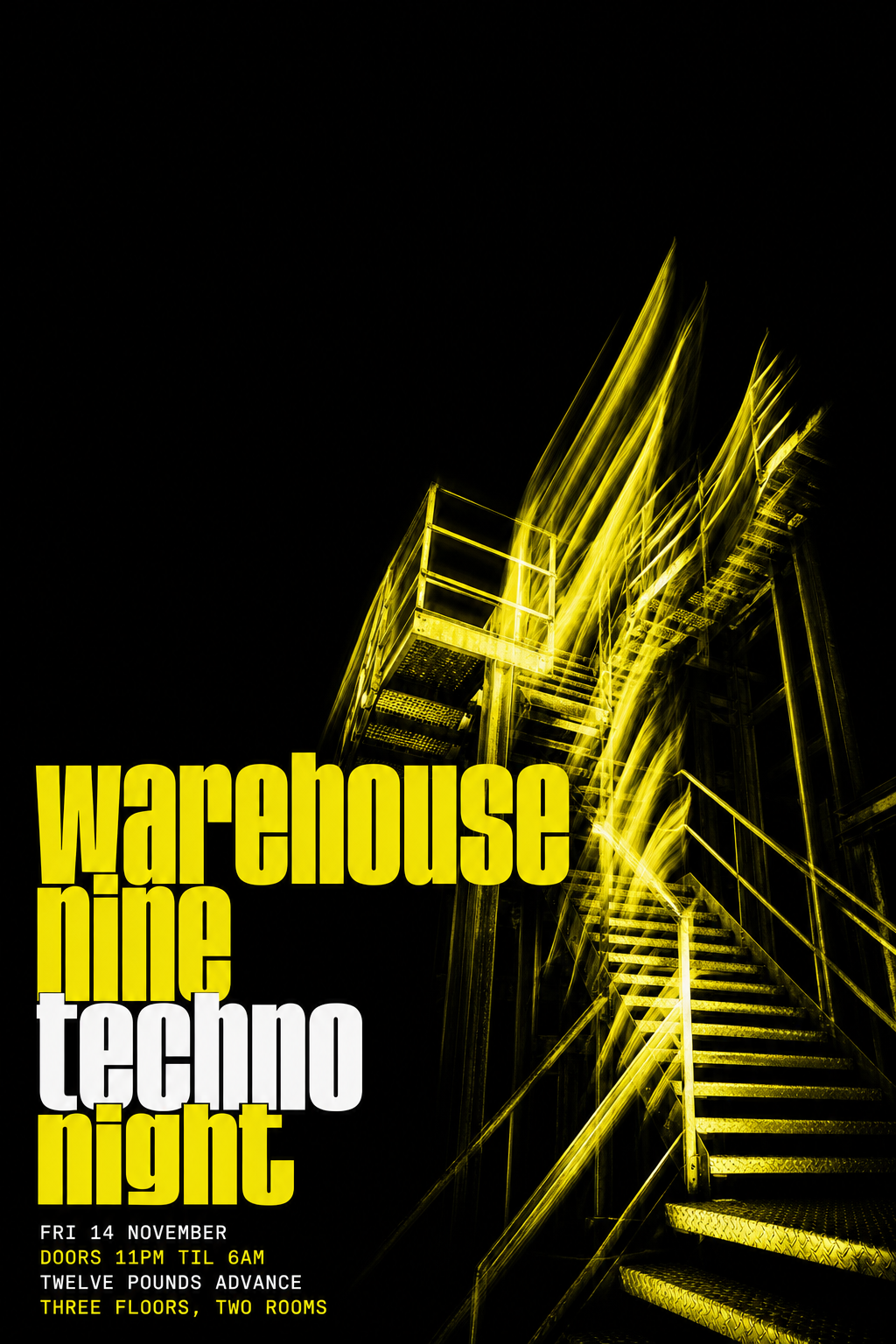
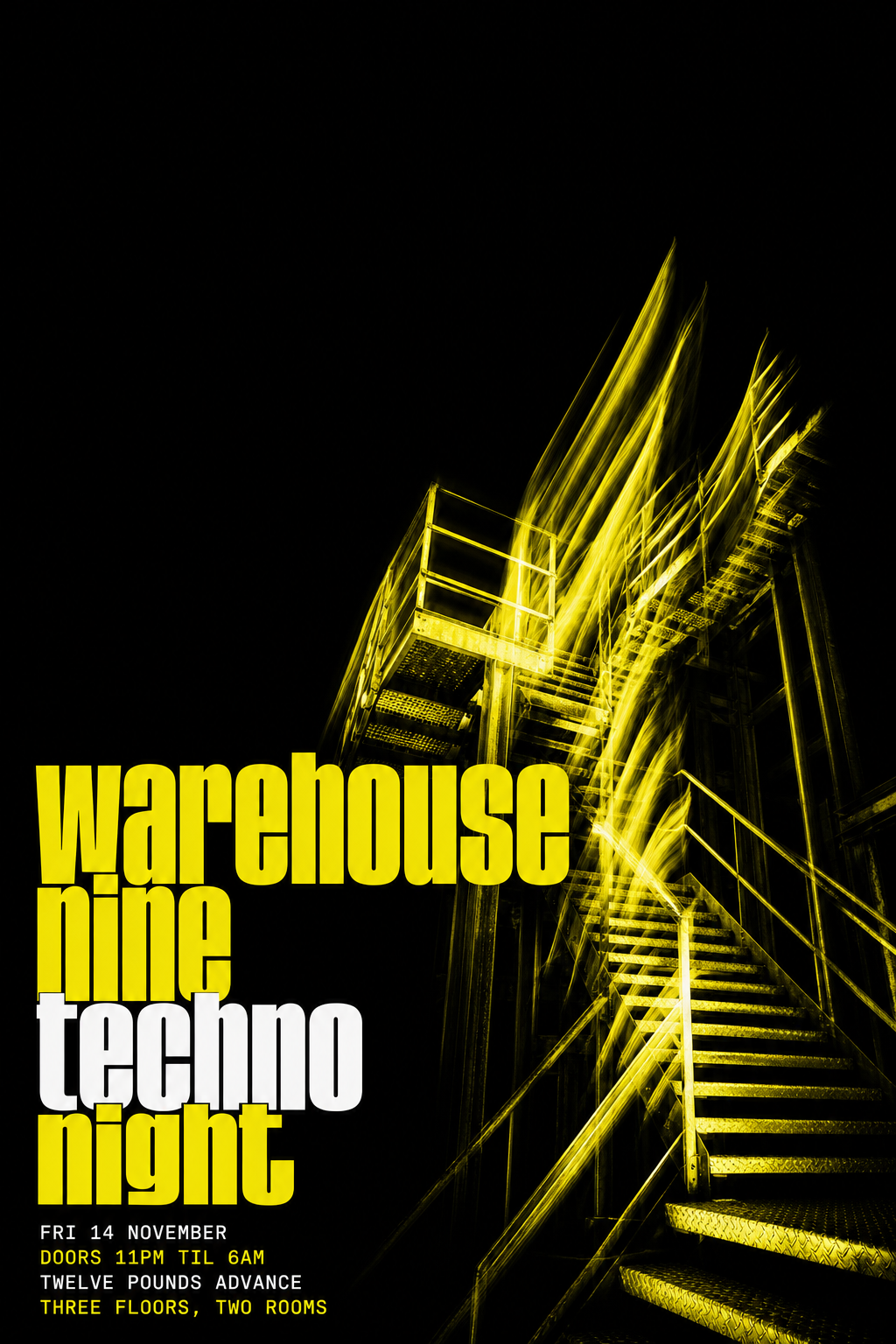
Black and Acid Yellow Techno Club Poster
Posters
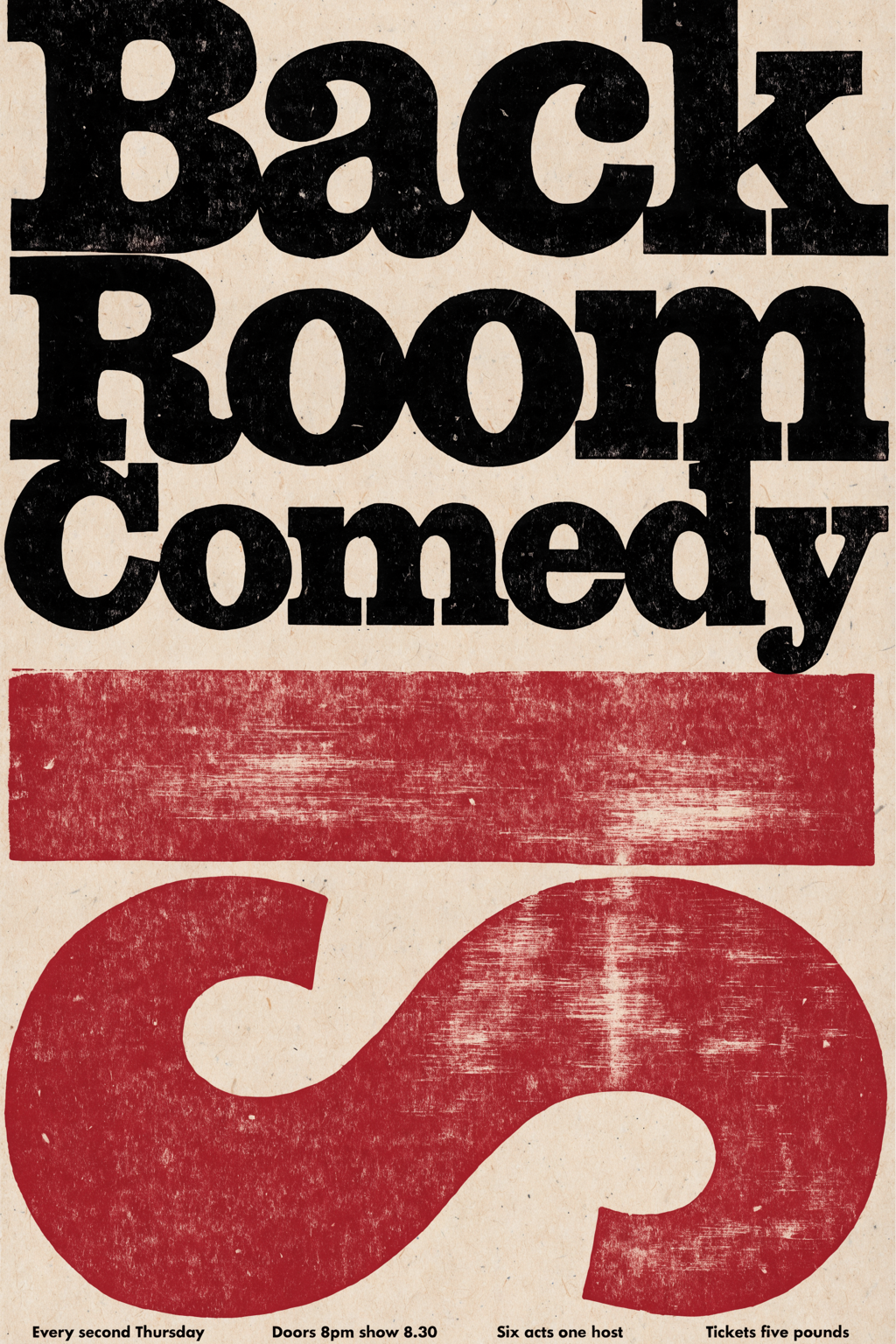
Oxblood Black Letterpress Comedy Night Poster
Posters
4.6
2,100+ reviews















A summer camp poster parents read to the end
A summer camp poster template should get a parent from "what is this?" to "where do I sign up?" in a few seconds. Most poster makers hand you an empty canvas and a sidebar of fonts, or a template a hundred other camps have already hung up. A template that opens with a prompt written for a camp poster starts you most of the way there: you change the camp name, dates, ages, activities, and colors, then generate.
Camp directors, school staff, and parent volunteers make this poster in spring, when families pick their summer plans. It carries the camp name, the dates, the ages, a few activities, and how to register. Leave a clear square for a QR code and add a real one from your own QR tool. Hanging it big? Run the file through the image upscaler first.
How to make a summer camp poster:
Step 01
Choose a poster template
Browse poster templates and pick the design closest to what you need, from gig posters to seasonal sale posters. Each template opens with a prompt already written for that design.
Step 02
Edit the prompt and generate
Change the headline, date, venue, colors, and style in the prompt. Put the exact words you want on the poster in quotation marks, and add the shape you need: 2:3 for a 24 × 36 print, 4:5 for an Instagram post, or 9:16 for Stories. Hit "generate."
Step 03
Download your poster
Download your poster. To fix a single word or remove a distracting detail first, open it in the AI image editor.
Learn More
Check out Nano Banana Pro and try it on VEED:
One camp poster for the hallway and the group chat
Registration season means the same camp shows up in a school hallway, a community center window, and a parent group on someone's phone. Generate the poster at 3:4 for the wall, 4:5 for the camp's feed, and 9:16 for a last-week-to-register Story. Each one is composed for its shape, so the camp name and the sign-up line are never cropped.
Sunshine, lake water, and pine trees in your own palette
Set the mood in the prompt: "SUNSHINE ADVENTURE CAMP, June 16 to July 25, ages 6 to 12" on a bright lake-and-canoe scene in yellow and teal. If the result is close but not right, re-prompt for bigger type or a calmer background. Switch models too: Nano Banana Pro for high-fidelity designs, Qwen for text-heavy posters, Flux Kontext for fast iterations.
From the camp poster to a camp video
Parents who scroll past a poster might stop for motion. This page makes a still poster, so turn the design into a short clip with image to video AI, or build a full promo with music and captions in the event promo video maker.
FAQ
A summer camp poster is a single page that tells families what the camp is, when it runs, who it is for, and how to join. To make one online, open a poster template in VEED, edit the prompt that is already written, add your ratio, and generate. Compare the results, re-prompt anything off, then download.
AI image models can slip on small text, so keep it short and exact. Put the camp name and dates in quotation marks, keep the headline to about eight words, and list the ages and registration details on separate lines. Use Qwen for text-heavy posters, check the spelling, and fix a wrong word in the AI image editor instead of regenerating.
Yes, if the poster needs a real photo, such as campers on the dock or your lakefront. The poster templates generate new designs, so upload the photo to the AI image editor and describe the poster you want around it, including the camp name and dates in quotation marks.
Common print sizes are 11 × 17, 18 × 24, and 24 × 36 inches. A 24 × 36 poster is a 2:3 ratio and 18 × 24 is 3:4, so ask for the ratio that matches your print. For social, use 4:5 (1080 × 1350) for feed posts and 9:16 (1080 × 1920) for Stories. Upscale with the image upscaler before printing large.
Parents look for the basics first: the camp name, the dates, the ages, a few activities, and how to register. Add the location and a contact line or website, and keep one image that shows the feeling, like a canoe or a campfire. Leave space for a QR code and add a real one from a QR tool, since AI-generated codes do not scan.
Poster generation runs on AI credits, and you can sign up without a credit card. The credit cost depends on the AI model you pick and how many images you generate, and it shows when you browse the model selection. See pricing for current plans and credit add-ons, or start from a blank prompt instead.
Loved by creators.
Loved by the Fortune 500
“
With VEED I didn't need 15 tutorials - I jumped straight in and started editing.

Gwenne Wilcox
Founder,
Brand Brainery
“
You can go beyond choppping things. VEED actually makes my videos look great.

Michael Glover
Demand Gen Manager,
ConvertFlow
“
The first four videos i created with VEED got over 40,000 impressions on LinkedIn.

Travis Tyler
Senior Content Producer,
PandaDoc
“
I found VEED at the right time: if you're making UGC ads and not using Eye Contact Correction and Noise Reduction on VEED you're missing out on ROI.

Sebastian Schurgers
Head of Growth Marketing,
Gronda
“
With VEED I didn't need 15 tutorials - I jumped straight in and started editing.
Gwenne Wilcox
Founder,
Brand Brainery
“
You can go beyond choppping things. VEED actually makes my videos look great.
Michael Glover
Demand Gen Manager,
ConvertFlow
“
The first four videos i created with VEED got over 40,000 impressions on LinkedIn.
Travis Tyler
Senior Content Producer,
PandaDoc
“
I found VEED at the right time: if you're making UGC ads and not using Eye Contact Correction and Noise Reduction on VEED you're missing out on ROI.
Sebastian Schurgers
Head of Growth Marketing,
Gronda
“
The first four videos i created with VEED got over 40,000 impressions on LinkedIn.
Travis Tyler
Senior Content Producer,
PandaDoc
“
I found VEED at the right time: if you're making UGC ads and not using Eye Contact Correction and Noise Reduction on VEED you're missing out on ROI.
Sebastian Schurgers
Head of Growth Marketing,
Gronda
“
With VEED I didn't need 15 tutorials - I jumped straight in and started editing.
Gwenne Wilcox
Founder,
Brand Brainery
“
You can go beyond choppping things. VEED actually makes my videos look great.
Michael Glover
Demand Gen Manager,
ConvertFlow
Discover more
Explore related tools
More from VEED

This is the Best YouTube Banner Size (and Examples of Great Channel Art)
Here's the best size for your YouTube banner and everything you need to know to make eye-catching channel art.

AI Art Prompts: How to Write Better Prompts, Creative Examples, and Tools to Try
Getting your AI art prompts is the key to winning with generative AI tools. Learn how to write better prompts here.

Branded Video 101: What is it and How to Get Started
A branded video is a marketing asset that uses storytelling to engage an audience and build brand awareness. Learn more in this guide.
Trusted by 1M+ creators
When it comes to amazing videos, all you need is VEED
No credit card required
More than a summer camp poster maker
A camp poster is usually one piece of a bigger summer: sign-ups in spring, a packed schedule in June, and a goodbye in August. VEED is an AI video creation platform, so the same camp can go further than one sheet. Generate a scene from a written prompt or a script in the AI video generator, add an AI avatar or a voiceover, and refine the cut until the pacing holds. Keep your fonts, colors, and logo consistent so the poster and the video look like the camp made them, not AI, then export post-ready video for TikTok, Reels, and YouTube. Film a camp highlight reel in August and it becomes next year's sign-up video.