


Trusted by 1M+ creators
Poster Maker
Make posters for events, sales, and social feeds in minutes. Pick a template, edit the prompt, and hit generate
No credit card required
4.6
2,100+ reviews















Posters that look designed, without starting from a blank canvas
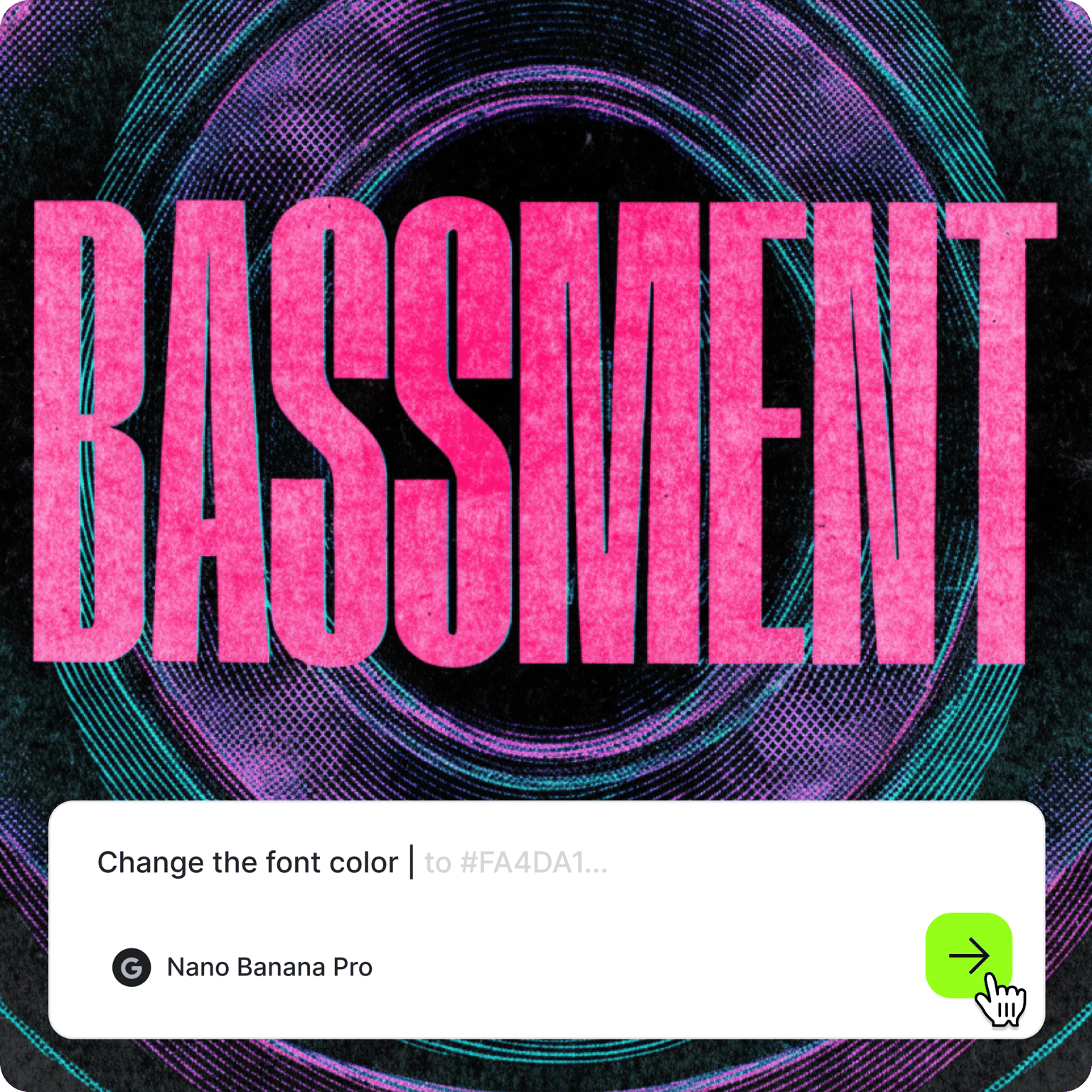
Most poster makers give you an empty canvas and a sidebar full of fonts, or a template that thousands of other businesses have already printed. VEED's online poster maker starts you most of the way there. Pick a poster template, edit the prompt that comes with it, and generate a design with your headline, colors, and style already in place.
Each template has a prompt written for one job: event and concert posters, sale and advertisement posters, birthday and party posters, and announcements for Instagram and Facebook. Small business owners use them for in-store promotions, marketers for launches and webinars, and creators for show dates and merch drops. Printing big? Run the file through the image upscaler first.
How to make a poster:
Step 01
Choose a poster template
Browse poster templates and pick the design closest to what you need, from gig posters to seasonal sale posters. Each template opens with a prompt already written for that design.
Step 02
Edit the prompt and generate
Change the headline, date, venue, colors, and style in the prompt. Put the exact words you want on the poster in quotation marks, and add the shape you need: 2:3 for a 24 × 36 print, 4:5 for an Instagram post, or 9:16 for Stories. Hit "generate."
Step 03
Download your poster
Download your poster. To fix a single word or remove a distracting detail first, open it in the AI image editor.
Learn More
Check out Nano Banana Pro and try it on VEED:
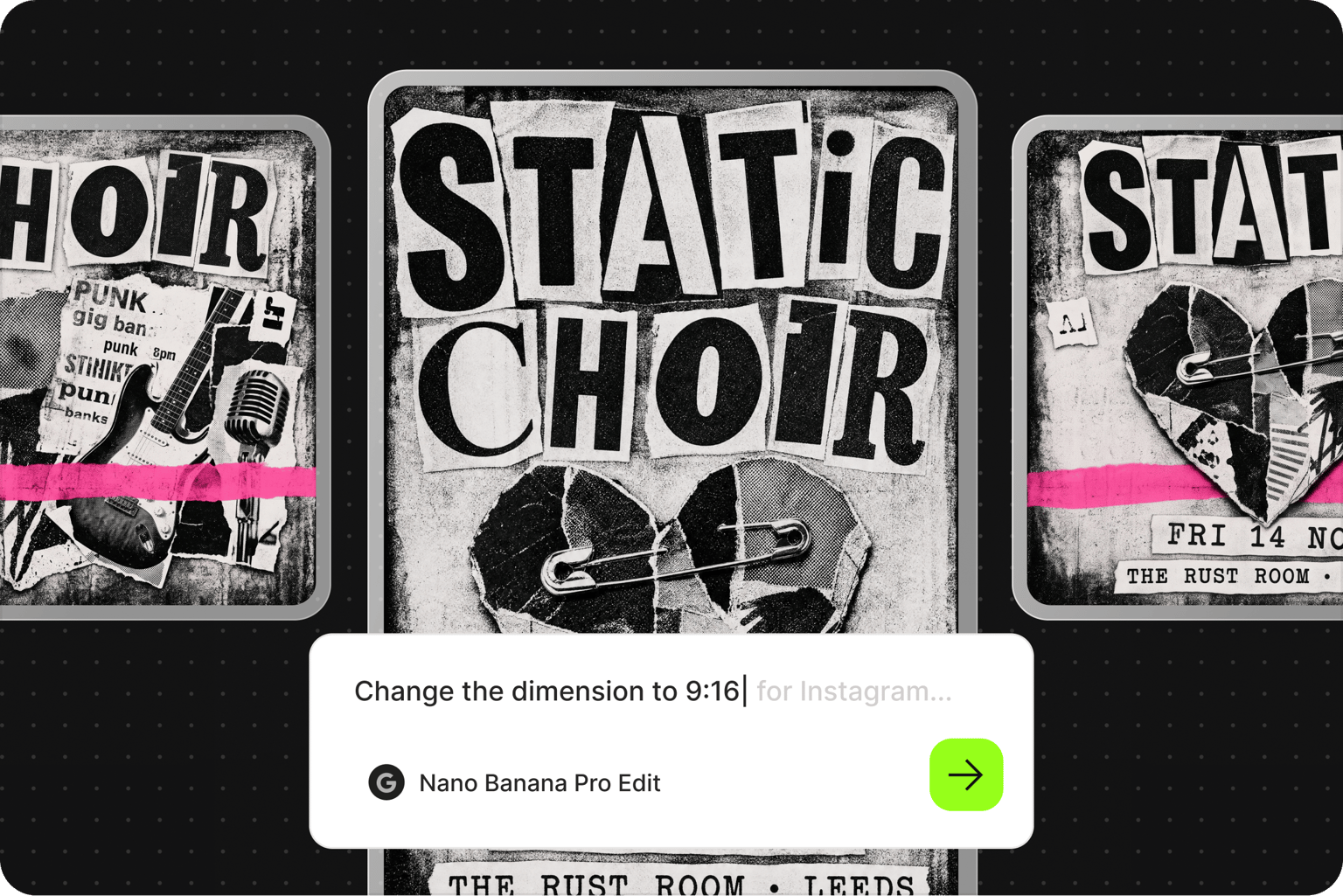
One event, a poster for every place it needs to appear
A concert or a sale needs more than one poster: a print for the shop window or the noticeboard, a 4:5 post for the feed, and a tall version for Stories. Generate the same design at 2:3, 4:5, and 9:16, and each one is composed for its shape from the start. The headline lands where it reads instead of getting cropped off the edge.
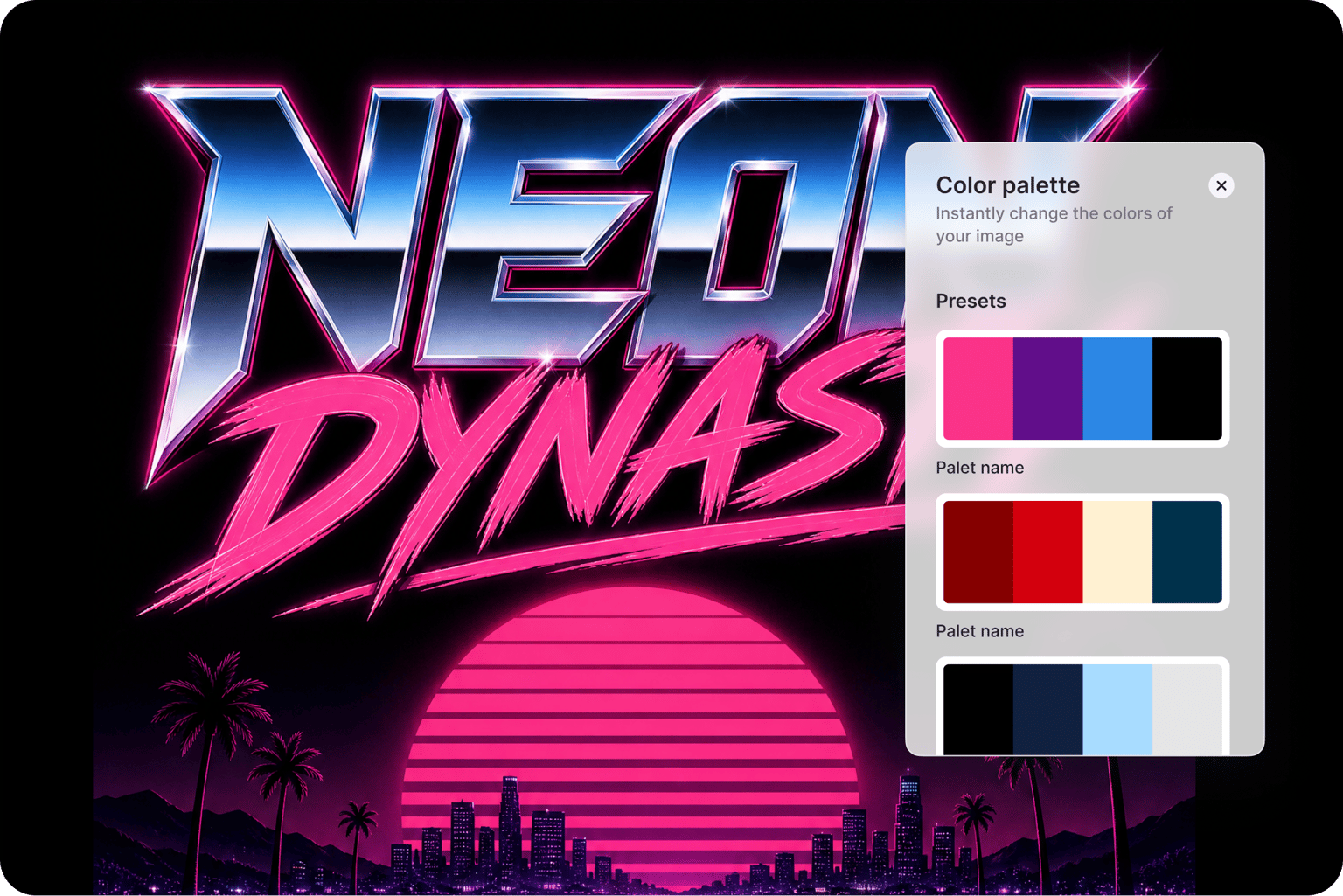
Posters that suit your branding, from color palette to styles
You set the headline, palette, type style, and mood in the prompt. When a result is off, switch the AI model: Nano Banana Pro for high-fidelity designs, Qwen for text-heavy posters, or Flux Kontext for fast iterations. Re-prompt until the poster looks like your brand made it, not AI: bolder type, a tighter palette, or more room around the date.
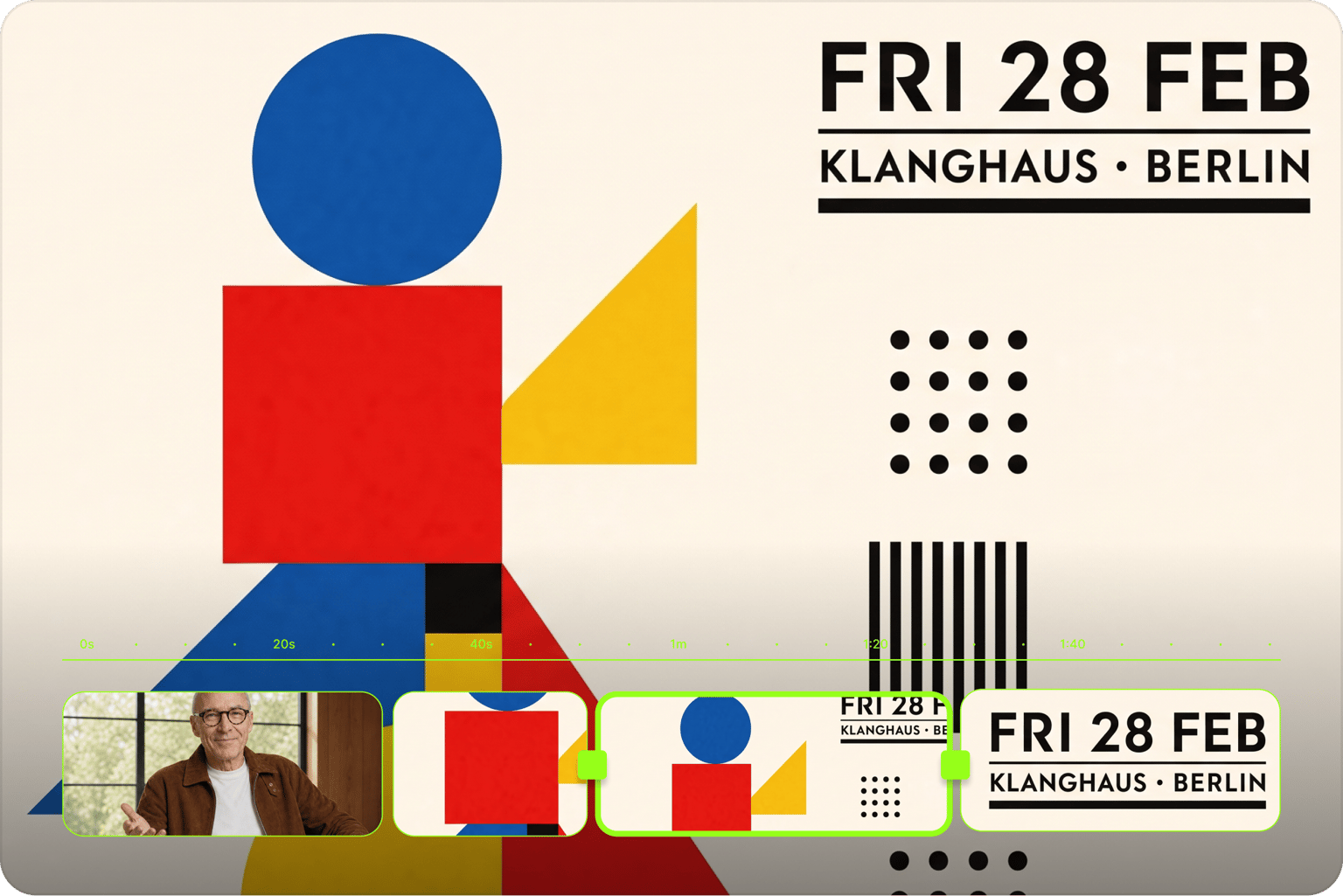
From a printed poster to a promo video
A poster doesn't have to stay a still image. Turn the design into a short animated clip with image-to-video AI, or build a full event promo video around it with music and captions. Need a profile header instead of a poster? The social banner maker has templates for X, Facebook, and YouTube.
FAQ
Open a poster template on VEED and edit the prompt that is already there. Change the headline, the date and location, the color palette, and the style, and add the aspect ratio you need, such as 2:3 for a print or 4:5 for an Instagram post. Hit generate, compare the results, and re-prompt anything that is close but not quite right. Download the version you want to keep.
Put the exact wording in quotation marks in your prompt and keep the headline to about eight words or fewer. List supporting details like the date, time, and venue separately so the AI treats each one as its own line. For text-heavy posters, switch to the Qwen model. Check the spelling before you download, and if one word is off, fix it in the AI image editor instead of generating the whole poster again.
Yes, through the AI image editor. Upload your photo, then describe the poster you want built around it: the headline and where it sits, the background, the color treatment, and the style. This works well for band photos, product shots, and event headshots. The templates on this page generate new designs from a prompt, so the editor is the route when your own picture has to stay in the poster.
Common print sizes are 11 × 17, 18 × 24, and 24 × 36 inches. 24 × 36 is a 2:3 ratio, and 18 × 24 is 3:4, so ask for the ratio that matches your print. For social, use 1080 × 1350 for Instagram feed posts and 1080 × 1920 for Stories. An 18 × 24 print at 300 DPI needs 5400 × 7200 pixels, more than most AI models return, so upscale the file before printing.
No. VEED's poster maker runs online in your web browser, so there is no app to download or install. Open a template, edit the prompt, generate, and download your poster from the same tab. When you want to take the design further, the same account gives you VEED's video editor, so you can animate the poster or add it to a promo video without switching tools.
VEED's poster maker runs on AI credits, and you can sign up without a credit card. The credit cost depends on the AI model you select and how many images you generate, and you will see it when you browse the model selection. Visit the VEED pricing page for current plans and credit add-ons. To start from a blank prompt instead of a template, use the AI poster generator.
Loved by creators.
Loved by the Fortune 500
“
With VEED I didn't need 15 tutorials - I jumped straight in and started editing.

Gwenne Wilcox
Founder,
Brand Brainery
“
You can go beyond choppping things. VEED actually makes my videos look great.

Michael Glover
Demand Gen Manager,
ConvertFlow
“
The first four videos i created with VEED got over 40,000 impressions on LinkedIn.

Travis Tyler
Senior Content Producer,
PandaDoc
“
I found VEED at the right time: if you're making UGC ads and not using Eye Contact Correction and Noise Reduction on VEED you're missing out on ROI.

Sebastian Schurgers
Head of Growth Marketing,
Gronda
“
With VEED I didn't need 15 tutorials - I jumped straight in and started editing.
Gwenne Wilcox
Founder,
Brand Brainery
“
You can go beyond choppping things. VEED actually makes my videos look great.
Michael Glover
Demand Gen Manager,
ConvertFlow
“
The first four videos i created with VEED got over 40,000 impressions on LinkedIn.
Travis Tyler
Senior Content Producer,
PandaDoc
“
I found VEED at the right time: if you're making UGC ads and not using Eye Contact Correction and Noise Reduction on VEED you're missing out on ROI.
Sebastian Schurgers
Head of Growth Marketing,
Gronda
“
The first four videos i created with VEED got over 40,000 impressions on LinkedIn.
Travis Tyler
Senior Content Producer,
PandaDoc
“
I found VEED at the right time: if you're making UGC ads and not using Eye Contact Correction and Noise Reduction on VEED you're missing out on ROI.
Sebastian Schurgers
Head of Growth Marketing,
Gronda
“
With VEED I didn't need 15 tutorials - I jumped straight in and started editing.
Gwenne Wilcox
Founder,
Brand Brainery
“
You can go beyond choppping things. VEED actually makes my videos look great.
Michael Glover
Demand Gen Manager,
ConvertFlow
Discover more
More from VEED

This is the Best YouTube Banner Size (and Examples of Great Channel Art)
Here's the best size for your YouTube banner and everything you need to know to make eye-catching channel art.

AI Art Prompts: How to Write Better Prompts, Creative Examples, and Tools to Try
Getting your AI art prompts is the key to winning with generative AI tools. Learn how to write better prompts here.

Branded Video 101: What is it and How to Get Started
A branded video is a marketing asset that uses storytelling to engage an audience and build brand awareness. Learn more in this guide.
Trusted by 1M+ creators
When it comes to amazing videos, all you need is VEED
No credit card required
More than a poster maker
A poster is usually one piece of something bigger: a launch, an event, or a weekend sale. VEED is an AI video creation platform where you can generate, refine, and export videos. Generate a scene from a written prompt or a script in the AI video generator, add an AI avatar or voiceover, then refine the cut until the pacing holds. Keep your fonts, colors, and logo in a brand kit so the poster and the promo video look like your brand made them, not AI. Export post-ready video for TikTok, Reels, and YouTube in minutes. Explore everything you can do with VEED.