


Trusted by 1M+ creators
Research Poster Template
Make a poster for your conference session, thesis fair, or department showcase. Pick a research template, edit the prompt with your title and sections, and hit generate
No credit card required
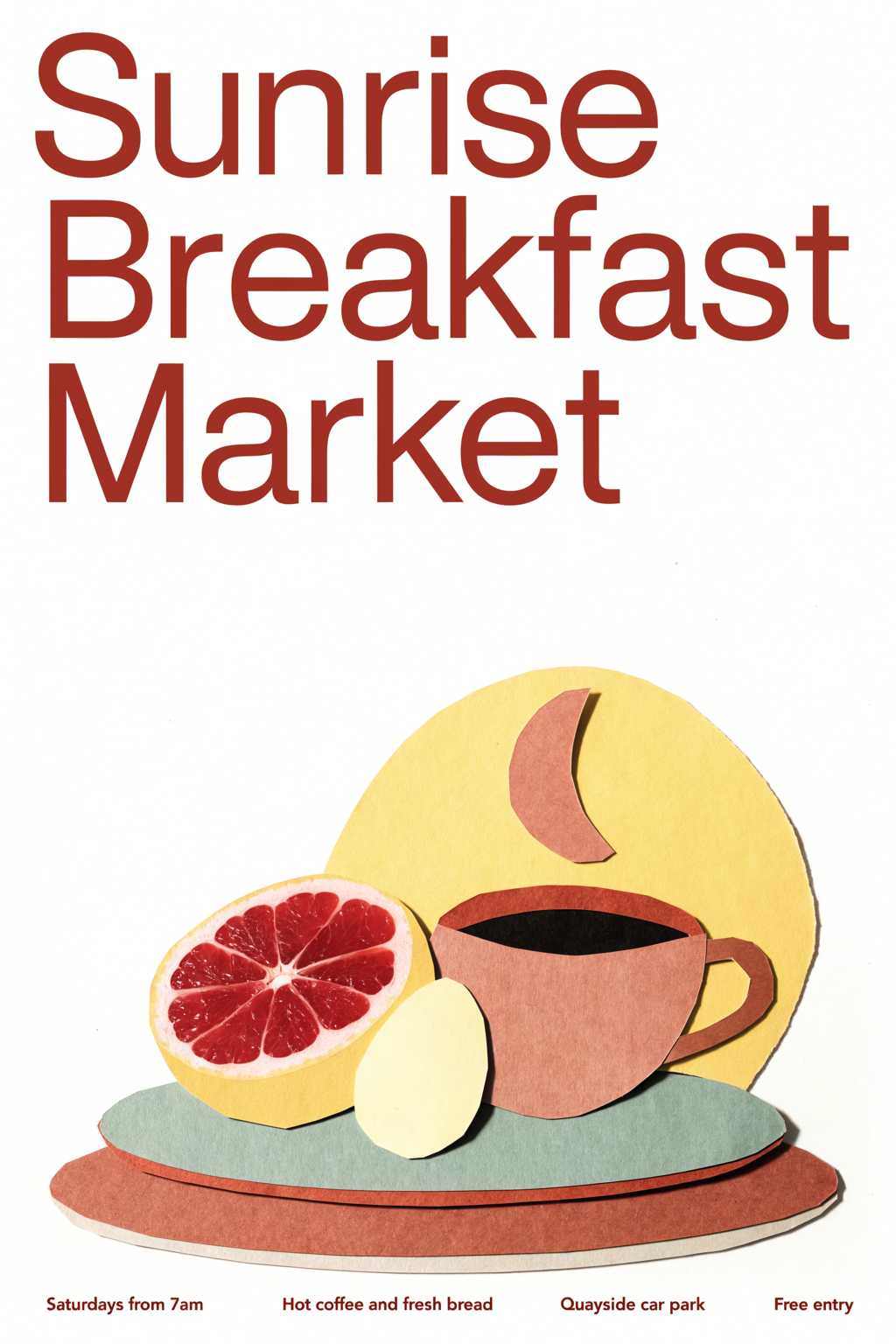
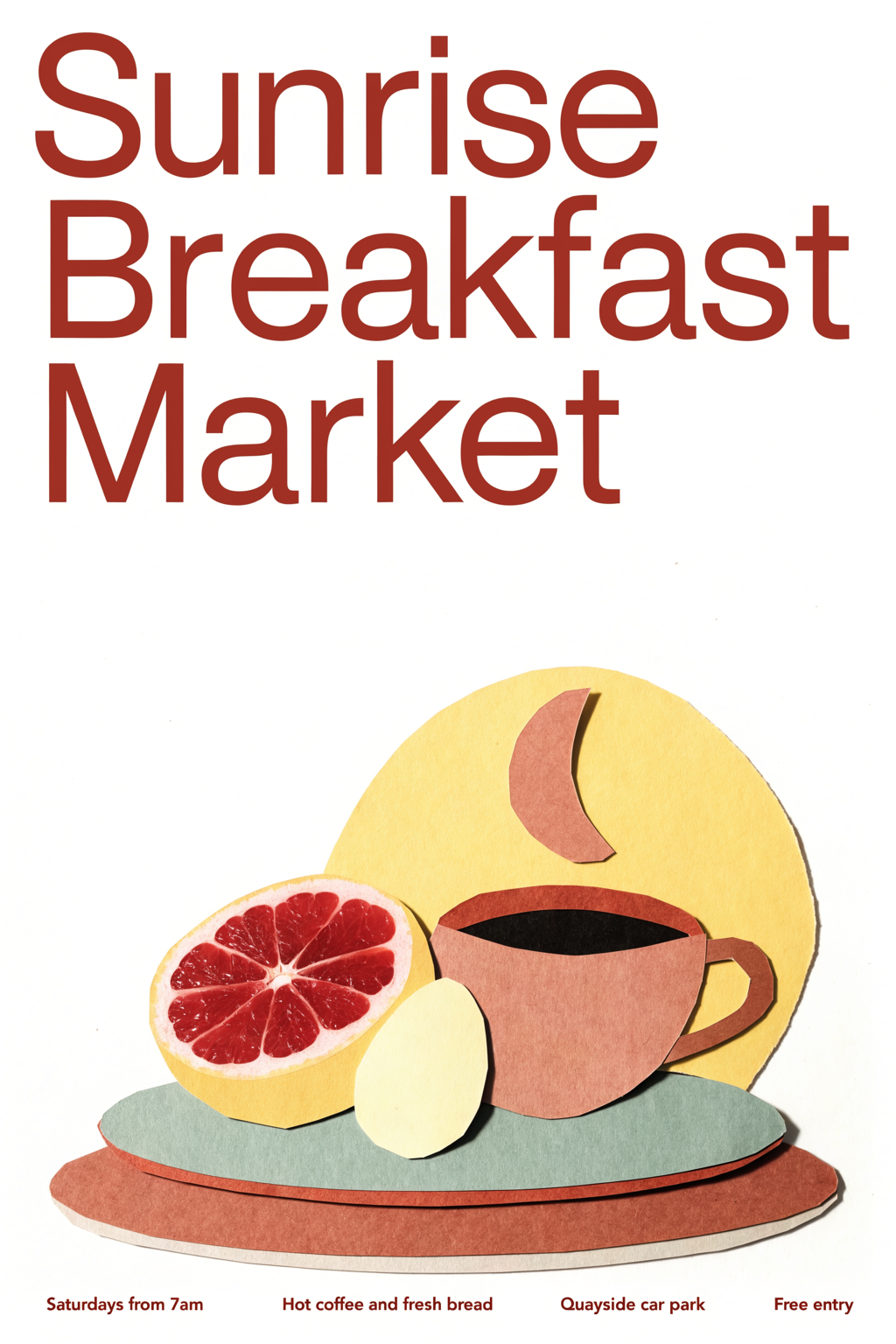
Terracotta Cream Cut Paper Breakfast Poster Design
Posters
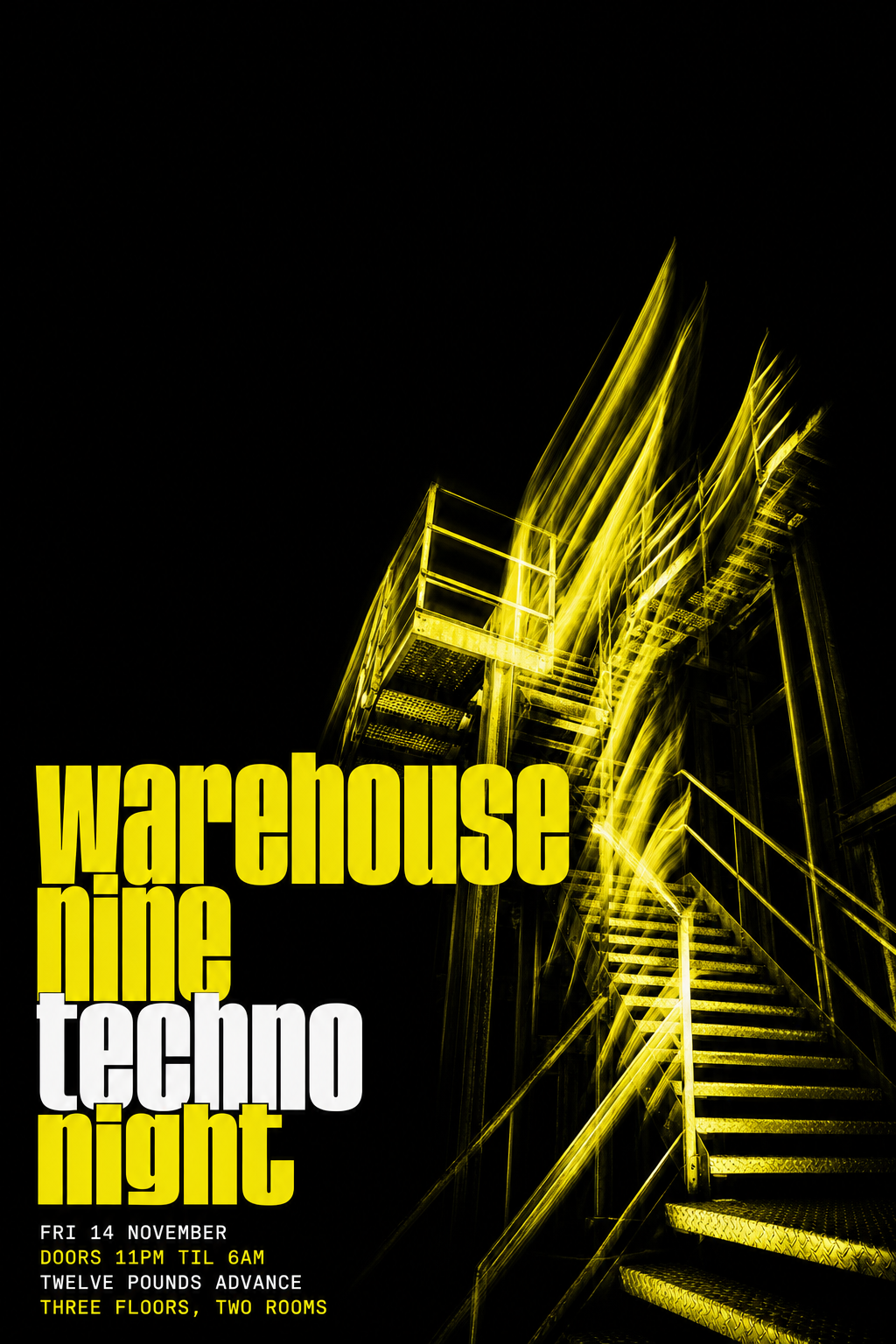
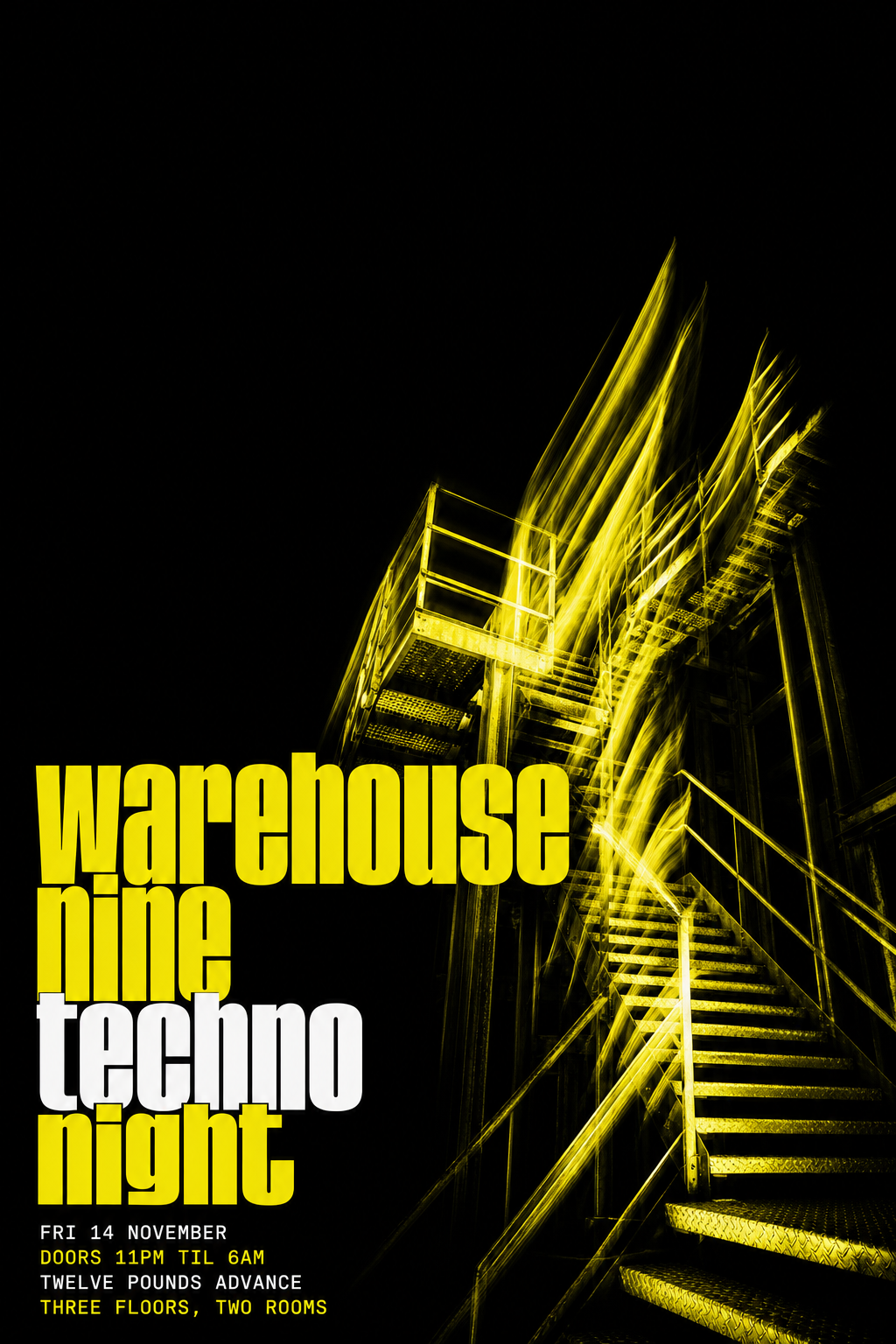
Black and Acid Yellow Techno Club Poster
Posters
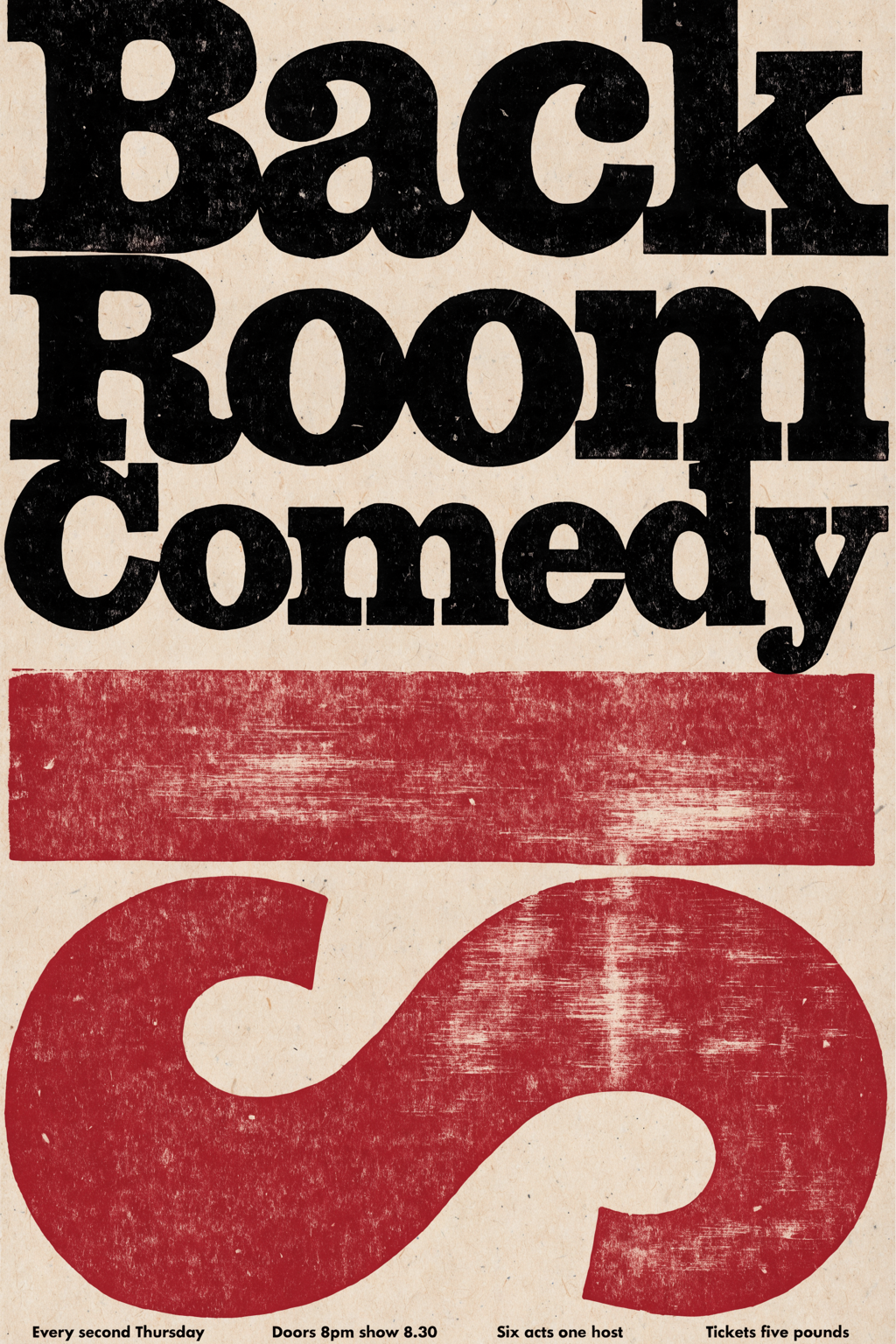
Oxblood Black Letterpress Comedy Night Poster
Posters
4.6
2,100+ reviews















A research poster people can read from across the hall
A research poster template is a ready layout for a study: a title, a few labeled sections, and room for visuals. Most poster makers hand you an empty canvas, or a template a hundred other students have already used. Here, you pick a template that opens with a prompt written for a research poster, then edit the title, sections, colors, and style before you generate.
Students, researchers, and nursing and clinical teams make these for conference sessions, thesis fairs, and department showcases. Put the title, authors, and four or five section headings on it, and keep body text short. Check the conference's poster guidelines for size and orientation first. Printing big? Run the file through the image upscaler first.
How to make a research poster:
Step 01
Choose a poster template
Browse poster templates and pick the design closest to what you need, from gig posters to seasonal sale posters. Each template opens with a prompt already written for that design.
Step 02
Edit the prompt and generate
Change the headline, date, venue, colors, and style in the prompt. Put the exact words you want on the poster in quotation marks, and add the shape you need: 2:3 for a 24 × 36 print, 4:5 for an Instagram post, or 9:16 for Stories. Hit "generate."
Step 03
Download your poster
Download your poster. To fix a single word or remove a distracting detail first, open it in the AI image editor.
Learn More
Check out Nano Banana Pro and try it on VEED:
One research poster for the hall, the screen, and the newsletter
A conference hall wants a tall 3:4 poster, a virtual session wants 4:3 landscape, and the department newsletter wants 4:5. Generate each ratio on its own so the title and columns are composed for that shape. Try: "a clean three-column research poster titled "Sleep and Memory in Teens" in bold navy type, 3:4".
A poster that looks like your lab made it
Set the palette and type in the prompt, say deep teal and white with a serif title, and the poster matches your university or lab colors. If section headings come out cramped, re-prompt for larger titles or switch models: Qwen for text-heavy layouts, Nano Banana Pro for high-fidelity visuals, Flux Kontext for fast iterations.
From the poster to the talk that goes with it
This page makes a still poster. For the talk behind it, build slides in the AI presentation maker, or turn one figure from your poster into a short animated clip with image to video AI.
FAQ
A research poster is a single large sheet that summarizes a study for people walking past at a conference or campus session. The usual format is a title with authors, then short sections for background, methods, results, and conclusion, laid out in two or three columns. On VEED, you open a poster template, edit the prompt with your title and section headings, add the ratio, and generate. Compare results, re-prompt, then download.
Image models struggle with long text, so keep the words short. Put the exact title in quotation marks, list each section heading on its own line, and leave body text to a few words. Choose Qwen for text-heavy posters, check the spelling before you download, and fix a wrong word in the AI image editor instead of regenerating. Do not expect a finished abstract from one prompt.
Real images such as a lab photo, a field site, or a team portrait can anchor a research poster. Upload the photo to the AI image editor and describe the poster around it. The templates generate new designs, so the editor is the route when your own picture has to stay in. Charts drawn from your data are not something one prompt will get accurate, so keep exact graphs separate.
36 × 48 inches (3:4) is a common research poster size, often shown in landscape at 48 × 36. Conferences set their own limits, so check the poster guidelines for size and orientation first. Then ask for the matching ratio in your prompt, 3:4 for portrait or 4:3 for landscape. VEED makes the file and does not print it, so upscale with the image upscaler before a large print.
A good research poster reads in about a minute from a few steps away. It has a short title, one clear takeaway, four or five labeled sections, plenty of white space, and visuals that stand out from the text. In a VEED prompt, ask for a clean multi-column layout with large section headings and room for figures, then re-prompt if the hierarchy feels crowded.
AI poster generation is credit-based rather than a flat fee. The poster maker runs on AI credits, and the credit cost depends on the AI model you select and how many images you generate. It shows when you browse the model selection. You can sign up without a credit card. See pricing for current plans and credit add-ons, or start from a blank prompt without a template.
Loved by creators.
Loved by the Fortune 500
“
With VEED I didn't need 15 tutorials - I jumped straight in and started editing.

Gwenne Wilcox
Founder,
Brand Brainery
“
You can go beyond choppping things. VEED actually makes my videos look great.

Michael Glover
Demand Gen Manager,
ConvertFlow
“
The first four videos i created with VEED got over 40,000 impressions on LinkedIn.

Travis Tyler
Senior Content Producer,
PandaDoc
“
I found VEED at the right time: if you're making UGC ads and not using Eye Contact Correction and Noise Reduction on VEED you're missing out on ROI.

Sebastian Schurgers
Head of Growth Marketing,
Gronda
“
With VEED I didn't need 15 tutorials - I jumped straight in and started editing.
Gwenne Wilcox
Founder,
Brand Brainery
“
You can go beyond choppping things. VEED actually makes my videos look great.
Michael Glover
Demand Gen Manager,
ConvertFlow
“
The first four videos i created with VEED got over 40,000 impressions on LinkedIn.
Travis Tyler
Senior Content Producer,
PandaDoc
“
I found VEED at the right time: if you're making UGC ads and not using Eye Contact Correction and Noise Reduction on VEED you're missing out on ROI.
Sebastian Schurgers
Head of Growth Marketing,
Gronda
“
The first four videos i created with VEED got over 40,000 impressions on LinkedIn.
Travis Tyler
Senior Content Producer,
PandaDoc
“
I found VEED at the right time: if you're making UGC ads and not using Eye Contact Correction and Noise Reduction on VEED you're missing out on ROI.
Sebastian Schurgers
Head of Growth Marketing,
Gronda
“
With VEED I didn't need 15 tutorials - I jumped straight in and started editing.
Gwenne Wilcox
Founder,
Brand Brainery
“
You can go beyond choppping things. VEED actually makes my videos look great.
Michael Glover
Demand Gen Manager,
ConvertFlow
Discover more
Explore related tools
More from VEED

This is the Best YouTube Banner Size (and Examples of Great Channel Art)
Here's the best size for your YouTube banner and everything you need to know to make eye-catching channel art.

AI Art Prompts: How to Write Better Prompts, Creative Examples, and Tools to Try
Getting your AI art prompts is the key to winning with generative AI tools. Learn how to write better prompts here.

Branded Video 101: What is it and How to Get Started
A branded video is a marketing asset that uses storytelling to engage an audience and build brand awareness. Learn more in this guide.
Trusted by 1M+ creators
When it comes to amazing videos, all you need is VEED
No credit card required
More than a research poster maker
A research poster is usually one piece of something bigger: a conference session, a thesis defense, or a grant update. VEED is an AI video creation platform, so the project can keep going once the poster is done: generate a scene from a written prompt or a script in the AI video generator, add an AI avatar or voiceover, refine the cut until the pacing holds, keep your fonts, colors, and logo consistent so it looks like your lab made it, not AI, and export post-ready video for TikTok, Reels, and YouTube. Record a short walkthrough of your findings for the colleagues who missed your session.