


Trusted by 1M+ creators
Add Photo to Video
Add images, photos, and logos to your video online. Create dynamic and engaging video presentations
No credit card required
4.6
2,100+ reviews















Create dynamic presentations. Add pictures to your videos.
Combine images and videos online. It’s as easy as dragging and dropping your media into a timeline. Get creative with your video’s design and make dynamic video presentations. Upload as many images as you want. Resize, crop, rotate, rearrange, and edit your images.
Add a picture, logo, or watermark to stay on brand for your social media marketing campaigns. Position your images with pixel-perfect precision using arrow keys, and align everything exactly where you want it with interactive snapping lines. Plus, you can add royalty-free stock music and sound effects to make your video even more engaging.
How to put a picture on a video:
Step 01
Upload your video
Upload your video file or start recording using our webcam recorder.
Step 02
Add and customize photos
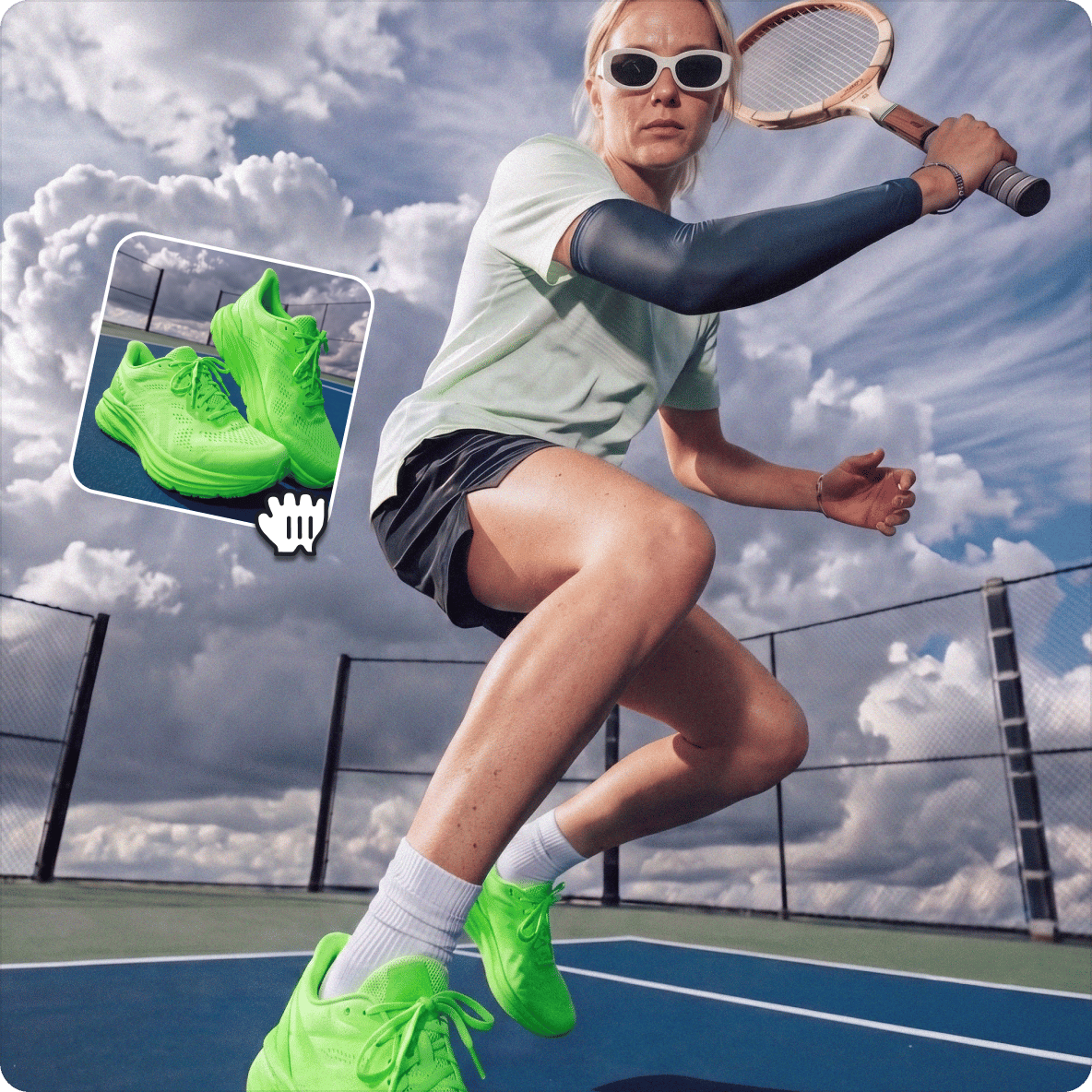
Drag and drop your photos, logos, or watermarks. Position them anywhere on the canvas and set when they appear in your video. Crop, resize, and edit your images as you wish.
Step 03
Export or keep creating
Export your video or refine other elements. You can add text, royalty-free music, transitions between clips, and more.
Learn More
Watch this tutorial on adding pictures to video:
Create fun and informative videos that tell stories
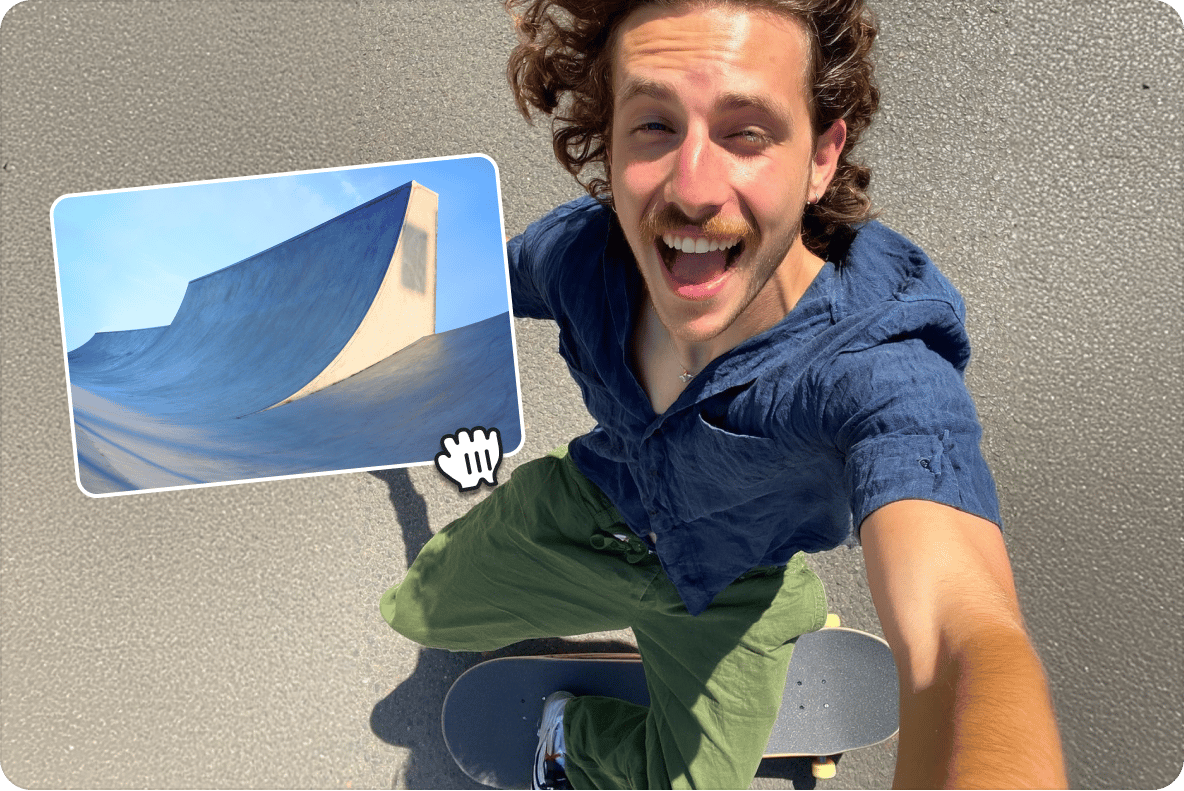
Adding photos to your videos helps you tell unique stories, grab your audience’s attention, and increase engagement on social media. It’s great for creating marketing videos or just sharing special moments captured on camera. Add images of your products or service menu, logos, and watermarks. Quickly repurpose videos for social media and your YouTube channel.
Place images anywhere on the timeline
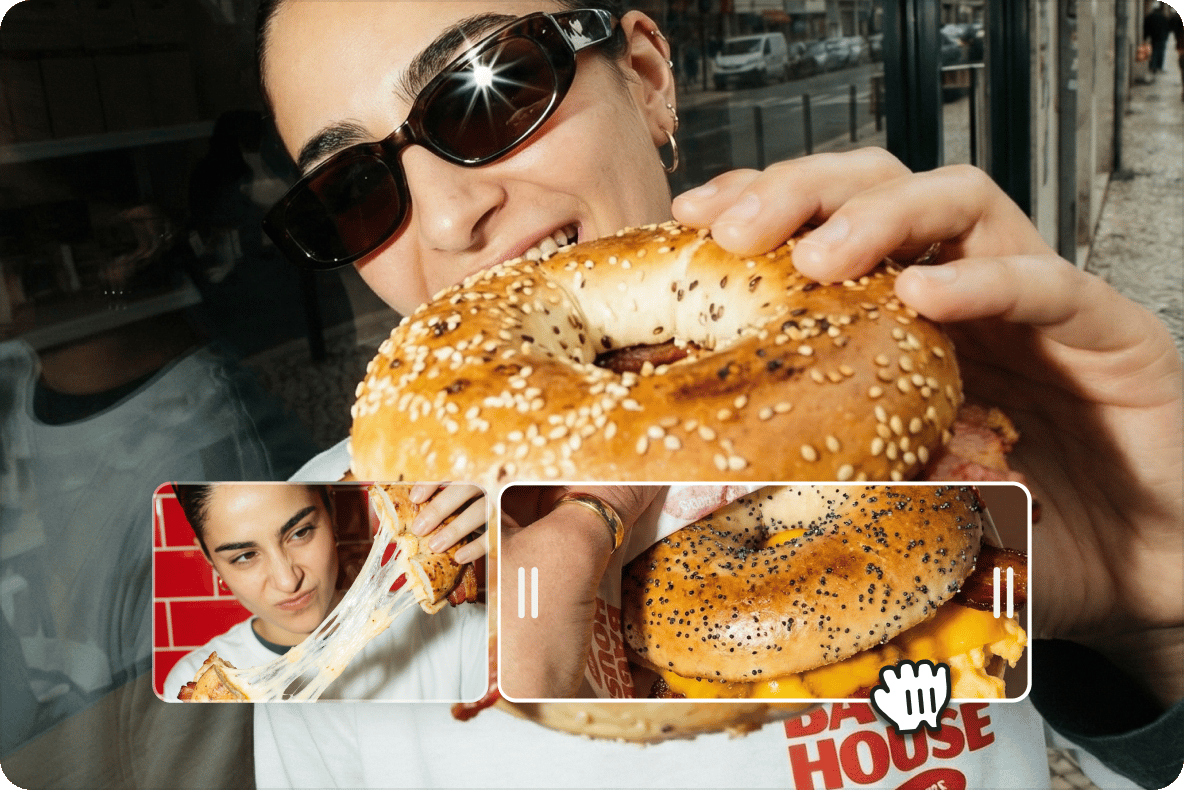
VEED features an intuitive user interface and an easy-to-use video timeline. Choose when and where you want your images to appear on your video and how long they will stay on the screen. Just drag and drop each photo layer anywhere you want. Place your images anywhere on the video frame: the middle, corners, top, or bottom. Rotate, crop, and resize your photos however you like.

Create professional-quality content
With VEED, you can edit your videos as creatively as you wish. Add images, text, subtitles, audio, emojis, and so much more. Apply camera effects and filters to make your videos look professional. Rotate and crop your videos, split, cut, and trim them with ease. No expertise or video editing experience required – our intuitive drag-and-drop tools let you master all features in just minutes.
FAQ
You can add photo overlays to videos using both desktop software and online editors. VEED’s free and simple web-based tool lets you overlay pictures on videos without creating an account, though signing up allows you to save and edit projects later. A paid account also gives you watermark-free exports.
You can upload common image formats like JPG, PNG, and GIF files. For logos and overlays, PNG files with transparent backgrounds work best since they blend seamlessly with your video.
Upload your photos to our online video editor. No app installation needed! VEED is a browser-based video creation platform that works on all popular browsers like Firefox, Google Chrome, and Safari.
Open VEED in your mobile browser. Then, upload your video and drag images into the timeline – perfect for adding explanatory images to vlogs and tutorials, or overlaying brand elements like logos. VEED works right from your iPhone browser. Start editing instantly without downloading an app and using up storage space.
Click the 'Text' tool in the left menu to add captions or text. Customize the font, size, color, and style to match your needs.
- Upload your base image to our online editor. Then drag and drop your video onto it to create an overlay.
- Adjust the video size and position on top of your picture.
- Lastly, export as a video or GIF. You can create engaging social media posts, product showcases, or presentations with animations.
Loved by creators.
Loved by the Fortune 500
“
With VEED I didn't need 15 tutorials - I jumped straight in and started editing.

Gwenne Wilcox
Founder,
Brand Brainery
“
You can go beyond choppping things. VEED actually makes my videos look great.

Michael Glover
Demand Gen Manager,
ConvertFlow
“
The first four videos i created with VEED got over 40,000 impressions on LinkedIn.

Travis Tyler
Senior Content Producer,
PandaDoc
“
I found VEED at the right time: if you're making UGC ads and not using Eye Contact Correction and Noise Reduction on VEED you're missing out on ROI.

Sebastian Schurgers
Head of Growth Marketing,
Gronda
“
With VEED I didn't need 15 tutorials - I jumped straight in and started editing.
Gwenne Wilcox
Founder,
Brand Brainery
“
You can go beyond choppping things. VEED actually makes my videos look great.
Michael Glover
Demand Gen Manager,
ConvertFlow
“
The first four videos i created with VEED got over 40,000 impressions on LinkedIn.
Travis Tyler
Senior Content Producer,
PandaDoc
“
I found VEED at the right time: if you're making UGC ads and not using Eye Contact Correction and Noise Reduction on VEED you're missing out on ROI.
Sebastian Schurgers
Head of Growth Marketing,
Gronda
“
The first four videos i created with VEED got over 40,000 impressions on LinkedIn.
Travis Tyler
Senior Content Producer,
PandaDoc
“
I found VEED at the right time: if you're making UGC ads and not using Eye Contact Correction and Noise Reduction on VEED you're missing out on ROI.
Sebastian Schurgers
Head of Growth Marketing,
Gronda
“
With VEED I didn't need 15 tutorials - I jumped straight in and started editing.
Gwenne Wilcox
Founder,
Brand Brainery
“
You can go beyond choppping things. VEED actually makes my videos look great.
Michael Glover
Demand Gen Manager,
ConvertFlow
Discover more
Explore related tools
More from VEED
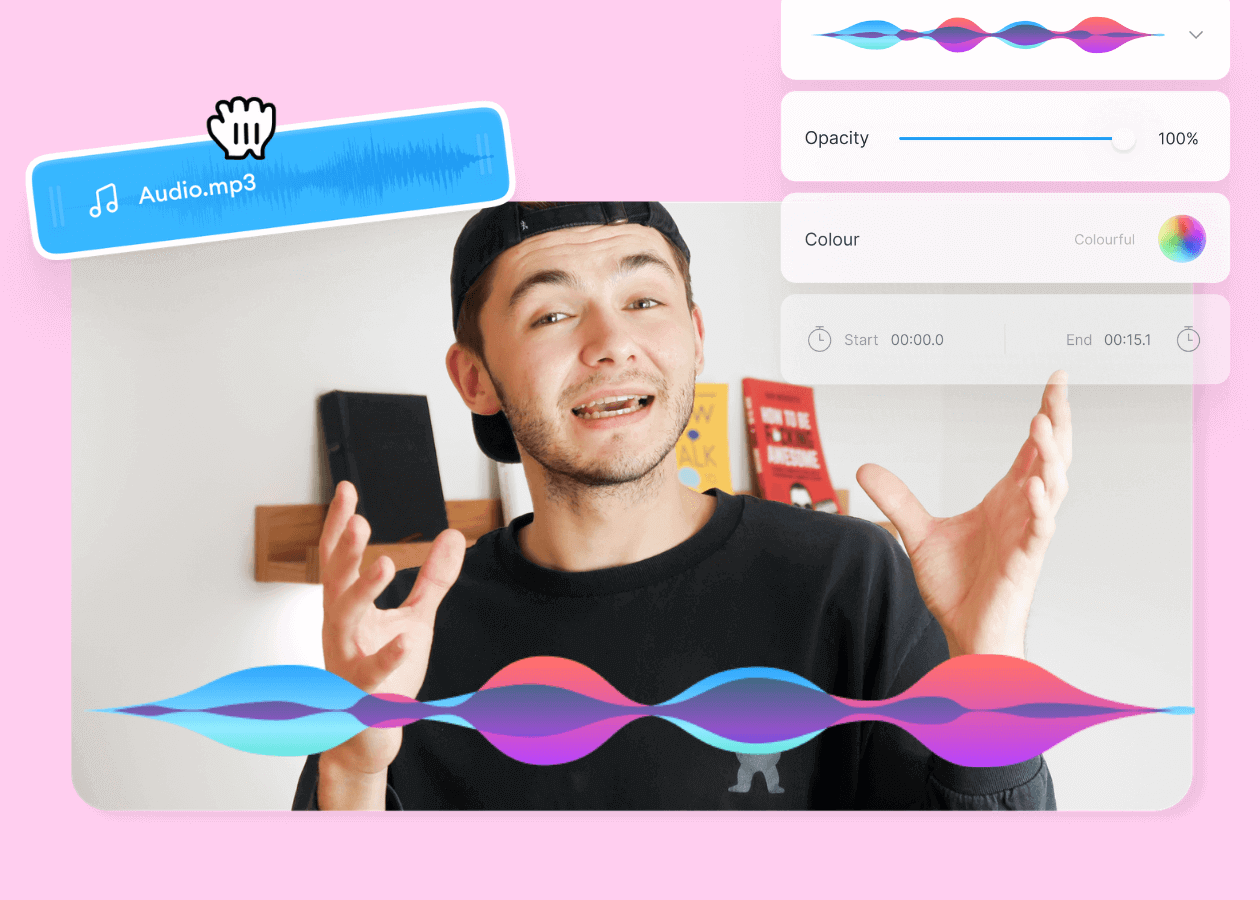
Top 5 Best Music Visualizers [Free and Paid]
Here are some of the best music visualizers available on the internet and how to use them!

11 Easy Ways to Add Music to Video [Step-By-Step Guide] in 2026
Not sure where to find music for video whether free or paid? Want to learn how to find it, pick the right song, and then add it to your video content? Then dig in!

How to Add Music to an Instagram Post, Reel, or Story in 2026
Adding music to your Instagram content makes the video much more interactive and engaging while building retention among viewers. Here's how to do it for any Instagram post format.
Trusted by 1M+ creators
When it comes to amazing videos, all you need is VEED
No credit card required
More than adding photos to your videos
Want to create content that stands out? There’s more you can do with your photos than adding them over videos. VEED is an AI video creation platform that lets you animate images with the best AI models. Bring your photos to life with image-to-video AI — add motion and camera movement. Then, easily combine clips and polish your video in the editor. Create post-ready videos in minutes. Sign up for VEED now.