


Trusted by 1M+ creators
Video Editor Effects
Add VHS, Glitch, Filmic effects & more, to your videos online
No credit card required
4.6
2,100+ reviews















Add Video Effects, Online
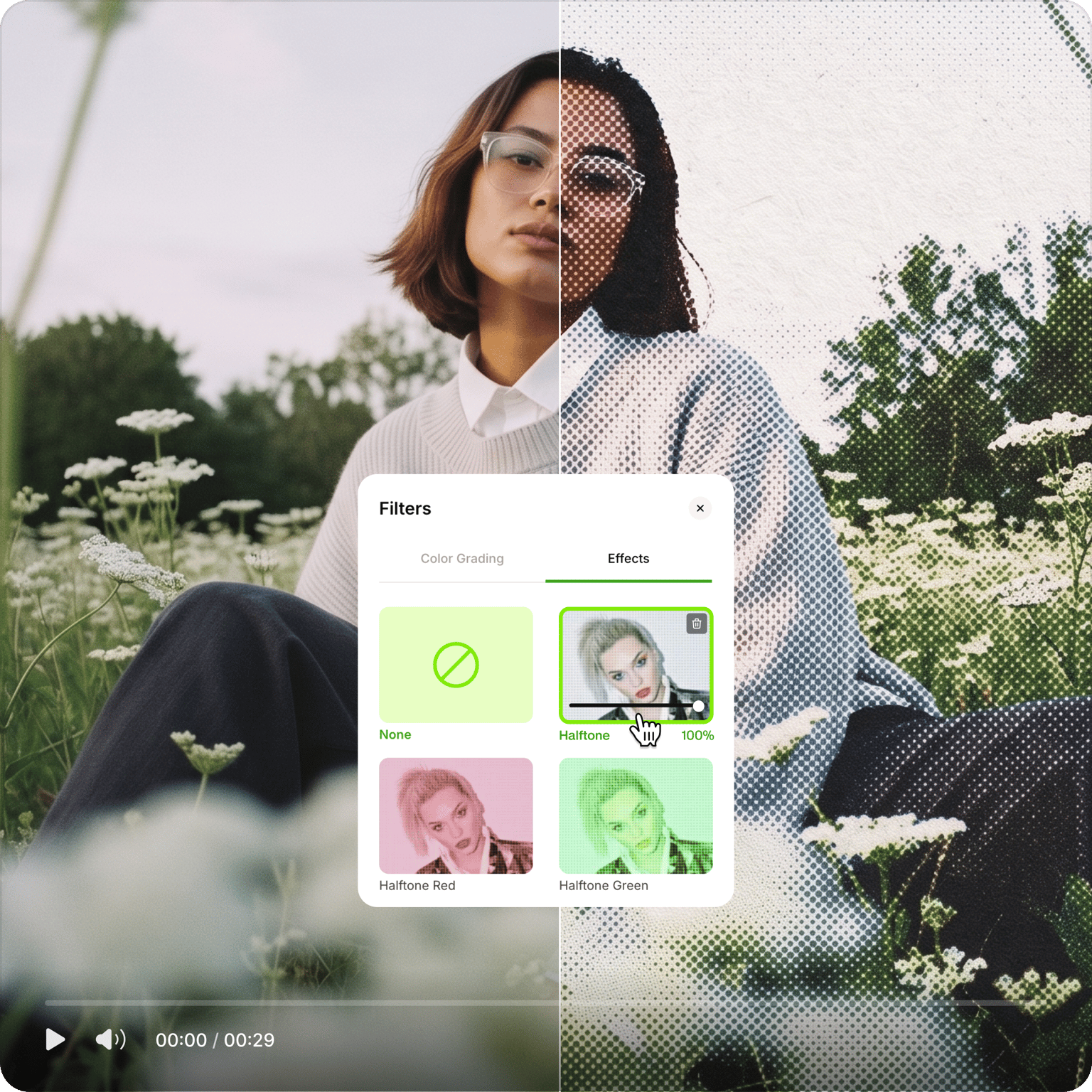
VEED's video effects editor lets you apply VHS, glitch, snow, black and white, filmic, and other preset effects directly in your browser — no software to download. Upload your video in any format (MP4, MPEG, AVI, FLV, and more), apply effects, and export. Works on Windows, Mac, Linux, and mobile devices.
How to Add Effects to Video
Step 01
Upload Video
Upload the video you would like to add effects to. Click on ‘Choose Video’. Select the file or just drag & drop
Step 02
Add Effects
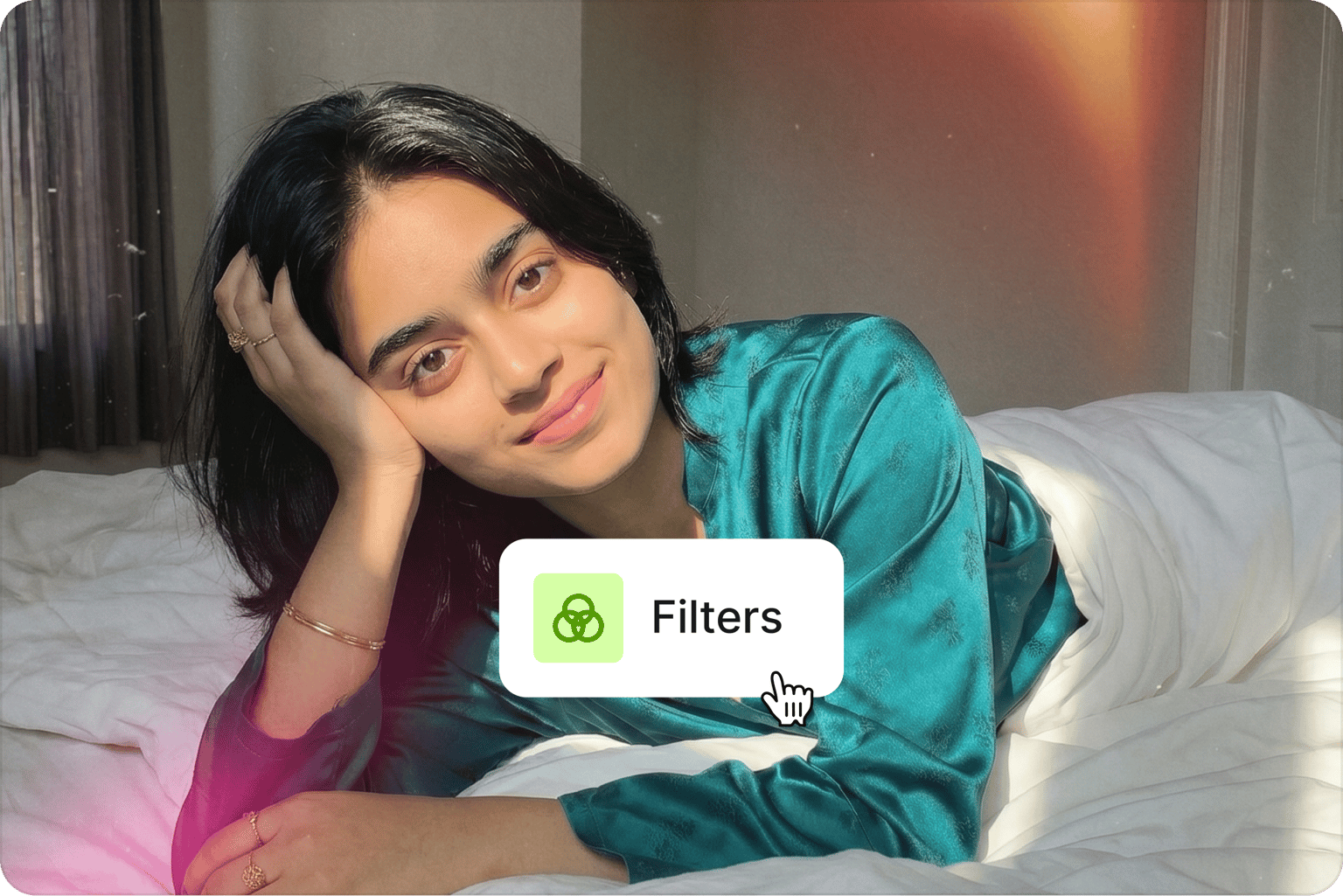
Click ‘Filters’, and select the filters, effects & color grading options you want to apply to your video.
Step 03
Hit Download
Once you are happy with the style of your video, just click the ‘Export’ button and you’re done!
Learn More
‘Add Effects to Video’ Tutorial
Effects for Any Context, Every Creator
Apply the VHS filter for a 90s color-saturated look, the filmic filter for a cinematic feel, or glitch effects for something more disruptive. Pixelate, blur, invert, or animate — VEED's effects work for marketing videos, YouTube content, TikToks, training videos, and more.
Built for Team Projects
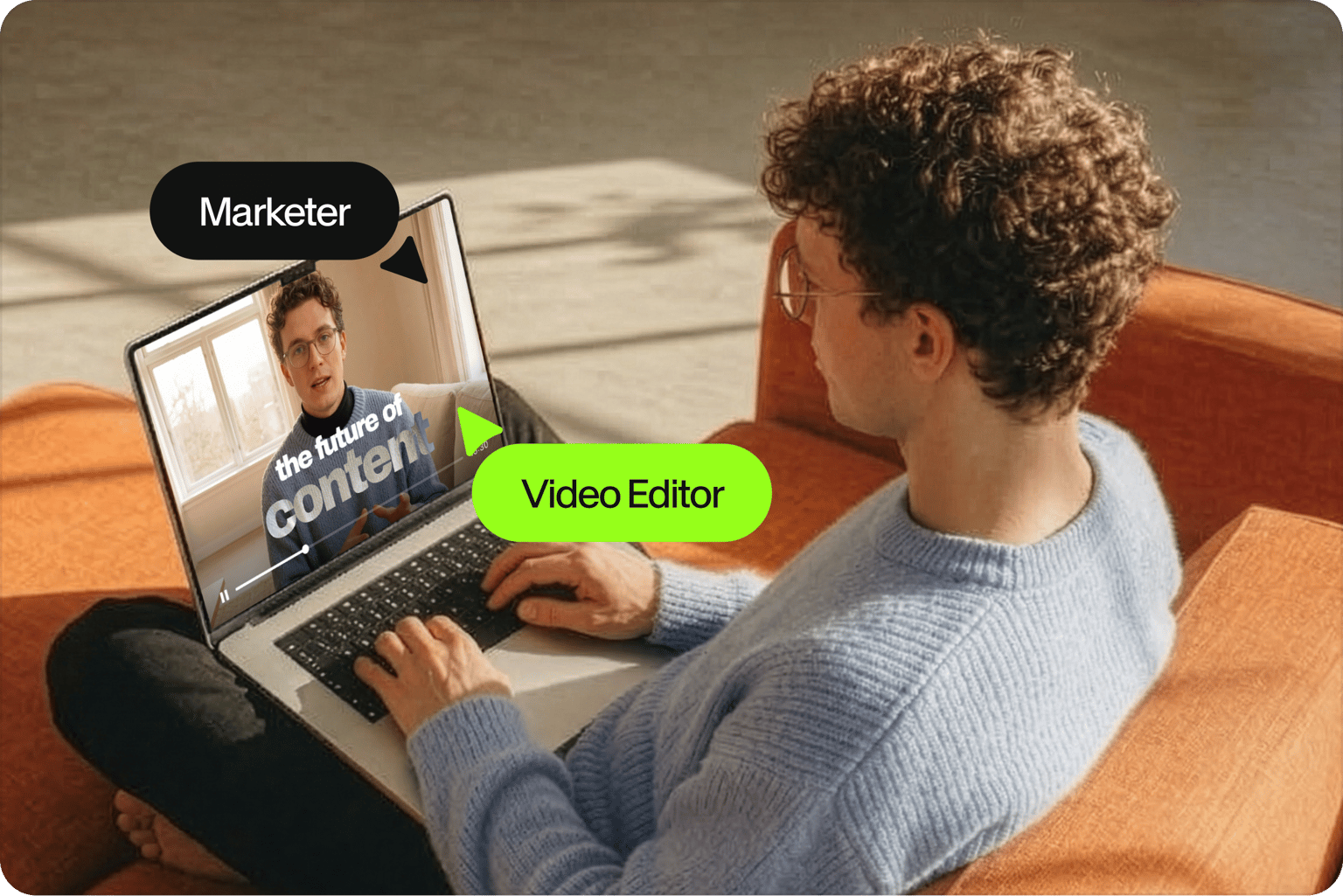
VEED works across video formats (MP4, MOV, WEBM, AVI) and devices, including iPhone and Android. Create an account to save projects and access them from any device. Or get started without an account.
Reformulate Videos for Social Media
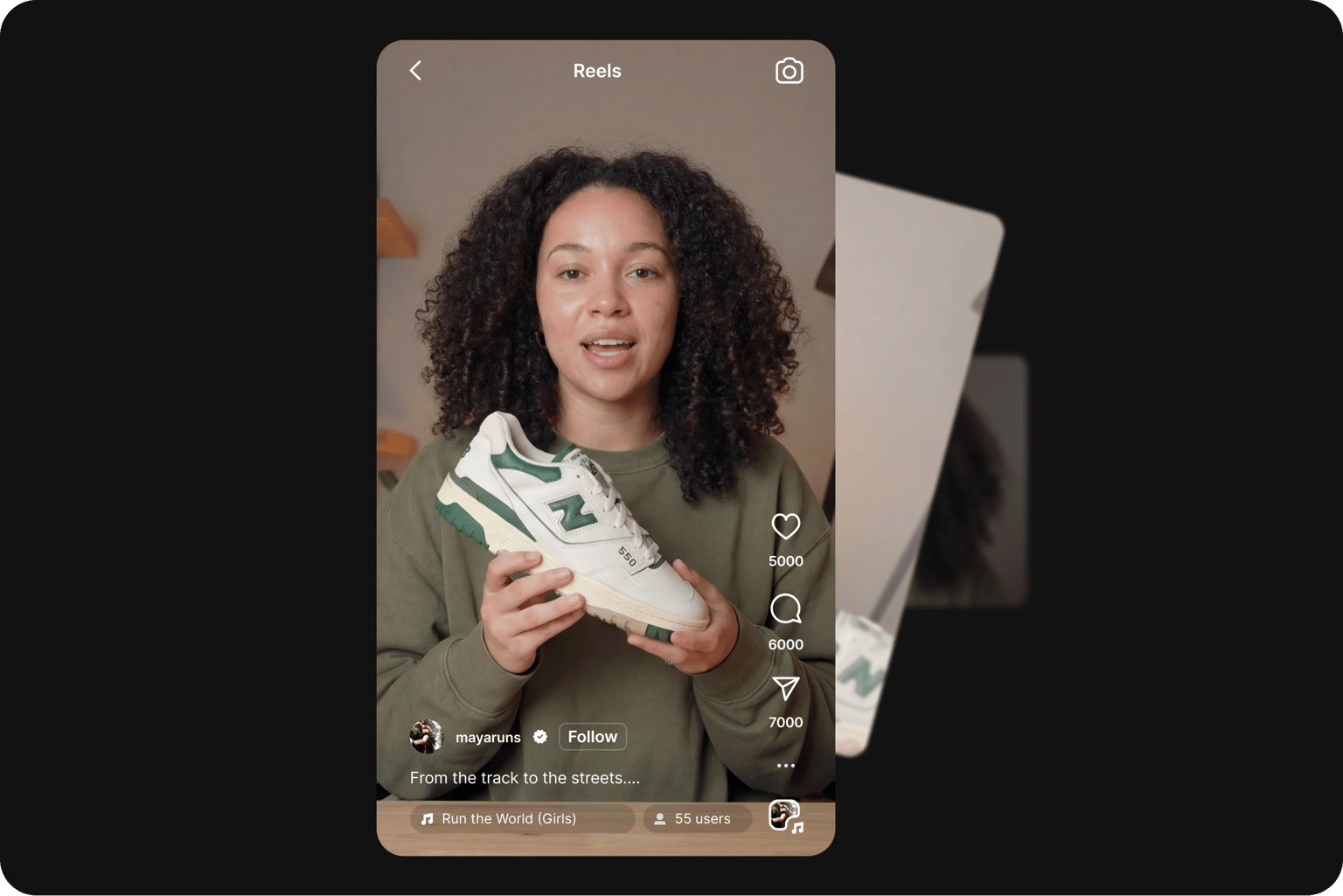
Use effects to update existing content for a new platform, season, or trend. Apply the Snowy effect for holiday content or Strobe for a younger audience. Then resize using VEED's preset canvas sizes for YouTube, Facebook, Instagram, and TikTok.
FAQ
Effects are like “overlays” or “skin” for your videos to give them a preset look or feel. It could be based on an era from the past like the 90s, a season like winter, a celebration, or a specific genre. They are commonly used to make videos more engaging or to amplify a video’s broader theme and mood.
Every effect on VEED is FREE to use, for anyone and at any time. No fees, no subscription, and no “free trials”. Add any effect you wish for free, no need to dig your pockets!
Yes! Whilst you won’t be able to use the “visual” effects, obviously, VEED has no shortage of tools to edit your audio files! You can remove background noise, add background music, record voice commentary, or create a thumbnail for your podcasts!
VEED recognizes and uploads numerous video formats. These include AVI, GIF, M4V, MOV, MP3, MP4, MPE, MPG4, OGG, WEBM, and more!
VEED has effects to match any popular style, theme, or mood. Choose an effect that enhances your story and matches the feel of your video. Feel free to experiment with different filters and effects until you find the perfect match. There’s no right or wrong answer.
On VEED, you certainly can! VEED is a creator-friendly tool that’s designed to protect the quality of every video it edits.
Loved by creators.
Loved by the Fortune 500
“
With VEED I didn't need 15 tutorials - I jumped straight in and started editing.

Gwenne Wilcox
Founder,
Brand Brainery
“
You can go beyond choppping things. VEED actually makes my videos look great.

Michael Glover
Demand Gen Manager,
ConvertFlow
“
The first four videos i created with VEED got over 40,000 impressions on LinkedIn.

Travis Tyler
Senior Content Producer,
PandaDoc
“
I found VEED at the right time: if you're making UGC ads and not using Eye Contact Correction and Noise Reduction on VEED you're missing out on ROI.

Sebastian Schurgers
Head of Growth Marketing,
Gronda
“
With VEED I didn't need 15 tutorials - I jumped straight in and started editing.
Gwenne Wilcox
Founder,
Brand Brainery
“
You can go beyond choppping things. VEED actually makes my videos look great.
Michael Glover
Demand Gen Manager,
ConvertFlow
“
The first four videos i created with VEED got over 40,000 impressions on LinkedIn.
Travis Tyler
Senior Content Producer,
PandaDoc
“
I found VEED at the right time: if you're making UGC ads and not using Eye Contact Correction and Noise Reduction on VEED you're missing out on ROI.
Sebastian Schurgers
Head of Growth Marketing,
Gronda
“
The first four videos i created with VEED got over 40,000 impressions on LinkedIn.
Travis Tyler
Senior Content Producer,
PandaDoc
“
I found VEED at the right time: if you're making UGC ads and not using Eye Contact Correction and Noise Reduction on VEED you're missing out on ROI.
Sebastian Schurgers
Head of Growth Marketing,
Gronda
“
With VEED I didn't need 15 tutorials - I jumped straight in and started editing.
Gwenne Wilcox
Founder,
Brand Brainery
“
You can go beyond choppping things. VEED actually makes my videos look great.
Michael Glover
Demand Gen Manager,
ConvertFlow
Discover more
More from VEED
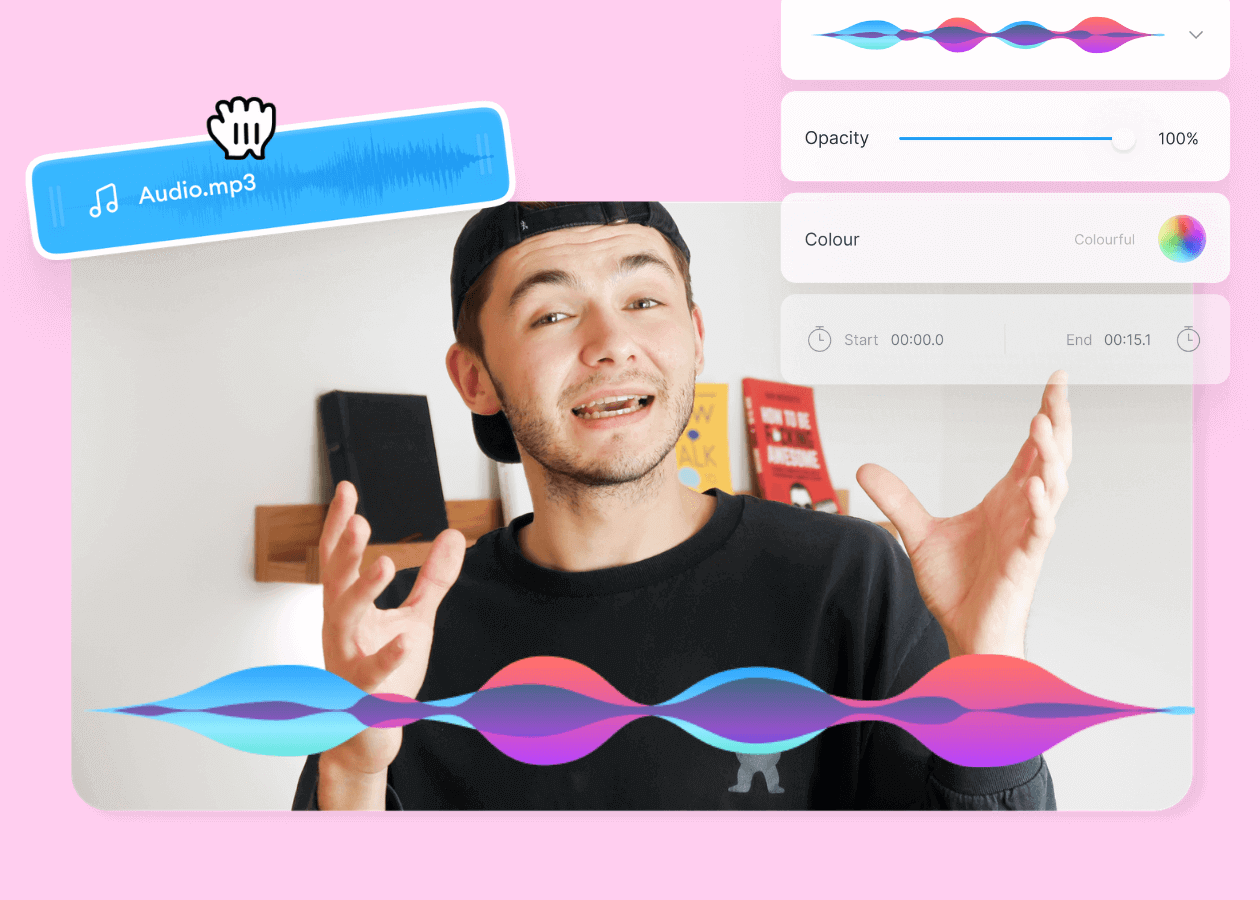
Top 5 Best Music Visualizers [Free and Paid]
Here are some of the best music visualizers available on the internet and how to use them!

How to Rotate a Video (6 Quick & Easy Ways)
How to easily rotate a video whether you're on your desktop, mobile, or on your web browser.

How to Crop a Video (Free and Paid Easy-to-Use Methods)
The easiest way to crop videos (free & paid ways) whether on Windows 10 with VLC or online with VEED. Here's how!
Trusted by 1M+ creators
When it comes to amazing videos, all you need is VEED
No credit card required
More than just an online video effects editor!
Effects are one layer of what makes social video worth watching. VEED is an AI video creation platform where you can generate, shape, and export videos for TikTok, Instagram, YouTube, and LinkedIn. Beyond effects, use VEED AI to build complete social videos with captions, brand assets, and music, and apply your visual style from the same workspace. Sign up now to start creating.