


Trusted by 1M+ creators
Video GPT
Create videos from text prompts with AI. A ChatGPT video creation tool
No credit card required
4.6
2,100+ reviews















VEED GPT: An automatic video creator
Use our free online AI text-to-video tool to create videos from text prompts in seconds with generative AI. Create videos with stock footage, music, subtitles, and more. Simply type and watch our AI tool work its magic. You can also use VEED GPT—our very own plugin installed directly from ChatGPT.
Currently, you can only use this if you have a ChatGPT Plus account. But if you want to try our free video GPT tool online without an account, try our text-to-video tool. Create GPT4 videos instantly in a few simple steps! Streamline your content creation process with VEED’s cutting-edge AI video editor.
Tools you can use to generate AI videos:

Step 01
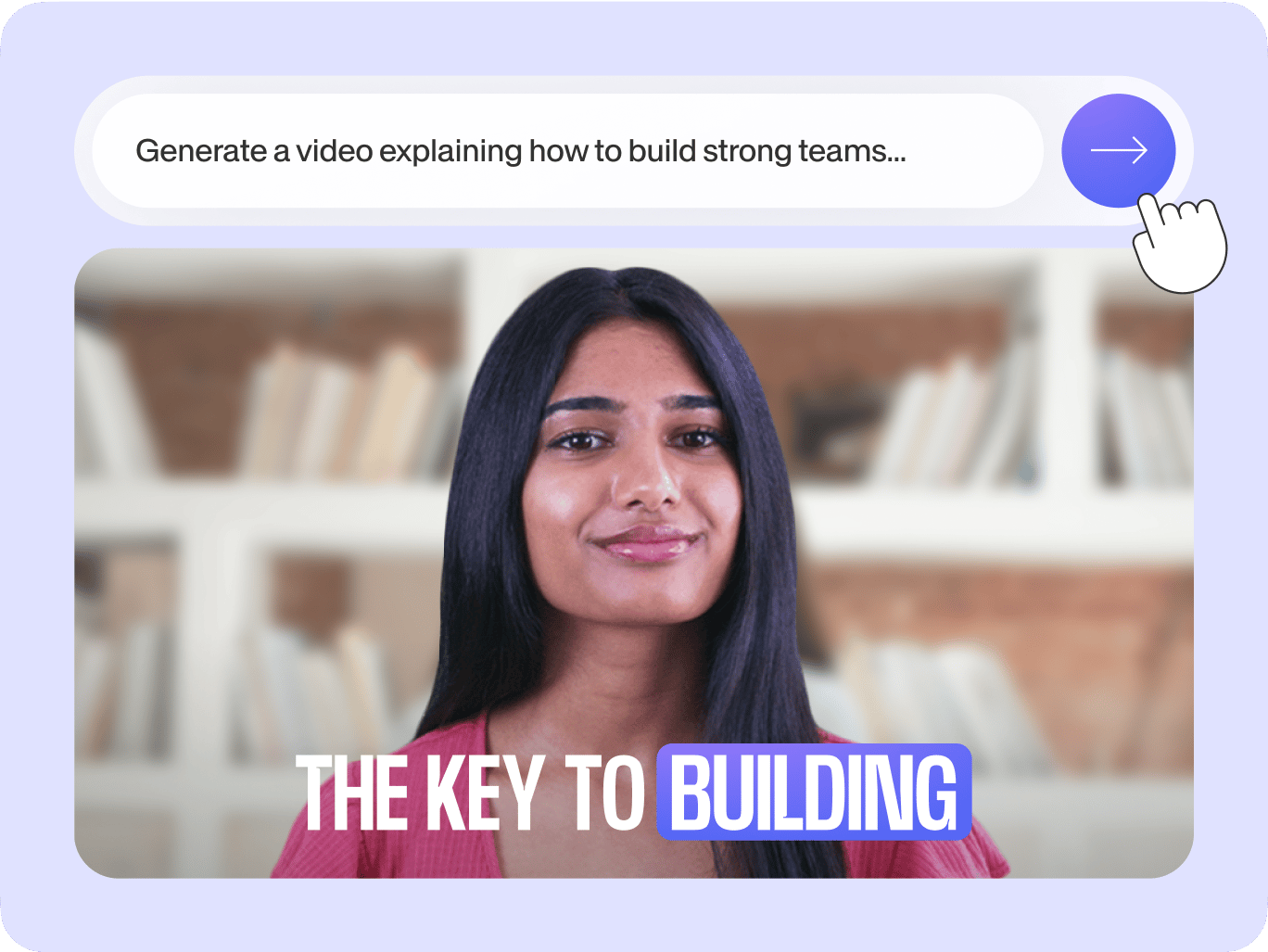
Type a prompt and generate a video
Let our AI magically produce a professional-quality video from your text prompts. Describe the video you want to create and click “Generate.” You can view your AI-generated video and edit it in our built-in video editing software.
Step 02
Use our AI text-to-voice tool!
Add narrations and voiceovers to your video using AI text-to-speech! Click Audio from the left menu and select Text to Speech. Type or paste your text into the text field and click Add to Project. You will see an audio file in the timeline.

Step 03
Add media from our stock library
Select clips from our royalty-free stock media library to add to your video. You can add stock music, sound effects, and even video clips! You can also start with our customizable video templates.
Learn More
Learn more about our AI ChatGPT video generator:
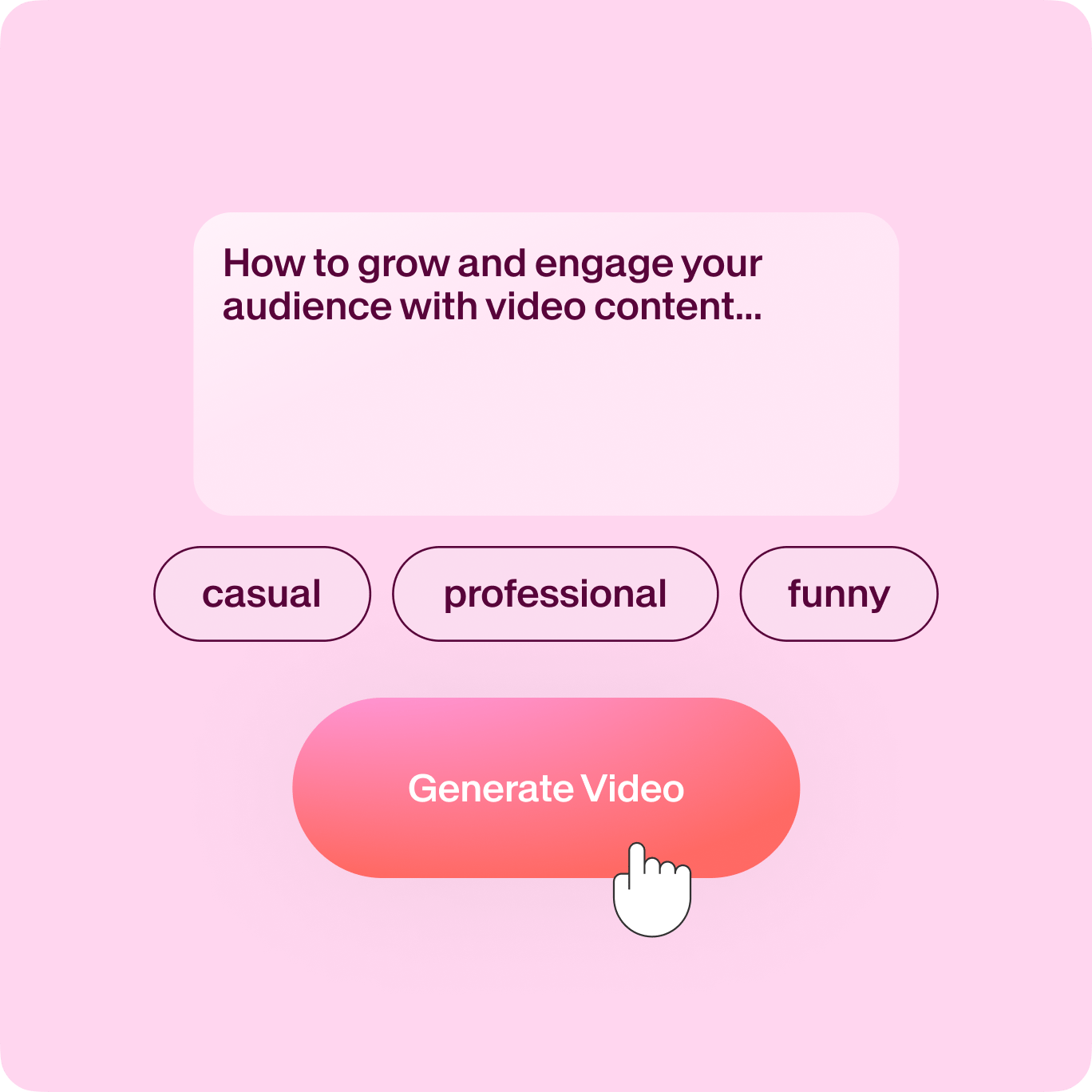
From script to production: Scene-by-scene video creation
No need to conceptualize on your own. Use VEED’s AI script generator to generate compelling video scripts and take them straight to production. Our artificial intelligence will provide you with a script, then use our video editor to create the scenes! From the title and opening shots to the cutscenes, dialogues, narrations, and closing shots, do it with VEED’s AI!
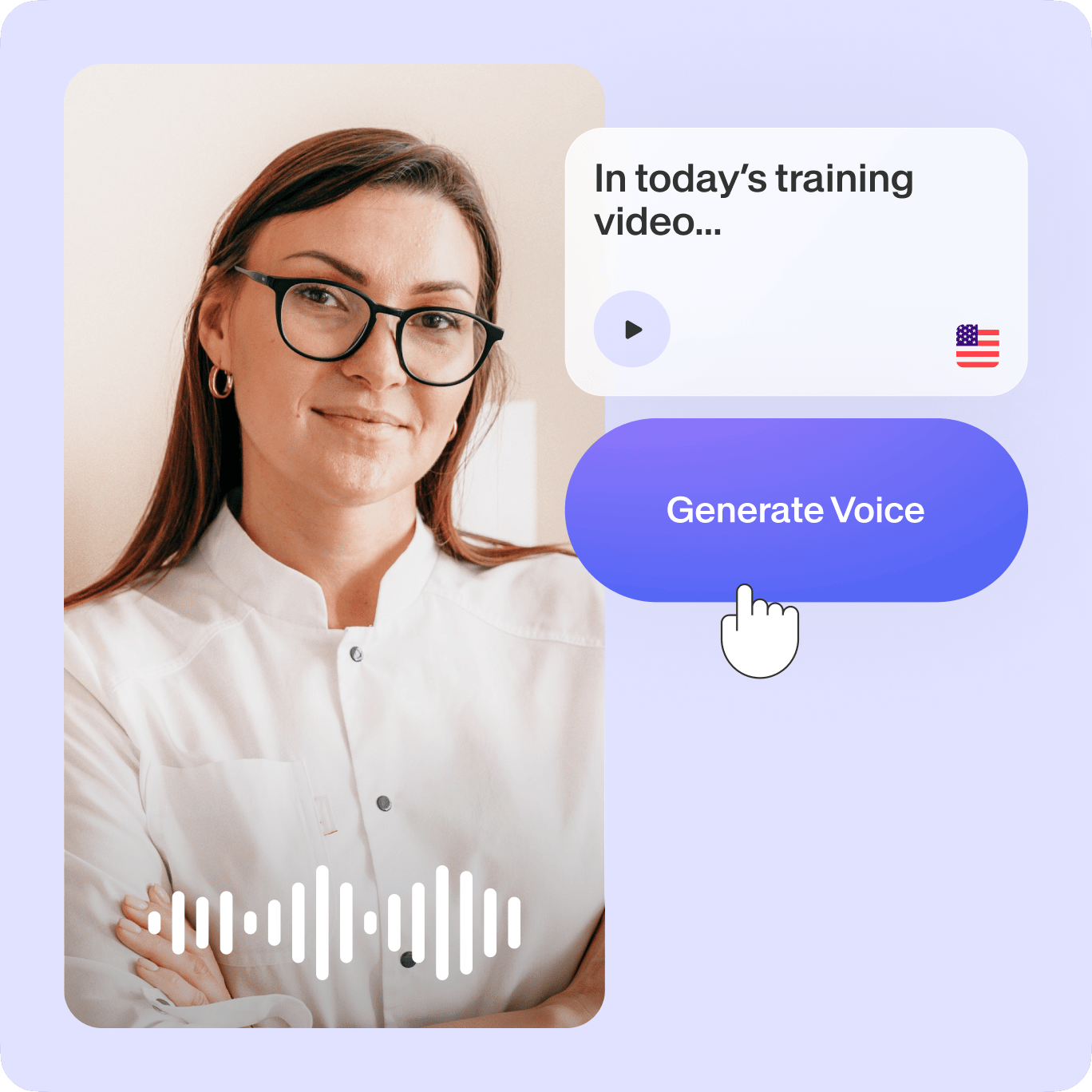
Tell compelling stories with instant text-to-speech conversion
Convert your text to spoken words and add narrations, dialogues, and voiceovers to your content. Using our text-to-video AI and text-to-voice tools, you can select from several voice profiles, languages, and accents. Perfect for social media content creators who need voiceovers for their videos but don’t have the budget for professional voice actors.
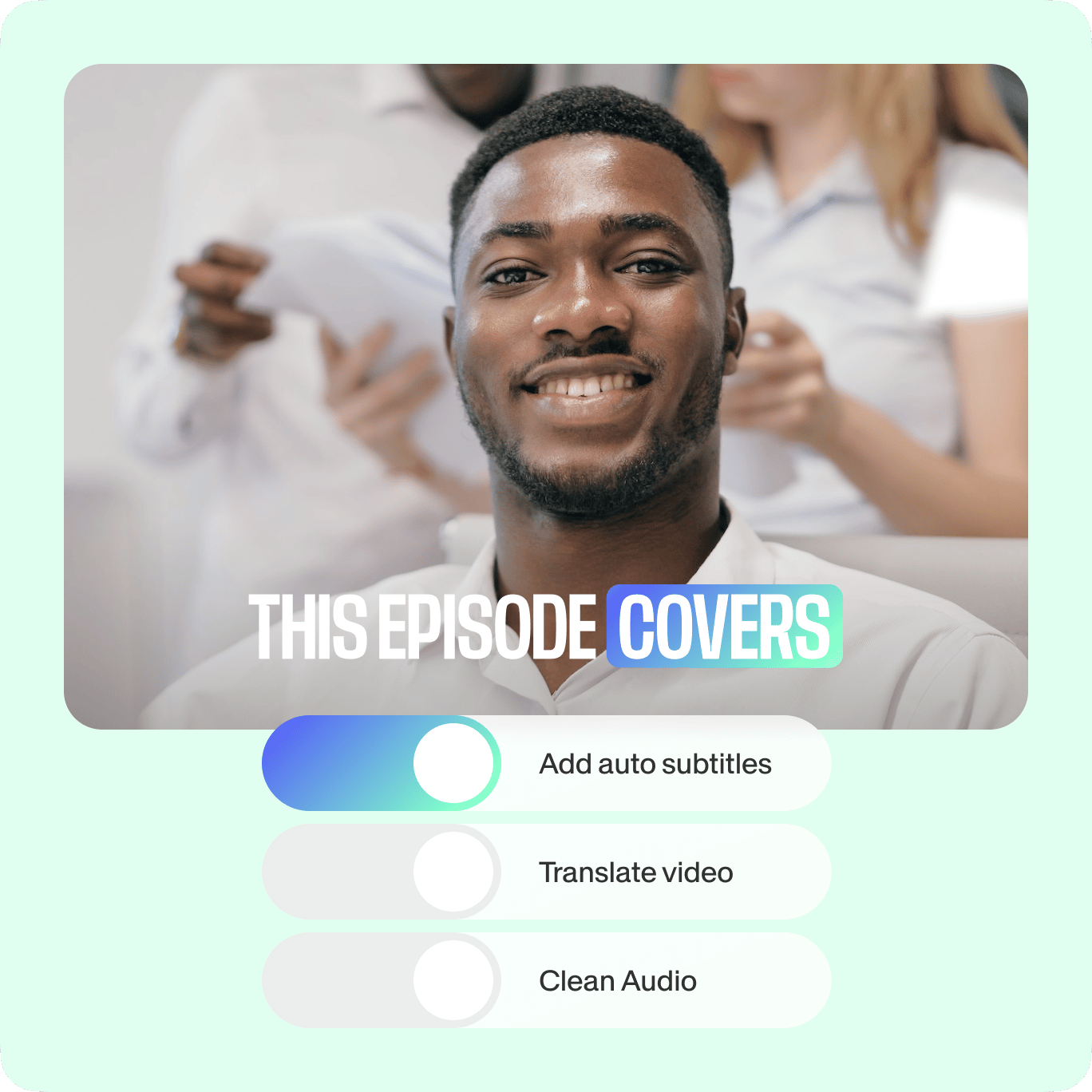
Your professional, one-stop AI suite for video creation
Besides powerful AI tools, VEED offers a full range of manual and automatic video editing features that let you create professional-looking videos—minus the learning curve. Plus, if you have your own footage, you can use our nifty magic cut tool to remove filler words and noise, and turn it into a masterpiece!
FAQ
Do not use the AI ChatGPT video editing app to create harmful content, infringe any third-party rights, or defame anyone.
You can read the full terms here.
VEED has its own video GPT plugin installed directly from ChatGPT. With it, you can generate videos created by artificial intelligence software.
OR you can use our AI content creation tools—such as text-to-speech or AI image generator. VEED features plenty of AI tools you can use to create amazing-looking videos even without your own video footage! You can use audio and video clips from our stock library to add voiceovers, music, and more.
Several ways—on VEED! Generate videos from text prompts using our AI plugin. You can use stock audio and video clips from our stock media library, add voiceovers using AI text-to-speech, or create a video entirely from AI-generated images using our AI image generator!
With VEED, it only takes minutes to add voiceovers to your videos—and all you have to do is type or paste your text! You can preview how it sounds, and when you’re happy, just click on Add to Project!
VEED’s text-to-speech software and our other AI tools are free to use. You can convert your text into a video or audio file, and you can do it straight from your browser.
Currently, you can add up to 5,000 characters to convert to speech per video project.
Absolutely! You can select from several male or female human voices from our AI voice generator. Select a language and an accent! You can also clone your voice and use it as a personalized voiceover for your content.
Loved by creators.
Loved by the Fortune 500
“
With VEED I didn't need 15 tutorials - I jumped straight in and started editing.

Gwenne Wilcox
Founder,
Brand Brainery
“
You can go beyond choppping things. VEED actually makes my videos look great.

Michael Glover
Demand Gen Manager,
ConvertFlow
“
The first four videos i created with VEED got over 40,000 impressions on LinkedIn.

Travis Tyler
Senior Content Producer,
PandaDoc
“
I found VEED at the right time: if you're making UGC ads and not using Eye Contact Correction and Noise Reduction on VEED you're missing out on ROI.

Sebastian Schurgers
Head of Growth Marketing,
Gronda
“
With VEED I didn't need 15 tutorials - I jumped straight in and started editing.
Gwenne Wilcox
Founder,
Brand Brainery
“
You can go beyond choppping things. VEED actually makes my videos look great.
Michael Glover
Demand Gen Manager,
ConvertFlow
“
The first four videos i created with VEED got over 40,000 impressions on LinkedIn.
Travis Tyler
Senior Content Producer,
PandaDoc
“
I found VEED at the right time: if you're making UGC ads and not using Eye Contact Correction and Noise Reduction on VEED you're missing out on ROI.
Sebastian Schurgers
Head of Growth Marketing,
Gronda
“
The first four videos i created with VEED got over 40,000 impressions on LinkedIn.
Travis Tyler
Senior Content Producer,
PandaDoc
“
I found VEED at the right time: if you're making UGC ads and not using Eye Contact Correction and Noise Reduction on VEED you're missing out on ROI.
Sebastian Schurgers
Head of Growth Marketing,
Gronda
“
With VEED I didn't need 15 tutorials - I jumped straight in and started editing.
Gwenne Wilcox
Founder,
Brand Brainery
“
You can go beyond choppping things. VEED actually makes my videos look great.
Michael Glover
Demand Gen Manager,
ConvertFlow
Discover more
Explore related tools
More from VEED

20+ Best AI Tools in 2025 (The Only List You’ll Need)
Here are the best AI tools for video, writing, generating art, and coding. Read to find out which is the best one in each category.
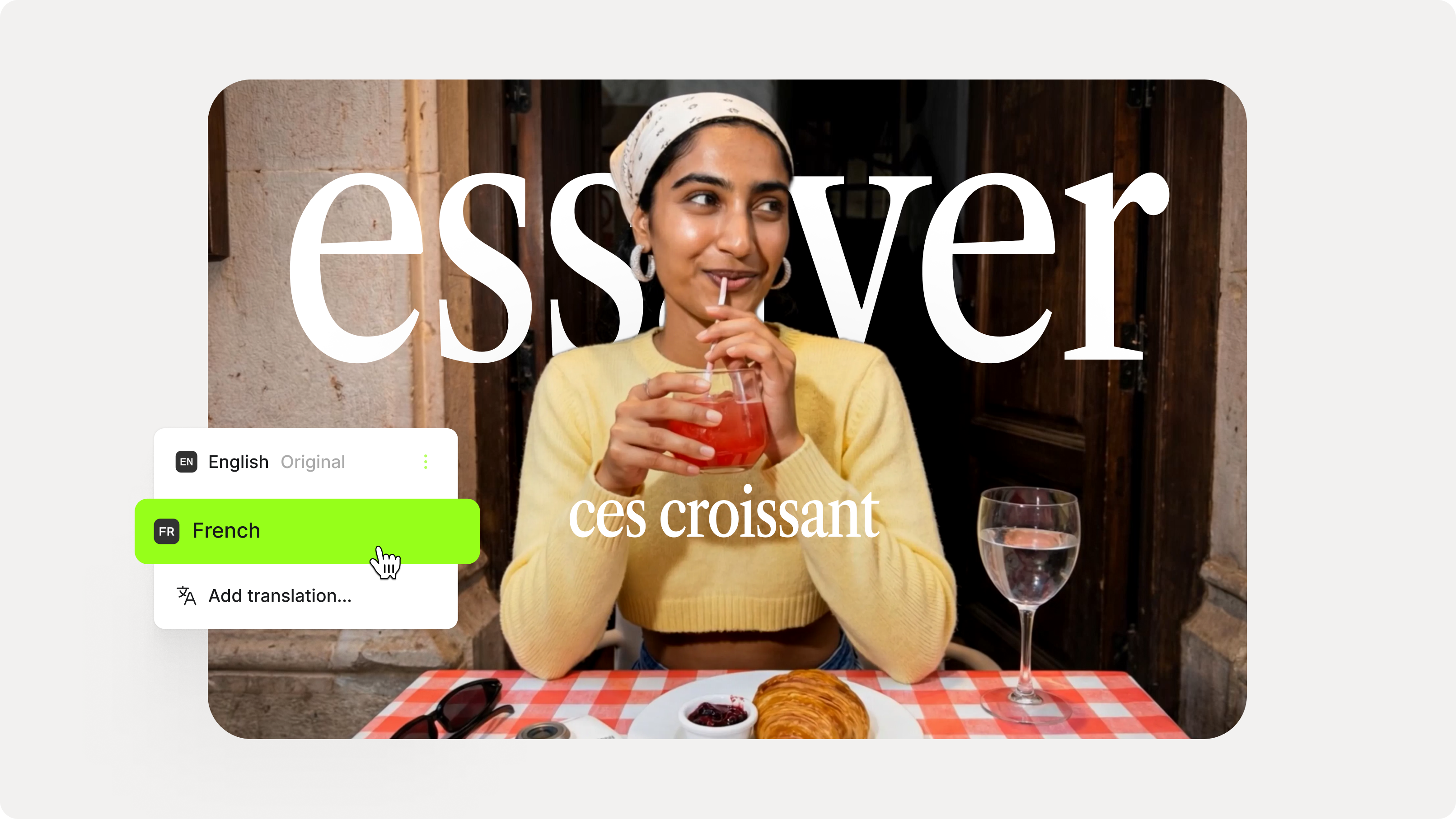
How to Add Translation Subtitles to a Video (Step-by-Step Guide)
A step-by-step guide to adding translation subtitles to any video using VEED. Covers auto-subtitle generation, AI translation into 125+ languages, customization, and export.

Introducing Magic Cut 2.0: Edit an Entire Video in One Click
Magic Cut is a video editing tool by VEED AI that takes a long, imperfect footage and transforms it into short, punchy edits. Read on to learn more about this groundbreaking tool!
Trusted by 1M+ creators
When it comes to amazing videos, all you need is VEED
No credit card required
Powerful video GPT generator, AI tools, and more!
VEED’s magic doesn’t just stop at AI video creation! It lets you do so much more than just create videos from text, add AI voiceovers to your videos, or generate scripts for you. It’s a complete professional video-editing software that lets you create stunning videos in just minutes—allowing you to streamline your content creation process. Plus, you can make use of our video templates. Create sales videos, video marketing ads, movie trailers, and so much more. Explore our AI video editing tools today!