


Trusted by 1M+ creators
Video Brightness Editor
Adjust your video’s brightness, saturation, contrast & more.
No credit card required

4.6
2,100+ reviews















Sharpen Your Videos Online, Free
Is your video too dark to enjoy? Don’t worry, there’s “light” at the end of the tunnel. With VEED, you can adjust your video’s brightness, contrast, color distribution, background, transparency, and much more! Add a splash of colour, vibrance and flair to your videos. Or, drop it a little for dramatic effect! Whatever your project, our professional brightness editor will bring the best out of your video. VEED is a free online video editor that helps creators like you to create professional-grade videos to amaze your audience. Start editing your video in seconds using VEED’s extensive library of editing tools! Easy, fast and accessible to everyone. Plus, you can do all this without leaving your browser, because VEED can be used all online! Simply upload your file, in any format - MP4, MKV, AVI, ASF, & many more - and download your edited video in seconds! No app download needed, no experience needed. VEED is an easy to use and instantly accessible video editor. Perfect for creators, influencers and social media marketers. With VEED on your side, the future of video editing is “brighter” than ever!
How to Adjust the Brightness of a Video
Step 01
Choose a File
Click the ‘Get Started Now’ button above. Select a video to upload, or drag & drop it from your files.
Step 02
Adjust Brightness
Click on the video track, then switch to the ‘Adjust’ tab at the top. Drag the ‘Brightness’ key left or right, until it is bright enough. You can also adjust contrast, saturation and exposure.
Step 03
Download
Bright enough? Then click ‘Export’ to download your video, and you’re done!
Learn More
‘How to Make a Video Lighter’ Tutorial
Business, Education, Personal
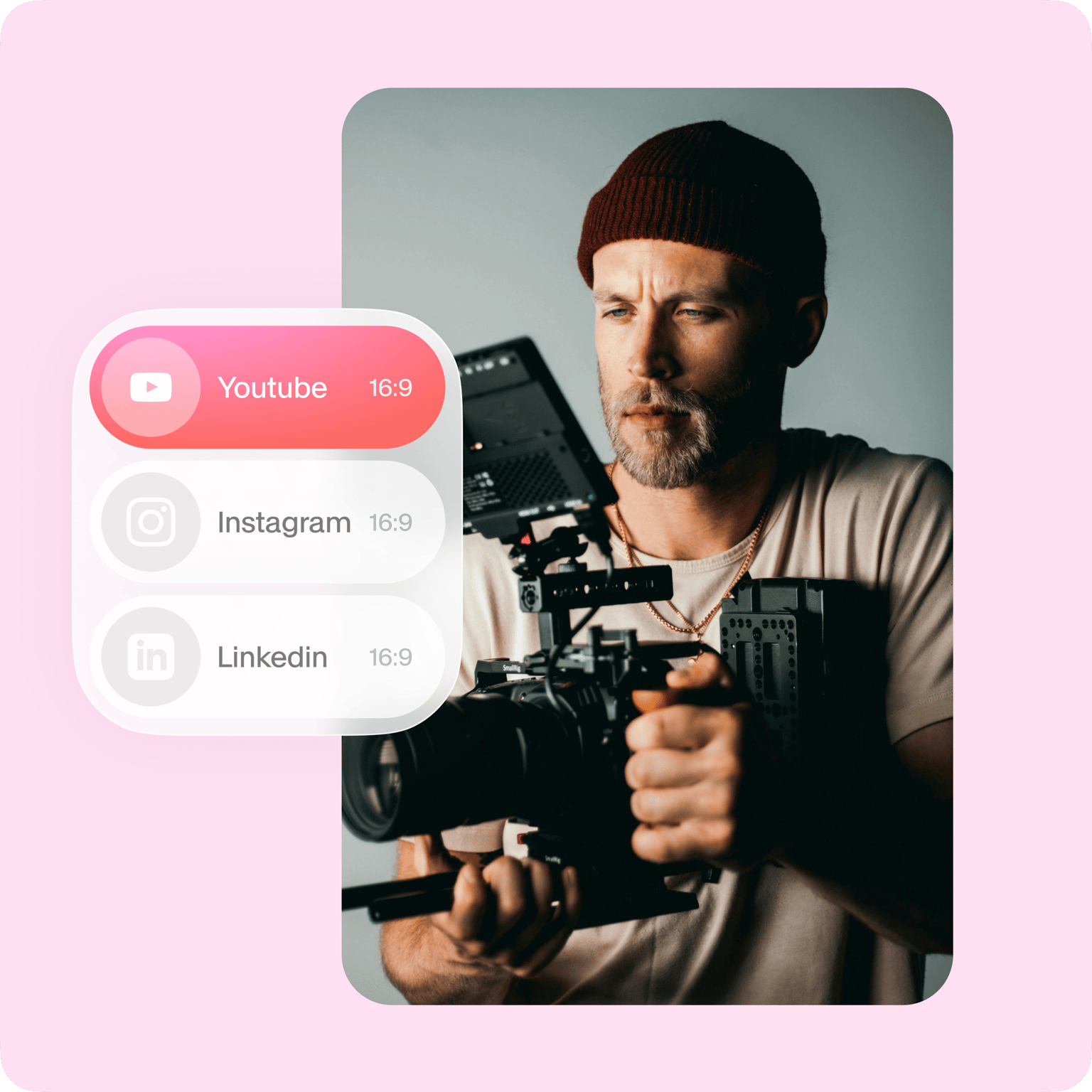
Whether you’re posting on YouTube, Instagram, Twitter, Facebook, LinkedIn, or any social media platform, VEED is always at your fingertips. Use our super-simple video editor to create attention-grabbing content that boosts likes, followers and subscribers. Whether you’re a marketer, vlogger, educator, or hobbyist videographer, VEED has something for you. Our editing studio is the perfect place to polish your marketing videos, travel vlogs, reels, promos, training & educational videos, or whatever involves an elaborate series of moving pictures!
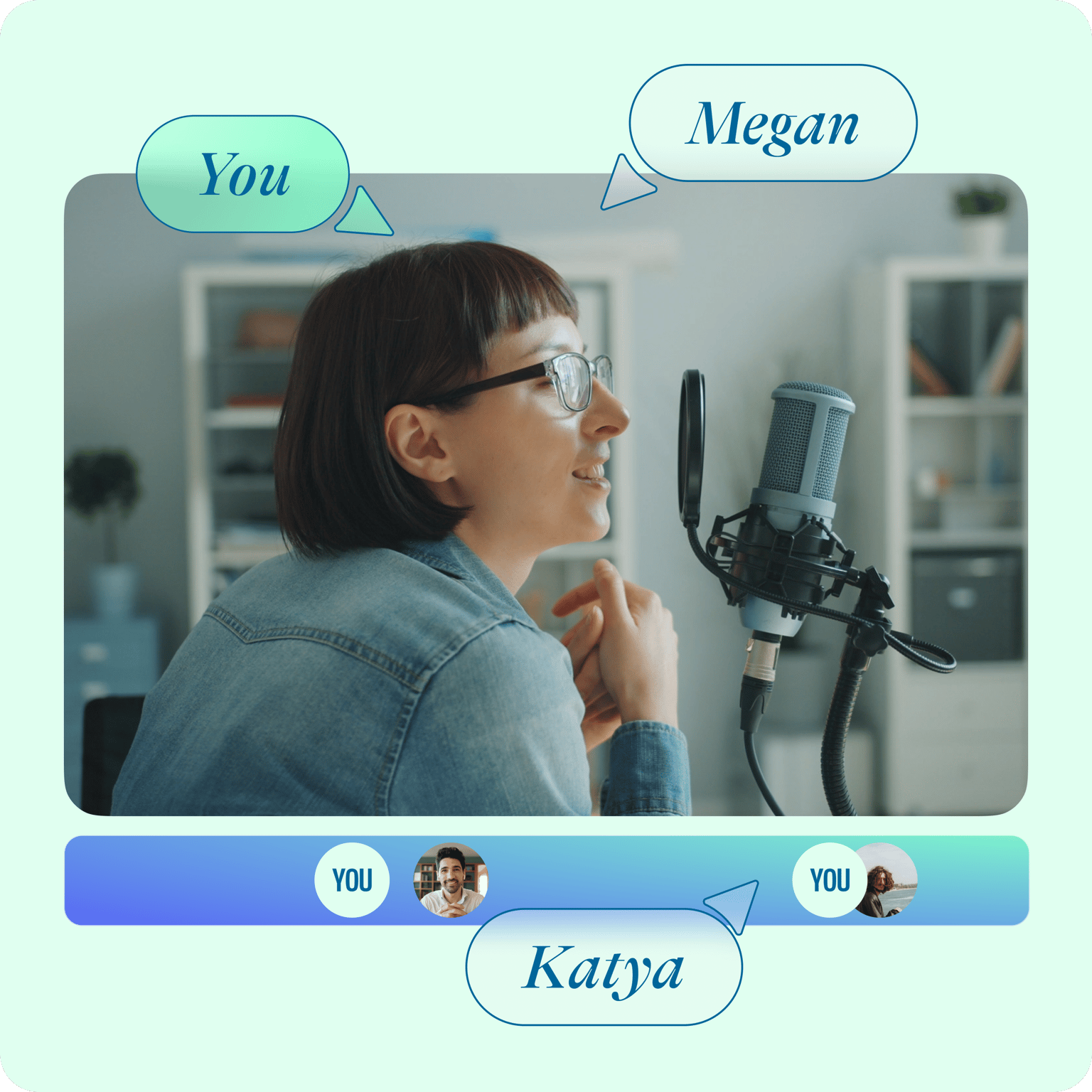
Collaborate on Video Projects
VEED is an online video editor that is perfect for team projects. Work together on projects in any video format (MP4, MOV, WEBM, AVI, etc.), and for any purpose - social media marketing, education, presentations, you name it. You can edit unlimited videos (including audio editing & sound effects) and even work from your iPhone or Android device. VEED allows you to create stunning videos for any social media platform, including intro videos (with our Intro Maker). Add your logo and your own images to always be on brand. Start using without an account, or sign up to save your videos and access them anytime, from anywhere, and any device!
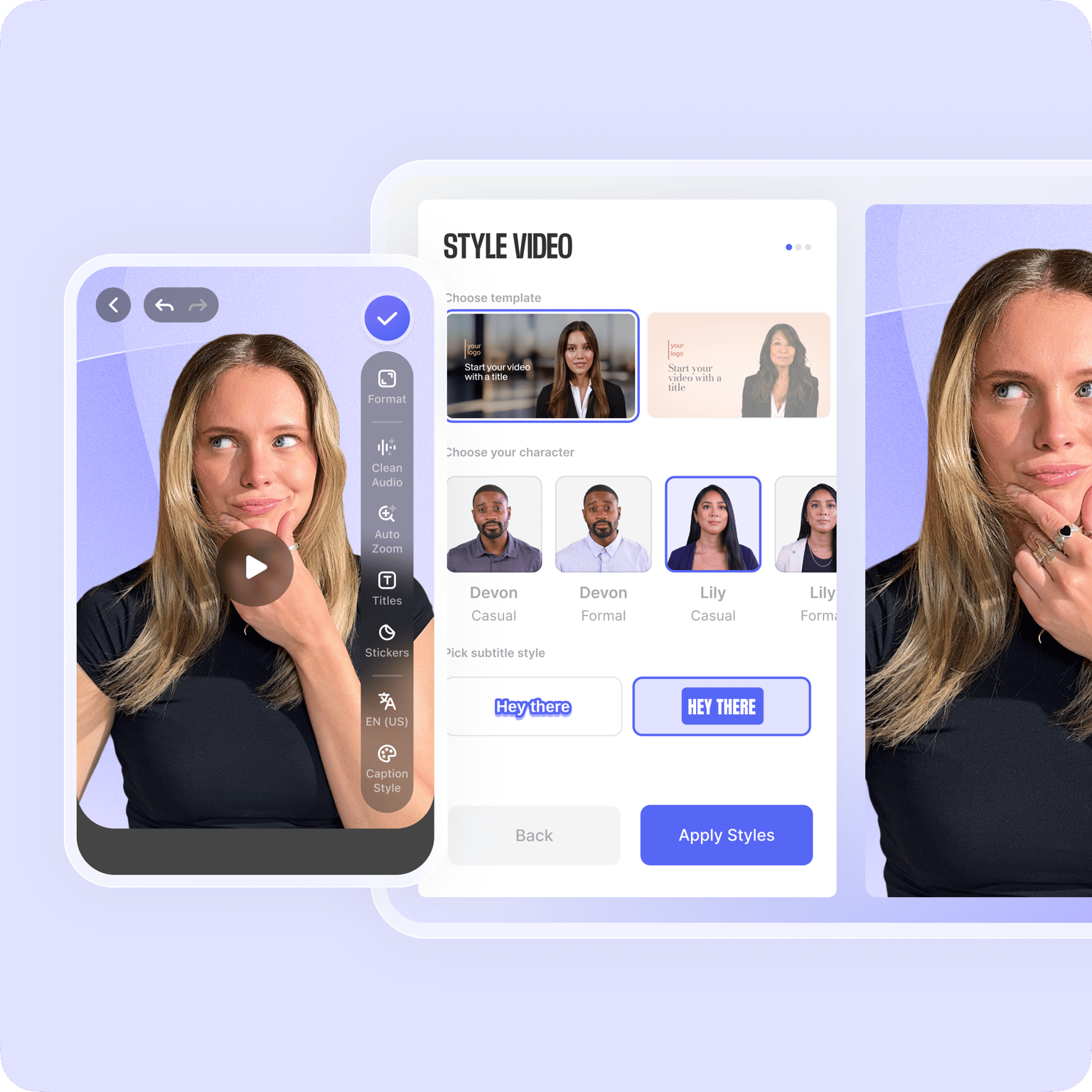
Works Everywhere
Never download costly or complicated software like Adobe or avidemux again. VEED works on mobile, tablets and desktops, and on all major operating systems. Use on Macbook, iPad, Microsoft Surface, Chromebook, and Windows 10 devices. Simply open your browser, upload video and start editing straight away. VEED is compatible with every video format - MP4, AVI, ASF, MKV, MPEG2/4, MPG, M4V, FLV, and more. VEED is a free video editor that allows you to create awesome videos in your palm.
FAQ
Open Safari, open VEED’s video editor, and upload your video file. Then, click the video track on the timeline and switch the tab to ‘Adjust’. Below, you’ll be able to adjust the brightness, exposure, contrast and saturation of your video. Then press ‘Export’ to download your video, and you’re ready to go!
Just like the above! Simply open your favourite browser, whether it’s Chrome, Opera or Mozilla Firefox. Open VEED’s video editor, and upload your video. Click the video track, then select ‘Adjust’. Move the Brightness key from left to right. Our site is mobile-friendly, and you can begin using all our tools without downloading any apps.
Simple. Follow the same instructions to brighten your video, and play around with the ‘Exposure’, ‘Saturation’ and ‘Contrast’ buttons. Find the right balance that matches the theme of your video.
VEED is compatible with a whole range of different audio, video and hybrid formats. These include: AAC, AVI, Facebook or Instagram Video, GIF, M4V, MOV, MP3, MP4, MPE, MPG4, OGG, WEBM, Xbox Video, Zoom Video, you name it! Try uploading your video file to VEED today, it’s highly likely it’ll be supported!
Yes! To open it, click the Filters icon on the bottom-left. On the Color Grading tab, you’ll find a whole range of colour grade filters you can apply to your video. To give it a little more spice, why not try adding our special effects like snow or thermal vision in the ‘Effects’ tab?
On VEED, you certainly can! VEED is a creator-friendly tool that’s designed to boost the quality of every video it edits. You can change frame rate and compress videos to protect its quality.
Loved by creators.
Loved by the Fortune 500
“
With VEED I didn't need 15 tutorials - I jumped straight in and started editing.

Gwenne Wilcox
Founder,
Brand Brainery
“
You can go beyond choppping things. VEED actually makes my videos look great.

Michael Glover
Demand Gen Manager,
ConvertFlow
“
The first four videos i created with VEED got over 40,000 impressions on LinkedIn.

Travis Tyler
Senior Content Producer,
PandaDoc
“
I found VEED at the right time: if you're making UGC ads and not using Eye Contact Correction and Noise Reduction on VEED you're missing out on ROI.

Sebastian Schurgers
Head of Growth Marketing,
Gronda
“
With VEED I didn't need 15 tutorials - I jumped straight in and started editing.
Gwenne Wilcox
Founder,
Brand Brainery
“
You can go beyond choppping things. VEED actually makes my videos look great.
Michael Glover
Demand Gen Manager,
ConvertFlow
“
The first four videos i created with VEED got over 40,000 impressions on LinkedIn.
Travis Tyler
Senior Content Producer,
PandaDoc
“
I found VEED at the right time: if you're making UGC ads and not using Eye Contact Correction and Noise Reduction on VEED you're missing out on ROI.
Sebastian Schurgers
Head of Growth Marketing,
Gronda
“
The first four videos i created with VEED got over 40,000 impressions on LinkedIn.
Travis Tyler
Senior Content Producer,
PandaDoc
“
I found VEED at the right time: if you're making UGC ads and not using Eye Contact Correction and Noise Reduction on VEED you're missing out on ROI.
Sebastian Schurgers
Head of Growth Marketing,
Gronda
“
With VEED I didn't need 15 tutorials - I jumped straight in and started editing.
Gwenne Wilcox
Founder,
Brand Brainery
“
You can go beyond choppping things. VEED actually makes my videos look great.
Michael Glover
Demand Gen Manager,
ConvertFlow
More from VEED
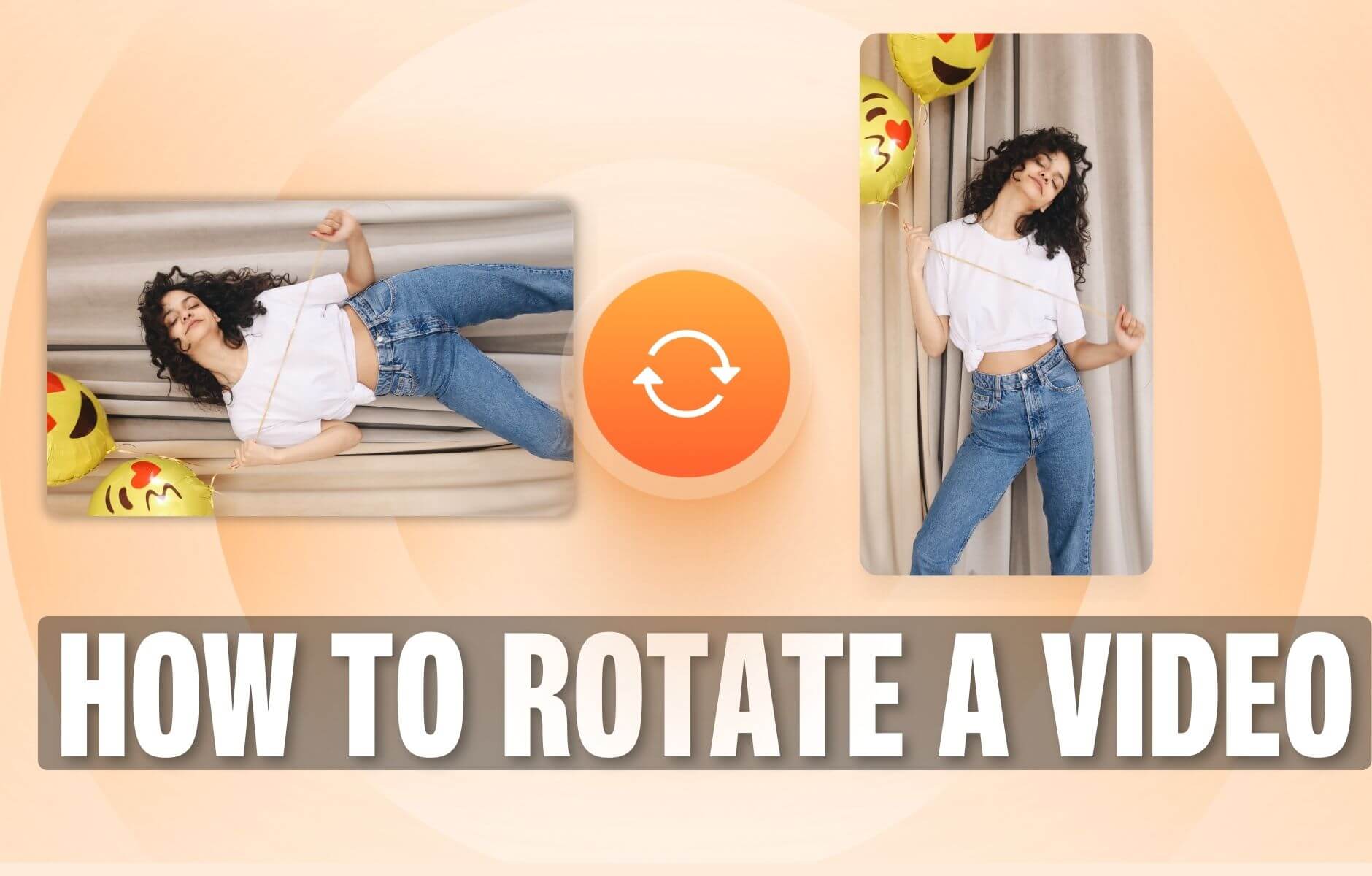
How to Rotate a Video (6 Quick & Easy Ways)
How to easily rotate a video whether you're on your desktop, mobile, or on your web browser.

How to Crop a Video (Free and Paid Easy-to-Use Methods)
The easiest way to crop videos (free & paid ways) whether on Windows 10 with VLC or online with VEED. Here's how!

This is the Best YouTube Banner Size (and Examples of Great Channel Art)
Here's the best size for your YouTube banner and everything you need to know to make eye-catching channel art.
Trusted by 1M+ creators
When it comes to amazing videos, all you need is VEED
No credit card required
Do more than just brighten your videos!
Fortunately, VEED is not just a lighting or color correction tool. It is an entire suite of tools that’ll make your videos attention-grabbing to any bored pair of eyes! VEED has a selection of cool features you can use to transform your videos and bring them to life. Add watermarks, logos, progress bars, emojis, stickers, background music, subtitles, translations, and so much more! In other words, VEED is your perfect companion to create videos that’ll grow your online presence, followers and likes. So, after brightening the video, why not brighten your whole video editing career instead? Just an idea...