

Trusted by 1M+ creators
Faceless Videos
Create faceless videos with our AI video generator, voiceover tools, screen recorder, and more
No credit card required
4.6
2,100+ reviews















Create awesome videos without showing your face
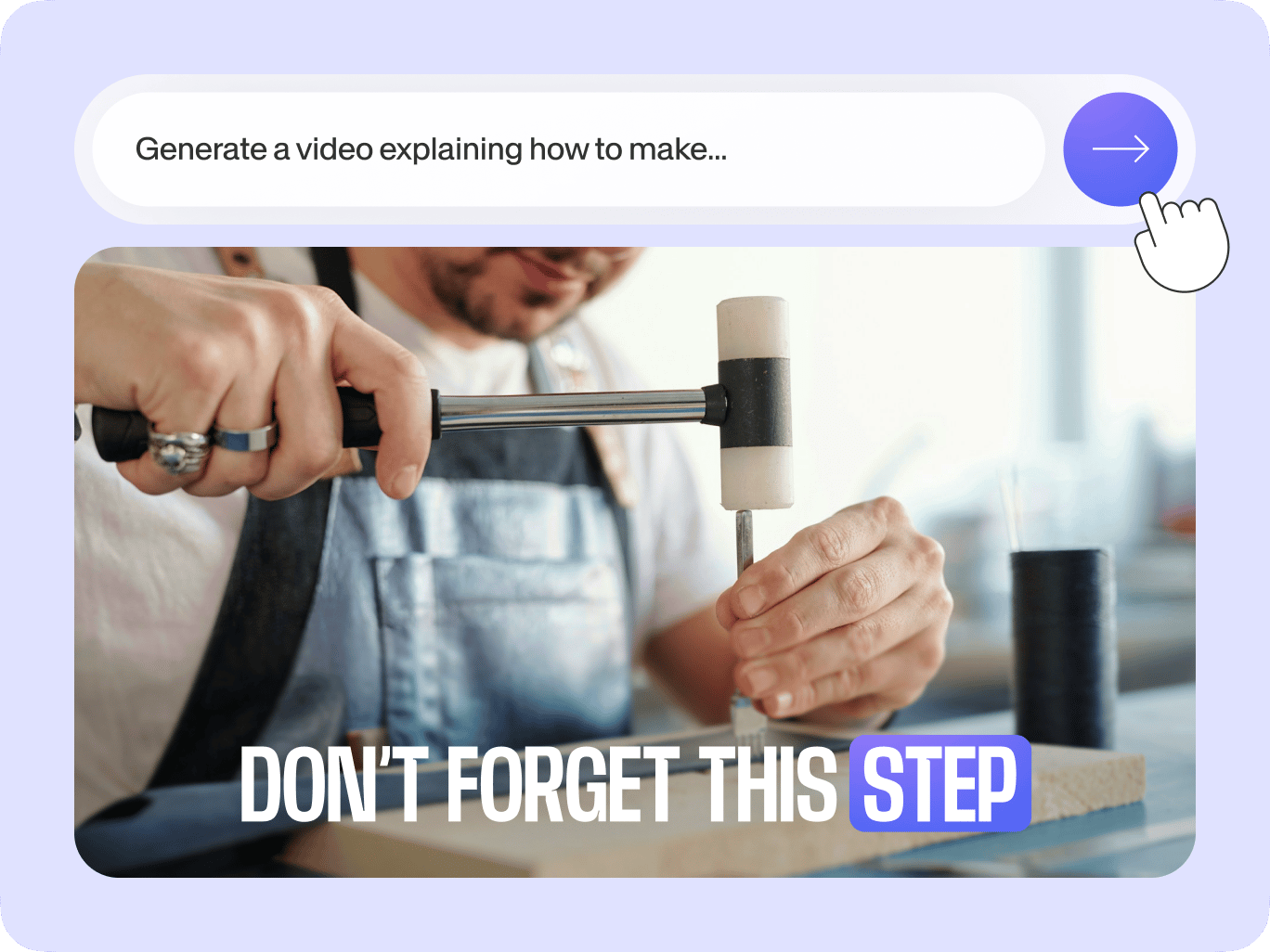
VEED's faceless AI video generator lets you easily make high-quality content while maintaining your privacy. Just type a prompt, customize the style, and generate a video. Our features include text-to-speech, text overlays, and voice cloning. Transform your ideas into stunning content with VEED's faceless video AI generator.
Our faceless video creator has a built-in video editor with all the essential video editing tools. Record your screen to make tutorials. Add voiceovers and auto-trim your awkward pauses. Then, combine your footage with eye-catching text overlays and the perfect music to set the tone. With VEED, anyone can create professional-looking videos in minutes.
How to make faceless videos with VEED:
Step 01
Type a prompt
Choose the type of video you want to create. Describe the video topic.
Step 02
Style the video
Customize details like aspect ratio, voice, and subtitles.
Step 03
Generate faceless video content
Type your script. Our script generator can help. Generate your video and add finishing touches using our video editor.
Learn More
Watch this AI text-to-video tutorial:
Make engaging faceless AI videos in minutes
Create vlogs without showing your face just by describing your idea. You can use AI for creating videos based on your prompts. Load our video editor to refine your content; replace clips with your own footage, find the perfect stock music, and add text overlays to reinforce your message. No complicated software or editing experience needed.
Record tutorials without setting up a camera
VEED's built-in screen recording feature lets you capture your screen and mouse movements. As a faceless content creator, you can easily explain your tutorials in multiple ways: record your voice over the demonstration, add text to highlight key points, or generate AI voiceovers using the text-to-speech feature.
Create voiceovers from a sample of your voice
Bring your faceless videos to life with VEED's voice cloning technology. By providing a small sample of your voice, VEED can generate natural voiceovers that sound like you. This feature saves you time and effort, eliminating the need for lengthy recording sessions or expensive voice talent. Create engaging faceless videos with your personal touch.
FAQ
Faceless videos use stock photos, screen recordings, animations, or voiceovers to share information without showing the creator’s face. It's an excellent option for creators who feel uncomfortable on camera or want to maintain anonymity and place focus on the content. This format works well for educational, tutorial, or storytelling videos.
Yes, faceless videos can make money through ad views, affiliate marketing, digital product sales, and brand partnerships. To monetize your faceless videos on YouTube, you’ll have to ensure that your AI faceless YouTube channel follows the platform's eligibility requirements.
Use our text-to-video AI generator. Describe your video, choose a style, and type your script. No need to record your voice; our text-to-speech feature lets you generate a realistic voiceover. Polish your generated video using our video editor. You can change the clips, music, and subtitles until your video looks perfect.
You can create a faceless YouTube channel featuring explainer videos, news roundups, poetry showcases, travel vlogs, life hack videos, or animated short stories. VEED’s versatile video editor lets you easily bring your ideas to life using various AI-powered tools like text-to-video, animations, and text overlays.
Loved by creators.
Loved by the Fortune 500
“
With VEED I didn't need 15 tutorials - I jumped straight in and started editing.

Gwenne Wilcox
Founder,
Brand Brainery
“
You can go beyond choppping things. VEED actually makes my videos look great.

Michael Glover
Demand Gen Manager,
ConvertFlow
“
The first four videos i created with VEED got over 40,000 impressions on LinkedIn.

Travis Tyler
Senior Content Producer,
PandaDoc
“
I found VEED at the right time: if you're making UGC ads and not using Eye Contact Correction and Noise Reduction on VEED you're missing out on ROI.

Sebastian Schurgers
Head of Growth Marketing,
Gronda
“
With VEED I didn't need 15 tutorials - I jumped straight in and started editing.
Gwenne Wilcox
Founder,
Brand Brainery
“
You can go beyond choppping things. VEED actually makes my videos look great.
Michael Glover
Demand Gen Manager,
ConvertFlow
“
The first four videos i created with VEED got over 40,000 impressions on LinkedIn.
Travis Tyler
Senior Content Producer,
PandaDoc
“
I found VEED at the right time: if you're making UGC ads and not using Eye Contact Correction and Noise Reduction on VEED you're missing out on ROI.
Sebastian Schurgers
Head of Growth Marketing,
Gronda
“
The first four videos i created with VEED got over 40,000 impressions on LinkedIn.
Travis Tyler
Senior Content Producer,
PandaDoc
“
I found VEED at the right time: if you're making UGC ads and not using Eye Contact Correction and Noise Reduction on VEED you're missing out on ROI.
Sebastian Schurgers
Head of Growth Marketing,
Gronda
“
With VEED I didn't need 15 tutorials - I jumped straight in and started editing.
Gwenne Wilcox
Founder,
Brand Brainery
“
You can go beyond choppping things. VEED actually makes my videos look great.
Michael Glover
Demand Gen Manager,
ConvertFlow
Discover more
- AI Animation Generator
- AI Art Video Generator
- AI Course Creator
- AI Marketing Video Generator
- AI Movie Generator
- AI Music Video Generator
- AI News Generator
- AI Reel Generator
- AI Stock Video Generator
- AI Training Video Generator
- AI UGC
- AI Video Demo
- AI Video Editor
- AI Video Generator
- AI Video Maker
- AI Visual Generator
- AI YouTube Video Maker
- Animate from Audio
- Article to Video
- Blog to Video
- Idea to Video
- Script to Video
- Seedance AI Video
- Text to Animation AI
- Text to Video AI
- TikTok Video Generator
- Veo 3
- Video Generators
- Viral AI Video Generator
- YouTube Shorts Maker
Explore related tools
More from VEED

105 YouTube video ideas for when you don't know what to post
Want to grow your YouTube channel but are stuck on what to post? We did the work and curated a list of 105 ideas every creator should know about.

How to Edit YouTube Videos Like a Pro (Even if it's Your First Time)
Edit YouTube videos fast and easy like a pro even if you've never edited a video in your life. Here's how!

YouTube Thumbnail Size Guide and Best Practices According to 3 YouTube experts
Want more views on your YouTube videos? Here's everything you need to know about thumbnails to get more clicks. We’ve also got proven YouTube thumbnail design tips from the pros who manage YouTube channels over at Ahrefs, Podia, and VEED.
Trusted by 1M+ creators
When it comes to amazing videos, all you need is VEED
No credit card required
More than a faceless video creator
Create any content with VEED, from faceless videos to realistic avatars. VEED is an AI video creation platform where you can turn any idea or script into a complete video. Open VEED AI type your topic, and generate a full video with AI avatars, voiceovers, B-roll, and subtitles built in. Try the best AI models to create visuals, or bring your own footage into the editor. One platform, from first idea to finished video. Sign up now to get started.