

Trusted by 1M+ creators
Animate from Audio
Turn a prompt, a song clip, or a photo into an AI music video in minutes. Media uploads are optional. Try for free
No credit card required
4.6
2,100+ reviews















Turn Your Audio Into Video
Animate from audio: Turn your sound into a music video with AI
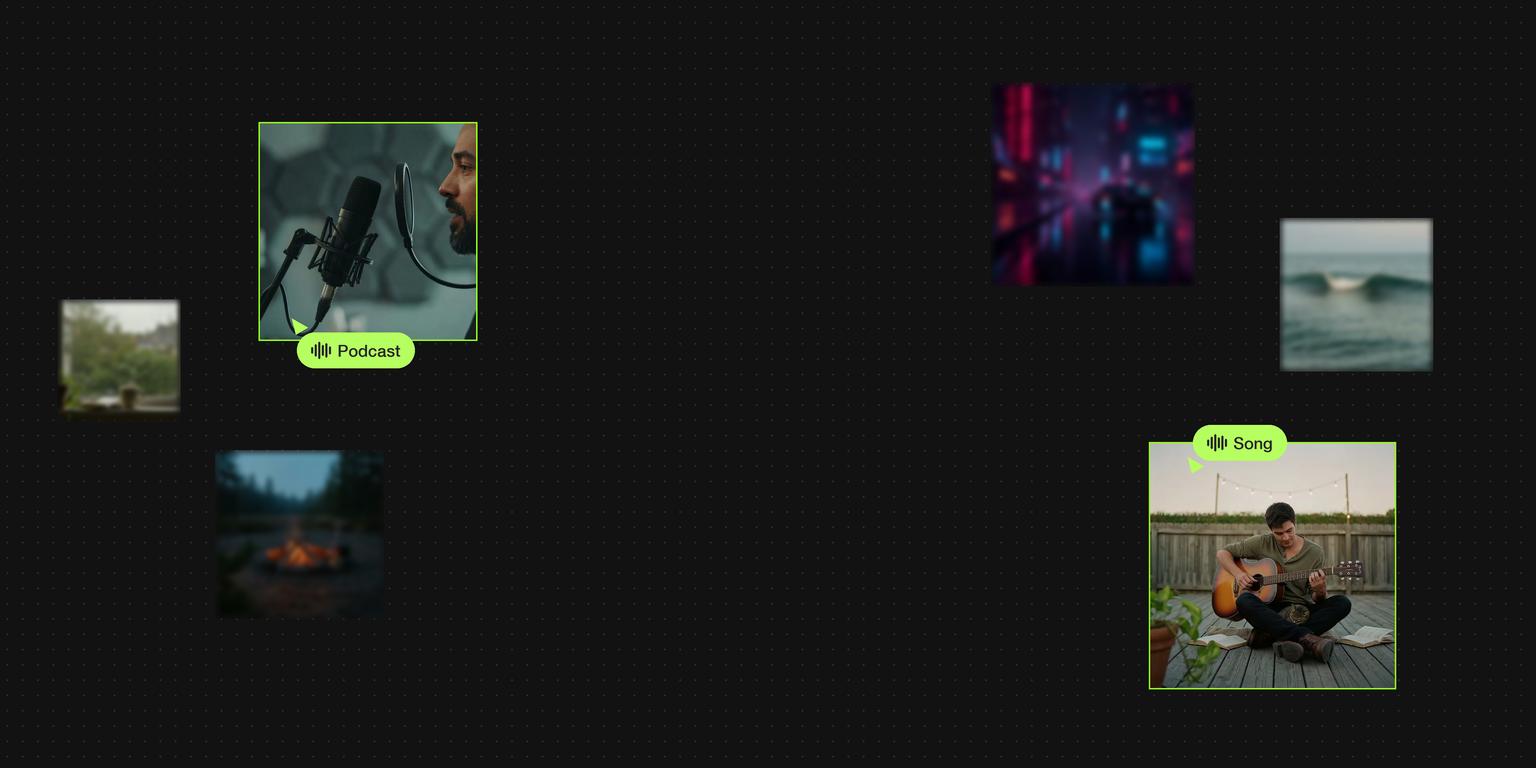
A music video used to mean a shoot, an editor, and a budget most artists and brands don't have. With VEED's audio to video AI, you describe the scene, add your track if you have one, and get a generated video in minutes. A prompt is all you need. Uploading audio and images is optional.
Make song teasers for TikTok and Instagram Reels, looping visuals for YouTube Shorts, or a scroll-stopping ad set to your brand's sound. Have a single photo you want to bring to life instead? Try image to video AI.
How to animate from audio with AI:
Step 01
Add your audio or image
Click “Get started” and choose a song clip, voice note, or image from your device. Prefer to start from scratch? Close the file picker and you'll go straight to the generator. A subscription allows you longer audio files.
Step 02
Describe your video and choose your settings
Type a prompt that sets the scene, style, and mood, like "a music video in a neon-lit New York subway." Add a first frame, last frame, or reference images to guide the look. Then pick a model (Fast, Pro, or Ultra HD) and an aspect ratio: 9:16, 1:1, 16:9, 3:2, or 2:3.
Step 03
Generate and download
Click Generate video, preview your clip, and download it. Open it in VEED's editor to add lyrics or captions with the auto subtitle generator, drop in your logo, and export for any platform.
Learn More
Learn how to create AI animations from text prompts:
Make a music video from a prompt, not a production
Describe what you see in your head and get a generated clip sized for TikTok, Instagram Reels, YouTube Shorts, or a Spotify Canvas. Add a track to build the video around your sound, or skip the audio and let the prompt lead. Artists, labels, and social teams can test a new visual for every release without booking a shoot.
Control the look from the first frame to the last
Set a first frame and a last frame, add reference images, and choose Fast, Pro, or Ultra HD for the quality you need. Then finish the video in VEED's editor with your brand kit, fonts, and captions, so it looks like your brand made it, not AI.
One workflow for every audio-first video
No track yet? Create one with the AI music generator, then animate it here. Want the words on screen? Turn your song into a lyric video. Podcasters, musicians, and marketers can go from a sound to a post-ready video in one place.
FAQ
Click get started and pick an audio file, an image, or neither. Write a prompt describing the scene and style, choose a model and aspect ratio, then click Generate video. VEED's AI creates a video clip from your prompt and your audio in minutes. Download it as is, or open it in VEED's editor to add captions, text, and your logo before you post.
No. The prompt is the only required input. You can add a song clip, a beat, or a voice recording to build the video around your sound, and you can add an image to set the first frame, last frame, or overall style. If you close the file picker without choosing a file, the generator still opens and you can start from a prompt alone.
On the free plan, audio clips are trimmed to 5 seconds, which works well for short loops, song teasers, and Spotify Canvas visuals. If your file is longer, VEED trims it and lets you know before you generate. To create longer videos from a full verse or chorus, upgrade to a paid plan. You can also stitch several clips together in VEED's editor.
Yes. After you generate your video, open it in VEED's editor. Add lyrics or captions with auto subtitles, apply your brand kit with your colors, fonts, and logo, and layer in text, stickers, or extra footage. You stay in one workflow from generation to export, so the final video looks like your brand made it, not like generic AI output.
Loved by creators.
Loved by the Fortune 500
“
With VEED I didn't need 15 tutorials - I jumped straight in and started editing.

Gwenne Wilcox
Founder,
Brand Brainery
“
You can go beyond choppping things. VEED actually makes my videos look great.

Michael Glover
Demand Gen Manager,
ConvertFlow
“
The first four videos i created with VEED got over 40,000 impressions on LinkedIn.

Travis Tyler
Senior Content Producer,
PandaDoc
“
I found VEED at the right time: if you're making UGC ads and not using Eye Contact Correction and Noise Reduction on VEED you're missing out on ROI.

Sebastian Schurgers
Head of Growth Marketing,
Gronda
“
With VEED I didn't need 15 tutorials - I jumped straight in and started editing.
Gwenne Wilcox
Founder,
Brand Brainery
“
You can go beyond choppping things. VEED actually makes my videos look great.
Michael Glover
Demand Gen Manager,
ConvertFlow
“
The first four videos i created with VEED got over 40,000 impressions on LinkedIn.
Travis Tyler
Senior Content Producer,
PandaDoc
“
I found VEED at the right time: if you're making UGC ads and not using Eye Contact Correction and Noise Reduction on VEED you're missing out on ROI.
Sebastian Schurgers
Head of Growth Marketing,
Gronda
“
The first four videos i created with VEED got over 40,000 impressions on LinkedIn.
Travis Tyler
Senior Content Producer,
PandaDoc
“
I found VEED at the right time: if you're making UGC ads and not using Eye Contact Correction and Noise Reduction on VEED you're missing out on ROI.
Sebastian Schurgers
Head of Growth Marketing,
Gronda
“
With VEED I didn't need 15 tutorials - I jumped straight in and started editing.
Gwenne Wilcox
Founder,
Brand Brainery
“
You can go beyond choppping things. VEED actually makes my videos look great.
Michael Glover
Demand Gen Manager,
ConvertFlow
Discover more
- AI Animation Generator
- AI Art Video Generator
- AI Course Creator
- AI Marketing Video Generator
- AI Movie Generator
- AI Music Video Generator
- AI News Generator
- AI Reel Generator
- AI Stock Video Generator
- AI Training Video Generator
- AI UGC
- AI Video Demo
- AI Video Editor
- AI Video Maker
- AI Visual Generator
- AI YouTube Video Maker
- Article to Video
- Blog to Video
- Faceless Videos
- Idea to Video
- Script to Video
- Seedance AI Video
- Text to Animation AI
- Text to Video AI
- TikTok Video Generator
- Veo 3
- Video Generators
- Viral AI Video Generator
- YouTube Shorts Maker
Explore related tools
More from VEED

Best AI Avatar Generators in 2026 (The Only List You'll Need)
Searching for the best AI avatar generator? We got you. Check out this expert round-up of the must-try generators out there.

8+ Best AI Voice Generators to Try in 2026
Searching for the best AI voice generator? We tested the top ones so you don't have to. Check out our comprehensive reviews of the best AI voice generators in this listicle.

The 16 Best AI Art Generators of All Time: Unleash Your Creativity!
Unlock your creativity! Check out our roundup of the best AI art generators to try in 2025.
Trusted by 1M+ creators
When it comes to amazing videos, all you need is VEED
No credit card required
More than an audio animation tool
Animating from audio is one way to start. VEED is an AI video creation platform made for social. Generate clips from a prompt, a photo, or a sound with text to video AI, AI avatars, and leading AI video models. Refine them with subtitles, transcript editing, and AI voiceovers. Add your brand kit so every video looks like your brand made it, not AI. Then export post-ready video for TikTok, Instagram, YouTube, and LinkedIn in minutes.