

Trusted by 1M+ creators
AI Video Demo
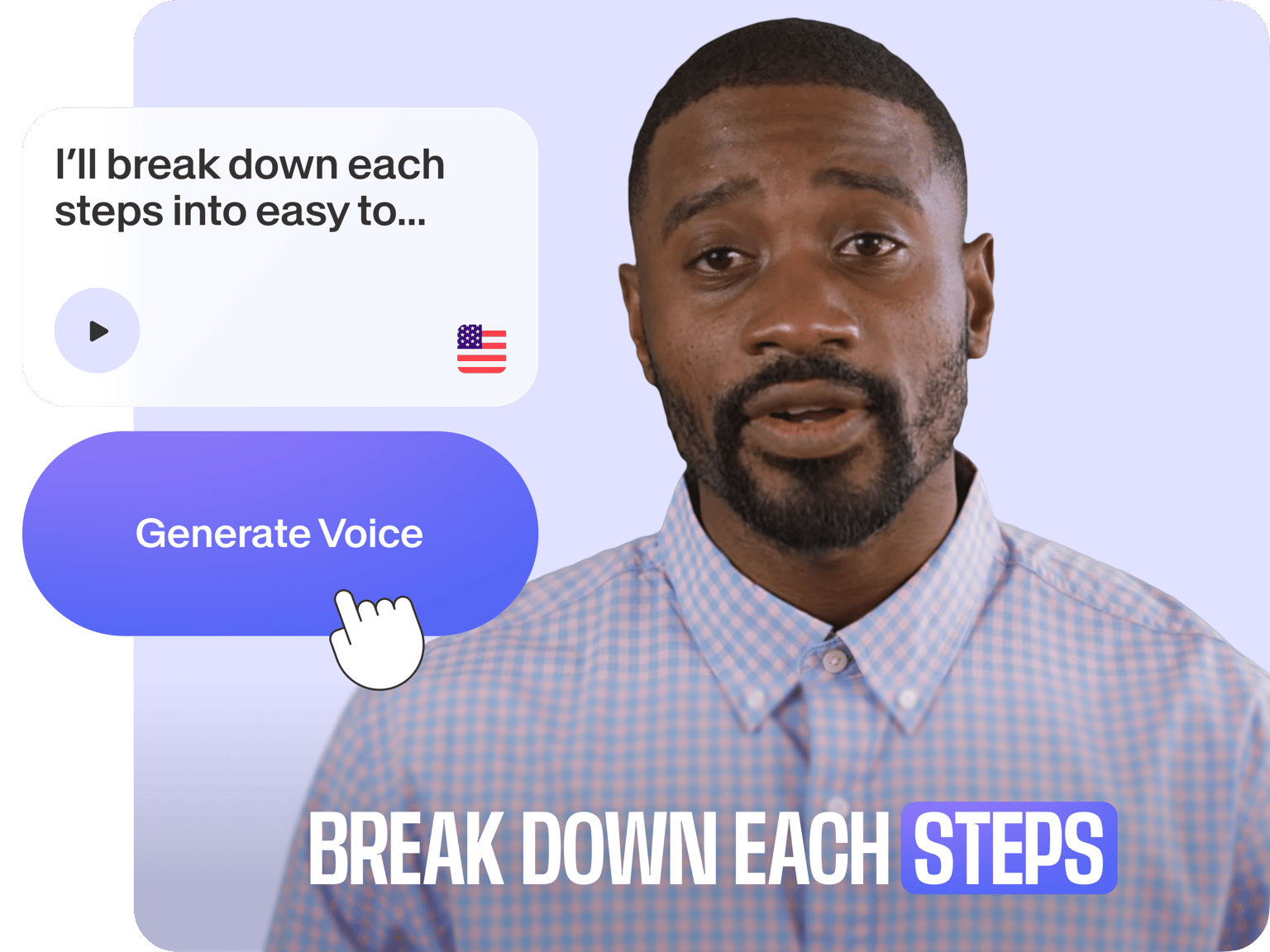
Turn screen recordings into engaging video demos—complete with lifelike AI narration, animations, and more
No credit card required
4.6
2,100+ reviews















Create a professional video demo in minutes with AI
Tired of spending hours on product demos? Do your videos go unnoticed or fail to convert? Create a polished AI video demo in minutes with VEED. Our AI handles the heavy lifting—from generating scripts to cleaning up background noise. It can even turn your script into lifelike voiceovers.
Customize everything to fit your brand and collaborate with your team. Whether you’re closing sales, onboarding new users, or training your team, you can do it all on VEED. Showcase key features, highlight your product benefits, and drive action. Get started now.
How to create an AI demo video:
Step 01
Record your screen
Choose a layout and background, or upload your own image. Click ‘Record’ when you’re ready. Alternatively, you can convert slides into a narrated video.
Step 02
Enhance with AI
Clean up your audio in one click. Or add narrations with text-to-speech voiceovers and AI avatars. Add text, CTAs, and other visuals by dropping elements into the timeline.
Step 03
Share the video
Export your video, share the video link, or copy the embed code to add it to your website.
Learn More
Watch this AI text-to-speech video demo:
Create demo videos in minutes, not days
Make professional demo videos that look like they took days to create. You only need minutes of your time. VEED’s AI generates scripts and voiceovers for you. Recorded your own voice? Magic Cut automatically removes your filler words and awkward pauses, saving you hours of manual editing.
Personalize demos for different audiences
Tailor your demos for different audiences—without starting from scratch. When your UI updates, edit your script and regenerate the AI voiceover or talking avatar; no need to re-record. Scale high-quality, personalized demos fast. Plus, collaborate seamlessly with your team in our web-based editor.
Add your custom branding
Keep your demos on-brand, every time. Customize colors, fonts, and backgrounds to match your style. Add your logo, choose from professional layouts, and include branded CTAs. Then, save these custom assets to a brand kit (available on a Pro plan). This way, your demo videos will look polished and consistent.
FAQ
Record your screen with VEED. Then, add annotations and your branding for a polished, professional look. Use AI avatars for quick, engaging demos. An effective software demo should:
- Show the problem your product solves
- Highlight key features and benefits
- End with a clear call-to-action
Use VEED’s AI text-to-video demo generator. Type a prompt to generate a video. Then, you can load our AI product demo video maker to replace videos with your own product footage if needed. Plus, customize your demo by adding text, your logo, music, and more.
Yes. Easily update screen recordings, AI avatars, voiceovers, or text. Access saved projects anytime to update product features or correct errors; no need to start over.
Do not use the AI demo video generator to create harmful content, infringe any third-party rights, or defame anyone. Remember to tell anyone who is viewing your video that it is AI-generated. You can read the full terms here.
Loved by creators.
Loved by the Fortune 500
“
With VEED I didn't need 15 tutorials - I jumped straight in and started editing.

Gwenne Wilcox
Founder,
Brand Brainery
“
You can go beyond choppping things. VEED actually makes my videos look great.

Michael Glover
Demand Gen Manager,
ConvertFlow
“
The first four videos i created with VEED got over 40,000 impressions on LinkedIn.

Travis Tyler
Senior Content Producer,
PandaDoc
“
I found VEED at the right time: if you're making UGC ads and not using Eye Contact Correction and Noise Reduction on VEED you're missing out on ROI.

Sebastian Schurgers
Head of Growth Marketing,
Gronda
“
With VEED I didn't need 15 tutorials - I jumped straight in and started editing.
Gwenne Wilcox
Founder,
Brand Brainery
“
You can go beyond choppping things. VEED actually makes my videos look great.
Michael Glover
Demand Gen Manager,
ConvertFlow
“
The first four videos i created with VEED got over 40,000 impressions on LinkedIn.
Travis Tyler
Senior Content Producer,
PandaDoc
“
I found VEED at the right time: if you're making UGC ads and not using Eye Contact Correction and Noise Reduction on VEED you're missing out on ROI.
Sebastian Schurgers
Head of Growth Marketing,
Gronda
“
The first four videos i created with VEED got over 40,000 impressions on LinkedIn.
Travis Tyler
Senior Content Producer,
PandaDoc
“
I found VEED at the right time: if you're making UGC ads and not using Eye Contact Correction and Noise Reduction on VEED you're missing out on ROI.
Sebastian Schurgers
Head of Growth Marketing,
Gronda
“
With VEED I didn't need 15 tutorials - I jumped straight in and started editing.
Gwenne Wilcox
Founder,
Brand Brainery
“
You can go beyond choppping things. VEED actually makes my videos look great.
Michael Glover
Demand Gen Manager,
ConvertFlow
Discover more
- AI Animation Generator
- AI Art Video Generator
- AI Course Creator
- AI Marketing Video Generator
- AI Movie Generator
- AI Music Video Generator
- AI News Generator
- AI Reel Generator
- AI Stock Video Generator
- AI Training Video Generator
- AI UGC
- AI Video Editor
- AI Video Generator
- AI Video Maker
- AI Visual Generator
- AI YouTube Video Maker
- Animate from Audio
- Article to Video
- Blog to Video
- Faceless Videos
- Idea to Video
- Script to Video
- Seedance AI Video
- Text to Animation AI
- Text to Video AI
- TikTok Video Generator
- Veo 3
- Video Generators
- Viral AI Video Generator
- YouTube Shorts Maker
Explore related tools
More from VEED
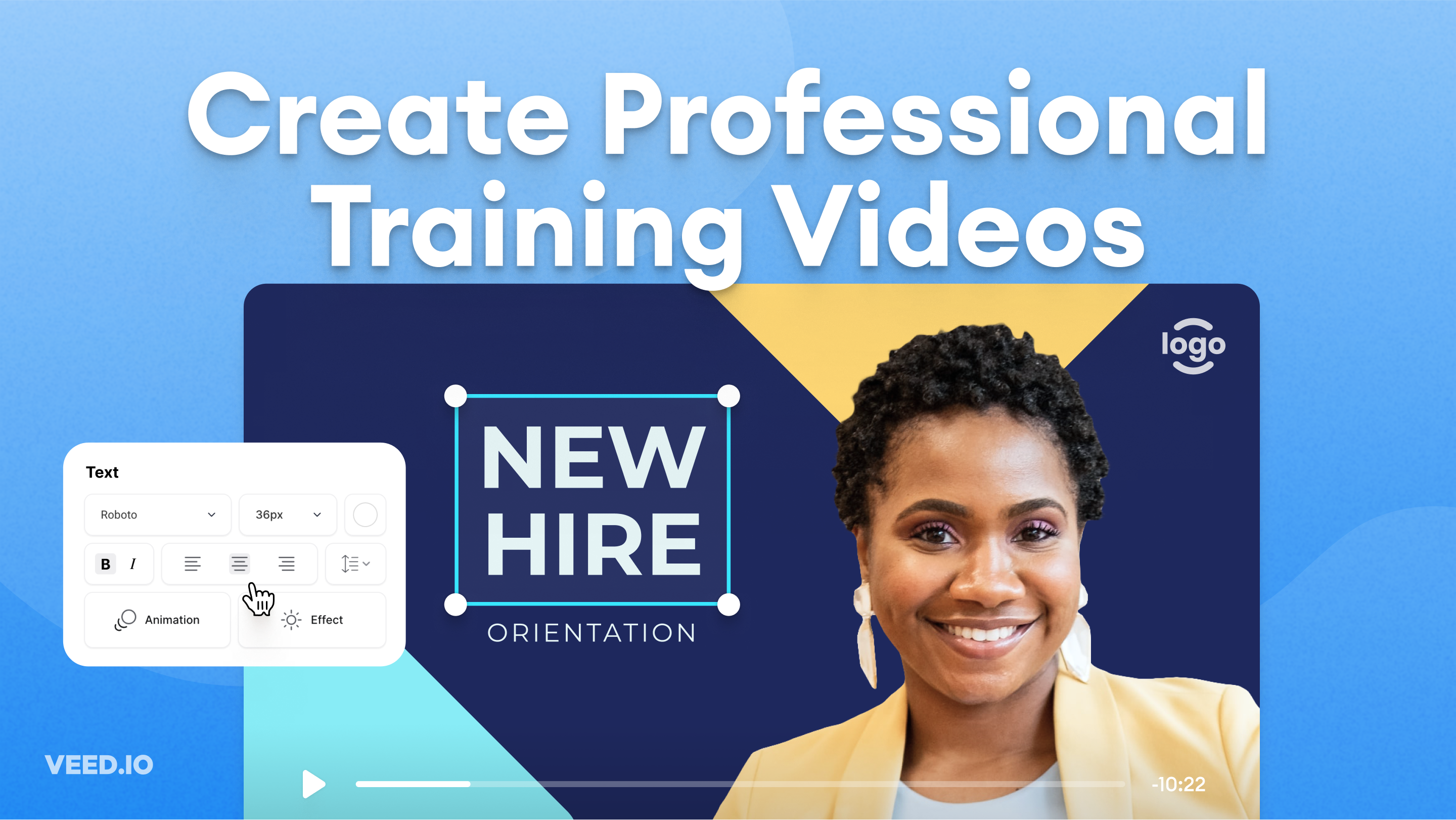
How to Easily Create Training Videos (With Examples)
How to create training videos to support your business with VEED's easy-to-use video recording, editing, and collaboration tool.

How to Make AI Videos with VEED: Bring Your Ideas to Life
Want to learn how to make AI videos with VEED? Check out this starter guide to take your video projects from A to Z in the blink of AI.

The Research is in: What Makes a Training Video Engaging and Effective?
Dive into our latest research report: The Science of Great Video for Training. Unravel the secrets to making a successful video training.
Trusted by 1M+ creators
When it comes to amazing videos, all you need is VEED
No credit card required
More than an AI demo video generator
Generate demo videos, UGC-style ads, talking head videos, and more. VEED is an AI video creation platform where you can generate, edit, and export videos. Type your idea or script into VEED AI. Or make any image talk with our lip sync video model. Everything you need, all in one place. Create your first video. Sign up for VEED now.