

Trusted by 1M+ creators
AI Training Video Generator
Instantly turn ideas into professional training videos with AI
No credit card required
4.6
2,100+ reviews















Create AI training videos from simple descriptions
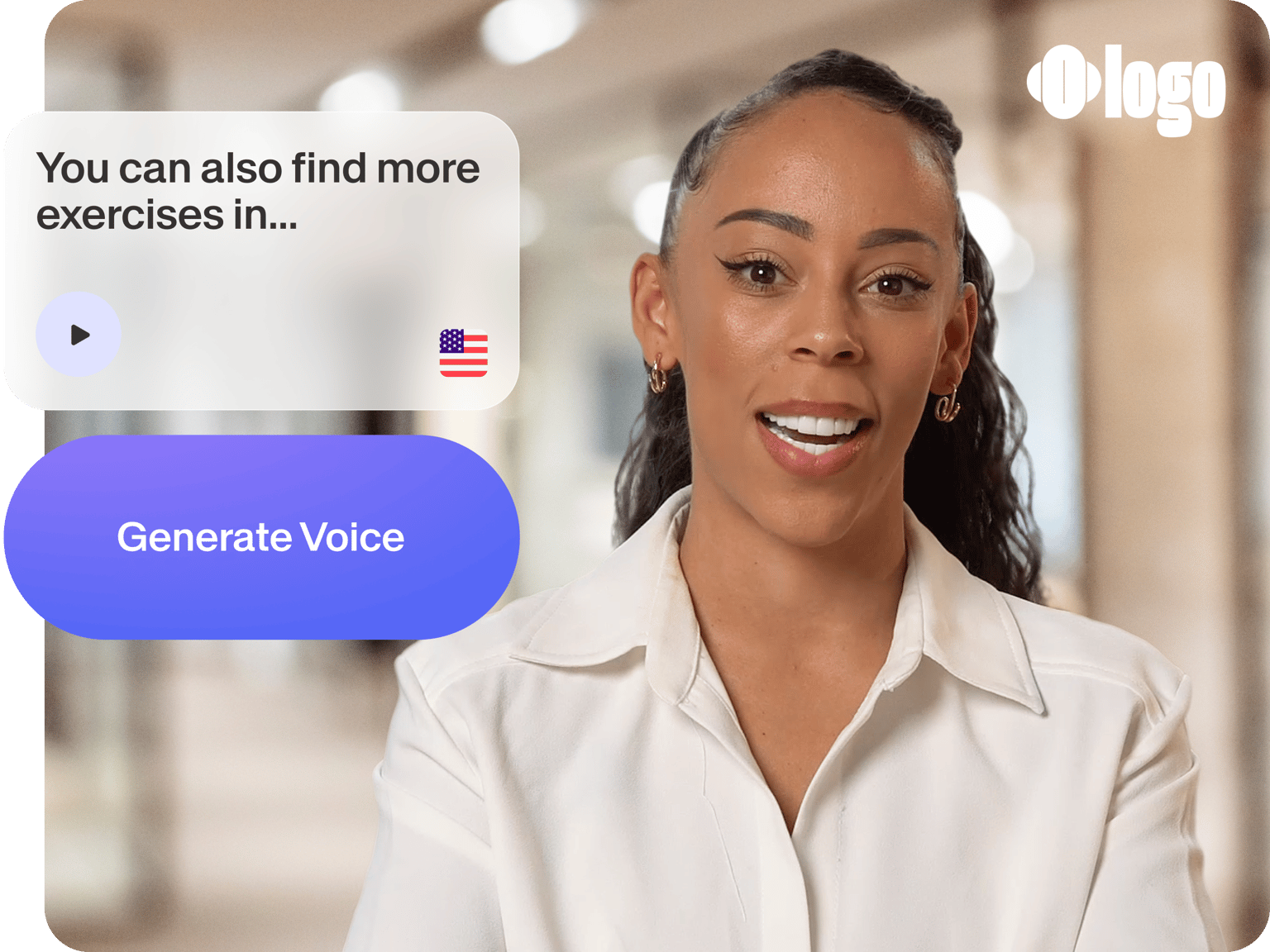
Creating training videos traditionally means coordinating scripts, presenters, equipment, and editing—a process that can take weeks. With our AI training video generator, simply describe your topic or paste your script. The AI produces a complete video with narration, visuals, and professional styling.
Get polished, AI-generated training videos ready for your team, complete with AI avatars and stock footage, customizable voiceovers, and background music. Skip the production complexity. Build employee onboarding content and sales training videos. Create employee onboarding content, instructional videos, and short-form explainer videos.
How to create training videos with AI:
Step 01
Describe your topic or enter your script
Type a description of the training video you need, or paste your existing script. The AI breaks up your content into scenes and generates matching visuals and narration.
Step 02
Customize video settings
Choose your presenter style: AI avatar or voice-only narration. Select your preferred language, voice, and background music.
Step 03
Generate, edit, and export your training video
Preview your AI-generated video, and swap any scene's media with your own footage, stock clips, or AI-generated visuals. Add captions with our auto subtitle generator, apply your branding, and export in your preferred format.
Learn More
Learn how to create training videos:
Simple and fast AI training video generator
Create training videos in minutes, not weeks. Just describe what you need, and the AI handles scripting scenes, generating visuals, and producing voiceovers. No film crews, no complex software, no back-and-forth with editors. Just type and generate.
Professional sales training videos in a few clicks
Sales content goes stale fast. New products, updated pricing, shifting competitive landscape. And suddenly your sales training videos need a refresh. With AI generation, updating content is as simple as editing a script. Generate fresh narration with text-to-speech or talking avatars. Easily collaborate with your team with cloud-based video editing.
Full video editor for further customization
Open your AI-generated training video in our online editor for fine-tuning. Use text-based editing to trim clips like editing a document. Swap scene media, add captions and your logo, and export in your chosen format. You get AI generation and video editing in one seamless workflow.
FAQ
- Enter your training topic or paste your script. The AI generates scenes with narration automatically.
- Customize your settings: choose avatar or voice-only, select language and voice, pick background music.
- Preview, edit any scenes in the built-in editor, then export or share directly with your team.
AI training videos work across multiple use cases:
- Sales enablement: Sales training videos and sales pitch training for revenue teams
- Internal HR: employee onboarding, compliance training, and workplace procedures
- Education: online courses and AI instructional videos for students or customers
- Quick content: short-form explainers for quick tips or process walkthroughs
Already have presentation decks? Convert them directly with our slides-to-video converter.
The AI training video generator runs on AI credits. Sign up to see what's available on your plan. Check our pricing page for more information.
Yes. Use our personal avatar tool if you want your training videos to feature yourself; no need to record every video from scratch. Record a short sample video reading a pre-set script, and our AI will generate a digital avatar that looks and sounds like you. Once created (typically 6-8 hours), simply type your training script and your avatar delivers it. Great for leaders who want a consistent presence across multiple training modules without repeated filming sessions.
No problem! If you prefer a more personal touch, record directly with our online screen recorder with a built-in teleprompter, then enhance with AI tools. Clean up background noise with our AI noise remover and use Magic Cut to automatically trim filler words. Or run your recording through our AI clip generator to pull the most engaging snippets for social sharing.
Loved by creators.
Loved by the Fortune 500
“
With VEED I didn't need 15 tutorials - I jumped straight in and started editing.

Gwenne Wilcox
Founder,
Brand Brainery
“
You can go beyond choppping things. VEED actually makes my videos look great.

Michael Glover
Demand Gen Manager,
ConvertFlow
“
The first four videos i created with VEED got over 40,000 impressions on LinkedIn.

Travis Tyler
Senior Content Producer,
PandaDoc
“
I found VEED at the right time: if you're making UGC ads and not using Eye Contact Correction and Noise Reduction on VEED you're missing out on ROI.

Sebastian Schurgers
Head of Growth Marketing,
Gronda
“
With VEED I didn't need 15 tutorials - I jumped straight in and started editing.
Gwenne Wilcox
Founder,
Brand Brainery
“
You can go beyond choppping things. VEED actually makes my videos look great.
Michael Glover
Demand Gen Manager,
ConvertFlow
“
The first four videos i created with VEED got over 40,000 impressions on LinkedIn.
Travis Tyler
Senior Content Producer,
PandaDoc
“
I found VEED at the right time: if you're making UGC ads and not using Eye Contact Correction and Noise Reduction on VEED you're missing out on ROI.
Sebastian Schurgers
Head of Growth Marketing,
Gronda
“
The first four videos i created with VEED got over 40,000 impressions on LinkedIn.
Travis Tyler
Senior Content Producer,
PandaDoc
“
I found VEED at the right time: if you're making UGC ads and not using Eye Contact Correction and Noise Reduction on VEED you're missing out on ROI.
Sebastian Schurgers
Head of Growth Marketing,
Gronda
“
With VEED I didn't need 15 tutorials - I jumped straight in and started editing.
Gwenne Wilcox
Founder,
Brand Brainery
“
You can go beyond choppping things. VEED actually makes my videos look great.
Michael Glover
Demand Gen Manager,
ConvertFlow
Discover more
- AI Animation Generator
- AI Art Video Generator
- AI Course Creator
- AI Marketing Video Generator
- AI Movie Generator
- AI Music Video Generator
- AI News Generator
- AI Reel Generator
- AI Stock Video Generator
- AI UGC
- AI Video Demo
- AI Video Editor
- AI Video Generator
- AI Video Maker
- AI Visual Generator
- AI YouTube Video Maker
- Animate from Audio
- Article to Video
- Blog to Video
- Faceless Videos
- Idea to Video
- Script to Video
- Seedance AI Video
- Text to Animation AI
- Text to Video AI
- TikTok Video Generator
- Veo 3
- Video Generators
- Viral AI Video Generator
- YouTube Shorts Maker
Explore related tools
More from VEED

The Ultimate Guide to Corporate Training Videos
Learn how to create corporate training videos that engage employees, improve retention, and scale learning across your organization.
How to Easily Create Training Videos (With Examples)
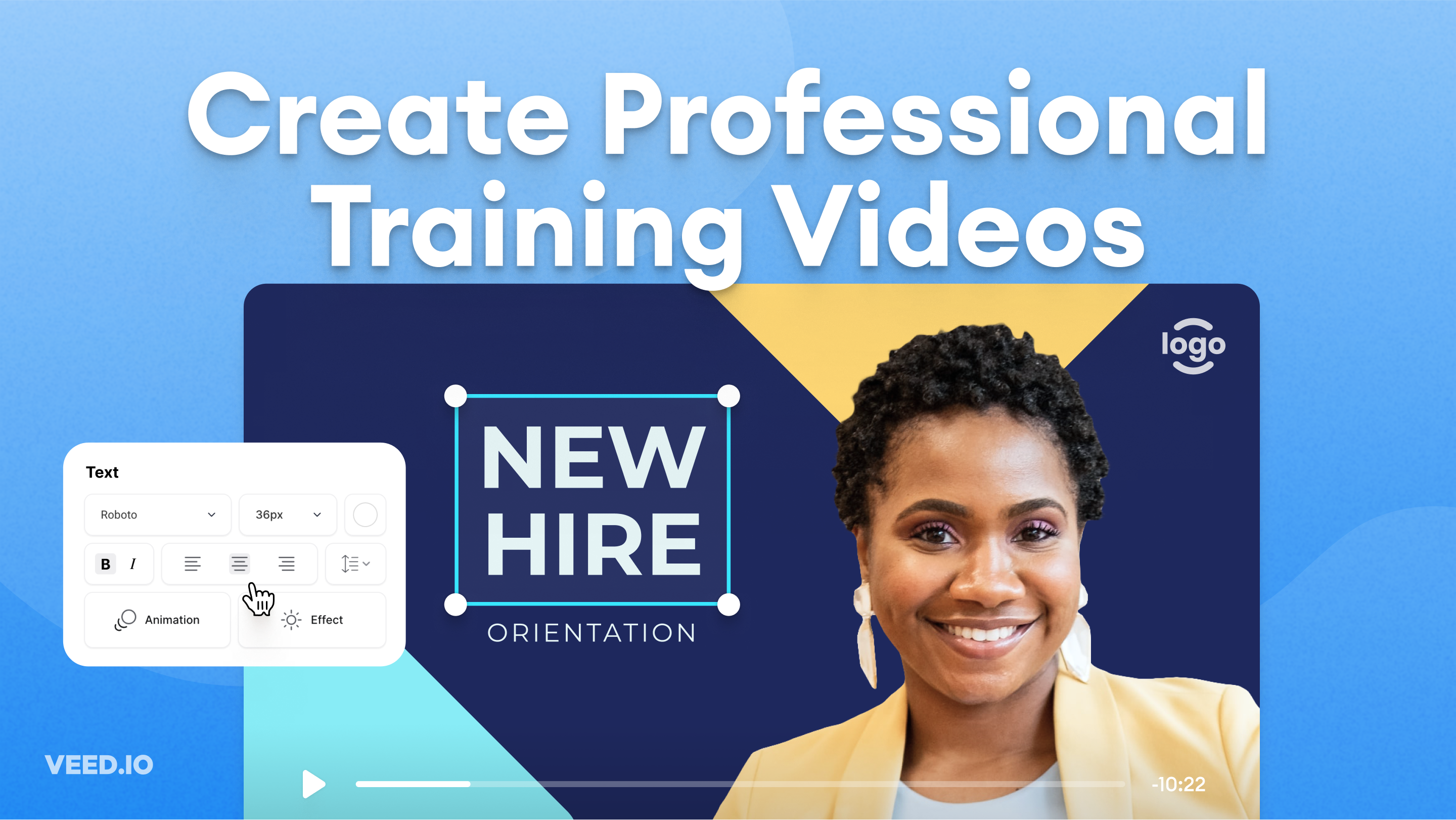
How to create training videos to support your business with VEED's easy-to-use video recording, editing, and collaboration tool.

The Research is in: What Makes a Training Video Engaging and Effective?
Dive into our latest research report: The Science of Great Video for Training. Unravel the secrets to making a successful video training.
Trusted by 1M+ creators
When it comes to amazing videos, all you need is VEED
No credit card required
More than an AI training video maker
Beyond creating training videos, VEED provides a complete video creation toolkit. Access professional editing tools, screen recording capabilities, AI voice options, and collaborative features that streamline your entire content workflow. From initial concept to final distribution, everything you need for impactful video communications lives in one browser-based platform.